

Overview
The most practical way to use AI to organize a print project brief is to first give it the event goal, audience, distribution scenario, size preferences, quantity, deadline, budget, and existing assets. Then use the "MINDS three print-submission checkpoints" to turn everything into a requirement sheet: ① align the use case, ② shape the specifications, ③ flag missing details
The purpose of this document is not to generate an automatic quote. It is to make sure procurement, design, and the print vendor are speaking the same language before requesting pricing. Many projects get stuck not because printing is difficult, but because the first version of the requirement only says, "Need a DM, urgent," leaving everyone else to fill in the blanks by guesswork
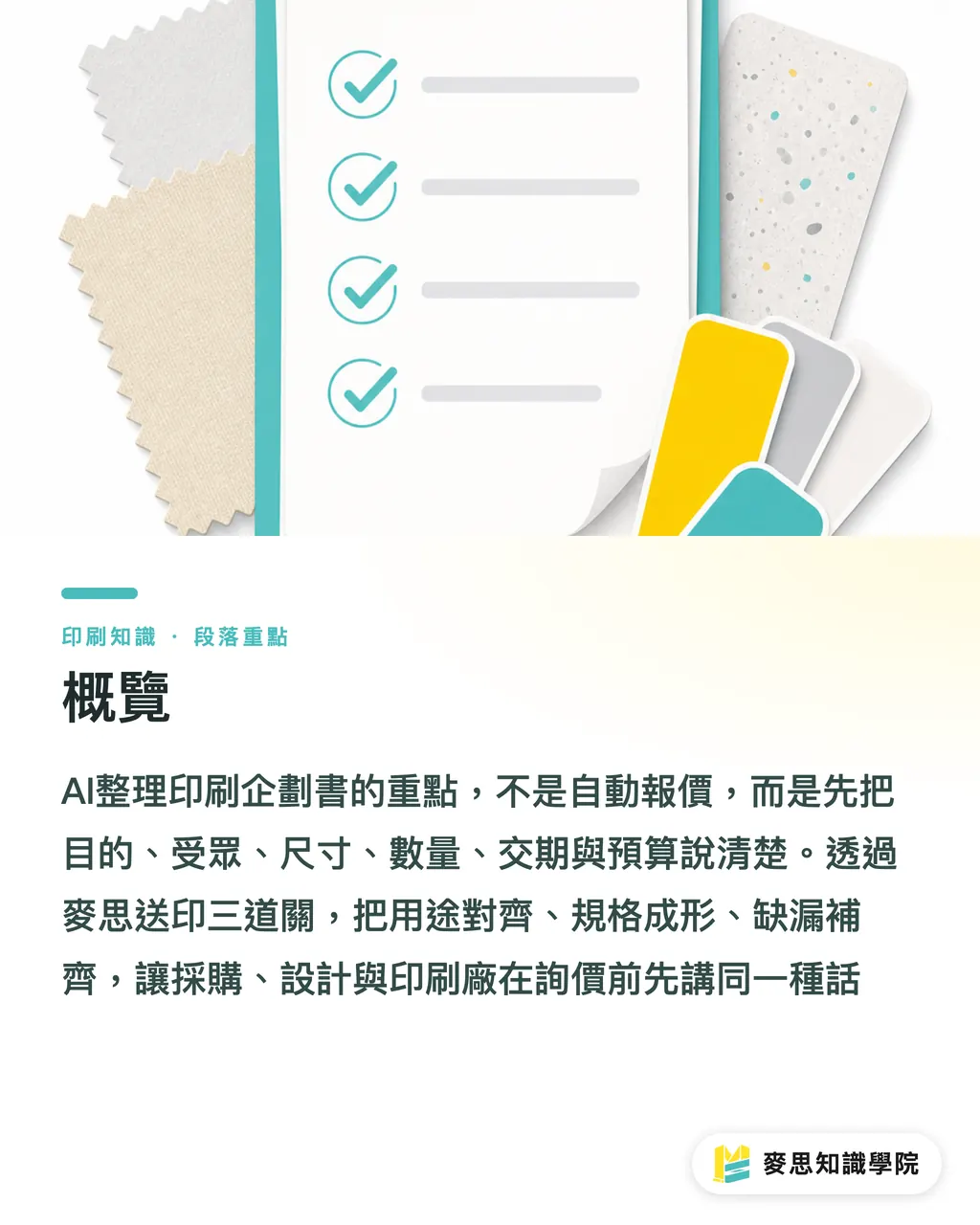
What Information Should Be Organized First in a Print Project Brief?
Standard definition of a print project brief: a print project brief is a project document that organizes the purpose, target audience, distribution method, specifications, quantity, deadline, budget, asset status, and approval workflow of a printed piece so it can support internal decisions, design execution, and vendor quoting. In Taiwan, SMEs often call it a requirement sheet or production brief
I recommend preparing 8 types of information from the start. If one is missing, you will likely add another round of back-and-forth later
・Event goal: new product launch, trade show distribution, in-store promotion, member retention, brand image refresh
・Audience: general consumers, VIP customers, distributors, corporate buyers, internal employees
・Distribution scenario: picked up at a counter, mailed in envelopes, handed out at a trade show, included in a tote bag, used during sales visits
・Size preference: A 4, A 5, tri-fold DM, postcard size, custom die-cut shape, or existing template
・Quantity: for example, 300 copies for proofing needs, 1,000 copies for an event, 5,000 copies for channel distribution
・Deadline: the artwork completion date, print submission date, and arrival date must be written separately
・Budget: provide an acceptable range first; do not just write "as cheap as possible"
・Existing assets: logo, brand colors, copy, product photos, old files, reference images, photos of previous printed samples
At this stage, AI works like a very detail-oriented planning assistant. When you pour scattered information into it, it can organize it into paragraphs, break it into a form, and mark blank fields. The real value is that AI forces you to write down the things you assumed everyone already knew
How Can AI Turn Scattered Ideas into an Actionable Brief?
The most reliable approach is not to ask AI to write polished copy right away, but to have it perform a "requirements inventory" first. The biggest risk in print projects is that the brief sounds complete at the beginning but lacks specifications; it looks like a project brief, yet the vendor cannot estimate the work and the designer cannot set up the file
You can use this prompt as a starting point
・Please organize the following information into a print project brief
・Please divide it into project objective, target audience, usage scenario, recommended items, size and material preferences, quantity, deadline, budget, existing assets, and questions to be confirmed
・Please do not generate an automatic quote; only organize requirements and missing information
・Please use wording that procurement, design, and print vendors can all understand
・At the end, please list 10 questions I still need to answer
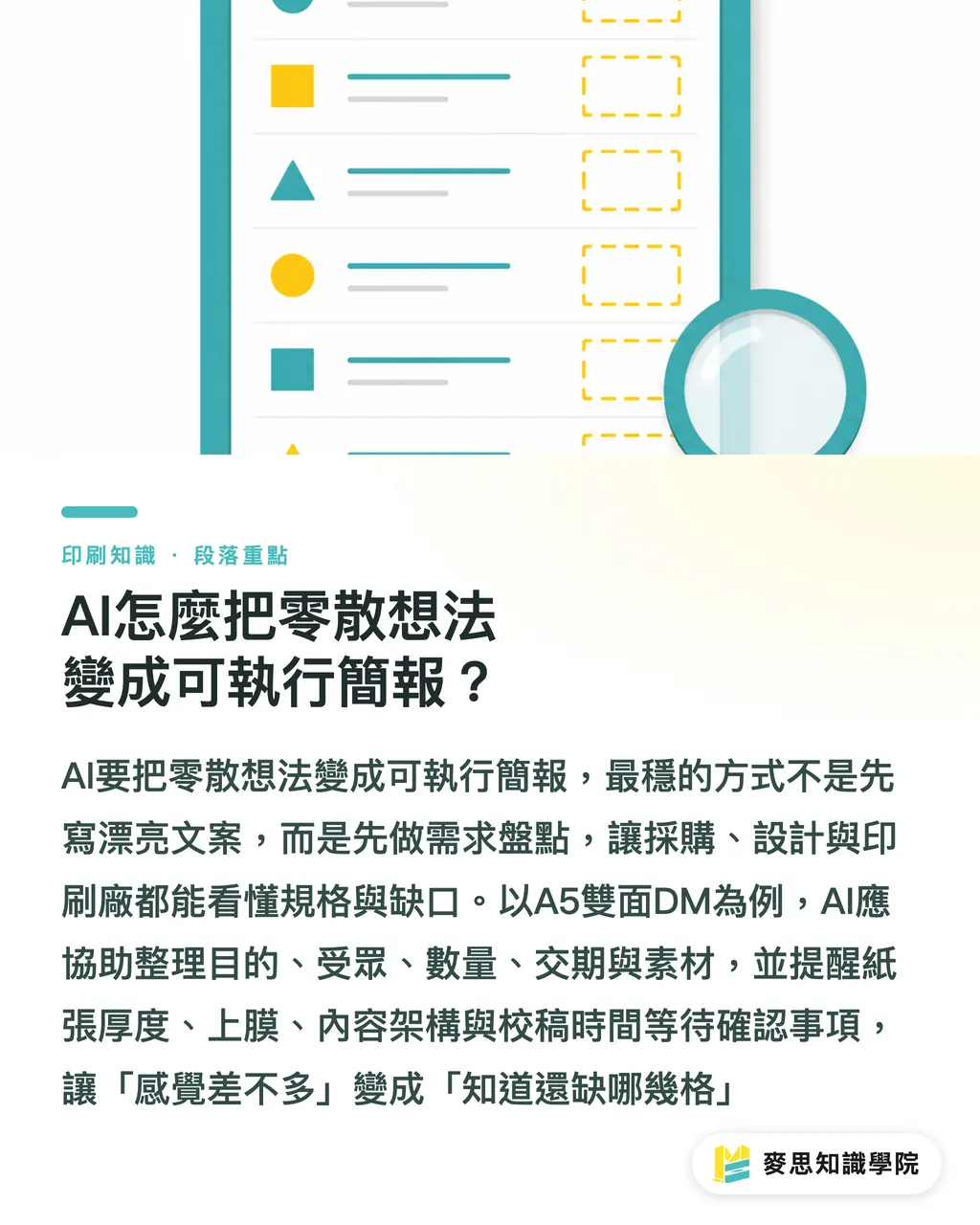
Here is a common example: a company is joining an exhibition in Taipei and wants to produce an A5 double-sided DM to hand out to potential customers on site. They expect to print 1,000 copies, need delivery in two weeks, and already have a logo, product photos, and an old DM, but the copy is not finalized. After AI organizes this, it should at minimum remind you of 4 things: paper thickness is undecided, lamination is undecided, the structure of the double-sided content is undecided, and time must be reserved between artwork completion and delivery for proofing
That is the value of using AI to organize a project brief. It turns "close enough" into "which fields are still missing"
Why Shouldn't a Project Brief Be Mixed with Automatic Quoting?
Before requesting a quote, the requirement sheet should focus on making the conditions clear. Pricing is a separate matter involving paper costs, machines, imposition, finishing, waste, deadline pressure, and the print shop's internal schedule. These should not be forced into a rough calculation from a block of AI-generated text
I have seen many cases where procurement teams used an AI-generated estimate to pressure vendors, and both sides ended up frustrated. Printing is not based only on size and quantity. For the same A5 double-sided piece, 150 lb coated paper, 200 lb matte coated paper, spot gloss, matte lamination, folding, and rush production will each change both cost and lead time
AI can help you do 3 things in a project brief
・State the requirements completely so the vendor has to ask fewer basic questions
・List the options clearly so the internal team understands which specifications affect cost
・Flag risks in advance, such as insufficient asset resolution, an overly tight deadline, or a mismatch between budget and finishing expectations
Do not rush to turn a project brief into a quotation sheet. Ask the right questions first, and later quotes will have a basis for comparison. When the consultant team at Mai Strategy Knowledge Academy helps customers organize print requirements, they also look at purpose and scenario first before discussing paper, finishing, and budget priorities
How Can Procurement and Design Use AI to Align First?
Procurement cares about budget, deadlines, and supplier comparisons; design cares about size, layout, asset quality, and final artwork requirements. If these two sides do not share the same document, the project can easily fall apart in the final 3 days
I would have AI split the same project brief into 2 versions
・Procurement version: item, quantity, deadline, budget range, alternative specifications, quoting notes
・Design version: size, page count, bleed, color mode, image requirements, brand assets, final artwork deadline
・Shared version: event goal, audience, distribution scenario, final approver, version history
The version history is especially important. Common disputes in print projects are often not about who made a mistake, but about everyone remembering a different version. Changes such as A5 to A4, 500 copies to 1,000 copies, matte lamination to no lamination, or Friday delivery to Wednesday delivery all need a timestamp and reason
A practical version history should include at least 4 fields
・Date: for example, 2026/07/04
・Person making the change: procurement, design, sales, or manager
・Change made: quantity changed from 1,000 copies to 2,000 copies
・Impact reminder: paper inventory and lead time need to be reconfirmed
If the project has already moved into premium paper, special finishing, or brand image printing, I recommend taking the first draft to a team such as MINDS Printing, which handles fully customized commercial printing, for an early review. Confirming paper and finishing 5 minutes earlier is often far cheaper than reopening files after artwork is finalized
How Should You Check a Print Project Brief Organized by AI?
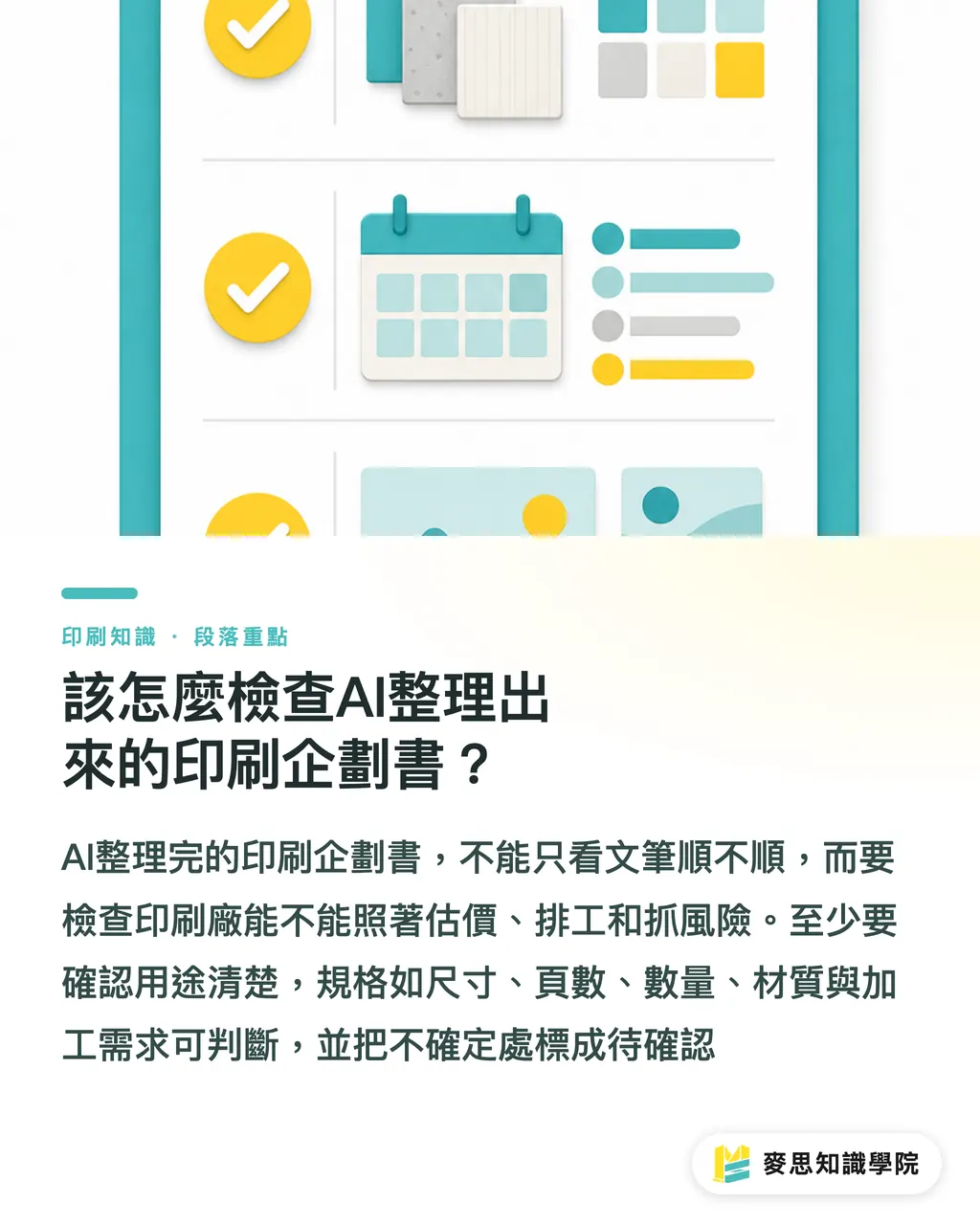
Once AI has organized the brief, that does not mean you can send it directly to the print vendor. My habit is to run through a "5-point check," which is more useful than judging the writing style
・Is the use case clear: after reading it, can you tell whether the printed piece will be used at a trade show, in a store, by mail, or during sales visits?
・Can the specifications be estimated: are size, page count, quantity, single- or double-sided printing, material preferences, and finishing requirements written down?
・Is the timeline separated: are the artwork completion date, proofing date, print submission date, and arrival date listed separately?
・Are the assets explained: are the logo, images, copy, brand colors, and old files listed with their current status?
・Are missing items handled honestly: are uncertain points marked as to be confirmed instead of being forced into conclusions?
The briefs I worry about most are the ones where every paragraph reads smoothly, but no print vendor can estimate from them. Print production teams read documents very directly: can they set specifications, schedule the job, and identify risks? If a brief cannot pass these three checks, it is only an internal presentation, no matter how polished it looks
Key Takeaways
・When using AI to organize a print project brief, organize the requirements first; do not rush into calculating the price
・A good requirement sheet should let procurement, design, and the print vendor see the same version
・Event goal, audience, scenario, size, quantity, deadline, budget, and assets are the minimum 8 types of information needed before requesting a quote
・Version history is not administrative busywork; it is insurance against rework and disputes in print projects
・AI is best at reminding you what is missing. People still need to judge the trade-offs among paper, finishing, deadline, and budget
Further Considerations
For print manufacturers, using AI to organize project briefs can reduce early back-and-forth and help sales teams more quickly determine whether a job is better suited for digital printing, gang-run printing, or custom finishing. For designers, a requirement sheet can lock in size, assets, and final artwork timing earlier, reducing late-night file revisions. For SaaS teams, the truly valuable product feature is not jumping straight to automatic quoting, but structuring print requirements, preserving version history, flagging missing details, and then handing the organized information to someone who understands production methods
FAQ
- Can AI write a print project brief for me directly?
- Yes, but you need to provide the event goal, audience, distribution scenario, size preferences, quantity, deadline, budget, and existing assets first. AI is well suited for turning these into a requirement sheet and a list of missing items, but the final specifications should still be confirmed by procurement, design, or a print consultant
- What is the difference between a print project brief and a request for quotation?
- A print project brief is more about internal alignment, explaining the purpose, audience, scenario, and design direction. A request for quotation is more about vendor pricing and needs estimable conditions such as size, quantity, paper, finishing, and deadline. The two can be connected, but they should not be merged into an automatic quoting document
- What does AI most often miss when organizing print requirements?
- The most commonly missed items are the distribution scenario, final artwork date, paper preferences, finishing requirements, and asset status. Simply writing "make a DM, print 1,000 copies" is usually not enough. The print vendor will still need to ask about size, paper, single- or double-sided printing, lead time, and whether post-press finishing is required
- Can designers start artwork directly from a project brief organized by AI?
- It is not recommended. Designers should at least reconfirm size, bleed, page count, color mode, image resolution, brand assets, and final artwork timing. For folded pieces, die-cut shapes, lamination, foil stamping, and other finishing jobs, they should confirm with the print production side first
- What is the simplest way for an SME to start its first print project brief?
- Start with a one-page requirement sheet covering 8 items: purpose, audience, scenario, item, size, quantity, deadline, and budget. Then ask AI to list the questions that still need confirmation. That document is enough for procurement, design, and the print vendor to begin communicating effectively
Related articles



The Print × AI weekly
The print and AI know-how designers, brands and enterprises can use before they commit — one email, every week
MINDS Free Tools
AI background removal, a LINE sticker maker, spine & imposition calculators — all free, right in your browser, no upload.
MINDS Group
Need actual printing or gifting services?
From premium printing to online ordering and festive gifts — the MINDS Group sister brands take it from here.