
Overview
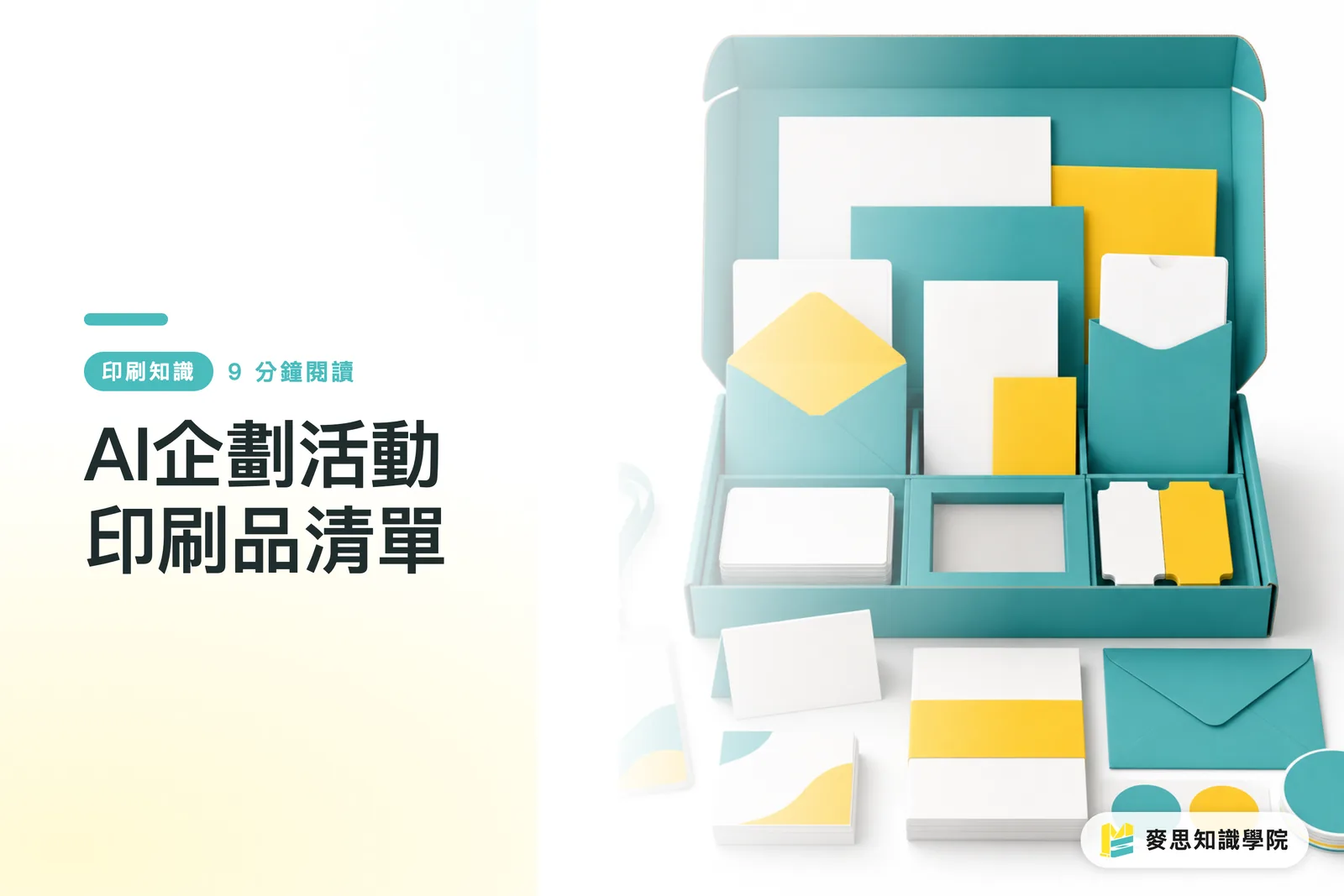
The most reliable way to use AI for planning an event print materials checklist is to start by feeding in the event type, target audience, on-site traffic flow, distribution scenarios, estimated footfall, deadlines, and budget, then run the list through MINDS (MS)'s three-gate print check: ① can the specs actually be printed, ② are the quantities enough, ③ can the deadline fit into production
I've seen too many event projects hit a wall in the final three days, not because the poster wasn't designed well, but because invitation cards, table cards, stickers, booklets, backdrops, and packaging labels were each remembered by a different person, leaving the print shop to chase them down one item at a time
Event print materials checklist: An event print materials checklist maps out all the items needed for invitation, traffic flow, display, explanation, conversion, and packaging, organized by scenario into a ready-to-commission table of specs, sizes, quantities, materials, finishing, and deadlines, so nothing gets missed in design or print
Why Can't You Get Away with Just One Hero Visual for Event Print Materials?
Event print materials typically fall into four common scenarios: new product launches, in-store promotions, trade shows, and franchise recruitment
When MINDS (MS) helps clients sort out their print needs, the first question I ask is never 'how many posters do you need' — it's 'who do you want doing what, and where, at this event'
The hero visual only answers what the brand looks like. The event print materials checklist answers how the venue actually runs
New product launches typically need at least five types of materials: invitation cards, product booklets, posters, packaging labels, and table cards
MINDS (MS)'s three-gate print check starts by asking whether the new product needs take-home information, because if the venue only has large-format visuals and guests leave without a catalog, DM, or pocket card, the sales message dies the moment they walk out the door
Print materials for new product launches need to look good and be worth taking back to a desk or counter
In-store promotions typically use four close-contact materials: entrance posters, counter table cards, promotional stickers, and redemption or loyalty cards
At in-store print projects, MINDS (MS) focuses hard on traffic flow, a customer walking from the door to the counter may have only six to ten seconds, and the print materials need to communicate the promotion within that distance
In-store materials fail not because the design is bad, but because the message ends up where customers never stop
Trade show materials need to work across at least three layers: backdrops visible from a distance, posters readable mid-range, and booklets or cards guests can take away
When MINDS handles trade show projects, we always flag that the backdrop and the booklet shouldn't share the same file just resized, the type size you need at three meters away is a completely different scale from something you're reading in your hands
Trade show print materials need layout rethought for reading distance, not just the hero visual scaled up or down
Franchise recruitment materials typically touch six information points: brand story, profit model, store formats, equipment layout, franchise process, and contact details
The Mai Strategy Knowledge Academy consultant team usually recommends building one master booklet first, then extending it into recruitment posters, table cards, and backdrops for presentations, because franchise prospects aren't looking for excitement, they're asking whether this brand can be replicated at the next location
How Does AI Derive Print Items from Event Objectives?
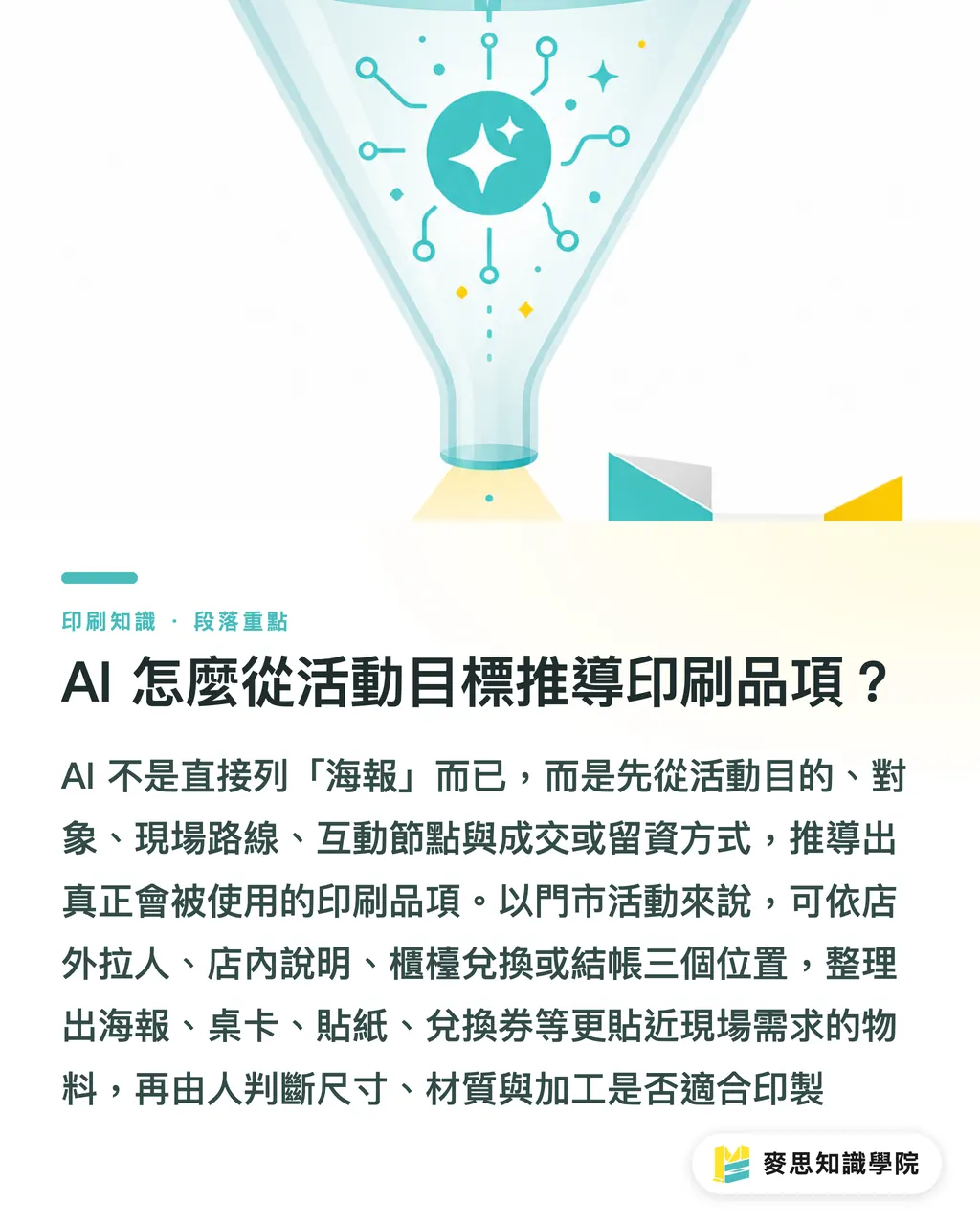
When using AI to plan an event print materials checklist, I break the prompt into five fields: event purpose, audience, on-site route, interaction touchpoints, and conversion or lead-capture method
The first gate in MINDS (MS)'s three-gate print check is specs, AI lists the items first, then a person judges whether the sizes, materials, and finishing can actually go to press
Get this step right and designers won't just receive a vague 'make me an event visual'
For a new product launch, try asking AI: This is a new product launch event, the audience is existing clients and trade partners, and the venue has four touchpoints, check-in, product display, trial, and negotiation. Please list the print materials needed
MINDS (MS) requires the AI response to cover at minimum: item name, purpose, placement location, recommended size, quantity estimation method, and whether it needs to extend across the same design system
I then cut whatever isn't necessary, keeping only the items that can actually go on press and into the venue
For in-store promotions, let AI derive materials from three locations: outside the store, inside the store, at the counter
MINDS (MS) uses this breakdown for in-store print projects because the outside pulls people in, the inside explains the promotion, and the counter closes the redemption or sale
If AI only lists posters, the prompt was too narrow. If AI lists posters, table cards, stickers, and redemption vouchers, that's starting to match what the venue actually needs
For trade shows, let AI derive materials from three reading distances: seen from far away, read when you stop, taken away to read later
MINDS puts far-away materials on backdrops and large-format output, stop-and-read materials on posters or display stands, and take-away materials on booklets, DMs, and business card-sized contact cards
This breakdown is sharper than just listing 'trade show supplies' because it maps directly to where people's eyes and hands actually go
For franchise recruitment, let AI derive materials from two types of people: someone encountering the brand for the first time, and someone who's already ready to schedule a meeting
The Mai Strategy Knowledge Academy consultant team plans the first group's materials as brand introductions and recruitment one-pagers, and the second group's as fuller franchise booklets and meeting table cards
At the same recruitment event, strangers need trust, prospective franchisees need information they can actually evaluate
How Do You Estimate Quantities Without Printing Too Few or Stacking Up a Full Box?
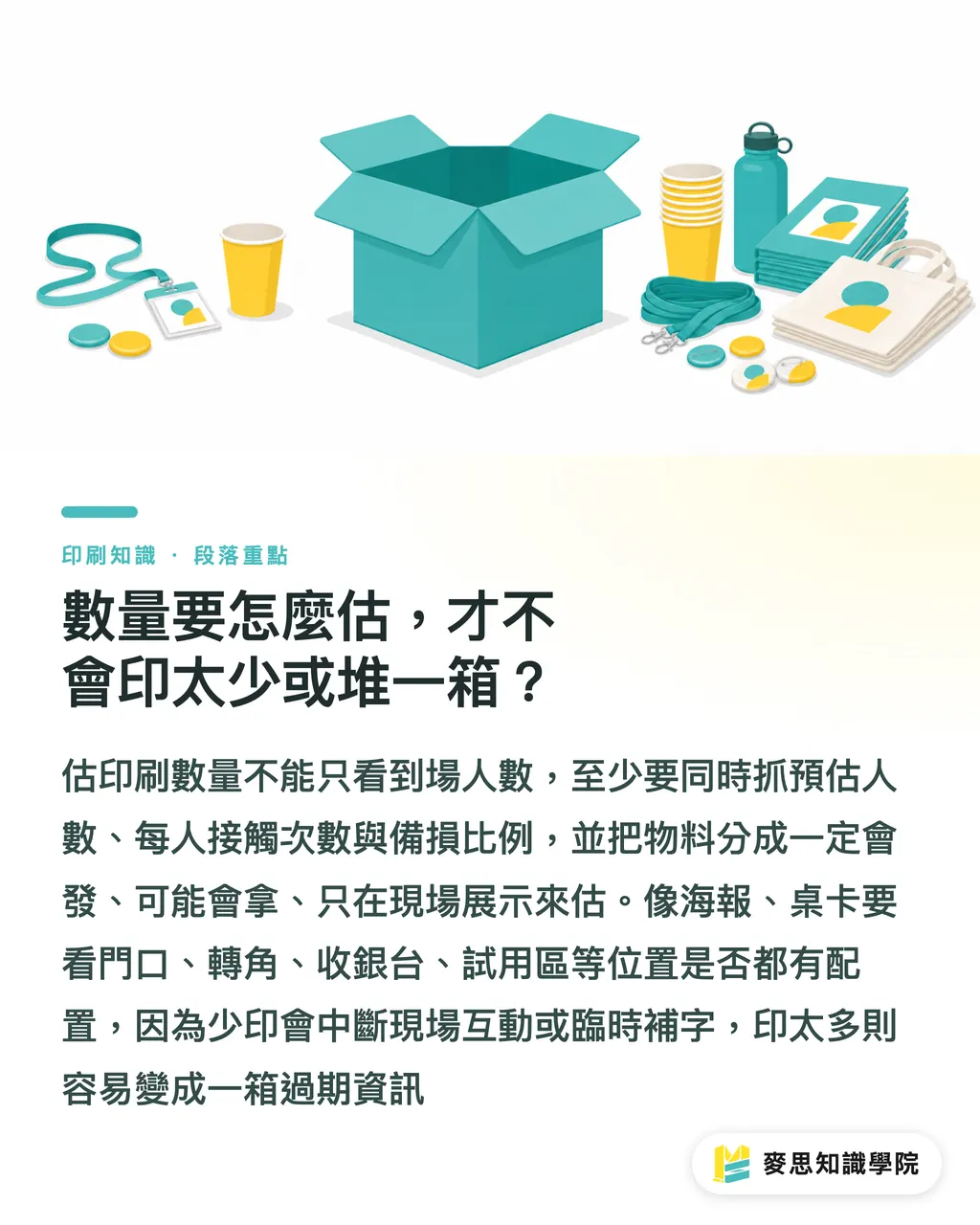
Quantity estimates for event print materials need at least three numbers: projected attendance, contact frequency per person, and a contingency buffer
The second gate in MINDS (MS)'s three-gate print check is quantity, because too few means staff make photocopies on the spot, and too many means a box of outdated information sitting in a warehouse
I start by separating materials into three types: 'definitely going out,' 'might get picked up,' and 'display only on-site' — and estimate each separately
Invitation cards and booklets are 'definitely going out' or 'for priority recipients only' — quantities should be tied to a guest list or reservation count
When MINDS (MS) handles new product launches with an estimated 100 guests, we typically don't print exactly 100 invitation cards, we add copies for re-sends, on-site spares, and internal records
You don't need to nail this number precisely. The point is helping procurement understand the actual risk between having 20 too many versus 20 too few
Stickers, redemption vouchers, and pocket cards fall under 'might get picked up' — quantities should track interaction frequency, not just attendance
For in-store promotions, MINDS (MS) reminds clients that one person might take one coupon, or might grab two for a family member or coworker
These items tend to have a lower unit cost, but running out mid-event cuts the on-site interaction dead
Backdrops, table cards, and posters fall under 'display only on-site' — quantities should track locations, not headcount
MINDS counts poster needs by location, entrance, corner, checkout, trial area, and table cards by table count or display unit count
The worst thing that can happen with display materials is a missed spot. One gap and someone's taping up a printed A4 sheet, and brand perception takes an immediate hit
Packaging labels need a separate estimate, because they're typically tied to product count, sample count, or on-site sales volume
MINDS (MS)'s three-gate print check reminds clients to confirm at least four things for labels: the bottle or box dimensions, label material, whether it needs to be waterproof or scratch-resistant, and whether there's a space needed for a barcode or batch number
Packaging labels look small, but they cause the most trouble when they go wrong, because they go directly onto the product
How Do You Plan Design Rollout and Deadline Sequencing?
For event print materials design rollout, the cleanest approach is to build one hero visual first, then break it into three layout versions: far-distance, close-distance, and take-away
When MINDS (MS) bridges design and print production, we ask that the far-distance version keeps the main headline and hero image, the close-distance version adds event details, and the take-away version carries full descriptions and contact information
The same visual system can extend across sizes, but reading order has to be rethought for each format
For deadline sequencing, start with large-format and post-press finishing, then move to smaller formats and flat print
When MINDS handles event projects, we lock in backdrops, large-format output, specialty stickers, and bound booklets first, these four categories are far more likely to stall on materials, die-cutting, mounting, or binding than a standard single-sheet DM
Print deadlines are sequenced by production line risk, not by how important the item seems
File organization needs sequencing too, AI can help turn the materials list into a design task sheet, but MINDS (MS)'s three-gate print check will still verify sizes, bleed, resolution, and color mode
The most painful situation I've seen: a perfectly organized design file, only to discover at the end that a social media image had been scaled up for a backdrop and the resolution couldn't hold
AI can flag the checklist. The person has to turn a screen file into a printable file
If the event is already close, split materials into three batches: must arrive on-site, can be substituted, can be pushed back
When the Mai Strategy Knowledge Academy consultant team handles rush inquiries, we usually secure the backdrop, posters, booklets, and labels first, then decide whether invitation cards or some smaller items should switch to digital notifications
A rush job isn't about forcing everything onto the production line. It's about saving the materials that actually affect on-site conversion and display first
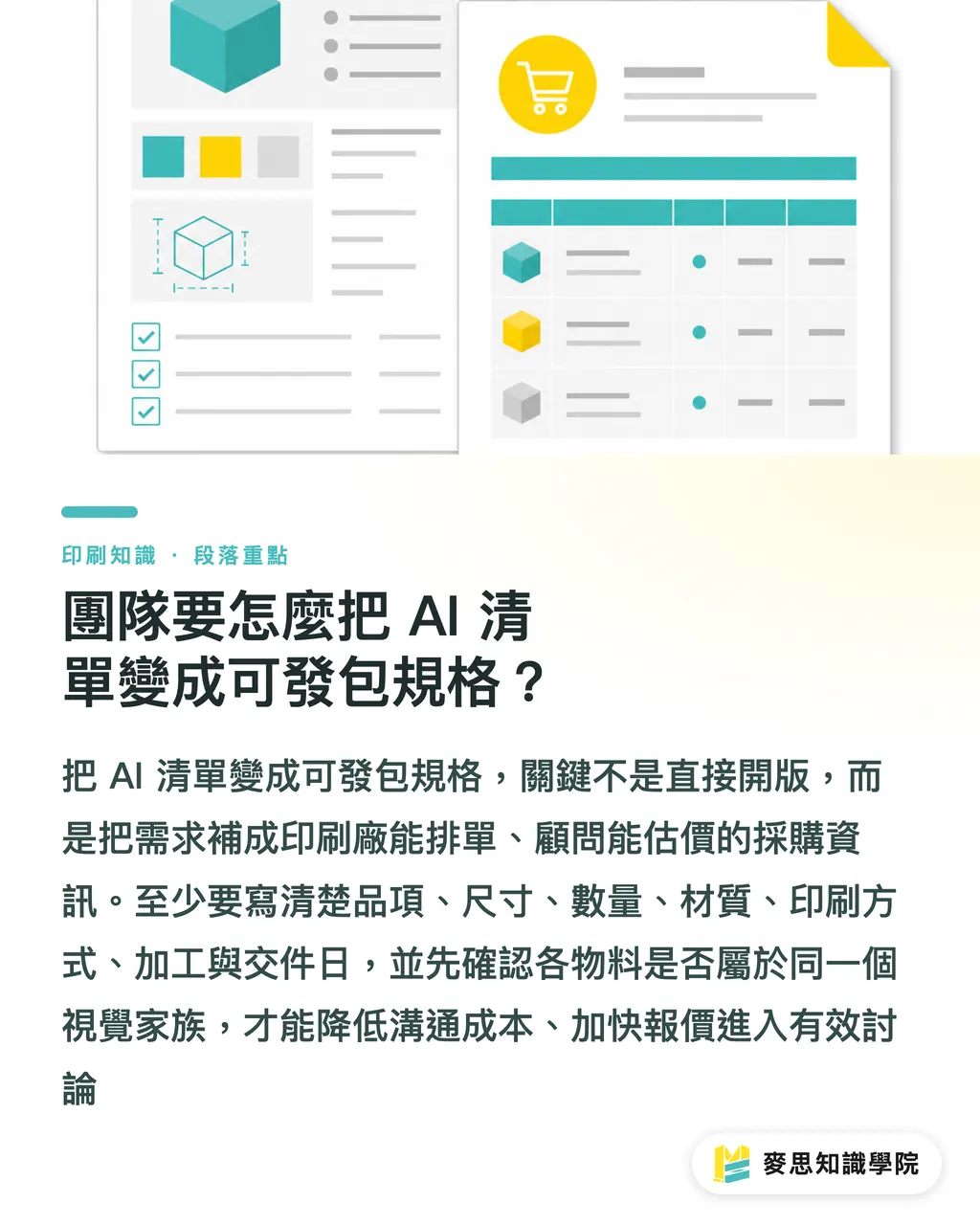
How Does a Team Turn an AI Checklist into Ready-to-Commission Specs?
To convert an AI-generated event print materials checklist into ready-to-commission specs, you need to add at least seven columns: item, size, quantity, material, print method, finishing, and delivery date
The third gate in MINDS (MS)'s three-gate print check is deadline, because a print shop can't schedule 'I need a poster,' but they can schedule 'A1 poster, 10 copies, matte finish, delivered to the venue by Friday'
The more the checklist reads like a purchase order, the lower the communication cost
When designers receive an AI checklist, the first move isn't to open files, it's to confirm whether every item belongs to the same visual family
When MINDS (MS) reviews event design projects, we check three things: whether logo placement is consistent, whether the primary colors extend cleanly, and whether event information reads clearly at small sizes
Design rollout isn't copy-paste, it's making the same brand voice land at every reading distance
After the print shop receives specs, they'll check whether materials, finishing, and deadlines are realistic
When MINDS handles mid-to-high-end fully custom commercial print projects, we often quote sticker materials, booklet binding, and backdrop output separately, each has its own production rhythm
If clients use AI to organize requirements first, then hand them to a professional print consultant for calibration, pricing conversations get to the useful part faster
If a SaaS team wants to productize this workflow, they could structure event types as four entry points: new product launch, in-store promotion, trade show, and franchise recruitment
The Mai Strategy Knowledge Academy consultant team recommends each entry point come pre-loaded with a default materials list, a quantity estimation field, a deadline reminder, and a file checklist
A good tool doesn't just generate copy, it helps users avoid missing a single print item that should have been on-site
Key Takeaways
・Event print materials checklists should grow from people's traffic flow, not from design file names
・AI can list the items first; people have to judge whether the sizes, materials, quantities, and deadlines can actually land in real life
・New product launches: focus on take-away materials. In-store promotions: focus on dwell positions. Trade shows: focus on reading distance. Franchise recruitment: focus on building trust
・Quantity estimates should split into three categories, definitely going out, might get picked up, display only on-site, because the same formula doesn't work across all three
・The value of MINDS (MS)'s three-gate print check is turning a polished planning checklist into specs a print shop can understand and a production line can schedule
Further Thinking
On the manufacturing side, print shops can use AI as an upfront requirements organizer, let clients fill in all seven spec columns before moving to quoting and scheduling. On the design side, AI checklists serve as a layout rollout reminder, keeping teams from finishing only the hero visual while missing table cards, stickers, and booklets. SaaS teams building event planning tools should consider making 'event type, on-site traffic flow, materials list, quantity estimation, and deadline sequencing' a fixed workflow, not just a copywriting generator
If a team has no print experience, the most practical first step is to hand the AI-generated event print materials checklist to the Mai Strategy Knowledge Academy consultant team for calibration, confirming which items should be printed, which specs need adjusting, and which deadline risks need to be addressed first
FAQ
- Can AI directly generate an event print materials checklist for me?
- Yes, but the prompt needs to include event type, target audience, on-site traffic flow, distribution scenarios, estimated attendance, budget, and deadlines, then MINDS (MS)'s three-gate print check will verify whether the specs, quantities, and timeline can actually be printed
- What print materials are typically needed for a new product launch?
- New product launches typically need invitation cards, product booklets, posters, table cards, and packaging labels, if there's on-site sampling or sales, add stickers, pocket cards, or discount vouchers
- How should trade show print materials be planned?
- Trade show materials can be divided into three types: seen from far away, read when you stop, and taken away to read later. Far-away materials use backdrops or large-format output; stop-and-read materials use posters or display stands; take-away materials use booklets, DMs, or contact cards
- How do you estimate event print material quantities safely?
- Start with projected attendance, per-person contact frequency, and a contingency buffer, then split materials into definitely going out, might get picked up, and display only on-site. Don't apply the same formula across all three categories
- Can the AI-generated checklist go straight to press?
- Not recommended, the AI checklist needs to be completed with item, size, quantity, material, print method, finishing, and delivery date, then verified by a designer or print consultant for bleed, resolution, and deadline
Related articles

The Print × AI weekly
The print and AI know-how designers, brands and enterprises can use before they commit — one email, every week
MINDS Free Tools
AI background removal, brand stamping, and a LINE sticker maker — free design tools, right in your browser, no upload.
MINDS Group
Need actual printing or gifting services?
From premium printing to online ordering and festive gifts — the MINDS Group sister brands take it from here.