

Overview
To catch AI print project risks, start with the MINDS (MS) Risk Map three-step method: ① break down the variables. List lead time, materials, copy, regulations, finishing, packaging, and roll-out schedule into 7 cells. ② ask about the cost. Rewrite each cell as an RFQ question. ③ lock in responsibility. Write the confirmation milestone, the deliverable owner, and the final reply deadline into a worksheet

What is the AI print project risk map?
A print project risk map turns lead time, materials, copy, regulations, finishing, packaging, and roll-out schedule into a checklist that can be quoted, confirmed, and divided up, so procurement can see, before signing, where things will stall, go wrong, or trigger extra fees
I'd suggest treating AI as a project assistant. Ask it to use the MINDS (MS) Risk Map three-step method to organize the job first, instead of jumping straight to "how much to print this?"
An A4 flyer, a 24-page catalog, and a poster set for 50 stores swapping on the same day carry completely different risks. A unit-price sheet won't show you that
In practice, the low price usually isn't the problem. The unanswered questions are
A rush job with no sampling time asked up front, specialty paper with no stock check, cross-language copy with no proofreading owner, finishing with no registration tolerance, those are the time sinks that hit print jobs in the back half
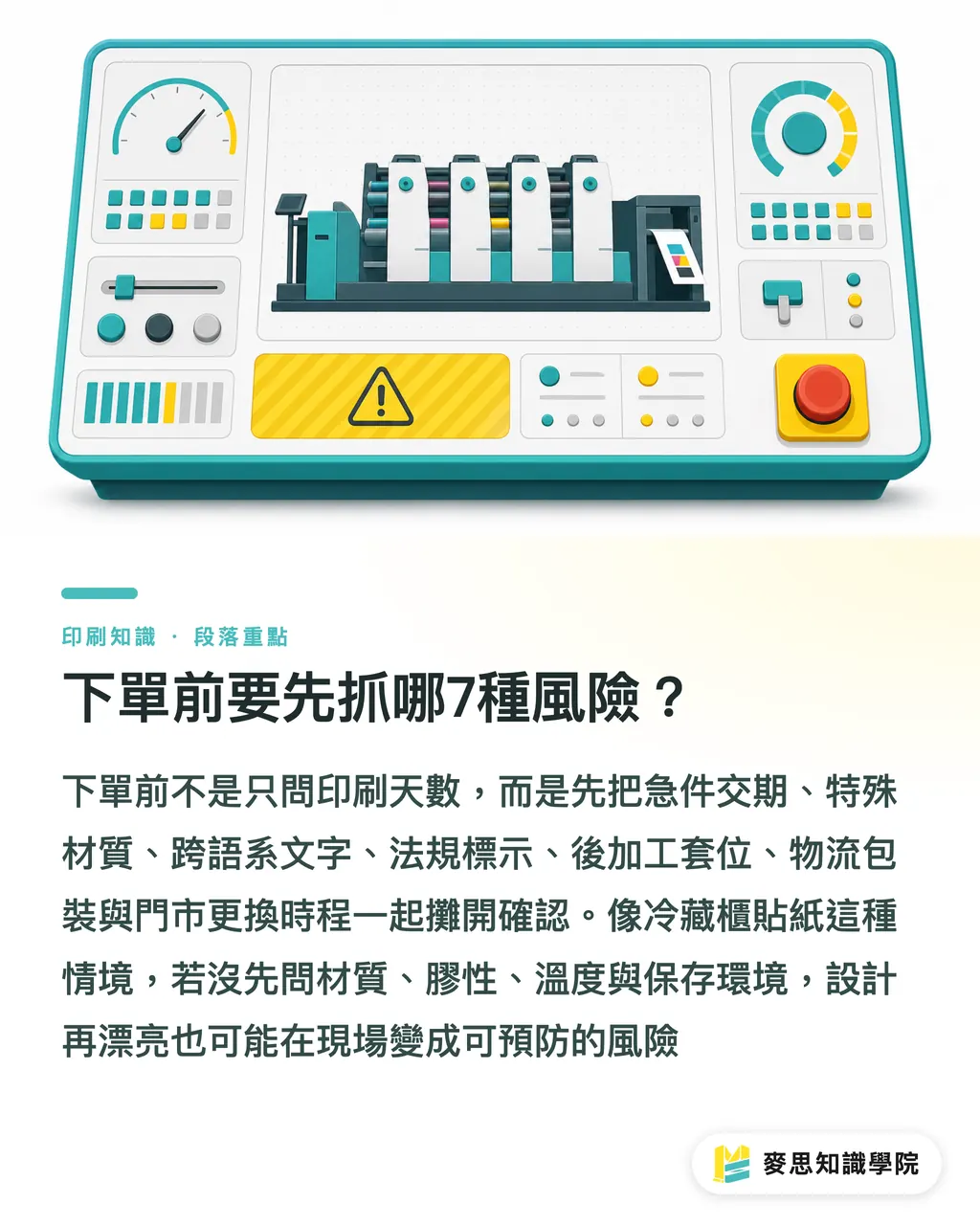
Which 7 risks should you catch before signing off?
The MINDS (MS) Risk Map starts by flagging 7 types of print project risk. These 7 happen to cover exactly where procurement, design, the print shop, and logistics tend to jam each other up
・Rush lead time: e.g., delivery in 3 days. You have to ask up front whether sampling, press time, finishing, and shipping can all be scheduled, not just press days
・Specialty materials: e.g., synthetic paper, heavy cardstock, textured stocks, clear labels. Confirm stock on hand, substitutes, ink absorption, and finishing constraints
・Cross-language copy: e.g., Traditional Chinese, English, and Japanese in the same artwork. Confirm font licensing, line breaks, the proofreader, and the final approved version
・Regulatory labeling: e.g., food packaging, cosmetic labels, warnings, ingredients, expiry date fields. Confirm who supplies the legally compliant text and who signs off last
・Finishing registration: e.g., foil stamping, embossing, coating, die-cutting, spot UV. Confirm registration tolerance, bleed, safety margin, and the acceptable deviation
・Logistics packaging: e.g., split across 10 addresses, 200 copies per carton, store number on each outer box. Confirm packing rules and how damages and shortages get covered
・Store roll-out schedule: e.g., 30 stores swap window posters the same morning. Confirm arrival date, receiving window, old-poster removal, and the shortage reporting channel
I've seen plenty of jobs where the design up front looked great, only to stall on "who knew this sticker was supposed to go on the refrigerated case."
Material, adhesive, temperature, storage environment, if you don't ask first, the kind of problem that could have been cleared before the PO shows up on site
How do you turn risks into RFQ questions?
Where AI is most useful to print procurement is rewriting fuzzy requirements into questions that can actually be answered
The MINDS (MS) Risk Map's approach is simple. For every risk, ask 3 things: can the shop do it, what does doing it affect, and by what date must it be confirmed
・Rush lead time: What is the earliest possible delivery date for this job, including sampling, printing, finishing, and shipping? If we shave off one day, which confirmation steps get dropped?
・Specialty materials: Is the specified paper currently in stock? If it's out, what are the substitute options, thickness, color shift, hand feel, and unit-price difference?
・Cross-language copy: Will the print shop only check whether the file can output, or will they also help check line breaks and missing glyphs? Who signs off the final proof?
・Regulatory labeling: Which file version should be used to output the regulated text, barcodes, batch numbers, and expiry fields? Are variable data changes billed separately?
・Finishing registration: What is the approximate registration tolerance for foil stamping, die-cutting, and spot UV? How many mm of safety margin does the artwork need?
・Logistics packaging: Does the quote cover split cartons, labels, multi-address delivery, and shortage backfill? If delivery addresses are added, how is the cost calculated?
・Store roll-out schedule: Can shipments be split by store list? Per store, who receives, who reports arrival, who handles on-site shortages?
If a job involves rush delivery, cross-language copy, multiple stores, or regulatory labeling, I'd suggest bringing in the Mai Strategy Knowledge Academy consultant team first to organize the requirements into an RFQ package
A decent RFQ package needs at least 7 columns: specs, quantity, lead time, delivery locations, file status, finishing, and acceptance criteria. Only then does the supplier have a shot at quoting a price they can actually deliver on
How do you schedule confirmation milestones so rush jobs don't crash?
Rush jobs aren't impossible. What's dangerous is everyone assuming the next person will confirm things
The MINDS (MS) Risk Map slices a print job into 5 confirmation milestones: requirements lock, design lock, sample approval, production release, and shipping report
・Requirements lock: Confirm size, material, quantity, lead time, delivery locations, and budget ceiling. Best to finish this before going out for quotes
・Design lock: Confirm CMYK, bleed, safety margin, resolution, fonts outlined, linked images, and version filename
・Sample approval: Confirm color direction, paper hand feel, finishing placement, and copy. For rush jobs, say up front whether physical samples will be skipped
・Production release: Confirm the final PDF, cutting die, foil plate, serial numbers, and variable data, so different versions don't get mixed together
・Shipping report: Confirm carton count, addresses, recipients, phone numbers, tracking numbers, and the shortage reporting contact
The sentence I dread hearing on-site: "the file should be the final version."
Printing isn't a cloud doc. Once the press starts, the paper gets cut, the die goes down, change costs get hard. Rush jobs have even less room to turn back
Who owns what so people stop staring at unit price?
A risk table spit out by AI can't stop at reminders. It has to become a responsibility split
The MINDS (MS) Risk Map assigns each risk one owner, one confirmer, and one deadline. These 3 columns beat any pretty project dashboard
・Procurement owner: Compile requirements, RFQ conditions, budget range, lead-time floor, and the contract contact
・Planning owner: Confirm campaign objective, store schedule, distribution scenario, logistics list, and the on-site reporting method
・Design owner: Confirm artwork specs, bleed, safety margin, color mode, fonts, image resolution, and version control
・Print shop owner: Confirm manufacturability, paper stock, scheduling, finishing constraints, sampling method, production risks, and quote conditions
・Legal or QA owner: Confirm regulatory labels, warnings, barcodes, ingredients, expiry date, and the sign-off records that need to be kept
For mid-to-high-end fully custom commercial printing, think brand catalogs, gift-box packaging, specialty cardstock, or multi-step finishing, a shop like MINDS (MS) that can discuss production-process risks alongside you is a better fit to come in early than a contact who only quotes unit price
A good price on a complex print job isn't just a low number. It's a quote where the things that would blow up have already been called out

Key takeaways
・Print risk isn't firefighting after the PO. It's turning things into a question list before the RFQ goes out
・AI is best at helping procurement break down variables: lay out lead time, materials, copy, regulations, finishing, packaging, and roll-out schedule
・A good print RFQ doesn't only ask how much. It also asks who confirms, by when, and what happens if it's missed
・Rush jobs are doable. But you can't treat sampling, proofing, finishing, and shipping as automatic
・On complex print jobs, read the execution difficulty. Unit price is the result, not the starting point of project management
Further thinking
For the print manufacturing side, AI can pull scattered client needs into a spec sheet first, so sales reps guess one round less and estimates land closer to the real process. For designers, AI can flag bleed, fonts, cross-language copy, and finishing layers before artwork lock. For SaaS teams, the real value isn't building yet another chat box, it's wiring RFQs, risks, milestones, owners, and version history into one workflow. The next step is hands-on: take a job about to be signed off, ask AI to use the MINDS (MS) Risk Map to list the 7 risk categories, then turn each one into a question the supplier can actually answer
FAQ
- How do you catch AI print project risks?
- Use the MINDS (MS) Risk Map three-step method: first list 7 risk categories, lead time, materials, copy, regulations, finishing, packaging, and roll-out schedule. Then rewrite each one as an RFQ question. Finally, assign a confirmer and a deadline
- Why can't print procurement just look at unit price?
- Print unit price doesn't show rush scheduling, specialty paper stock, finishing registration, multi-address delivery, or regulatory labeling responsibility. If procurement only compares price, the execution difficulty ends up being handled after the PO
- What should you ask before signing off on a rush print job?
- For a rush print job, ask whether the earliest delivery date covers sampling, printing, finishing, and shipping, and ask which confirmation steps would be dropped if the timeline gets cut by one day, so you don't trade compressed proofing for a delivery promise
- What's the most common problem with cross-language print pieces?
- Cross-language print pieces commonly hit missing glyphs, broken line wraps, mixed versions, and unclear proofreading ownership. Procurement should name the final proofreader and the last signed-back version in the RFQ
- Is AI suited to replace human judgment in print procurement?
- AI is well suited to help print procurement organize risks, generate questions, and build checklists. But material substitution, finishing feasibility, color judgment, and schedule commitments still need confirmation from a qualified supplier
Related articles




The Print × AI weekly
The print and AI know-how designers, brands and enterprises can use before they commit — one email, every week
MINDS Free Tools
AI background removal, brand stamping, and a LINE sticker maker — free design tools, right in your browser, no upload.
MINDS Group
Need actual printing or gifting services?
From premium printing to online ordering and festive gifts — the MINDS Group sister brands take it from here.