
Where Packaging Line Layout Issues Actually Start
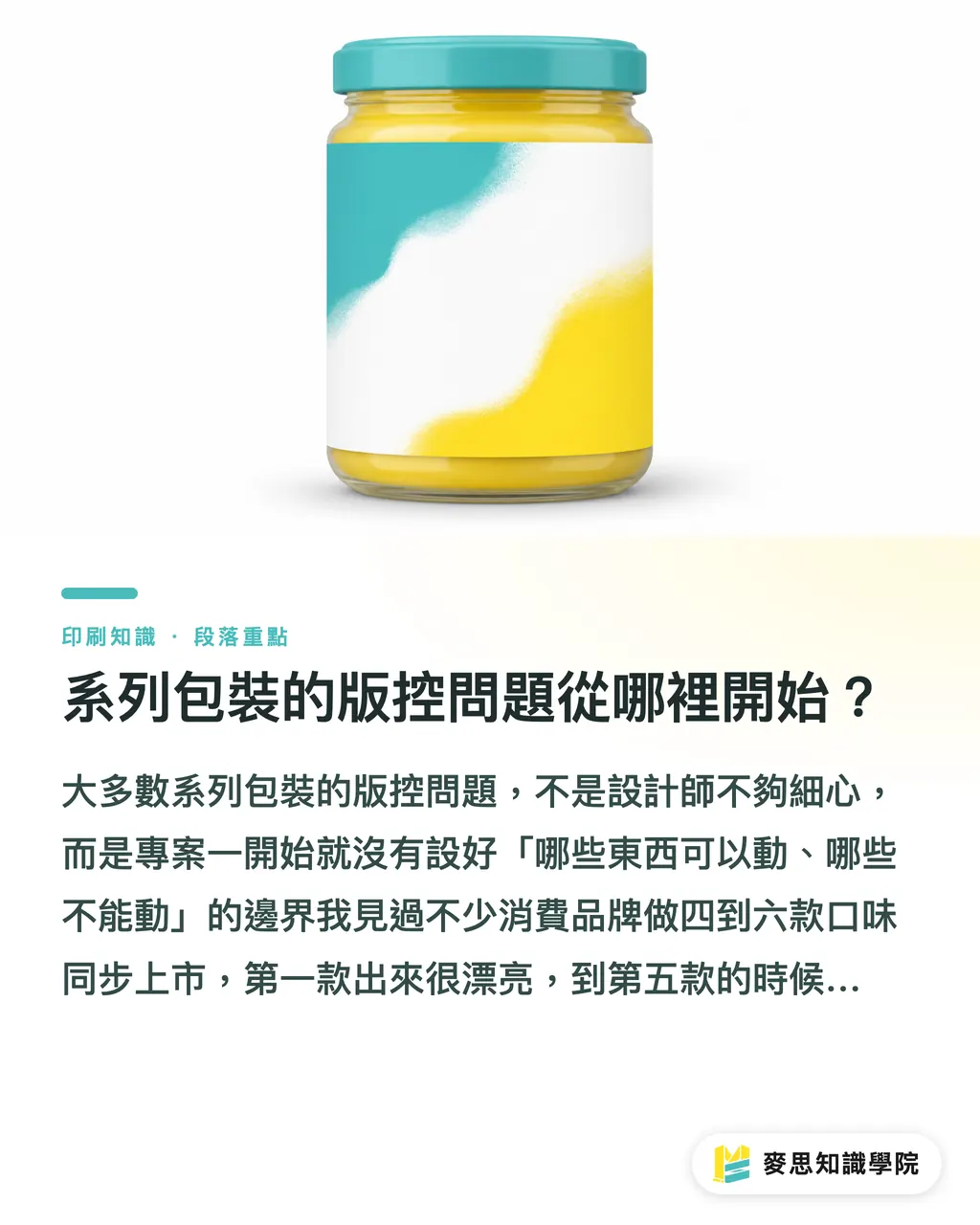
Most layout control issues in packaging lines don't come from careless designers. They happen because nobody set clear boundaries at the start about what can change and what must stay locked
I've seen plenty of consumer brands roll out four to six flavors at once. The first one looks great, but by the fifth SKU, the brand color has drifted a shade, the logo has shifted a few millimeters, and the mandatory text is in a different font. Each edit feels like a minor tweak, but together, they break the visual consistency of the entire line
Bringing AI into the mix makes this even easier to mess up. AI outputs carry slight variations every single time. If you don't lock down the core visual framework first, scaling it across ten SKUs will multiply those layout discrepancies tenfold
The golden rule of layout control is simple: define exactly what AI isn't allowed to touch before using it for speed
What Is the 4-Layer Structure for AI-Assisted Line Extensions?
When helping brands build packaging lines, I break the layout into four separate layers. Each layer has its own control logic and limits on how much AI can get involved
Layer 1: Master Visual Lock Layer
The brand logo, primary color palette, and core graphic elements (like the placement and composition of hero illustrations) form the backbone of the line. Once the first design is approved, freeze these elements as fixed standards. Every SKU after that extends from this baseline, leaving zero tolerance for size or position shifts
AI should only serve as an idea generator here, never a decision-maker. Any layout suggestion it creates must be manually checked against brand specs before adoption
Layer 2: SKU Variation Layer
This is where AI gets the most creative freedom. Flavor names, colorways, spot illustrations, and selling points define the personality of each SKU. AI can rapidly generate draft batches here, letting designers pick the best fit within the established framework
In practice, running three to five color palettes through AI for the designer to review and lock down can cut two to three days of color brainstorming down to less than half a day
Layer 3: Mandatory Regulatory Copy Layer
Under Taiwan's Act Governing Food Safety and Sanitation, required packaging information includes product name, manufacturer details, expiration date format, allergen warnings, and ingredients. These elements have strict legal minimums for type size, placement, and background contrast, so you must never let AI arrange them
The control method is simple: turn the regulatory text zone into a locked template. Swap the text strings for each product, but never touch the layout itself
Layer 4: Barcode, Nutrition Facts, and Dieline Alignment Layer
Barcodes must meet GS1 standards, meaning quiet zones around the code cannot contain dark backgrounds that disrupt scanners. Nutrition fact panels also shift in size and position across different packaging volumes, so you can't just copy and paste them
AI generates flat 2D visuals. It doesn't know where fold lines, trim cuts, or glue flaps sit, which is why this layer causes the most costly errors
Why Regulatory Copy Must Never Be Auto-Laid Out by AI
Here is a real example from the press floor
A food brand launched five flavors simultaneously. Their outsourced designer used AI to create sleek layout drafts, but prepress revealed serious problems. AI had swapped the ingredient list font on two SKUs to a non-standard typeface that printed too thin to read under dim retail shelf lighting. On another SKU, the allergen warning background was too close in color to the hero illustration, failing contrast standards
Both issues were caught only after printing. The reprint costs ended up several times higher than the original design fee
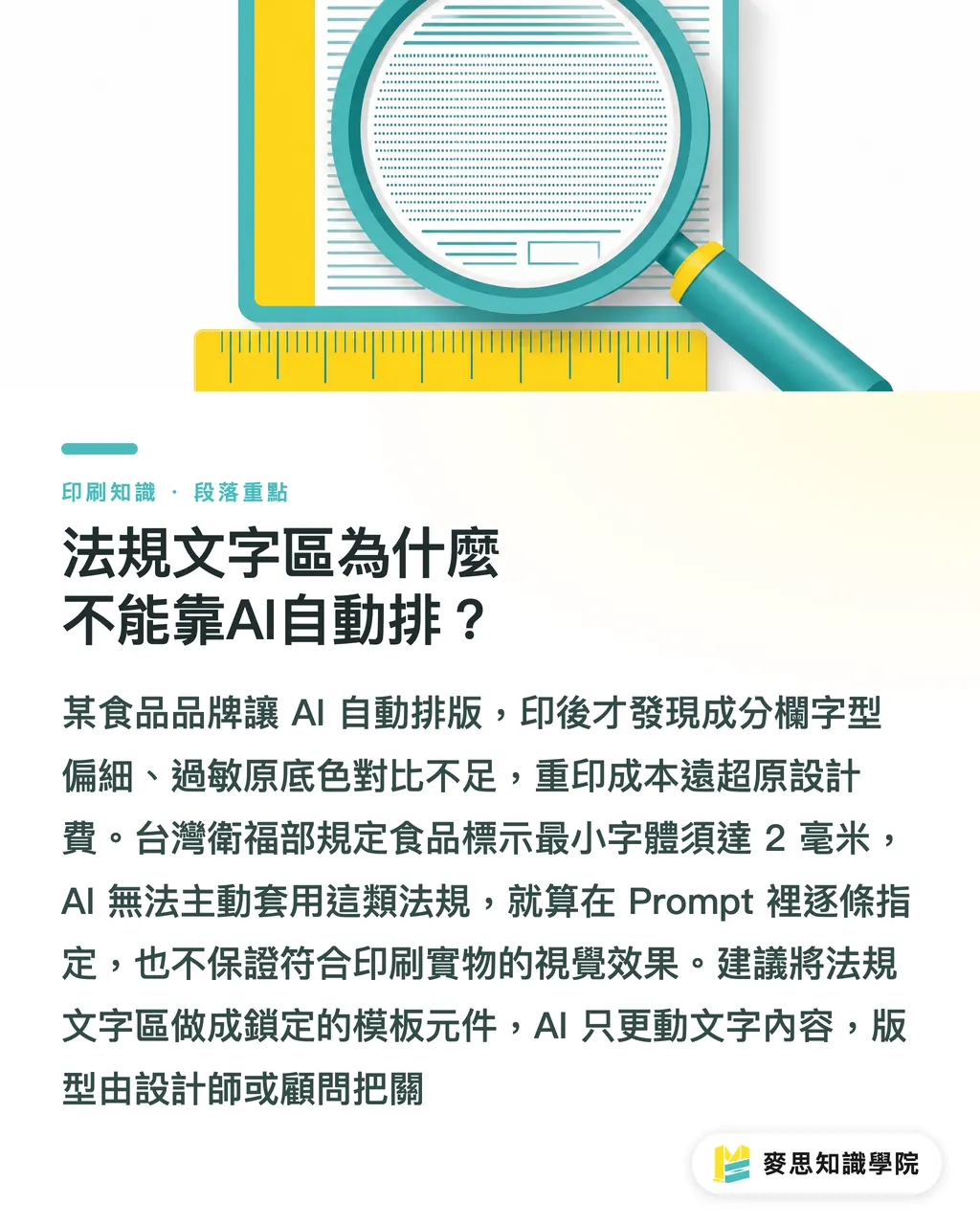
Taiwan's Ministry of Health and Welfare mandates a minimum font height of 2 mm (about 5.7 pt) for food labeling, along with clear contrast rules between text and background. AI won't apply these rules on its own unless prompted line by line, and even then, generated images can't guarantee print-ready compliance
My recommendation is clear: treat regulatory copy zones as uneditable template components. Let AI help draft copy text if needed, but keep layout and typesetting strictly locked down by designers or print consultants
If your packaging project is in the planning phase, the consulting team at Mai Strategy Knowledge Academy can review your regulatory copy layouts to ensure they meet current standards, saving you from finding out the hard way after press runs
Managing Shared Dielines and Change Logs
When a packaging line covers multiple sizes (such as 50g, 100g, and 200g), printers often recommend sharing dielines to cut tooling costs. But sharing dielines comes with a catch: layout proportions across all sizes must be planned in the design stage, not retrofitted after AI drafts are finished
Once dielines are shared, changing one SKU can easily throw off the others, making a detailed change log non-negotiable. At minimum, track these fields:
・Change date and version number
・Requesting party (brand, designer, or print shop)
・Description of change (which layer, which element, and what was modified)
・Dieline impact (requires a new sample proof if affected)
・Approver name and sign-off date
You don't need fancy tools for this. A simple Google Sheets doc works fine, as long as updates happen in real time instead of being kept in someone's head. I saw a project where a designer resized a logo midway through without logging it. The printer ran the job on the older dieline, misaligning the logo across the entire run. The cost to remake plates and reprint far outweighed the time saved skipping communication
Why You Must Rebuild Final Production Files After AI Drafts
This is the step people skip most often, and it is always the one they regret
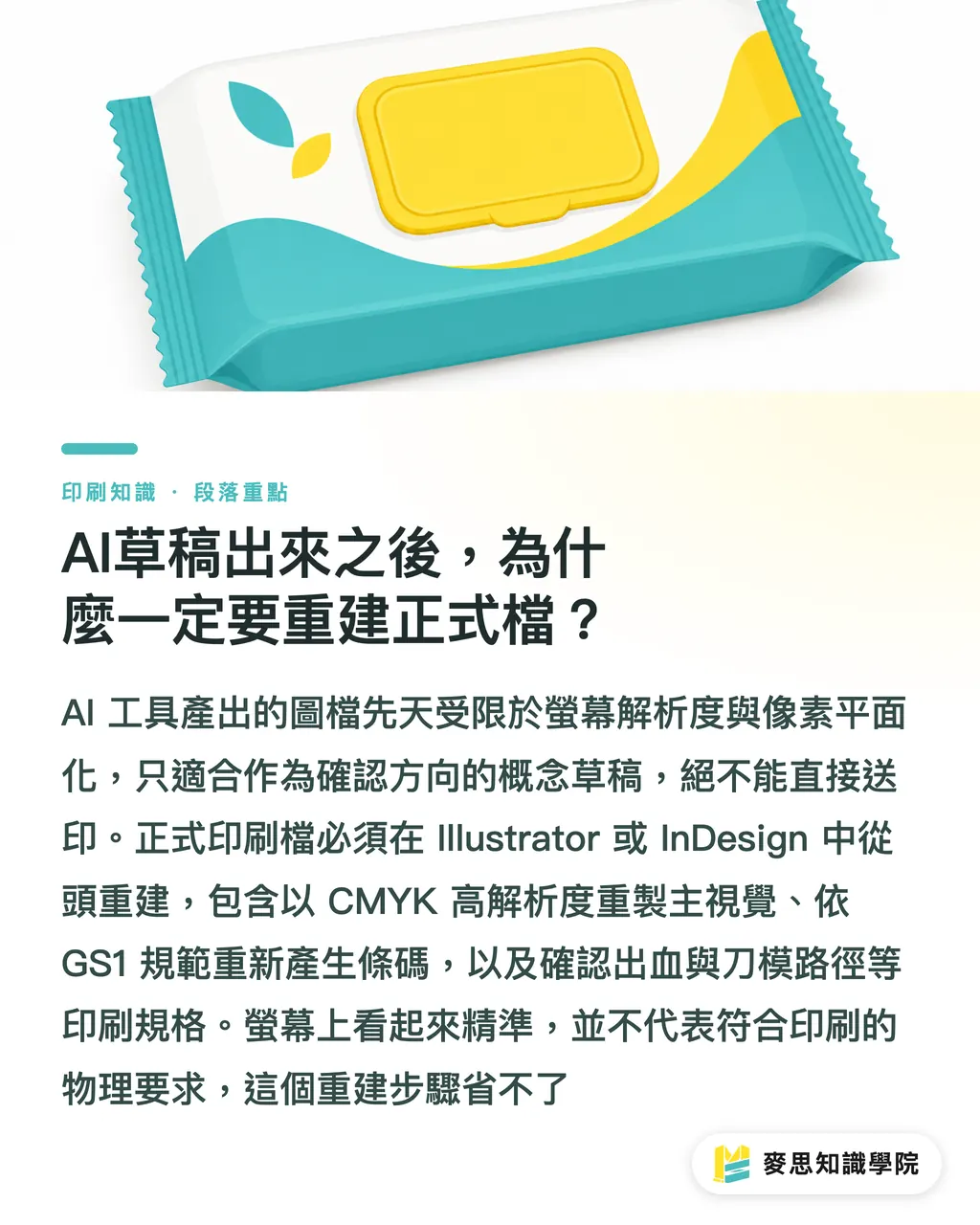
Images output by AI tools, whether Midjourney, Stable Diffusion, or Adobe Firefly, suffer from two built-in limitations:
・Resolution is usually locked at 72 or 96 dpi screen pixels, while commercial printing demands at least 300 dpi, and even higher for large formats
・Text, vector shapes, and barcodes in the image are flattened pixels that turn blurry or pixelated when enlarged
AI is built for quickly generating visual concepts so designers can set direction and clients can sign off on styling, not for handing straight to the printer as final artwork
Production files must be rebuilt from scratch in Illustrator or InDesign on the printer-supplied dieline paths (.ai or .pdf format):
・Rebuild master artwork in CMYK mode, embedding high-res TIFF or EPS files
・Typeset regulatory copy using licensed, embedded standard fonts
・Generate barcodes following GS1 specs rather than using screenshots of AI-rendered codes
・Double-check bleed, crop marks, and overprint settings against printer technical specs
Some designers think rebuilding artwork is a waste of time after a clean AI draft, but there is no shortcut around physical print realities. Good looks on screen won't change how ink hits paper
MINDS provides prepress file verification services. If you have AI drafts ready, we can run a spec check before print to make sure dielines, color modes, and regulatory text are 100% production ready
Key Takeaways
・Layout control for packaging lines relies on four separated layers: master visual lock, SKU variations, regulatory copy, and barcodes/dielines. Set clear AI boundaries for each layer before project kickoff
・AI delivers the highest ROI on SKU variations. Generating colorway drafts in batches cuts ideation time by two-thirds, but the designer must establish the core framework first
・AI will not automatically enforce Taiwan's 2 mm minimum font size rule for food packaging. Regulatory text zones must stay locked as fixed templates rather than left to AI layout
・Shared dielines cut tooling costs only if proportions across sizes are planned early on. Any layout update must be tracked immediately in a written change log
・AI outputs are screen pixel files. Print-ready artwork must be rebuilt along dieline paths in Illustrator or InDesign with no shortcuts
Further Thoughts
The real value of AI in packaging series is speeding up directional alignment, not replacing technical spec checks. Confusing the two is why costly mistakes surface on the press floor
If your brand is planning a packaging series with multiple flavors or sizes, write down clear control rules for all four layers before starting design, and hand them to your designer alongside the dieline specs. This upfront prep saves at least two rounds of proofing back-and-forth and lets AI shine where it actually helps
For print shops, a structured layout control document acts as a pre-production agreement. When designers, brand owners, and printers all agree on what changes and what stays locked, nobody wastes time pointing fingers after the job is printed
FAQ
- Where do errors happen most often when using AI for packaging line extensions?
- Problems happen most frequently with dieline alignment and regulatory text zones. AI generates flat pixel images with no awareness of fold lines or trim cuts. It also ignores Taiwan's mandatory 2 mm minimum font rule for food labels, leading to errors discovered only after platemaking, where reprint costs far exceed original design budgets
- Can AI-generated packaging artwork be sent straight to print?
- No. AI images are typically 72 or 96 dpi screen-resolution files, while printing requires at least 300 dpi. Text and barcodes in the image are flattened pixels that blur when enlarged. Final production files must be rebuilt in Illustrator or InDesign on printer-supplied dieline paths
- For multi-flavor packaging lines, which elements suit AI ideation and which must stay locked?
- The SKU variation layer, including flavor color palettes, spot graphics, and marketing copy, is ideal for batch AI drafts. Brand logos, primary colors, core layout compositions, regulatory templates, barcodes, and dieline alignments must be locked down by designers and kept off-limits to AI changes
- Can multiple SKUs in a packaging series share the same dieline?
- Yes. Sharing dielines cuts tooling and plate costs, but layout proportions across all sizes must be mapped out early in the design process. Any subsequent layout adjustment requires checking for dieline impact and updating the change log immediately to prevent affecting other SKUs
- What fields are essential in a packaging change log?
- Track at least the change date, version number, requesting party (brand, designer, or printer), description of change (which layer and element was modified), dieline impact, and approver name with sign-off date. Managing this in Google Sheets is plenty, as long as updates are logged immediately rather than reconstructed later
Related articles




The Print × AI weekly
The print and AI know-how designers, brands and enterprises can use before they commit — one email, every week
MINDS Free Tools
AI background removal, brand stamping, and a LINE sticker maker — free design tools, right in your browser, no upload.
MINDS Group
Need actual printing or gifting services?
From premium printing to online ordering and festive gifts — the MINDS Group sister brands take it from here.