
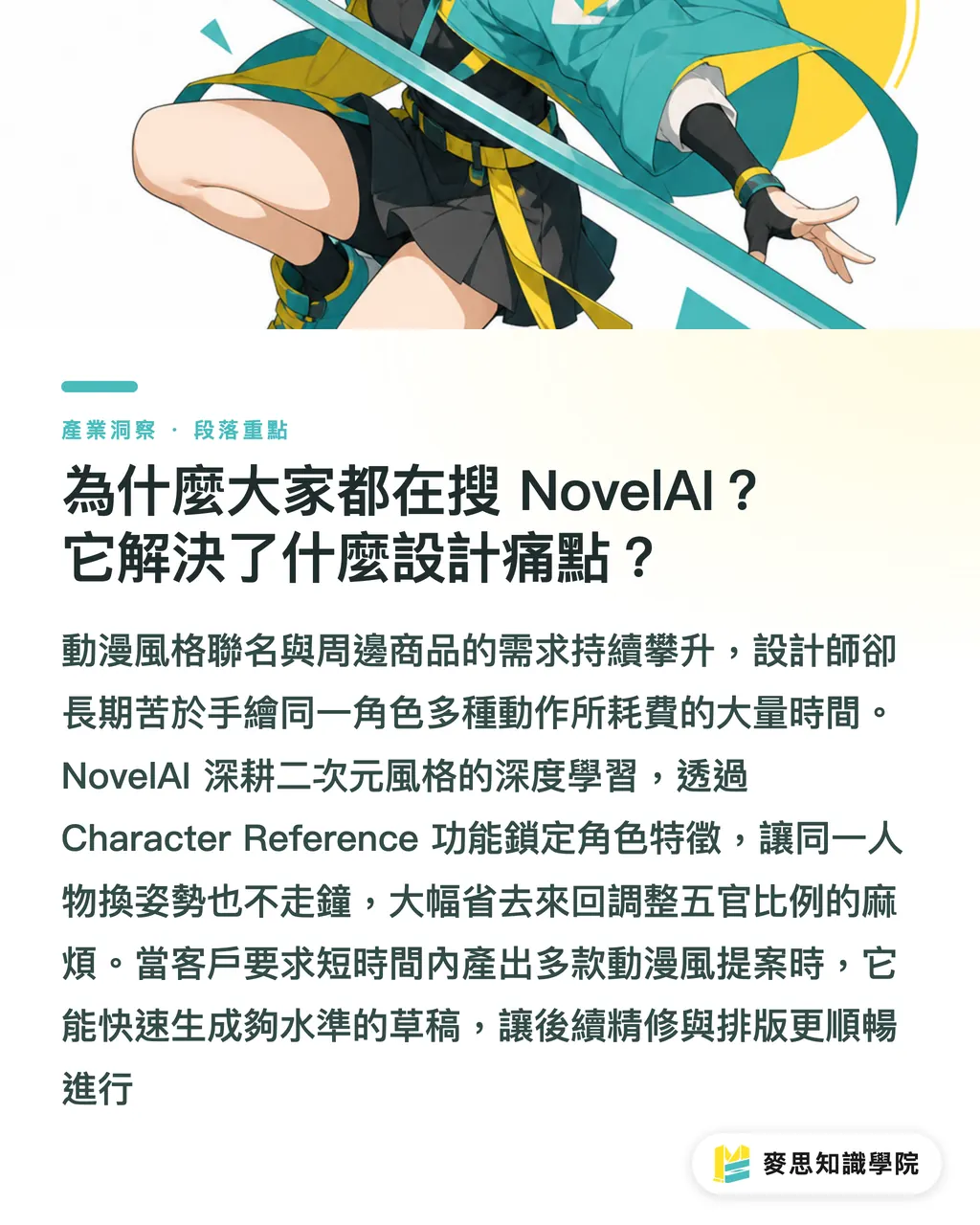
Why Is Everyone Searching for NovelAI? What Design Pain Points Does It Solve?
Based on the clients and projects I have worked with recently, the demand for anime-style brand collaborations and merchandise has remained consistently high
In the past, to generate multiple poses for the same character, designers had to spend an enormous amount of time drawing them by hand
NovelAI's performance in this area is remarkably precise. It specializes in deep learning for 2D anime styles, offering an exceptional grasp of character poses, lighting, and expressions
For designers, the two most practical core control features are:
・Vibe Transfer: Directly replicates the art style and atmosphere of a reference image
・Character Reference: Locks in specific character features so the same character doesn't lose consistency when changing poses
This tool eliminates the hassle of repeatedly adjusting facial proportions using traditional drawing software
When clients demand multiple anime-style proposals within a short timeframe, NovelAI can quickly generate high-quality drafts, making subsequent refinement and layout work much smoother
Which NovelAI Subscription Plan to Choose? Where Are the Hidden Costs?
Many AI tools online claim to be free, but users quickly realize that the free tiers are far from enough for testing purposes
NovelAI operates on a dual-track model combining subscription plans and credits (Anlas)
For a designer who needs to outsource or deliver commercial projects, the cost breakdown is as follows:
・Tablet Plan ($10/month): Entry-level, includes a small amount of credits, suitable for occasional brainstorming
・Scroll Plan ($15/month): Mid-tier choice, offers unlimited image generation under specific settings, with discounts on credit purchases
・Opus Plan ($25/month): Tier-one choice, offers the highest image generation priority and the most generous credit allocation
The hidden cost in real-world professional environments lies in the resolution and the number of revisions
Every time you increase the resolution or add extra generation steps, your credits will be rapidly consumed
If you need high-resolution, large-scale prints suitable for color proofing, the Opus plan, despite having the highest monthly fee, is actually the safest option for commercial teams to avoid running out of credits right before a deadline
It Looks Beautiful on Screen, but Will It Cause Issues in Printing?
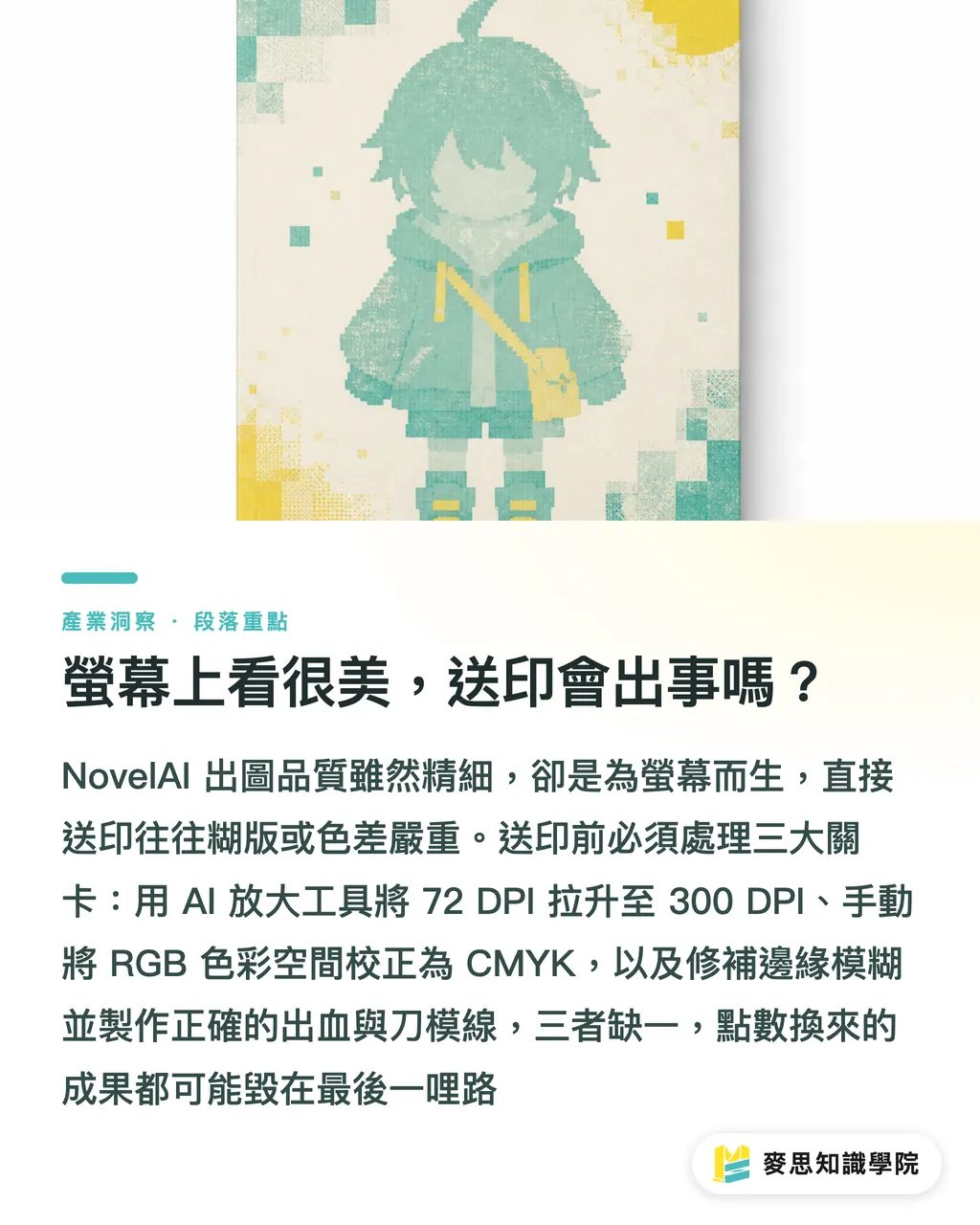
This is the disaster I see most often on the production line: designers head straight to the printer with images generated by NovelAI, only to end up with prints that are blurry or have severe color discrepancies
While this tool delivers top-tier image quality and incredible detail in the 2D anime realm, it is ultimately designed for screen display
To get good images out of NovelAI, you must be familiar with prompt weighting logic, using curly brackets to strengthen or square brackets to weaken specific elements
However, this only ensures a good appearance, not print readiness. Here are three critical steps designers must handle before sending files to print:
・Resolution Conversion: AI-generated images are typically 72 DPI, which will definitely look pixelated on large format prints. You must use AI upscaling tools to boost them to 300 DPI for printing
・Color Space Traps: Images generated by NovelAI are entirely in RGB format. The neon colors or extremely vibrant blues on screen will definitely lose their luster when converted to CMYK for printing, requiring manual color correction in design software
・Edge Treatment: AI-generated images often have blurry edges. If the product requires die-cutting (such as acrylic standees), designers must manually clean up and create precise bleed and die-cut lines
Only by preparing these frontend files properly and handing them over to an experienced print shop for post-press processing and proofing can you ensure that the work you spent credits to compute translates perfectly onto paper or merchandise
Key Takeaways
・NovelAI specializes in anime styles, and its character reference feature is a powerful tool for quickly generating series merchandise sketches
・High-resolution rendering consumes credits rapidly; for commercial brainstorming, it is recommended to subscribe directly to the premium Opus plan to control time costs
・Original AI-generated RGB images cannot be printed directly; they must be upscaled to 300 DPI and properly converted to the CMYK color space
・Creating perfect physical merchandise requires a seamless workflow from prompt-based generation to die-cuts and bleeds. Frontend preparation and backend printing expertise are both indispensable
Further Thoughts
I highly recommend that graphic designers treat NovelAI as a super sketching assistant
Combine the highly efficient visual output generated by AI with the professional paper stock recommendations and post-processing finishing techniques of MINDS Printing
Use AI to quickly align on styles with clients, and once finalized, leave the print-side file optimization and color management to us. This is the workflow that truly boosts both profit and quality
FAQ
- Is NovelAI truly free of censorship restrictions?
- Yes, NovelAI offers an exceptionally high level of creative freedom without common content filtering mechanisms. This allows creators to work on niche themes or adult-oriented projects without barriers
- Can NovelAI images be printed directly as posters?
- Absolutely not. The original images are usually insufficient in resolution and in RGB format. Printing them directly will result in a blurry output with severe color shifts. They must undergo lossless upscaling and CMYK conversion first
- Can I use it without knowing how to write prompts?
- There is a learning curve. To consistently generate good images, you must understand its prompt-weighting logic. Beginners might find the interface and parameter settings somewhat complex at first
- Which paid plan offers the best value for me?
- If you are a heavy user or handling commercial projects, choose the Opus plan directly. Its high priority and credit allowance ensure you won't get stuck due to running out of quota during heavy revisions and resolution upscaling
Related articles
The Print × AI weekly
The print and AI know-how designers, brands and enterprises can use before they commit — one email, every week
MINDS Free Tools
AI background removal, brand stamping, and a LINE sticker maker — free design tools, right in your browser, no upload.
MINDS Group
Need actual printing or gifting services?
From premium printing to online ordering and festive gifts — the MINDS Group sister brands take it from here.