
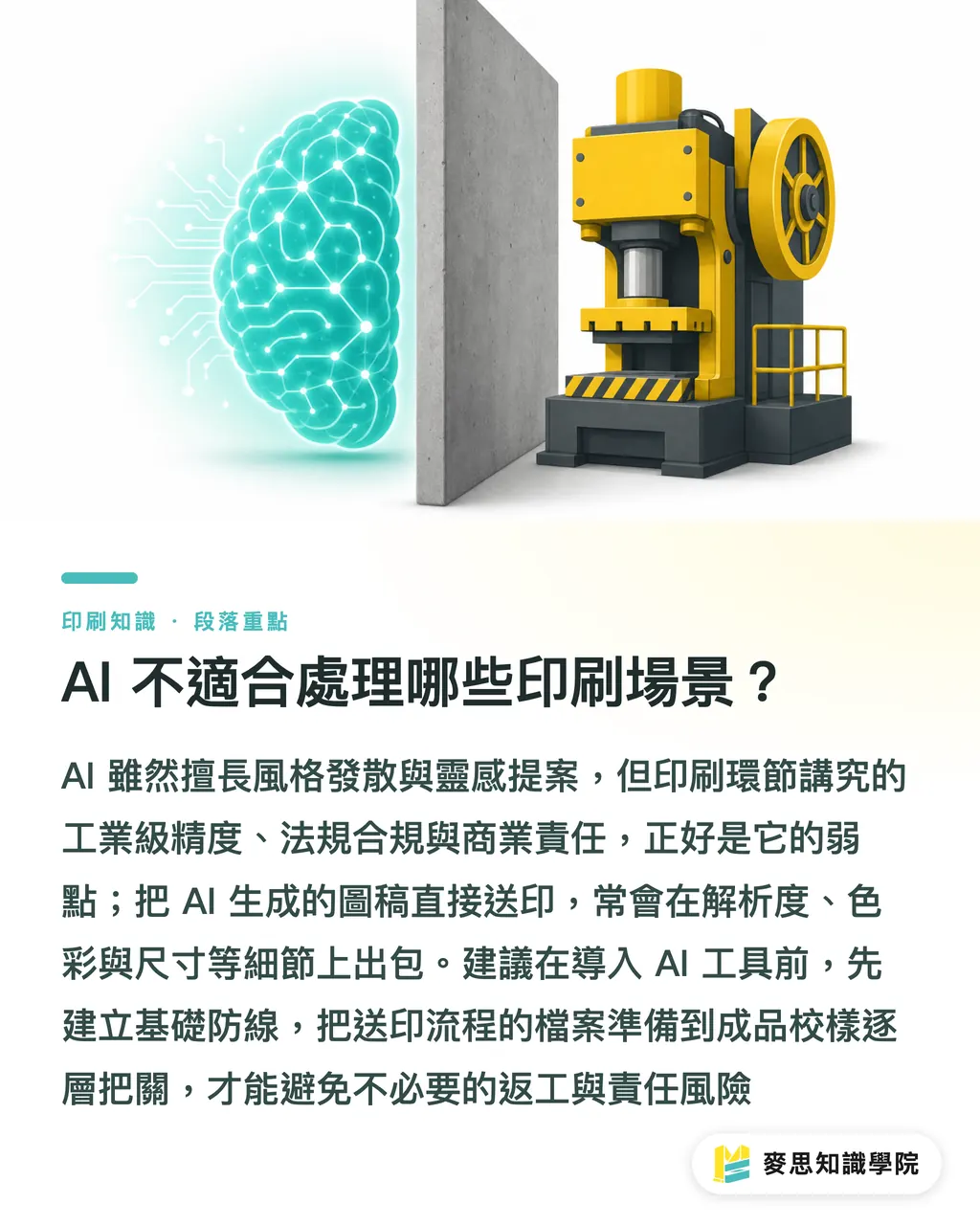
Which printing scenarios aren't a fit for AI?
Most articles are pushing you to use AI, but few honestly tell you where the line is. From my experience handling over a thousand print jobs, one shift this past year stands out: clients walking in with AI-generated artwork have doubled, and so have the jobs that blow up on press. The problem isn't AI itself; it's forcing AI into scenarios it was never built for
AI is good at style exploration, idea pitching, and first-draft iteration. But print has plenty of stages that demand industrial-grade precision, regulatory compliance, and commercial accountability, and those happen to be AI's weak spots. Get a handle on these scenarios and you'll save yourself a lot of wasted trips
For workflows that need precise control over resolution, color, and dimensions, Mai Strategy Knowledge Academy has put together a "Three Checkpoints Before Press" framework, layered checks from file prep through final proof, worth building into your baseline before you start plugging AI tools in
Why minimalist design shouldn't go straight to AI?
Minimalist design sounds like the easiest thing in the world, and that's exactly why it's where AI crashes hardest. The reason is straightforward: minimalist design lives or dies on the exact placement, spacing, and proportion of every element. AI image generation works by predicting a plausible-looking image from noise. It doesn't understand grid systems, and it doesn't understand the philosophy of white space
・Spacing goes sideways: AI lays out your logo with the mark and text maybe 2–3 mm off. You can't tell on a monitor. You find out when it's printed and it's crooked
・Alignment drifts: Something that looks centered might actually be sitting 1–2 px off. Under multi-color printing, that offset shows up as a white edge
・Details go haywire: Minimalist style leans on thin lines, small type, and geometric shapes. AI will bend a straight line, turn a "3" into an "8."
Here's the printer's view: when files like these hit the RIP (raster image processor) for conversion, the problems get amplified. A 1-pixel drift on screen becomes a 0.08 mm registration error on 300 gsm coated stock, already outside the tolerance for multi-color work
The judgment call is simple: the more "subtraction" your design does, the more likely AI is to mess it up. Subtraction design is about precise control; AI is about probabilistic generation. The logic underneath the two is fundamentally in conflict
In practice: AI is fine for sparking the direction of a minimalist concept, but the final dimensions, spacing, and type sizing have to come back to Illustrator or InDesign for hand-tuning. Don't treat AI output as a press-ready file. It's a reference image, nothing more
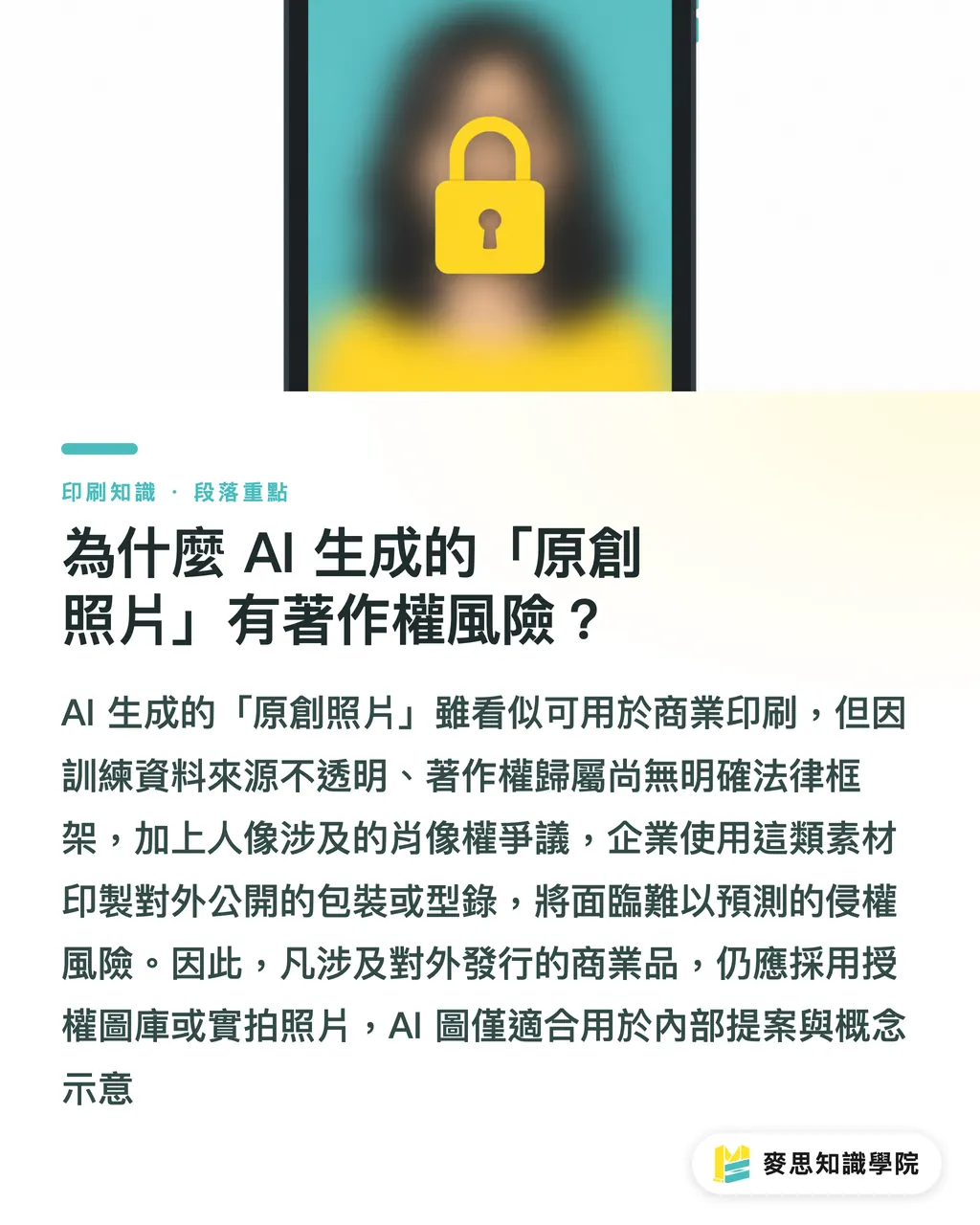
Why do AI-generated "original photos" carry copyright risk?
This is where commercial print trips up most often. A client shows up with an AI-generated "product lifestyle shot" and wants it printed on packaging or in a catalog. Does the print shop take the job? Setting aside resolution and color shift for a moment, copyright alone is enough to kill it
・Gray areas in training sources: The image libraries used to train AI models aren't fully transparent. The output can carry unlicensed elements baked in
・Unclear ownership for commercial use: Most countries still haven't settled the legal framework around who owns AI-generated content. Companies using it face a real risk of infringement claims
・The extra layer of likeness rights: AI-generated "portraits" used commercially sit in a gray zone around personality and image rights
Taiwan's Copyright Act still has no clear rules on the protection or ownership of AI-generated content. Using these assets for commercial print is essentially leaving yourself exposed to unknown legal risk. Insurers haven't folded this exposure into standard coverage either
Rule of thumb: anything that's publicly distributed, packaging, catalogs, ads, posters, should use licensed stock or real photography. AI images are fine for internal proposals and concept mockups. They shouldn't go on a press
Why can't AI handle industrial-precision dies and specialty finishes?
Cutting dies, box creasing, foil stamping plates, spot UV. What these all share is that tolerance is measured in 0.1 mm increments. AI can draw you a pretty dieline, but its coordinate system is pixels, not millimeters. Its sense of size is "looks right," not "measured."
・Bleed and safe zones: Die files need precise bleed (usually 3 mm) and safe zones (type at least 3–5 mm from the cut line). The bleed and safe zones on AI output are almost always wrong
・Closed cut paths: Box-cutting die lines have to be 100% closed vector paths. AI-generated vectors often have unclosed nodes, and die software will throw an error the second they hit it
・Compensation for material spring-back: Heavy board (350 gsm and up) springs back slightly after creasing. A proper die accounts for this with a compensation of 0.2–0.3 mm. AI doesn't understand the physics
Specialty finishes make it worse: minimum line width on a foil plate, fine type below 5 pt for foil stamping, halftone density for spot UV. All of that has to be dialed in through testing on the actual stock and ink. That's beyond AI's reach. That's print-floor craft
Rule of thumb: anything involving die cutting, foil stamping, embossing, or spot UV, AI-generated vector is reference material only. The final die file has to be redrawn by a die maker who knows the stock and the machine
Why can't sensitive-industry print jobs rely on AI?
Medical labels, food packaging, children's products, chemical markings. These categories come with hard regulatory requirements. AI's problem in these scenarios isn't that it does bad work. It's that it can't take responsibility
・Food labeling: Taiwan's Act Governing Food Safety and Sanitation mandates specific type sizes, placement, and contrast ratios for ingredients, allergens, expiration dates, and nutrition facts. AI doesn't know these rules
・Medical devices: The Ministry of Health and Welfare has strict requirements for information completeness and traceability on medical labels. AI-generated content can't produce an audit trail
・Children's products: Mislabeling can trigger recalls or fines. AI's hallucination problem is a dealbreaker here
The underlying principle is accountability. When regulators require compliant labeling, the liability sits with the business. AI isn't a legal person. When things go wrong, you can't tell the government "the AI wrote it wrong."
Rule of thumb: if your print job touches any mandatory labeling requirements, ingredients, warnings, expiration dates, manufacturing info, that content has to be written and proofread by regulatory or domain specialists. AI can help with layout. It can't own the content
For top-tier clients, is AI actually a mark against you?
This one's more subjective, but from spending a lot of time on the production floor and with clients, there's a clear pattern: the higher the client's quality bar, the less tolerance they have for AI fingerprints
・Luxury packaging: Clients have an acute sensitivity to paper stocks, tactile textures, and print details; they demand 'artisan craftsmanship,' whereas AI-generated refinement can ironically feel cheap
・Artist collaborations: Artists come with a strong personal vision for how their work is interpreted. AI's "averaged aesthetic" gets read as soulless
・Limited-edition prints: The value proposition here is irreproducibility. AI-generated content contradicts the concept at its root
This isn't a technical problem. It's a positioning problem. Top-tier clients are paying big money for human judgment, human craft, human time. At that level, AI's role should be invisible tool, not visible maker
Rule of thumb: when your client's budget is in luxury range (typically six figures and up for a single project), AI involvement needs to be quiet and limited. You can use AI to speed up the workflow, but the finished piece can't carry any AI trace, and the client can't be left thinking "this was made by AI."

How do you talk to clients honestly about AI's limits?
A lot of print shops, when a client shows up with an AI file, just say "we don't take those." Easiest answer, worst possible way to handle the client. Better approach: educate
・Lay out the risks: low resolution, color shift, die-line errors, these are standard AI file problems, and clients usually don't know
・Offer an alternative: not "we won't take it," but "we'll take it, but the AI file needs to be converted to a press-ready file first." That's where the value sits
・Set realistic expectations: AI files can cut design time significantly, but there's still professional work to do before they hit press
The core stance: we're not rejecting AI. We're rejecting the idea that an AI file is the same thing as a press file. AI is a creative tool. Printing is an industrial process. The quality bar is different. Explain that clearly and most clients get it
In practice, offering an "AI-to-press-file" service is a new value point. There's a ton of professional work in there: resolution upscaling, color management, redrawing dies, setting bleed
A direct way to gauge your own risk tolerance: ask yourself three questions
・If this print job goes wrong, who's on the hook? Can you carry it?
・Does the client know this is AI-generated? Are they okay with it?
・Can you trace the source and license for this AI-generated content?
If you can't answer even one of these, it's back to the traditional workflow
For building professional trust through client communication, services like MINDS Print, with full prepress and proofing workflows, can help you turn "AI-to-press-file" into a concrete deliverable, well-suited to mid-to-high-end commercial print clients
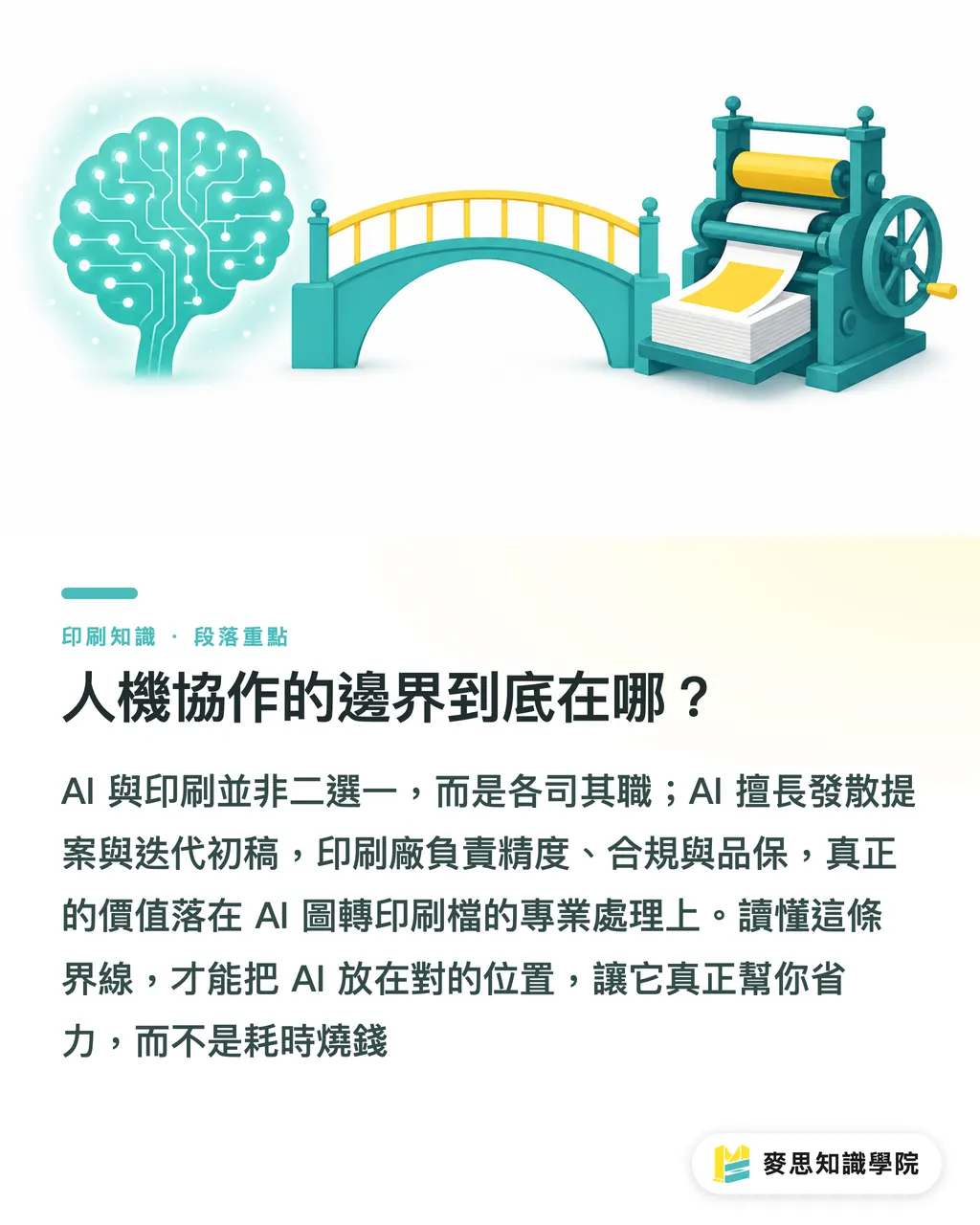
Where does the human–AI collaboration line actually sit?
The core point of this piece: AI and print aren't an either/or. They're each doing what they're good at. AI handles exploration, pitching, and first-draft iteration. Print shops handle precision, compliance, and quality assurance. The meeting point is "AI-to-press-file" conversion, and the professional work in between is where the real value in print lives
Understanding this line isn't about rejecting AI. It's about using it smartly. Dropping AI into scenarios it can't handle burns time and money. Put it where it fits and it genuinely saves you effort. The difference is how clearly you see that line
Key takeaways
・Minimalist design lives on precise control. AI's probabilistic generation logic is fundamentally at odds with it
・Using AI-generated "original photos" for commercial print leaves copyright and legal liability as live bombs
・Dies, foil stamping, and spot UV demand 0.1 mm precision. AI's pixel-based thinking can't get there
・Regulated labeling (food, medical, children's products) has to be human-authored and human-owned
・Top-tier clients are paying for human craft. AI involvement needs to be invisible and minimal
Further implications
For print manufacturing: AI-to-press-file conversion is a new service value point. Build a standardized workflow, from resolution upscaling, color management, and die redraws through proofing and verification, every step is professional extension
For graphic designers: AI is great for style exploration and first-draft pitches, but the final stage has to come back to professional software for hand-tuning. Don't treat AI output as a press-ready file
For SaaS and AI developers: when building tools for the print industry, put precision control and regulatory compliance at the core, not just generation quality
For client communication: instead of rejecting AI files outright, educate clients on the gap between AI files and press files, and offer conversion services that work for both sides
Further reading
・This piece is written from the author's hands-on experience in the print industry, with no external citations
FAQ
- Are AI-generated images completely unprintable?
- Not completely. It depends on the use case. Internal proposals, concept mockups, web assets, fine. For commercially distributed print pieces, AI images need resolution upscaling, color management, and dimension correction before they can go to press
- Which print scenarios are the worst fit for AI?
- Five categories: minimalist design (high precision demand), commercial imagery (copyright risk), dies and specialty finishes (industrial-grade precision), regulatory labeling (liability), and luxury goods (positioning conflict)
- How do you tell whether an AI image is ready to send to press?
- Check three things: resolution at 300 DPI or above, color mode set to CMYK, and dimensions and bleed meeting print specs. If any one fails, it needs to be reworked
- Can a print shop refuse AI-generated artwork?
- They can, but the better move is offering an "AI-to-press-file" conversion service. Flat-out refusal alienates the client. Professional handling creates added value
- What can AI actually do for the print industry?
- Style exploration, first-draft pitching, layout references, color experiments. Those are AI's strengths. Actual press-ready files still need professional layout software and human hands
Related articles
The Print × AI weekly
The print and AI know-how designers, brands and enterprises can use before they commit — one email, every week
MINDS Free Tools
AI background removal, brand stamping, and a LINE sticker maker — free design tools, right in your browser, no upload.
MINDS Group
Need actual printing or gifting services?
From premium printing to online ordering and festive gifts — the MINDS Group sister brands take it from here.