
Can AI Really Read "Reading Order"?
Yes, but first you have to define which kind of order you mean
・Technical reading order: the tag order in the PDF text layer, or the reading order set during export. This is what accessibility workflows and screen readers use. It belongs to file-structure checking, and AI can scan it
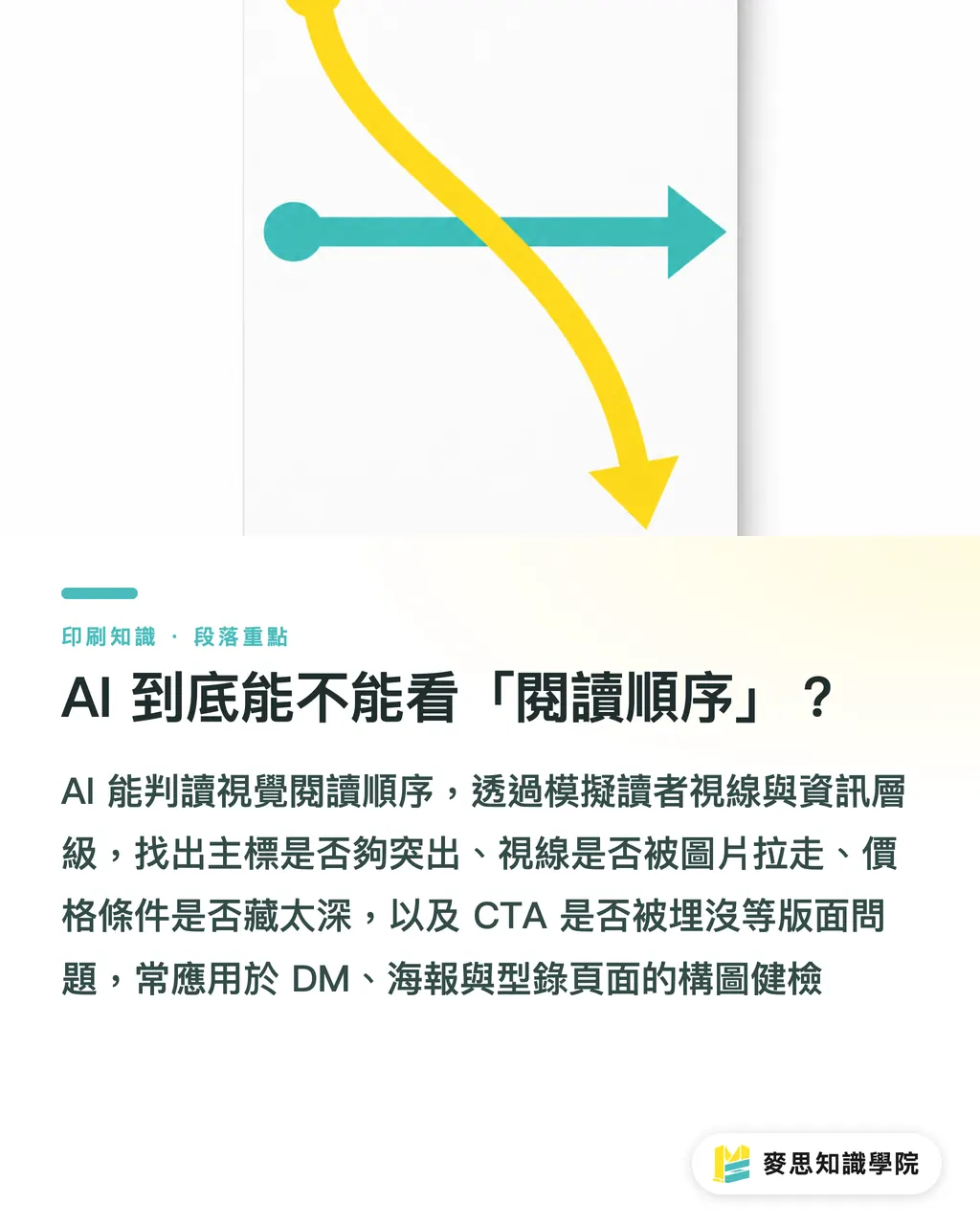
・Visual reading order: the path a reader's eyes actually take across the layout. What gets seen first: the headline, subhead, image, price, or CTA (call-to-action button)? This is a design and communication problem. AI can handle this too, and that is what this article is about
In real work, visual order is where things most often go wrong. Does the headline stand out enough? Does the image pull the eye away? Are the price and terms buried too deep? Is the CTA stuck in the middle of an image? In the past, this depended entirely on the eye of an editor-in-chief or senior designer. Now AI can catch the first draft issues, then we adjust for character and brand tone
One side note: this kind of AI is usually grouped under layout readability checking tools. Its job is to simulate the reader's gaze and judge information hierarchy, making it useful for composition checks on DM pieces, posters, and catalog pages
How Is This Different from Prepress Checking?
When many people first hear "AI layout checking," they jump straight to bleed, resolution, and color mode. Those are prepress technical checks. They belong to the archiving, PDF conversion, and print-file output stage
Reading-order checking asks a completely different set of questions:
・Are the headline size, contrast, and placement strong enough for someone to grasp the point in three seconds?
・Does the CTA (call to action) have enough visual weight?
・Are the price, deadline, and discount terms covered up by images or decoration?
・Is the relationship between image and text clear? Is the copy talking about this image?
・Is the information hierarchy stable? Do the primary heading, secondary heading, and body text have a clear rhythm in size and weight?
Mai Strategy Knowledge Academy separates these two jobs clearly: AI checks communication effect, while bleed, resolution, and color still need a separate human round. Run both tracks in parallel so nothing gets missed
How Does AI "Read" a DM Piece? A Practical Breakdown
Take a full-page DM piece in quarto format as an example. An AI readability check roughly works through these steps:
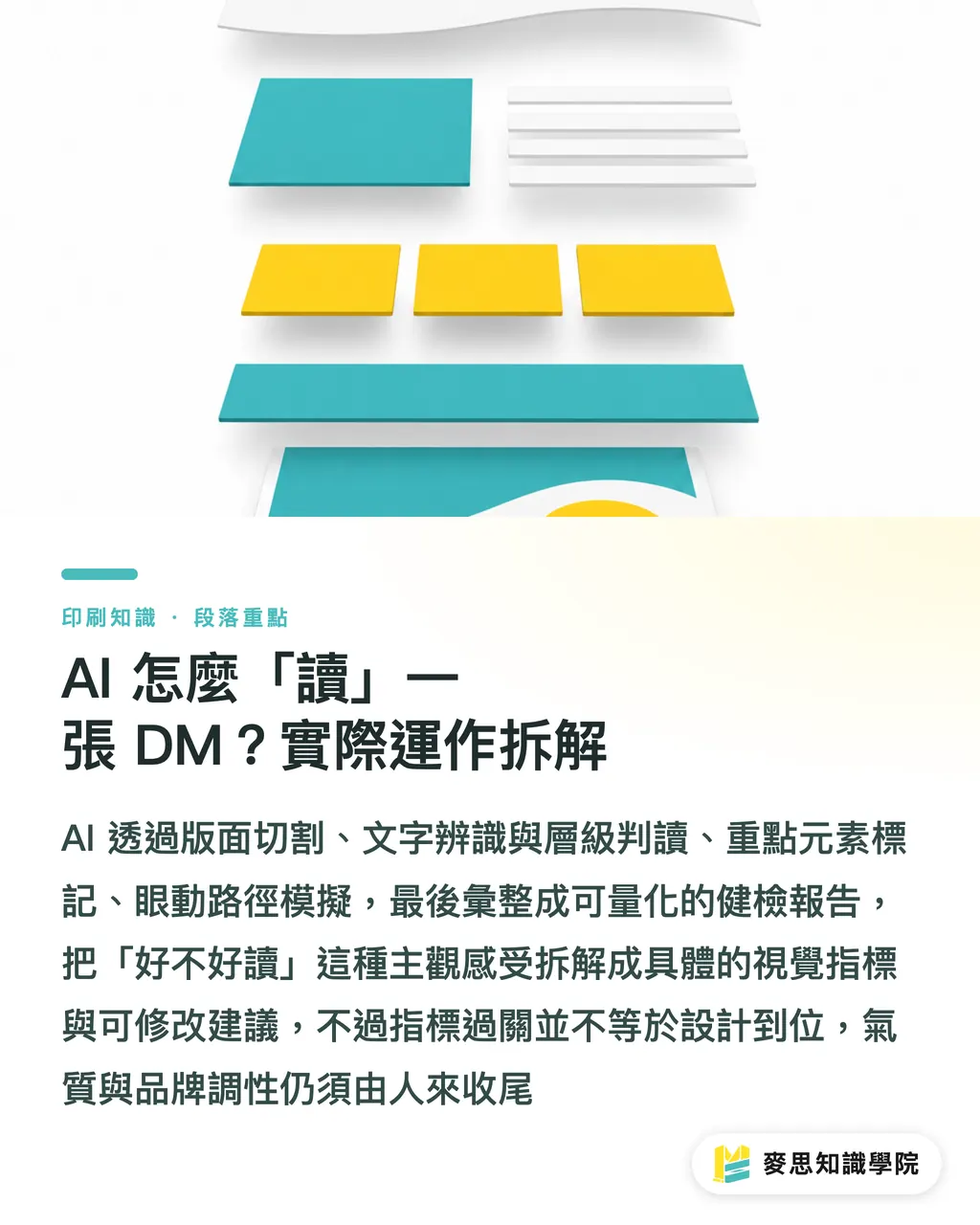
・Layout segmentation: it first separates image areas from text areas, identifying what is image, what is text, and what is white space
・Text recognition and hierarchy judgment: after OCR extracts all text, AI ranks visual weight by font size, weight, position, and color contrast, then separates headline, subhead, body text, and footnotes
・Key-element tagging: prices, dates, and CTA wording are specially marked, then checked against their visual weight
・Eye-path simulation: a model trained on design experience predicts where readers will look first, and whether their gaze will break or get lost
・Check report output: it lists concrete fixes, such as "this headline is too small" or "the CTA is being overpowered by the image."
What makes this workflow useful is that it breaks a subjective question, "Is this easy to read?", into several visual indicators that can be measured. Still, experienced designers know that passing the indicators does not mean the design is right. Character and brand tone still need a human hand
How Do You Turn AI into Your First-Round Reviewer? MINDS (MS) Three-Gate Print Workflow
This is the process I run every time before sending a file to print. I have organized it into three steps for other people in the field:
・① Let AI run the first round: run a readability check on the design draft and catch obvious problems in information hierarchy, CTA visibility, and price visibility
・② Have the designer adjust for brand tone: go back and tune type size, white space, and color. AI checks whether something is seen. The designer fixes whether people want to act after seeing it
・③ Run a manual prepress technical check: bleed, resolution, color mode, overprint, and outlined fonts all get confirmed with a separate checklist
One step in the middle matters a lot: do not accept the AI report line by line. I often see clients revise every item in an AI report, and when they are done, the whole layout has lost its breathing room. AI is a guide dog, not a designer. It tells you where the obstacles are. How to move around them gracefully is still a human job
One more honest note: AI still reads Chinese typography worse than English typography. Traditional Chinese spacing, punctuation placement, inline two-line notes, and line-length control all have their own small rules, and models often miss them. If the print piece has a large amount of Chinese text, add another manual review before printing
Which Scenarios Are Best for AI Readability Checking?
Among the projects I have worked on in recent years, these three types benefit the most from an AI first pass:
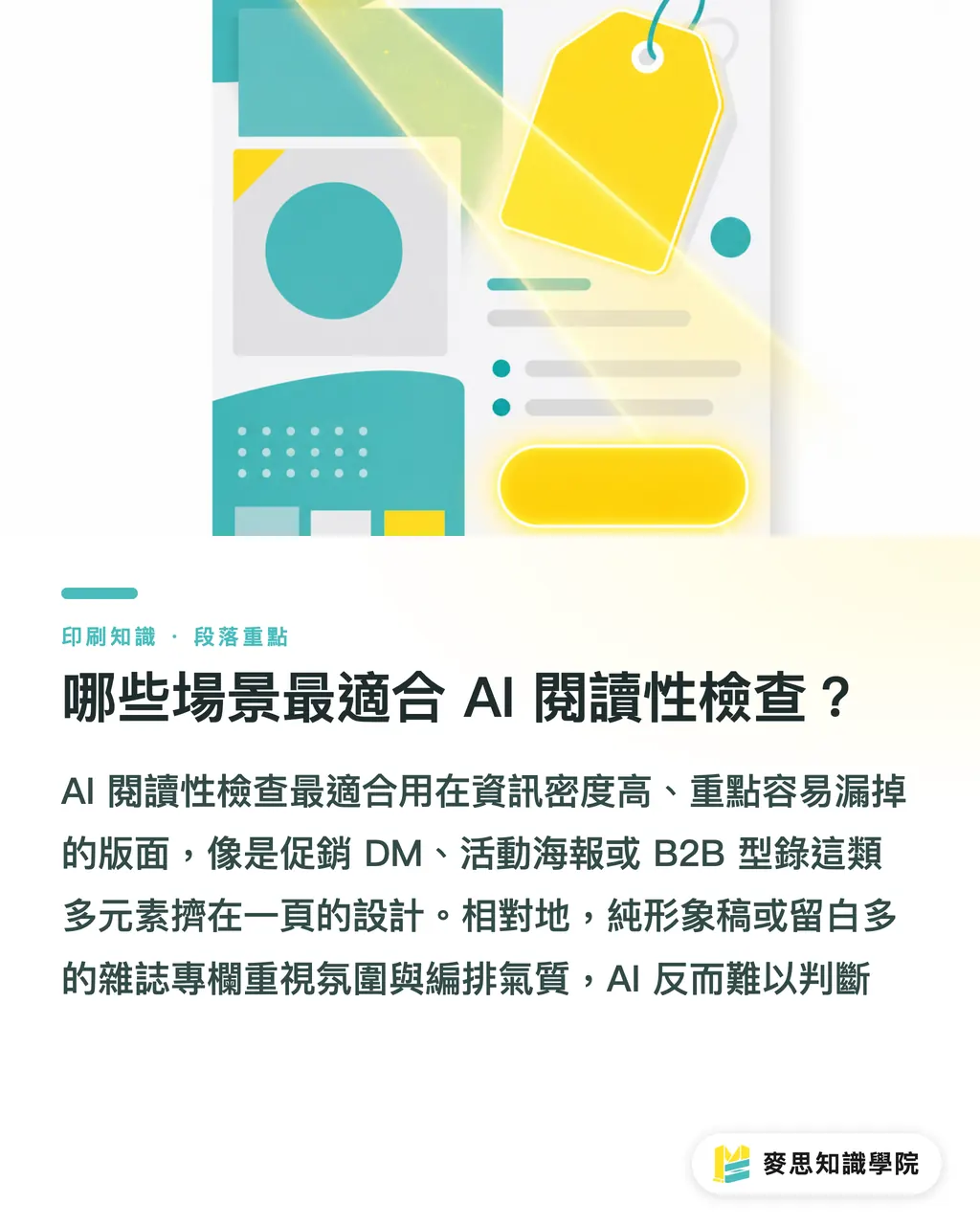
・Promotional DM pieces and flyers: there are many prices, deadlines, and CTAs, so key elements are easy to miss. AI is steadier than the human eye when scanning them all at once
・Event posters: the main visual, event name, time and place, and registration method all need to stand out. AI will tell you directly which one is getting swallowed
・B2B catalog product pages: spec tables, product images, model numbers, and prices are stacked together. The hierarchy collapses easily, and AI is good at catching this kind of "too many layers squeezed onto one page" problem
Scenarios I would not recommend as much: pure brand-image drafts, large brand banners, and very minimal magazine columns. These layouts speak through mood and white space, and AI does not catch that layer well
Key Takeaways
・AI looks at whether readers can get through the piece smoothly, not whether the file is technically correct. These two checks must be kept separate
・For visual reading order, AI can break the check into four steps: layout segmentation, text hierarchy, eye-path simulation, and a check report
・Treat AI as a first-round reviewer. Keep editorial authority in human hands. Adjusting type size and white space for character is still the designer's job
・AI is still weak on details in Chinese typography, such as spacing, punctuation, and line length. For large Chinese layouts, add another manual review
・Use the MINDS (MS) three-gate print workflow well: AI runs first, the designer adjusts tone, then a human runs the technical check
Further Thoughts
The biggest lesson for print shops and design studios is this: readability can be systematized. In the past, whether a draft was easy to read depended heavily on how senior the editor was, so work from newer team members could vary a lot. Now AI can act as the first line of defense, saving senior staff time for character and strategy
For teams like MINDS that are bringing AI into the print workflow, the next step is not making AI seem more magical. It is turning the judgment rules for "how to read the AI report, which suggestions to follow, and which to ignore" into an internal SOP. When I lead a team, I ask every designer to run an AI report before submission, but they also have to write notes explaining why they did not change certain AI suggestions. New people learn faster that way, and clients can understand the decisions too
If your team handles a high project volume and designer turnover is also high, and you want to put this workflow directly into practice, you can talk with the consulting team at Mai Strategy Knowledge Academy about implementation. If you need mid- to high-end fully custom commercial printing, MINDS (MS) can take the work from design check all the way to finished product
Further Reading
・No external sources cited. This article's views and workflow are based on the author's practical experience
FAQ
- Will AI layout reading-order checks replace designers?
- No. AI can catch whether readers see the key points, but it cannot judge whether they want to act after seeing them. That involves brand tone and communication strategy, so designers still need to finish the job
- Can AI readability checking and prepress technical checking be done together?
- I recommend separating them. Readability checks look at communication effect, such as type size, hierarchy, and CTA visibility. Prepress technical checks look at file condition, such as bleed, resolution, color, and fonts. The logic is different, and running them together easily muddies the judgment
- Can AI catch Chinese typography issues?
- It can catch basic type size, hierarchy, and contrast, but it is still weak on Chinese-specific details such as spacing, punctuation placement, line-length control, and heteronyms. For long Traditional Chinese drafts, add another manual review before printing
- What kinds of printed pieces are best suited to AI reading-order checks?
- Promotional DM pieces, event posters, and B2B catalog product pages benefit the most because they carry a lot of information and the visibility of key elements really matters. Pure brand-image drafts or very minimal layouts are less suitable
- Should I accept every AI report suggestion?
- No. AI is a guide dog, not a designer. It tells you where the obstacles are, but moving around them beautifully still depends on people. I suggest writing notes for AI suggestions you do not adopt, then building those notes into a team judgment database
Related articles



The Print × AI weekly
The print and AI know-how designers, brands and enterprises can use before they commit — one email, every week
MINDS Free Tools
AI background removal, brand stamping, and a LINE sticker maker — free design tools, right in your browser, no upload.
MINDS Group
Need actual printing or gifting services?
From premium printing to online ordering and festive gifts — the MINDS Group sister brands take it from here.