
What Can AI Actually Do When Comparing Print Revisions?
AI version comparison is good for flagging differences so designers and buyers can quickly see what changed between the new and old versions. MINDS (MS) recommends the "Four-Layer Revision Diff Method": ① copy, ② numerical data, ③ layout objects, ④ human sign-off. This way you stop staring at whether the latest version looks pretty and start catching content that was already locked in a previous round but got clobbered along the way
Print revision diffing means going through two or more design files, PDFs, or output proofs item by item, checking copy, prices, images, page numbers, barcodes, and spec tables against the revision brief, so nothing outside the brief gets touched
I've sat through enough of these on the shop floor. The painful jobs are rarely the first draft. They're the ones where, by round five, everyone's tired and only looks at the three spots the client just circled, meanwhile the phone number, price, or barcode that was confirmed two versions back quietly shifted during cleanup
That's where AI pulls its weight. It can take two PDFs, two text blocks, two images, or two packaging dielines and surface the differences first, shrinking the area a human has to eyeball
But AI can't sign off on the print run for you. Press approval carries liability, commercial risk, and on-the-floor judgment, bleed sufficiency, foil registration, whether the crease lines match the die. Those still need a print person at the end

Which Revision Differences Get Missed Most Often?
The usual suspects in multi-round revisions fall into six buckets, and those are exactly the areas where AI is most useful for pre-tagging
・Copy: product names, slogans, addresses, phone numbers, event dates, warning statements. A character drops or doubles during copy-paste or when font sizes get swapped
・Prices: original, sale, bundle, and discount figures. These show up on flyers, menus, catalog promo pages. One missing zero is not a small thing
・Barcodes: EAN-13, QR Code, shipping codes, membership codes. They can look almost identical visually while scanning to totally different values
・Page numbers: catalog reorderings break easily, especially on 16-page, 24-page, and 32-page saddle-stitched or perfect-bound jobs. Page numbers out of sync cascade into the TOC and index
・Spec tables: dimensions, materials, capacity, weight, origin, warranty terms. Common on product catalogs and the back of packaging
・Image swaps: similar-looking items in the same line, designers can drop in an old SKU, the wrong flavor, or the wrong colorway while swapping
I watch prices and barcodes extra closely. Those two don't give you a pass. A typo in copy can sometimes be reasoned through. A wrong price or wrong barcode that hits the press turns into a reprint, relabel, or a retail delisting
If your team doesn't have its own checklist, the consultant team at Mai Strategy Knowledge Academy can help you build a version-diff sheet tailored to your common job types. Fliers, catalogs, and packaging back panels shouldn't share one generic checklist
How Does the AI Comparison Actually Work Under the Hood?
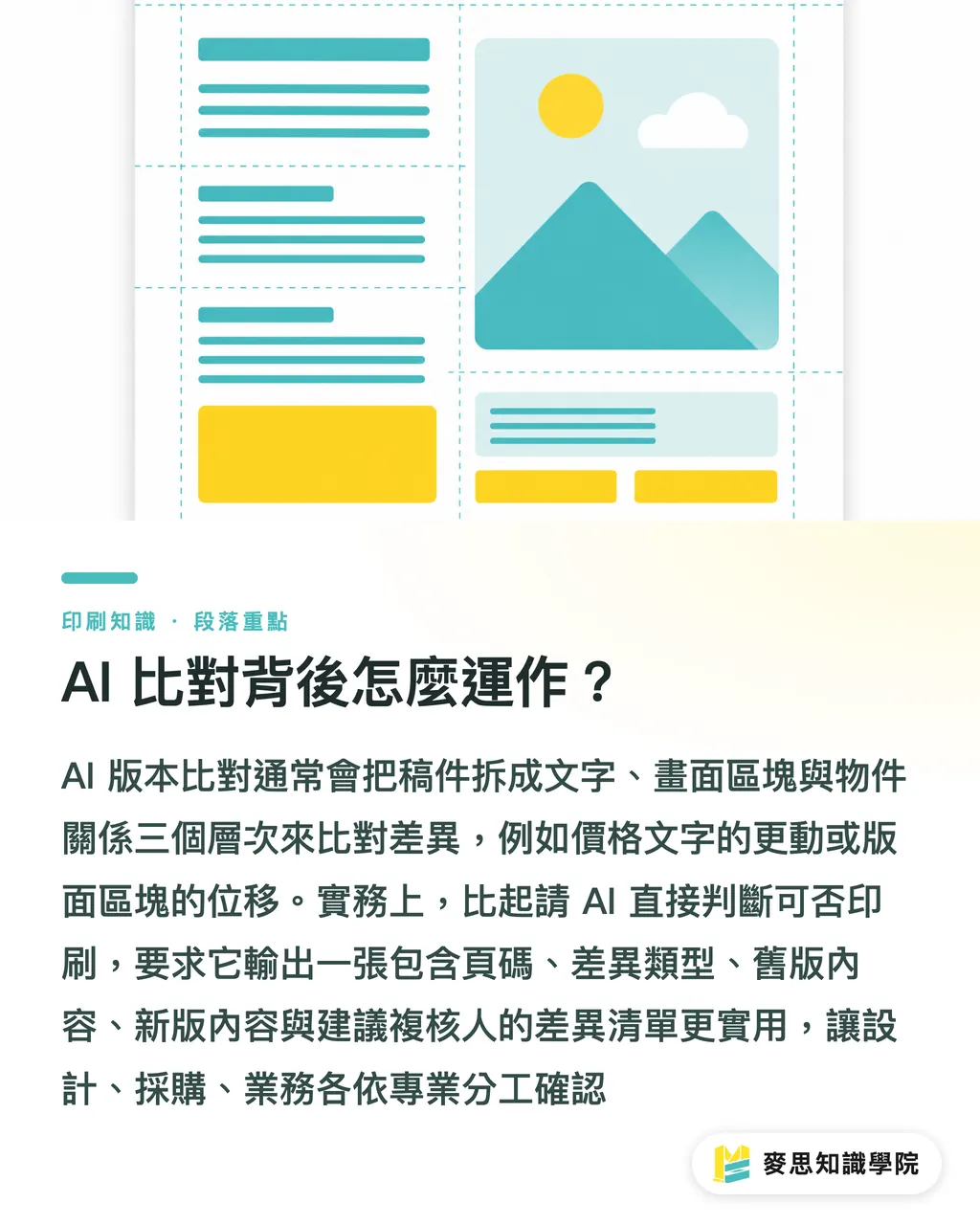
When AI does version comparison, it generally breaks the job down into three comparable things: text, visual regions, and object relationships
Text comparison extracts the text out of the PDF and diffs version 1 against version 2 — say, "2026 Spring Promo" changing to "2026 Summer Promo", or "NT$1,280" becoming "NT$1,820"
Visual region comparison looks at which areas on the page changed, the lower-right product image got swapped, the cover LOGO moved 3mm, the warning panel on the back got taller. This is where AI shines for packaging and posters
Object relationship comparison looks at the relative positions of text, images, tables, and barcodes, for example, the numbers under a barcode changed but the barcode artwork didn't, or the spec table body changed but the heading still points to the old category
In practice, I don't ask AI to decide "can this go to press." I ask it to produce a diff list. That's far more useful
・Column 1: page or region, e.g. top-right of page 3, lower portion of back panel on side 2
・Column 2: diff type, e.g. text, price, barcode, image, spec table
・Column 3: old-version content, e.g. "Capacity 500ml"
・Column 4: new-version content, e.g. "Capacity 550ml"
・Column 5: suggested reviewer, e.g. design, procurement, sales, client contact
The good thing about that format is clean ownership. The designer looks at layout, procurement looks at prices, the brand contact looks at copy, the print shop looks at output risk. Everyone goes back to the column they're responsible for
How Should Designers and Buyers Use AI to Reduce Version Chaos?
I recommend the "MINDS (MS) Four-Layer Revision Diff Method" — run the same steps every round, especially from round 3 onward
・Layer 1: diff the text first. Extract the copy from old and new files and check that product names, taglines, addresses, phone numbers, dates, and warning statements only changed where the brief said to
・Layer 2: diff the numbers next. Pull prices, dimensions, capacity, page numbers, SKUs, and barcode digits out into their own list. Don't bury numbers inside a paragraph and skim past them
・Layer 3: diff the layout objects. Check that images were swapped to the right ones, and that LOGOs, QR Codes, spec tables, and certification marks are still in their original positions
・Layer 4: human review and sign-off. Have design, procurement, and the client contact each confirm the columns they own. Treat AI's diff flags as reminders, not verdicts
Here's a common scenario. A 16-page product catalog, round 4. The client asks for one product image swap on page 7. The designer also adjusts the gutter on a spread. The price column in the spec table on page 8 gets compressed, and after a line break the two figures look like a single price
AI can flag the page 7 image change and the page 8 table shift first. A human then confirms both match the brief
One old-school habit that still pays off: collapse every revision round into one master file. The filename should carry date, version, and owner, catalog-20260708-v04-wang.pdf, so you're never staring at a folder full of final, final-new, and final-actually-final-this-time
What Should You Check Right Before Press Approval?
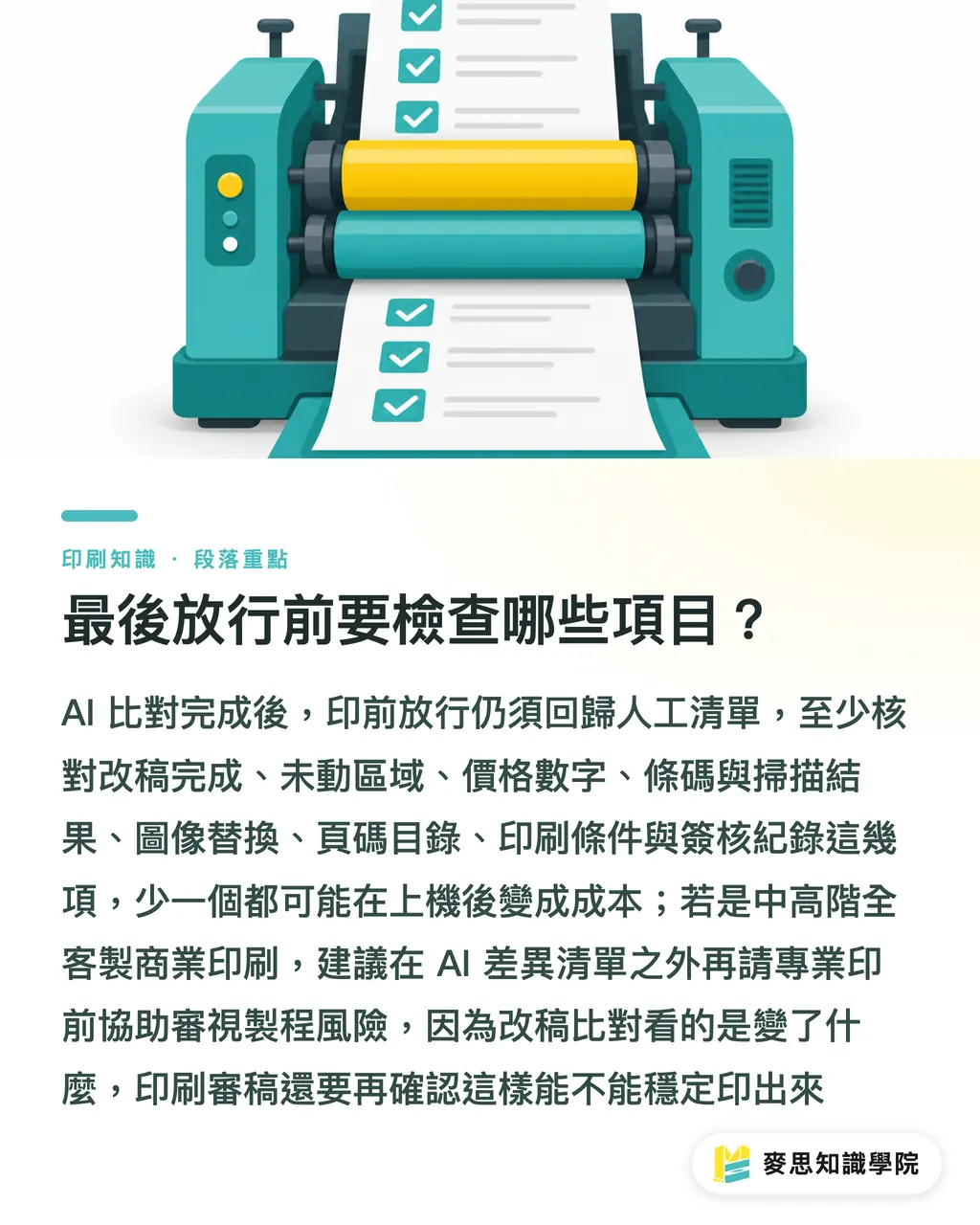
After AI diffing, prepress approval still goes back to a human checklist. I run through at least eight items, missing any one can turn into cost on press
・Revision brief: did this round deliver everything the client asked for?
・Untouched areas: is content confirmed in a previous round still intact?
・Prices and numbers: do promo prices, specs, capacity, dimensions, and dates match what the client confirmed?
・Barcodes and QR Codes: do the barcode artwork, the digits underneath, and the scan result all line up?
・Image swaps: is the new image the correct product, correct colorway, correct version?
・Page numbers and TOC: do catalog page numbers, table of contents, index, and cross-spread relationships all line up?
・Print conditions: do bleed, crop marks, safe zones, color mode, and resolution match the print spec?
・Sign-off records: is there a confirmation trace from design, procurement, sales, and the client contact?
For mid-to-high-end fully custom commercial print, special stocks, spot UV, foil stamping, die-cut boxes, or multi-SKU catalogs, I'd recommend bringing MINDS (MS) in for prepress risk review beyond the AI diff list. Revision diffing tells you what changed. Print review still has to answer whether it can be produced reliably
Good version management doesn't make the client feel the workflow is slower, it just kills a lot of back-and-forth
My rule of thumb: the more revision rounds you stack up, the less you can rely on memory. Memory is cheap at the print shop. Reprints aren't
Key Takeaways
・AI is good at catching differences. It's not good at signing off on a print run for you
・The thing to guard against in multi-round revisions is content the previous version already had confirmed getting clobbered by the new one
・Text, prices, barcodes, page numbers, spec tables, and images are the six high-risk zones in any version diff
・A useful AI diff output is a diff list, not a vague "looks fine."
・After round 3, the process is more reliable than anyone's eyes
Further Thoughts
On the print manufacturing side, AI version comparison can turn revision diffs into a trackable checklist first, so prepress staff can spend their time on bleed, trapping, dies, stock, and finishing risk. For designers, AI is a second pair of eyes that helps keep an eye on copy and image swaps. For SaaS teams, the feature that actually earns its keep isn't flashy right-or-wrong judgments, it's making every single diff assignable, confirmable, and logged. The practical next step: pick one common job type, a flyer or a packaging back panel, lock down a fixed AI diff template and human review checklist, then expand outward into catalogs and multi-SKU print jobs
FAQ
- Can AI directly decide whether a print revision is okay?
- AI can help diff new and old versions and flag changes in copy, prices, barcodes, page numbers, spec tables, and images, but it can't replace human press approval, that still covers bleed, stock, finishing, and the sign-off that carries responsibility
- What gets missed most often during multi-round catalog revisions?
- Catalog revisions most often miss page numbers, the table of contents, price tables, and content confirmed in a previous round. With 16-page-and-up catalogs especially, changing one page tends to ripple into the facing spread, index, and spec table
- Can AI be used to diff barcodes on packaging revisions?
- AI can be used to flag whether the barcode region and the digits underneath changed, but a human still needs to scan the EAN-13, QR Code, or shipping code at the end to confirm the scan result matches the client's data
- How should designers hand off files to make AI version diffing easier?
- Designers should output a fixed-format PDF every round, with the filename carrying date, version, and owner, for example `catalog-20260708-v04-wang.pdf` — and keep the previously confirmed version on hand. That's what gives AI a stable basis to compare
- Who should see the AI diff results?
- AI diff results should be split out so design, procurement, sales, and the client contact each confirm their own slice, design looks at layout and images, procurement looks at prices and specs, the client contact looks at copy and commercial info, before everything moves into prepress
Related articles



The Print × AI weekly
The print and AI know-how designers, brands and enterprises can use before they commit — one email, every week
MINDS Free Tools
AI background removal, brand stamping, and a LINE sticker maker — free design tools, right in your browser, no upload.
MINDS Group
Need actual printing or gifting services?
From premium printing to online ordering and festive gifts — the MINDS Group sister brands take it from here.