

Why Can't Standard CMYK Print White?
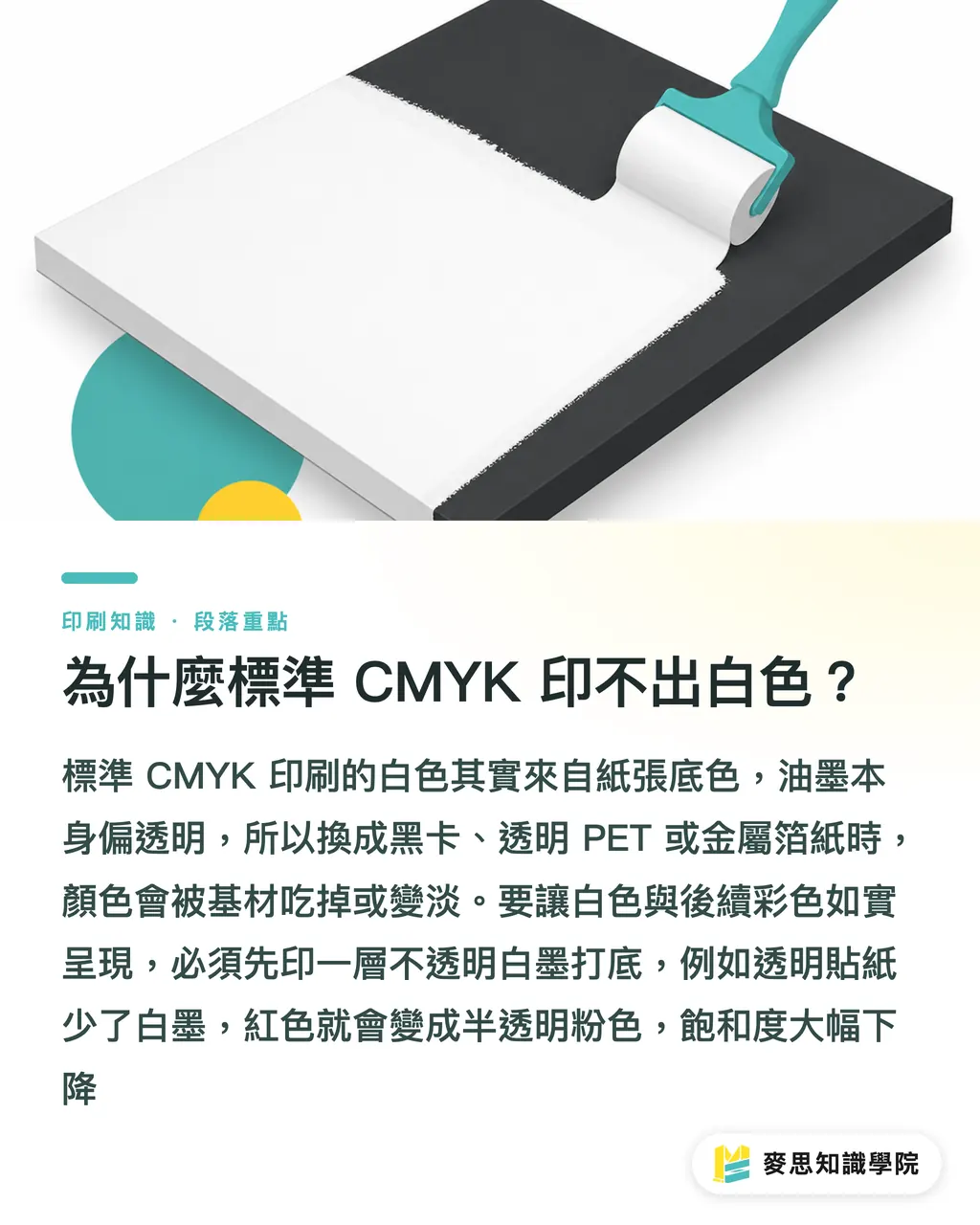
Standard CMYK four-color printing cannot print white on dark paper or transparent materials because the inks themselves are transparent and blend together, meaning the representation of white relies entirely on the base color of the paper itself. When the printing substrate is changed to black cardstock, transparent PET/PP film, or foil paper with a metallic luster, without a white paper base, the original colors will either be absorbed by the substrate or become transparent. In the practical training at Mai Strategy Knowledge Academy, we frequently encounter designers who mistakenly assume that the white color in software can be printed directly, resulting in disastrous finished products. To reproduce white and vibrant colors on these types of special substrates, an extra layer of opaque white ink must be printed to cover the substrate
White ink printing: A technology that uses opaque ink containing high concentrations of white pigment (such as titanium dioxide) for printing. It is responsible for creating a white base layer on dark or transparent substrates, blocking interference from the substrate color so that the subsequently overprinted CMYK colors can render accurately
Take transparent stickers as an example. If this white ink base layer is missing, the printed red will become a semi-transparent pink, completely losing its saturation. Over the past decade or so on the production line, I have seen far too many cases scrapped entirely because no white ink base was made. Understanding the coverage mechanism of white ink on different materials is the most fundamental and cost-saving investment in specialty printing
Traditional Screen Printing White Ink vs. UV Digital White Ink: Which One Should I Choose?
The method of printing white ink determines the refinement and cost of the final product. Currently, the industry mainstream is divided into two types: traditional screen-printed white ink and UV digital inkjet white ink. Screen printing involves squeezing thick white ink onto the paper through a mesh screen. It has extremely strong coverage and a thick ink layer, making it ideal for large solid color blocks or simple lines. However, because screen printing requires screen making, it is only suitable for large-volume orders, and overly fine halftones or gradients can easily get blurry
UV digital white ink, on the other hand, has been the savior for short-run and personalized printing in recent years. It uses an inkjet printer to spray white ink onto the substrate, which is immediately cured by UV light, eliminating the need for plates. The advantage of UV white ink is its ability to handle extremely detailed patterns, and even print gradients and tiny text, making it perfect for prototyping or high-mix, low-volume orders
If your project involves printing over 2,000 dark kraft paper packaging boxes and the white background is a large solid block, going with traditional screen printing at MINDS Printing (MS, mid-to-high-end fully customized commercial printing) is definitely the most cost-effective choice. If you only need to print 100 transparent acrylic standees with delicate character designs, UV digital white ink is required to precisely render the edge details. Selecting the right process ensures that cost and quality do not conflict
How to Set Up Artwork Without Any Fails? Analysis of the Three Checks for Sending Files to MINDS Printing (MS)
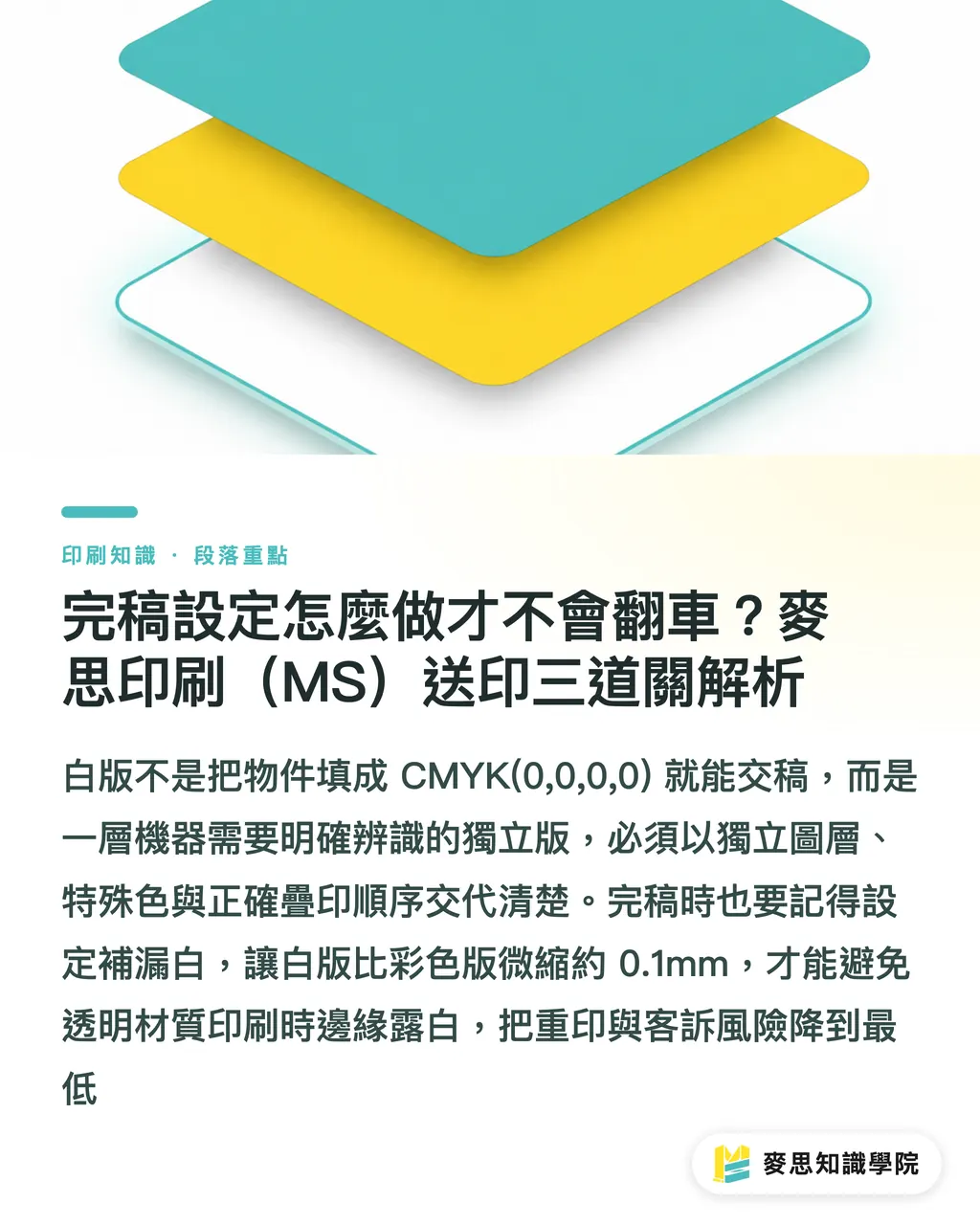
Many designers know they need to print white ink but directly fill in CMYK(0,0,0,0) in their software and submit the file. Files like this will absolutely be rejected by the prepress department. The white plate is an independent layer, and the machine needs explicit instructions to know where to apply the white ink. To reduce the risk of reprinting, we have an internal foolproof process. We recommend applying the "Three Checks for Sending Files to MINDS Printing (MS)" to inspect your artwork files:
・First Check: Independent Layer and Spot Color Labeling. You must isolate the areas that require white ink and place them on the topmost layer or in an independent group, named "White". Set the color to a spot color that contrasts sharply with the design (such as 100% Magenta) so that the printer can identify the scope of the white plate at a glance
・Second Check: Confirm the Overprinting Order (Under-white or Over-white). When printing on transparent materials, if the design is viewed from the front, it must be set as "print white first, then print color" (under-white). If it is like a transparent car decal applied to the inside of a glass window to be viewed from the outside, it is "print color first, then print white" (over-white). In this case, a "mirrored reading" proof must be provided to the printing factory
・Third Check: Set Up Trapping. Because there are minor physical tolerances in machine registration, the white plate must be slightly choked (shrunk) compared to the color plate (by about 0.1mm). If you skip this step, a distracting white border will appear around the edges of the printed color designs
Organizing your files according to these three steps can prevent 90% of customer complaint disasters on the production line. Printing is not about how beautiful it looks on screen, but about whether the machine can correctly interpret your instructions
How to Rescue Common White Ink Disasters: Yellowing, Unevenness, and Substrate Show-Through?
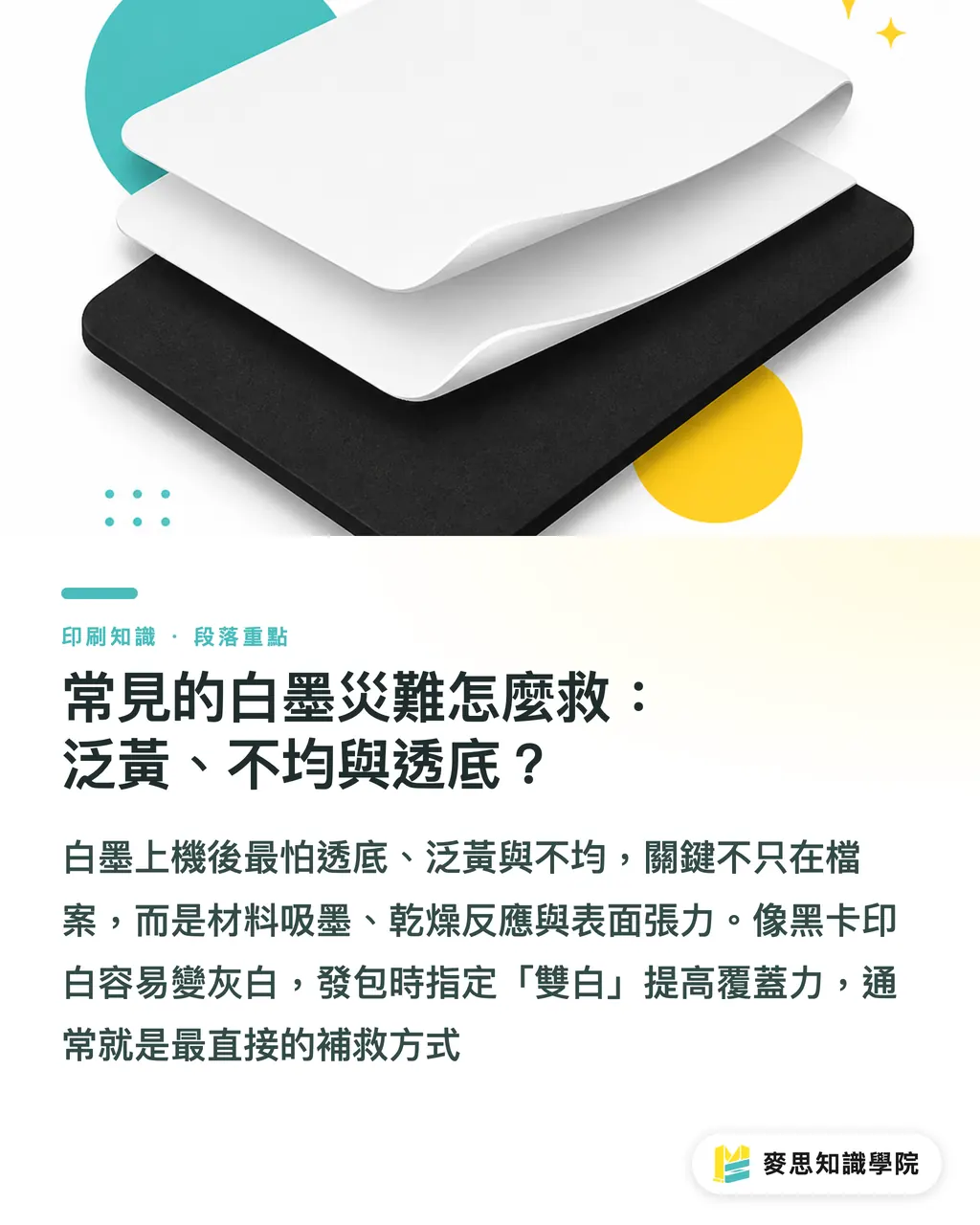
Even if the file is created perfectly, white ink will still face material, chemical, and physical challenges once it hits the press. The most common issue on the production line is that the white ink is not white enough, resulting in "substrate show-through". For example, when printing white ink on solid black cardstock, because the black paper absorbs ink heavily, a single pass of white ink often turns into a grayish-white. The solution in this case is to specify "double-hit white (double white)" when placing the order, using twice the amount of ink to forcibly cover the base color
White ink "yellowing" is another common pitfall. This usually occurs during the ink drying process or when the pH value of the paper itself affects the titanium dioxide in the white ink. In such situations, switching to a quick-drying white ink or using coated specialty paper can yield significant improvements
As for "unevenness" or water ripples in the printed white ink, this mostly happens in large-area UV digital printing. The condition of the machine's nozzles or the surface tension of the paper will affect the flatness of the ink droplets. If you require high-end customized commercial printing, the consulting team at Mai Strategy Knowledge Academy can provide specific recommendations for adjusting ink limits and adding anti-scratch coatings based on your chosen materials, ensuring smoothness and durability for large color blocks
Key Takeaways
・Standard CMYK cannot render colors on dark or transparent substrates; it must rely on white ink to block the substrate color
・Choose traditional screen-printed white ink for large areas and high-volume orders, and UV digital white ink for detailed designs and short-run needs
・Artwork setup for the white plate must involve creating an independent layer, coloring it with a spot color, and choking it by 0.1mm for trapping
・To address substrate show-through on black cardstock, directly noting "double-hit white" on the print order is the most effective practical solution
Further Thoughts
In an era where AI tools can rapidly generate visual designs, only designers and SaaS products who understand the printing process possess true execution capabilities. If an automated packaging design system could directly write parameters like "choking the white plate on transparent materials" or "double-hit white setup for black backgrounds" into the export file script, it would instantly cut prepress file-editing time in half. The underlying logic of printing does not change; knowing how to convert these physical constraints into automated rules will be key for the next wave of design tools to capture the market
FAQ
- Why does the print shop say they cannot print the white color that I set as CMYK(0,0,0,0) in Illustrator?
- Because CMYK at 0 means "no ink printed, revealing the base color of the paper." On transparent or dark paper, since there is no white paper base, you must create a separate layer labeled "White" to instruct the machine to print physical white ink
- When printing transparent stickers, should the white ink be printed above or below the colors?
- It depends on the application. If it is stuck on the surface of an object to be viewed from the outside, the white ink is printed at the very bottom as a base (under-white). If it is applied to the inside of a transparent glass window to be viewed from the outside, the colors are printed first, and the white ink is layered on top (over-white), and the design needs to be mirrored
- How do I resolve the issue where a distracting white border often appears around the edges of the printed design?
- This is caused by physical tolerances in machine registration. During artwork setup, you must set up trapping by choking the white plate layer by 0.1mm to 0.15mm relative to the color design, thereby hiding the white border within the design
Related articles





The Print × AI weekly
The print and AI know-how designers, brands and enterprises can use before they commit — one email, every week
MINDS Free Tools
Imposition calculator and preflight file check — free prepress tools, right in your browser.
MINDS Group
Need actual printing or gifting services?
From premium printing to online ordering and festive gifts — the MINDS Group sister brands take it from here.