

How to Choose Shipping Printing Equipment for Small E-Commerce?
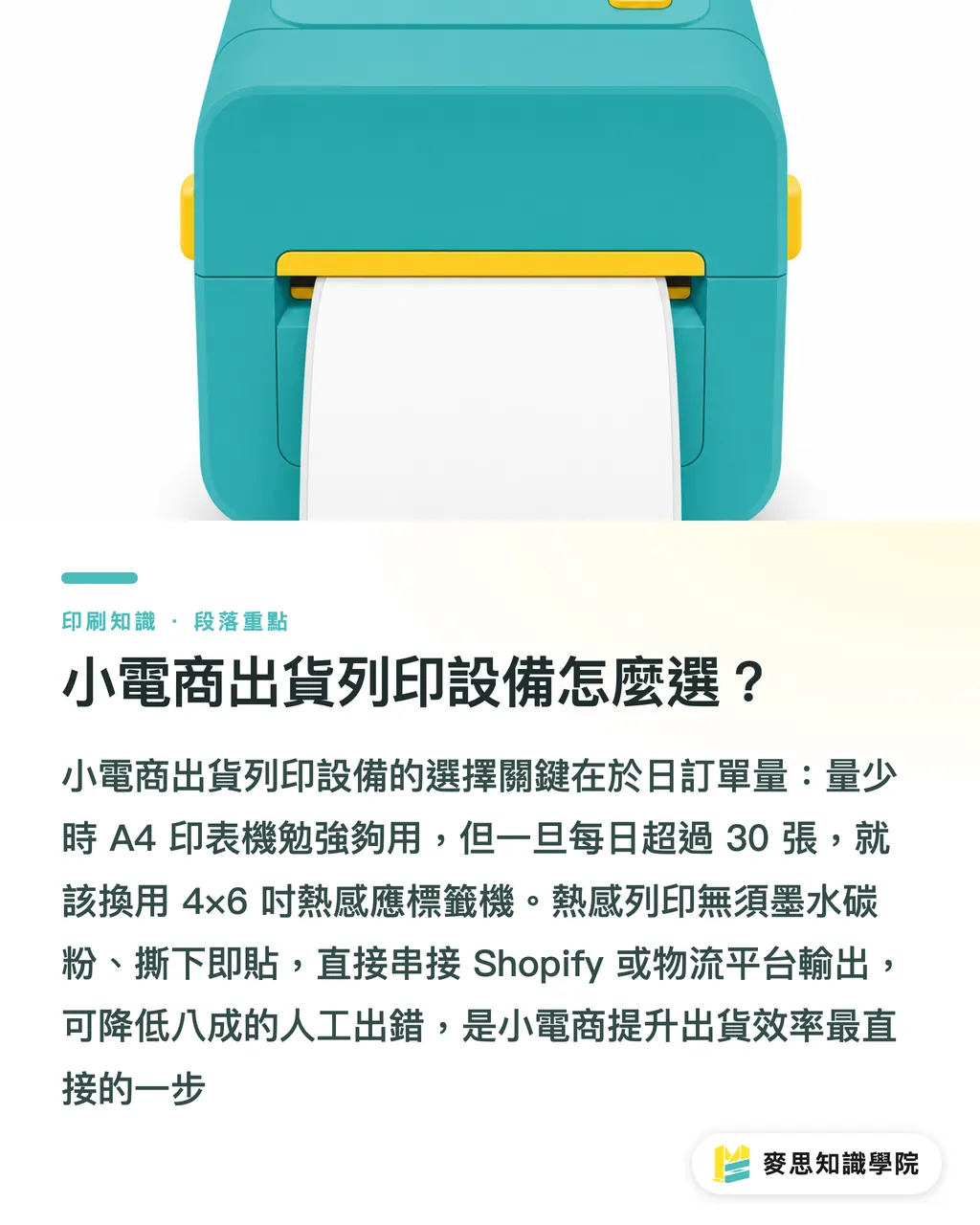
The core of picking shipping print equipment for a small e-commerce business comes down to daily order volume and matching label specs. Once your daily shipments cross 30 packages, switching from a standard A4 laser printer to a 4x6 inch thermal label printer is the first step toward faster fulfillment
Thermal Printing uses a heating element to darken the chemical coating on thermal paper. It requires no ink or toner and is designed specifically for high-speed printing of shipping labels and stickers
Based on my first-hand observations in print shops and client fulfillment lines, many early-stage small brands rely on standard printers for A4 shipping documents, which they cut up and tape by hand. This wastes labor, and ink easily smears when wet or exposed to rainy-day delivery, causing scan failures. Compare equipment and consumables along these dimensions:
・Standard A4 inkjet or laser printer: Lowest machine cost, high cost per printed sheet, extremely labor-intensive to cut and tape, best for startup phases under 10 orders a day
・Desktop 4x6 thermal label printer: No ink or toner needed, speeds up to 150mm/s, peel-and-stick labels, best for growing brands with 30 to 500 daily orders
・Industrial thermal label printer: All-metal body resistant to heat, built for continuous 24-hour operation, lower per-sheet cost at high volumes, best for warehouse setups handling over 1,000 orders a day
The 4x6 inch (roughly 100x150mm) thermal stickers produced by thermal printers are already the logistics industry standard. Connecting them directly to PDF exports from Shopify or carrier platforms cuts pre-print manual errors by 80%
What Are the Sourcing Pitfalls for Thermal Labels and Standard Stickers?
The most common issue when buying shipping labels is choosing the wrong material, which makes labels fall off or fade. Shipping waybills must use three-proof thermal paper that resists water, oil, and scratches, while branded packaging stickers should be planned separately
From my experience helping brands outsource printing, many sellers buy cheap thermal paper to save a quick buck. Friction during transit ends up smearing the barcodes, leading to rejected packages and far bigger losses. Here is how to balance procurement for different shipping print labels:
・Three-proof thermal waybill stickers: Self-adhesive, scratchproof, and waterproof. Use strong pressure-sensitive adhesive. Shelf life is about 6 to 12 months. Built specifically for outer shipping box labels
・Coated paper thermal transfer labels: Requires resin/wax ribbon printing. Print stays crisp for years without fading. Great heat resistance. Ideal for product labels needing long-term storage
・Custom branded color stickers: Made with color printing and die-cutting to showcase brand visuals. Great for small-batch, multi-variant orders like box seals and product packaging
If you need small batches of colorful product labels, box seals, or event stickers, you can order directly from online retail print platforms like MINDS Print, bypassing the heavy plate-making costs of traditional print factories
How to Integrate Shipping Labels and Unboxing into a Brand System?
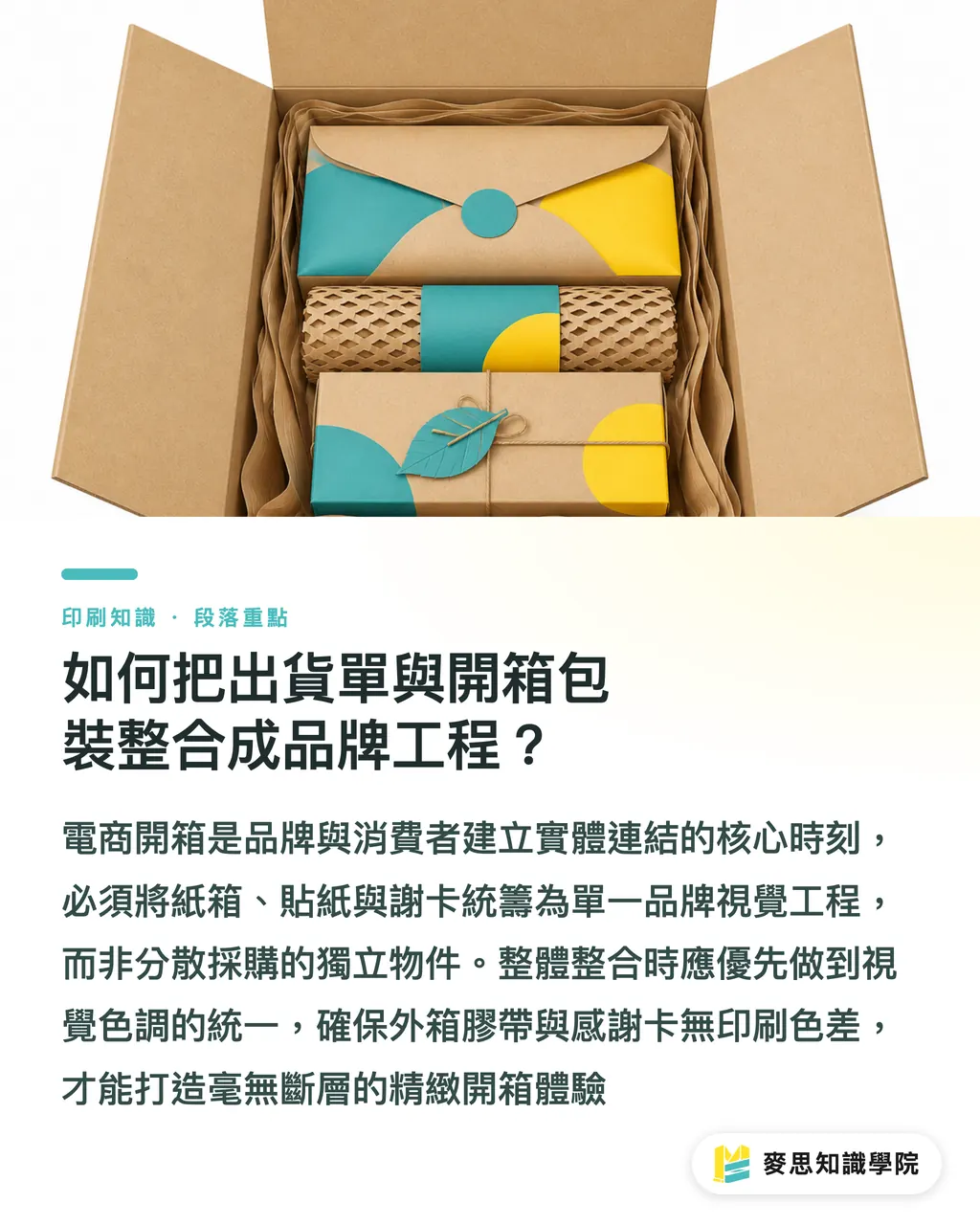
A great e-commerce unboxing experience treats thank-you notes, stickers, tape, void-fill cards, and shipping boxes as a single brand visual project, rather than 5 separate orders shopped around for price
I often remind clients that unboxing is an e-commerce brand's first physical touchpoint with customers. If a box carries a crooked shipping label on the outside but holds an elegant thank-you card inside, that visual disconnect takes away from the experience. Keep these details in mind when sourcing unboxing packaging:
・Color harmony: Keep color specs consistent across shipping tape, box seal stickers, and thank-you cards to avoid major color shifts from different print vendors
・Matching material tones: If eco-friendly messaging matters to you, pick kraft paper or uncoated paper for both outer boxes and internal paper inserts to show a natural texture
・Synchronized restock schedules: Track usage rates across all 5 unboxing components together, so you don't run into situations where you have boxes but no seal stickers
Brands that need mid-to-high-end custom commercial printing and want to build a complete packaging visual identity can consult MINDS directly for end-to-end guidance spanning spec decisions, paper selection, and print outsourcing
What Are the Three Steps to Build an Efficient Shipping Print Workflow?
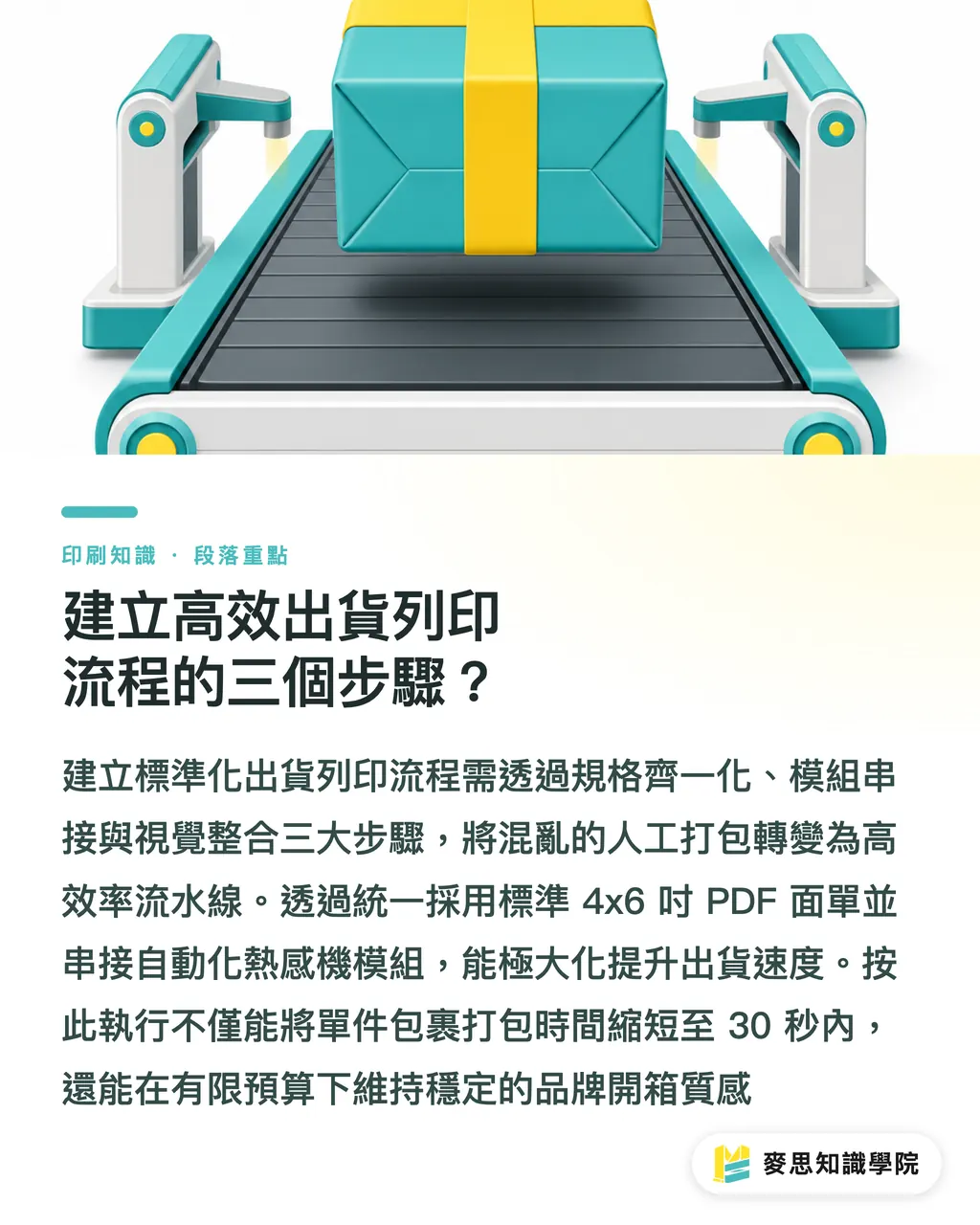
Building a standardized shipping print workflow takes three steps: standardizing specs, connecting modules, and integrating visual elements. This turns packing from a chaotic manual chore into an efficient assembly line
1. Organize order data and label specs: Standardize all logistics output formats to default 4x6 inch PDF shipping waybills, replacing A4 sheets that require hand cutting
2. Set up automated shipping and thermal printer integrations: Pick shipping software that supports thermal label printers so importing orders automatically triggers batch waybill printing
3. Align restocking for branded packaging stickers and thank-you cards: Establish safety stock levels for packaging supplies, and outsource printing for thank-you cards and outer packaging in quarterly batches
Following these three steps allows a small e-commerce team to cut packing time down to under 30 seconds per parcel, while maintaining consistent unboxing quality on a budget
Key Takeaways
・Once daily shipments reach 30 orders, switch to a 4x6 thermal label printer to replace cutting A4 paper by hand
・Use waterproof, oilproof, and scratchproof three-proof thermal paper for shipping waybills to prevent barcode wear and return rejections
・Treat shipping boxes, stickers, tape, and thank-you cards as a unified brand visual project for your unboxing experience
・Order small runs of color stickers through online platforms, and work with professional print consultants for high-end fully custom packaging
Further Considerations
For small e-commerce sellers, shipping printing is never just about buying a printer. It sits right at the intersection of automated logistics and physical brand experience. Graphic designers working on packaging should plan label placement and sizing early, so beautiful artwork isn't covered up by waybills. Meanwhile, print manufacturers and SaaS developers can think about connecting short-run thermal printing with cloud order systems even more smoothly, offering smaller brands a lower barrier to automated shipping
Further Reading
FAQ
- I get fewer than 10 orders a day. Do I need a thermal label printer?
- If you ship under 10 orders a day, stick with your current standard printer and A4 adhesive paper for now. Buy a thermal printer to boost speed once daily orders consistently exceed 30 and manual packing takes up too much time
- Will thermal print text fade over time?
- Yes. Standard thermal paper text typically lasts 3 to 6 months. If your products need to be stored for years or kept in high-temperature environments, use coated paper with thermal transfer ribbons instead
- How can I reduce procurement and communication costs for e-commerce packaging printing?
- Standardize supply specs for stickers and thank-you cards first. Use online retail print platforms for small-batch needs, and partner with a professional print shop for systematic outsourcing on mid-to-high-end fully custom packaging
Related articles




The Print × AI weekly
The print and AI know-how designers, brands and enterprises can use before they commit — one email, every week
MINDS Free Tools
Spine width and imposition calculators — skip the manual math, free in your browser.
MINDS Group
Need actual printing or gifting services?
From premium printing to online ordering and festive gifts — the MINDS Group sister brands take it from here.