
Why Does AI Customer Service So Often Go Sideways in Printing?
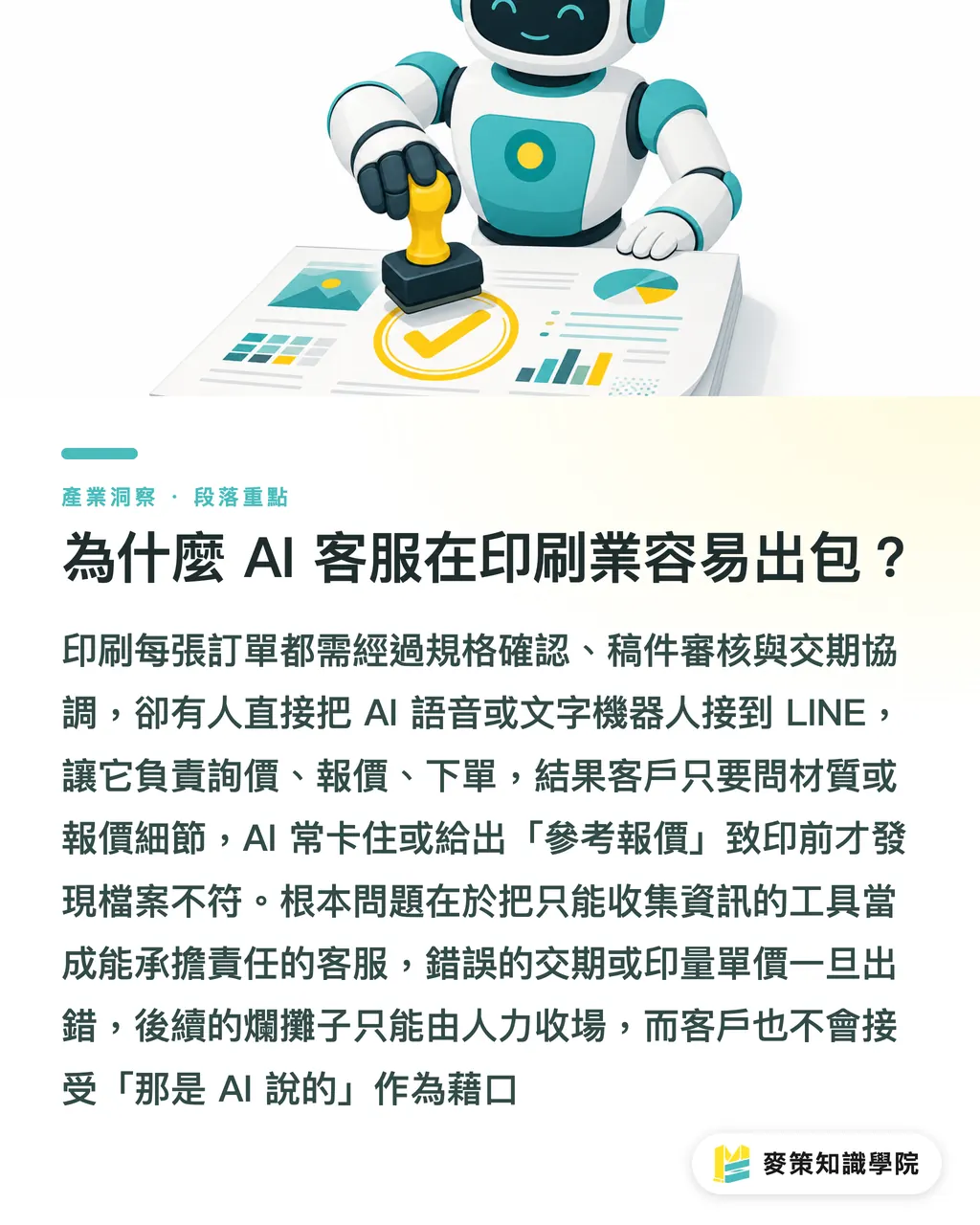
Printing isn't e-commerce selling ready-made goods. Behind every order there are three gates: spec confirmation, artwork review, and delivery scheduling. But among the shops I've talked to recently, plenty just hooked an AI voice or chatbot up to LINE and expected it to handle inquiries, quotes, and order confirmations. Then a customer asks about a material and the bot stalls, or the AI throws out a "reference quote" that the customer takes as confirmed, and by prepress someone realizes the files don't match at all
The core issue is just this: using a tool that can "collect information" as if it were a customer service rep that can "take responsibility"
In regular e-commerce the gap between those two things might be small. In a print shop it's huge. The moment an AI gives a wrong lead time or unit price, someone has to clean up the mess, and the customer won't accept "the AI said so" as an excuse
Which Inquiries Can AI Take First?
AI handles inquiries with standardized specs the most efficiently. Take business cards: the usual options, size, paper weight, single- or double-sided, matte or glossy lamination, can be built into a menu and let the AI walk the customer through it, then bundle everything into a spec sheet for sales to confirm
A few scenarios where automation fits:
・Standard product quotes (e.g., business cards, flyers, envelope sets), limited options, fixed pricing rules
・Basic info collection, company name, contact person, quantity, needed-by date; AI asks, a human reviews
・FAQ replies, what file formats are accepted, how much bleed in mm, how to set color mode
・Order status lookup, if the system is hooked into order status, AI can say "currently in print, expected to ship Friday" with no issue at all
The common thread: if it gets the answer wrong, the fallout is light, or it's a lookup, not a commitment
Which Steps Should AI Never Touch?
The line is clear. A lot of shops just never draw it
Quote confirmation cannot be left to AI for the final word. A "reference quote" and "your unit price is $X" are two completely different things. The former can come from AI; the latter has to come from sales after confirmation, because the second a customer screenshots it, that number is the shop's commitment
AI cannot commit to a lead time. AI doesn't know the current press schedule, doesn't know whether that batch of paper has arrived, doesn't know how many rush jobs jumped the queue this week. The most it can say is "the standard lead time is X business days", and right after that it has to add "actual lead time will be confirmed by sales." Otherwise the customer holds the shop accountable for the missed deadline
Artwork issues demand human judgment. A customer uploads an Illustrator file in RGB, the AI picks it up and says "got it, thanks." That's not service, it's planting a landmine. For prepress review, no AI tool on the market can fully replace a seasoned prepress person's judgment, especially on the three usual tripwires: insufficient bleed, color gamut conversion, and special font embedding
How Do You Design the AI-to-Human Handoff?
This needs to be nailed down before go-live, not patched up after problems hit
1. List every step in your order-taking flow, from "customer's first contact" through "artwork confirmed, order placed, shipped."
2. For each step, ask one question: "If the answer is wrong here, who eats the loss?" If it's the shop, AI can't answer on its own
3. Anywhere the shop is on the hook, AI's job is limited to "gathering info, summarizing," then triggering a notification so sales takes over
4. Set a clear handoff line, like "Thanks for your inquiry, I've put your specs together, and our sales rep will reach out within 30 minutes to confirm the details." The customer knows a real person is next, and they're not stranded in a machine
The way this works is a lot like parts sorting on a factory floor: AI's job is to organize scattered inputs into the right bins. People pick them up, make the call, decide. AI can't make that final call for you
Three Questions to Ask Yourself Before Going Live
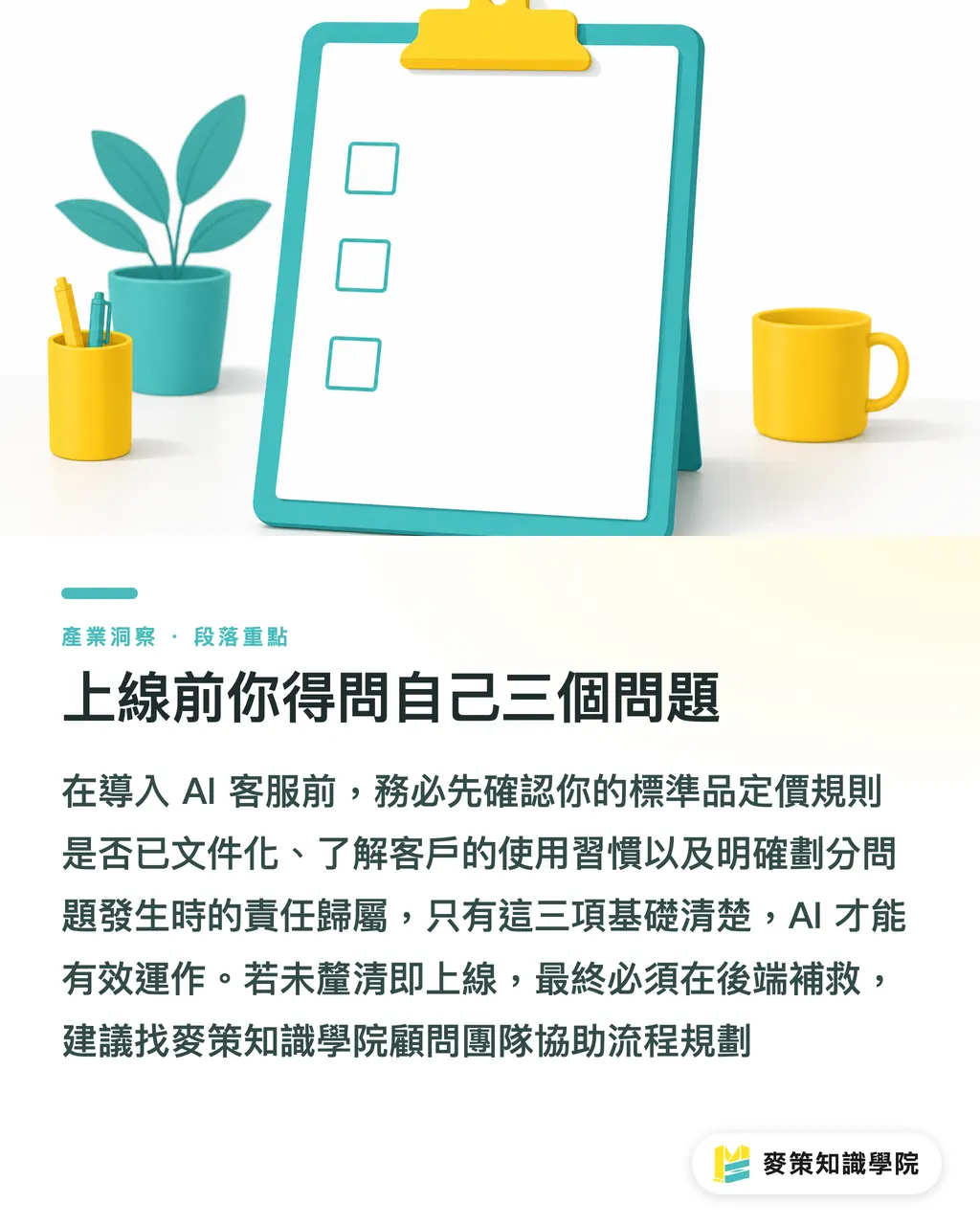
A lot of shops jump in because their competitors are "all doing AI customer service", but their readiness is wildly different. Three questions I usually put to a shop before go-live:
・Is your pricing logic for standard products documented? AI can only answer if there's something to look up. If sales quotes by feel, the AI is dead on arrival
・What's your customer mix? Long-time clients used to dictating their needs over LINE voice versus designers who fill out forms themselves need very different interfaces. One system won't cover both
・When something blows up, who's on the hook? Answer that, and the AI's line draws itself
If those three questions aren't sorted out before launch, every bit of headcount you thought you saved comes flooding back as cleanup on the back end
If you want someone to walk through the flow with you before you roll anything out, the Mai Strategy Knowledge Academy consulting team saves a lot of trial and error
Key Takeaways
・AI customer service in printing can handle "information collection," but anywhere "responsibility" is on the line, a human has to take over
・Quote confirmation, lead-time commitments, and artwork issue judgments are the three points AI must never close out on its own
・The AI-to-human handoff has to be defined before go-live, not patched together after complaints start
・Whether your standard-product pricing is documented is the precondition for AI customer service to actually work
・What the customer sees is "your shop's reply," not "what the AI said", accountability doesn't disappear because you used a tool
What to Think About Next
For small and mid-sized print shops, the takeaway isn't really "how to roll out AI customer service." It forces you to spell out your own order-taking process. A lot of shop owners can't articulate the full pricing logic for their standard products. Sales quotes from gut feel. Incoming artwork gets eyeballed to decide if it's printable. AI shows up and asks "what's the rule?", and if you can't answer, now you know where the problem is
One thing to do next: take your three most common standard products and write down every step, every decision condition, and every responsibility point from quote to order. That document isn't just for the AI, it makes your team run tighter too. The AI is the last piece to slot in
Further Reading
FAQ
- Can a print shop's AI customer service quote automatically?
- For standard products it can offer a "reference price range," but the final confirmed quote has to come from sales after review. Once a number the AI put out gets screenshotted, it counts as the shop's commitment, that's a responsibility the AI can't carry
- When AI customer service receives artwork, can it auto-check the format?
- AI can handle basic format checks, file type, resolution numbers. But whether bleed is sufficient, the color shift risk after mode conversion, and whether special fonts have been outlined, those three usual trouble spots still need an experienced prepress person to confirm. AI can't give them the green light on its own
- What kind of orders are best for AI to handle end-to-end?
- Orders with fully standardized specs that don't need artwork review, things like fixed-template business cards or standard envelopes where the customer fills in their own specs. AI can guide them through the form, organize the data, and send a confirmation notice, but the actual "place order" step should still have sales click to confirm
- How do you decide when to hand off from AI to a human?
- Design a clear handoff trigger: the moment the customer asks about lead-time commitment, artwork issues, custom specs, or complaints, the AI replies with "I've organized your request, sales will reach out within X" and pushes a notification to sales. Don't let the AI keep handling it solo
- How does a small print shop with no IT resources get started?
- Skip the system for now. Write your order-taking process down as a document: which questions customers ask on repeat every day, which have fixed answers. Once that inventory is done, you'll know what's worth automating and what has to stay with a person. That's the bare-minimum prep before any AI tool
Related articles

The Print × AI weekly
The print and AI know-how designers, brands and enterprises can use before they commit — one email, every week
MINDS Free Tools
AI background removal, brand stamping, and a LINE sticker maker — free design tools, right in your browser, no upload.
MINDS Group
Need actual printing or gifting services?
From premium printing to online ordering and festive gifts — the MINDS Group sister brands take it from here.