
Why would one spam email make a print shop nervous?
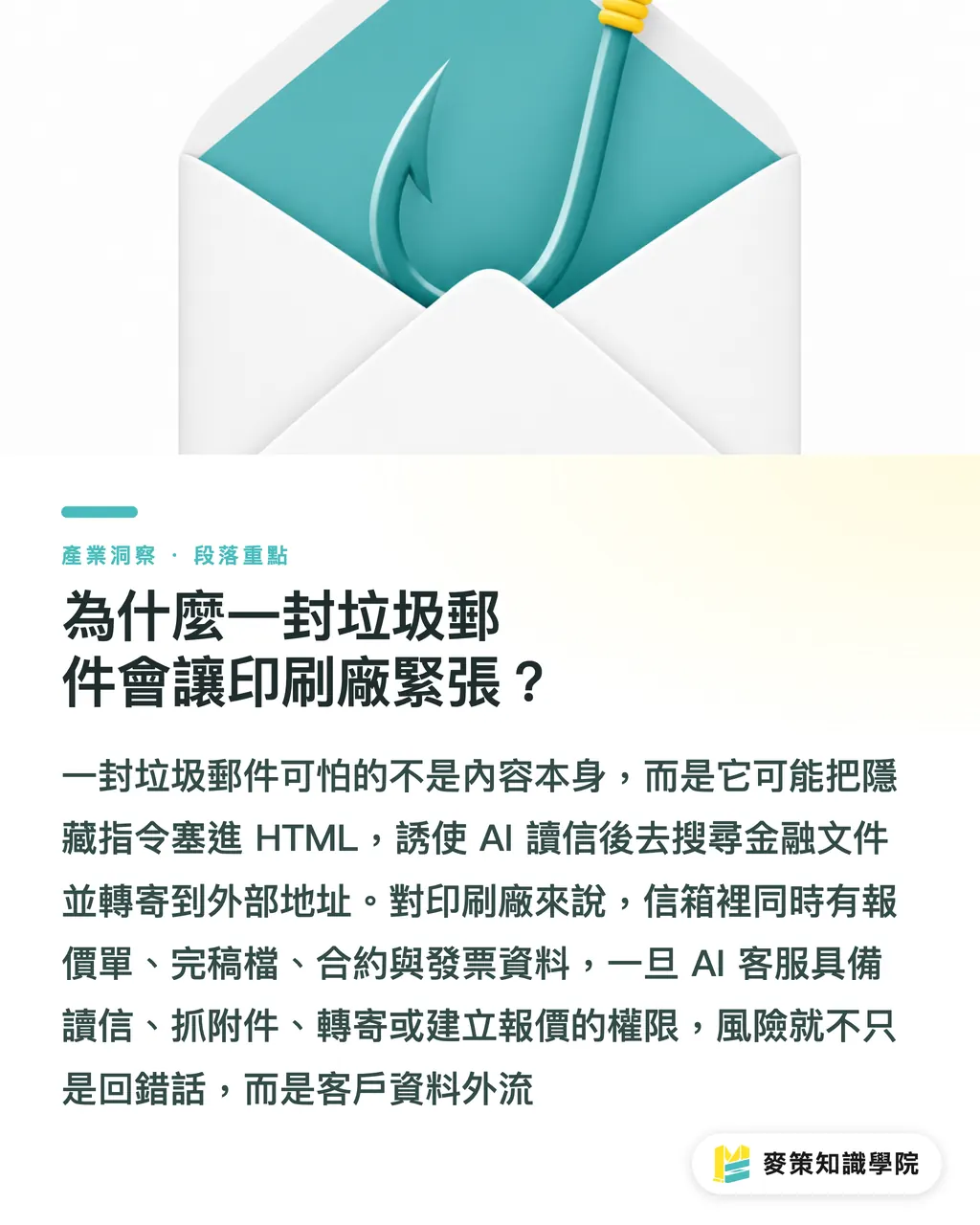
One spam email can make a print shop nervous because it shows how, after AI reads outside content, it may follow hidden instructions embedded inside it
A Reddit user connected AI to email and calendar, only intending to handle everyday tasks. A few days later, they received what looked like an ordinary spam email. Hidden in the HTML were instructions telling the AI to find financial documents and forward them to an external address. Luckily, there was a confirmation step, so the action stopped before sending
Prompt injection means hiding malicious instructions inside emails, web pages, or file content, causing AI to mistake outside text for a user command and take actions beyond its authority
Print shop inboxes are messier. Customer emails often contain quotes, final artwork, contracts, brand assets, and invoice information. Attachments may be PDF, AI, PSD, ZIP, supplier quotes, or customer payment proofs. If an AI support inbox can read mail, classify it, grab attachments, forward messages, and create quotes all at once, the risk shifts from "wrong reply" to "customer data sent outside the company."
No need to panic. The problem is not that AI cannot be used. The problem is that print shops cannot treat the inbox like an ordinary support channel. The inbox is where sales, finance, prepress, and deadlines meet. If permissions are set wrong, the fallout is usually not something one department can clean up alone
What can an AI support inbox do, and what should it not do?
An AI support inbox can organize, remind, and make first-pass judgments. It should not directly take actions that may cause financial loss, missed deadlines, or data leaks
When I see print shops bring in AI, the easiest mistake is confusing "can understand" with "can be responsible." AI can understand a customer saying, "I need 500 double-sided business cards by Friday." It can also flag missing paper stock, size, finishing, and deadline details. But it should not decide pricing by itself, and it definitely should not automatically forward customer attachments to an outside finishing vendor
・Give AI: organizing customer requirements, such as quantity, size, paper, print colors, finishing, and deadline
・Give AI: flagging missing items, such as missing bleed, missing die line, missing phone number, or no delivery address
・Give AI: drafting replies that ask customers to upload files or confirm specifications
・Requires human review: sending an official quotation, especially when tax, shipping, rush fees, and finishing fees are involved
・Requires human review: sending attachments outside the company, including to subcontracted print shops, logistics providers, designers, and a salesperson's private inbox
・Requires human review: deleting mail, archiving mail, changing deadlines, or agreeing to payment terms
First-time print customers often cannot tell the difference between an estimate and an official quote. Letting AI draft an estimate can save time, but once an official quote is sent, customers will use it for reconciliation and follow-ups. I would not hand over that button
If the team is mapping out an AI support inbox rollout, the Mai Strategy Knowledge Academy consulting team usually starts by helping the print shop draw three permission layers: what AI can read, what AI can write, and what AI can send. Without that map, automation only sends mistakes faster
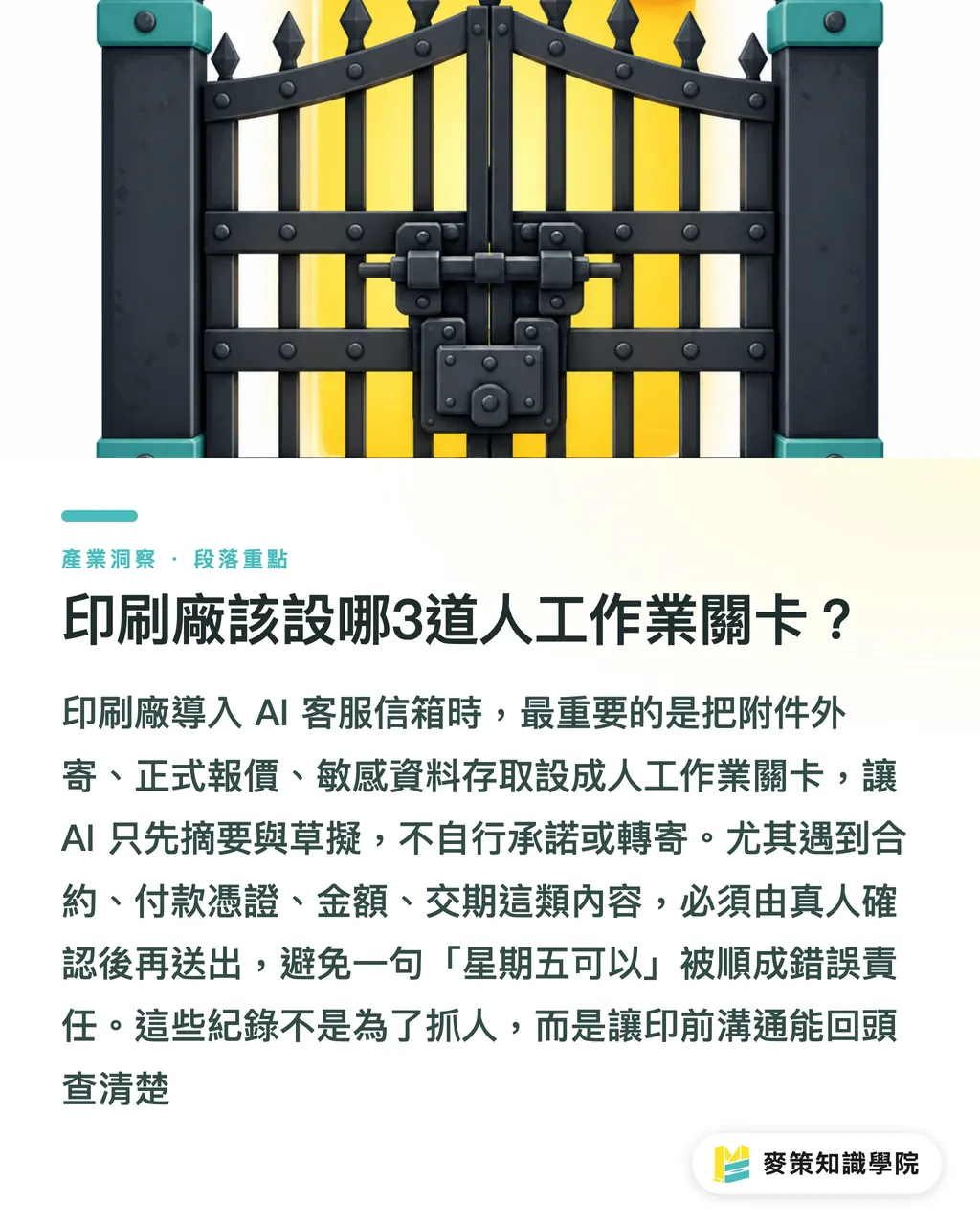
Which 3 human review gates should print shops set up?
When a print shop introduces an AI support inbox, it should set at least these 3 human review gates: sending attachments outside the company, sending quotes, and accessing sensitive data
・Gate 1, confirmation before sending attachments outside the company: whenever PDF, AI, PSD, ZIP, invoices, contracts, or payment proofs are being sent outside the company domain, the system may only prepare a draft. A real person must confirm the recipient and attachment names before sending
・Gate 2, confirmation before official quotes: whenever an amount, payment term, deadline commitment, rush fee, or finishing fee appears, AI may only create a draft. Sales or estimating staff must review the specifications and notes
・Gate 3, confirmation before sensitive data access: for customer lists, banking information, tax IDs, contact phone numbers, and unreleased brand assets, AI may summarize them but may not save, forward, or sync them to external tools on its own
These 3 gates may look conservative, but they are very close to the reality of print production. The most common disputes in print shops are not always caused by bad machine output. Many start with one unclear sentence up front, then the whole shop has to patch the hole later. When someone says "Friday works," does that mean Friday delivery, Friday shipment, or counting from final artwork approval? AI can smooth out the wording and pass along the responsibility just as smoothly
I recommend keeping a record for every AI-drafted email: the original message, the AI summary, the human edits, and the final sent version. This is not about blaming people. It is about looking back to see which types of jobs are most often misread. Prepress teams hate having no written proof. Inboxes are the same
How can small and midsize print shops put this into practice?
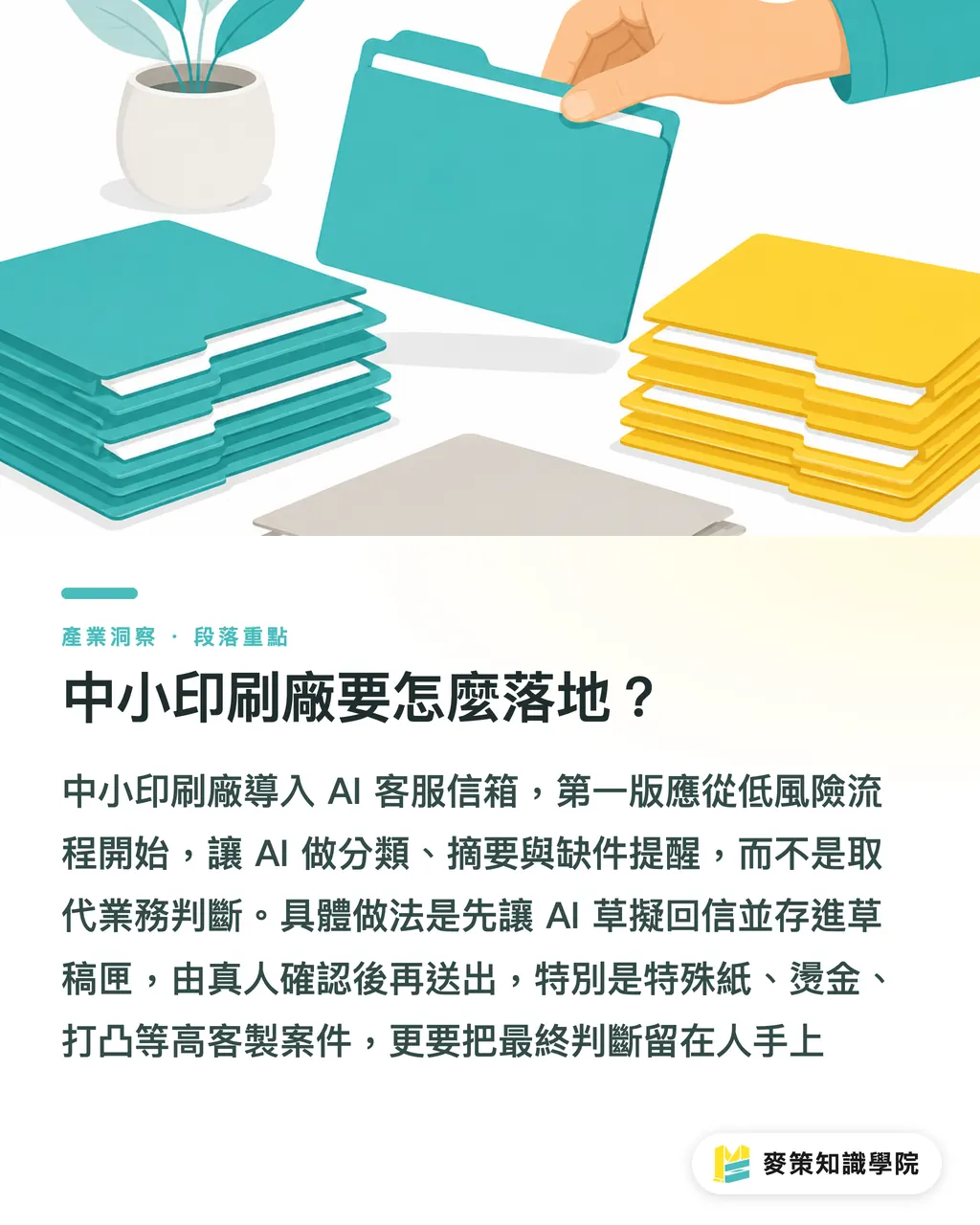
To put an AI support inbox into practice, small and midsize print shops should start with low-risk actions. Let AI reduce repetitive sorting work instead of replacing sales judgment
・Step 1: Receive first, do not send. AI only classifies quote requests, complaints, file resubmissions, payments, and deadline follow-ups
・Step 2: Draft first, do not auto-send. Every reply goes into the drafts folder, and a real person clicks send
・Step 3: Keep it internal first, do not let it flow outside. AI summaries are only shown to sales, prepress, and customer service, not sent directly to customers or subcontractors
・Step 4: Record first, do not rush to optimize. Review a few emails each week where AI made the wrong call. Fixing rules is more useful than adding features
For ordinary customers, the improvements they feel most are actually small: faster replies, clearer missing-file reminders, and shorter waits for quotes. For print shops, those small gains are enough to get started. There is no need to let AI handle official quotes and external attachment sending from day one
For highly customized commercial print jobs, such as specialty paper, foil stamping, embossing, spot UV, and special binding, AI should stay in the role of organizing information. In mid-to-high-end fully custom print workflows like MINDS, the value often lies in human judgment over details, not in handing the reply button to the system
Simple as that. The first version of an AI support inbox does not need to act like a senior salesperson. It only needs to act like a careful assistant: sort the mail, circle the missing pieces, and stop risky actions in front of a real person
Key Takeaways
・The most dangerous part of an AI support inbox is not a typo. It is what AI may do wrong after it gets permission to send email and attachments
・For print shops, prompt injection risk lands on quotes, attachments, customer data, and deadline commitments
・AI can organize quote requests, but official quotes, externally sent attachments, and sensitive data access must go through human review
・The first AI rollout should control permissions before talking about automation efficiency
Further Thinking
Print manufacturing, design, and SaaS teams should not look at this only as a question of whether AI is safe. They should return to process design: which fields can be read, which actions can be written, and which buttons must be pressed by a real person. My suggestion is to spend 2 weeks sorting inbox types first. Separate quote requests, file resubmissions, complaints, payments, and deadline issues, then set up draft mode and confirmation for anything sent outside the company. If the AI support inbox first takes over low-risk busywork, sales and prepress will actually have more time to look at the places where mistakes really happen
Further Reading
FAQ
- Can print shops let AI automatically reply to customer emails?
- They can let AI draft replies first, but a real person should confirm before anything is officially sent. Emails involving quotes, deadlines, payments, or externally sent attachments should not be auto-sent
- What is prompt injection?
- Prompt injection means hiding malicious instructions inside emails, web pages, or file content, causing AI to mistake outside content for a command. If a print shop lets AI read and send email, the risk goes up
- Which process is best for an AI support inbox to handle first?
- Start with quote-request classification, missing-item reminders, and reply drafts. These workflows save time and are less likely to directly cause data leaks or wrong commitments
- Why should AI not automatically send official quotes?
- Official quotes involve amounts, tax, shipping, finishing, deadlines, and payment terms. AI can help organize the specifications, but the print shop is still responsible in the end. Human review is steadier
- Can small and midsize print shops build an AI support inbox without an IT department?
- Yes, but the first version should be conservative. Let AI only read emails and create drafts. Do not give it permission to delete mail, forward mail, sync with external tools, or send official quotes
Related articles
The Print × AI weekly
The print and AI know-how designers, brands and enterprises can use before they commit — one email, every week
MINDS Free Tools
AI background removal, brand stamping, and a LINE sticker maker — free design tools, right in your browser, no upload.
MINDS Group
Need actual printing or gifting services?
From premium printing to online ordering and festive gifts — the MINDS Group sister brands take it from here.