

Why Do Design Pitches Always Get Stuck in Early Visual Alignment?
Because clients usually don't know what they want until they see what they don't want
Looking at the clients and projects I've worked on recently, the most draining part of early design isn't layout or photo retouching. It's the endless hunt for reference images and back-and-forth style alignment
In a traditional workflow, designers have to search for needles in stock photo haystacks or manually piece together mood boards (image and color collages used to define a project's visual direction)
This eats up hours, and if the client ends up rejecting the direction, all that hunting and pasting turns into a massive sunk cost
Lately, there's been plenty of buzz across the industry about bringing in generative AI to help, but most commercial models sit behind paywalls or tedious sign-up flows
For production designers who just want to test a visual concept quickly or rush out three rough concept sketches, dealing with account logins and credit cards becomes the biggest roadblock

How Does a Zero-Budget Workflow Work, and What Do 37 No-Login Tools Change?
They lower the bar for trial and error, turning AI into a disposable creative sidekick
Recently, the Reddit community shared a Notion database called FrostAI, gathering 37 free AI tools with no sign-ups and no paywalls
The real highlight of this list isn't cutting-edge tech, but how effortless it is to just jump in and use them
Take image and video generators like Kling as an example: you don't need to link a credit card or memorize complex parameters. Open the webpage and you can generate visual assets right away
For freelance designers or small and mid-sized print shops running on tight resources, this means you can treat these tools as sketch generators without any pressure
Just type in a few straightforward keywords, and within seconds you get a range of compositions and color palettes to reference, cutting the zero-to-one brainstorming phase down to the bone
Step-by-Step Breakdown: Integrating Free Tools into Your Pitch Workflow
Focus on aligning client expectations, and save the extra time for prepress work
You can't expect no-login free tools to spit out print-ready files that meet strict print specs like CMYK color gamuts or 300 DPI resolution
Their real battlefield is early pitching. Here is a three-stage approach I recommend:
・Visual ideation: Use image generators to churn out 5 to 10 sketches across different styles, then compile them into a mood board
・Concept alignment: Bring these sketches to client meetings to give tangible form to vague words like 'minimalist' or 'tech-forward', crossing off directions they definitely hate right on the spot
・Refining the final direction: Once the general direction is locked in, use the approved sketch as a base guide in Illustrator or InDesign for precise drawing and layout
Slashing the time spent on early alignment gives you plenty of breathing room to handle tedious prepress details like bleed setups, file conversions, and color calibration
If you still have doubts about production specs down the line, reach out to the Mai Strategy Knowledge Academy consulting team. We help guide you from early planning all the way through physical print production
Practical Traps to Watch Out for When Adopting New Tools
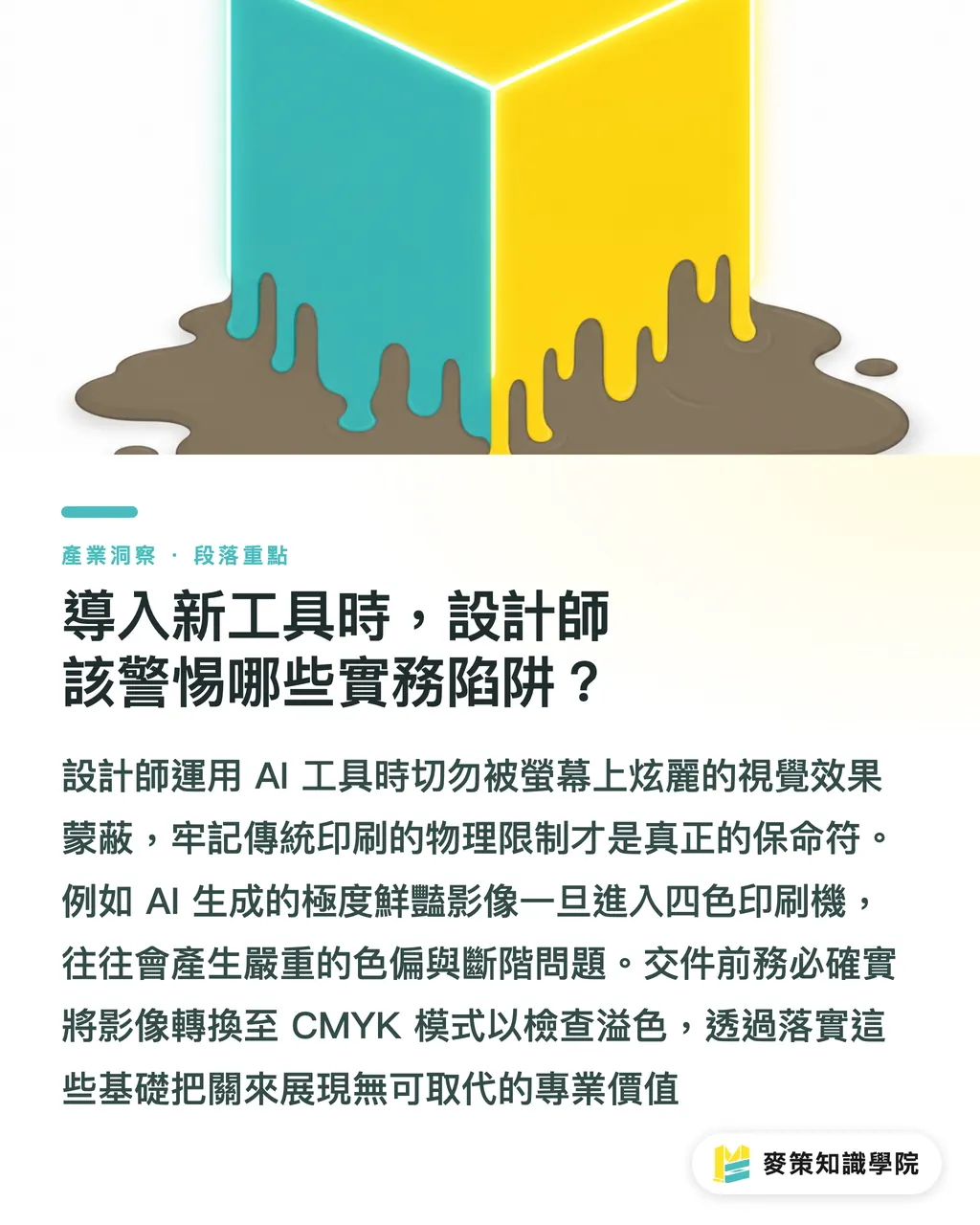
Don't get blinded by a glowing screen. Keeping physical print constraints top of mind is what saves your bacon
AI tools make it way too easy to produce flashy visuals that are impossible to print
For example, eye-searing fluorescent RGB patches on a monitor, or illustrations packed with micro-gradients and complex glows, will often suffer severe color shifts or banding when run on a standard four-color press
When using these 37 tools for pitches, stick to these non-negotiable pre-flight checks:
・Check resolution: Most images from free AI tools are tiny. If you plan to use them for posters or large-format output, run them through an upscaler to bump up pixel dimensions
・Convert color spaces: Once the pitch gets approved, convert images to CMYK in Photoshop and turn on Gamut Warning to check for out-of-gamut colors
・Allow for bleed: AI layouts often cram subjects right against the edges. Always add at least a 3mm bleed margin around the perimeter in your layout app
These basic physical constraints are exactly why seasoned prepress professionals remain irreplaceable
Key Takeaways
・The biggest value of no-registration AI tools is cutting the cost of trial and error and reducing friction during early pitches
・Don't expect free tools to generate print-ready files. Treat them as mood board engines to nail down style directions
・Invest the time you save up front into prepress tasks like bleeds and color conversions that guarantee physical print quality
・AI only generates on-screen pixels. Understanding physical print constraints and substrate properties is where a designer's true value lies
Further Thoughts
Over the past month or two, it has become obvious that access barriers to tools have dropped close to zero. A designer's edge is no longer about knowing specific software, but about how you combine tools to solve concrete problems. For small and mid-sized print shops and design studios in Taiwan, instead of spending heavily on various subscriptions, it makes much more sense to build a lightweight, painless pitch workflow with free lists like this, keeping your resources focused on proofing quality and specialized paper finishes for the final product
Further Reading
FAQ
- Can images generated by these free AI tools be sent straight to print?
- Definitely not recommended. Most images generated by free tools lack sufficient resolution (usually just 72 DPI) and sit in RGB mode. If you want to print them, they must go through an upscaling step and be manually converted to CMYK, otherwise the printed output will look blurry with heavy color shifts
- If I use AI sketches in a pitch, will the client think I'm slacking off?
- It all comes down to how you frame it. Be upfront that these are mood boards meant to quickly confirm visual directions and cut down on guesswork. Clients usually care far more about whether you nail their requirements than whether every single stroke in a concept sketch was drawn by hand
- Are there copyright issues if I want to use AI-generated images in commercial projects?
- Always check the license terms for each platform before using these 37 no-login tools. Some free tools limit outputs to personal, non-commercial use, or require attribution. If your project has strict commercial guidelines, it is best to have a designer redraw the visuals or switch to clearly licensed commercial stock assets once the concept is locked
Related articles



The Print × AI weekly
The print and AI know-how designers, brands and enterprises can use before they commit — one email, every week
MINDS Free Tools
AI background removal, brand stamping, and a LINE sticker maker — free design tools, right in your browser, no upload.
MINDS Group
Need actual printing or gifting services?
From premium printing to online ordering and festive gifts — the MINDS Group sister brands take it from here.