
Why Are Designers Looking for OpenArt?
From the clients and projects I have worked with recently, many people want to use AI to speed up early-stage ideation, but often get lost in the Midjourney interface or fail to produce the exact image they have in mind
OpenArt addresses that pain point well. It is not only an image-generation tool, but also a large AI art community and image-search engine
The platform brings together tens of millions of images generated by Stable Diffusion and Midjourney, and each image comes with full prompt parameters and settings
For designers, it feels like getting access to an open reference book. When you see a style you like, you can copy the parameters and adjust them directly, instead of staring at a blank prompt box and guessing from scratch
How Do OpenArt's Core Features Work? From Finding References to Precise Image Control
To truly bring AI into a commercial design workflow, you cannot rely on blind-box luck alone. OpenArt offers several practical features that help ideas land with precision
・Prompt search and breakdown: Enter keywords such as coffee packaging or minimalist style, find a reference image, then copy the positive and negative prompts with one click and apply them directly to your own project
・Flexible model switching: It includes mainstream open-source models such as SDXL. You do not need to set up a GPU-heavy local environment just to test how different models render images
・Precise image control with ControlNet: This is the most useful feature in real production work. You can upload a sketch or character pose, then let AI change the style while preserving the original composition, making sure the final output matches the client's layout requirements
・Custom model training: Upload dozens of existing product images or brand visuals to train a dedicated LoRA model, so AI-generated images can maintain a high level of brand consistency
Can Images Generated in OpenArt Go Straight to Final Artwork and Print?
Based on my long-term observations across production lines and client-side workflows, this is often where AI adoption in physical printing goes wrong
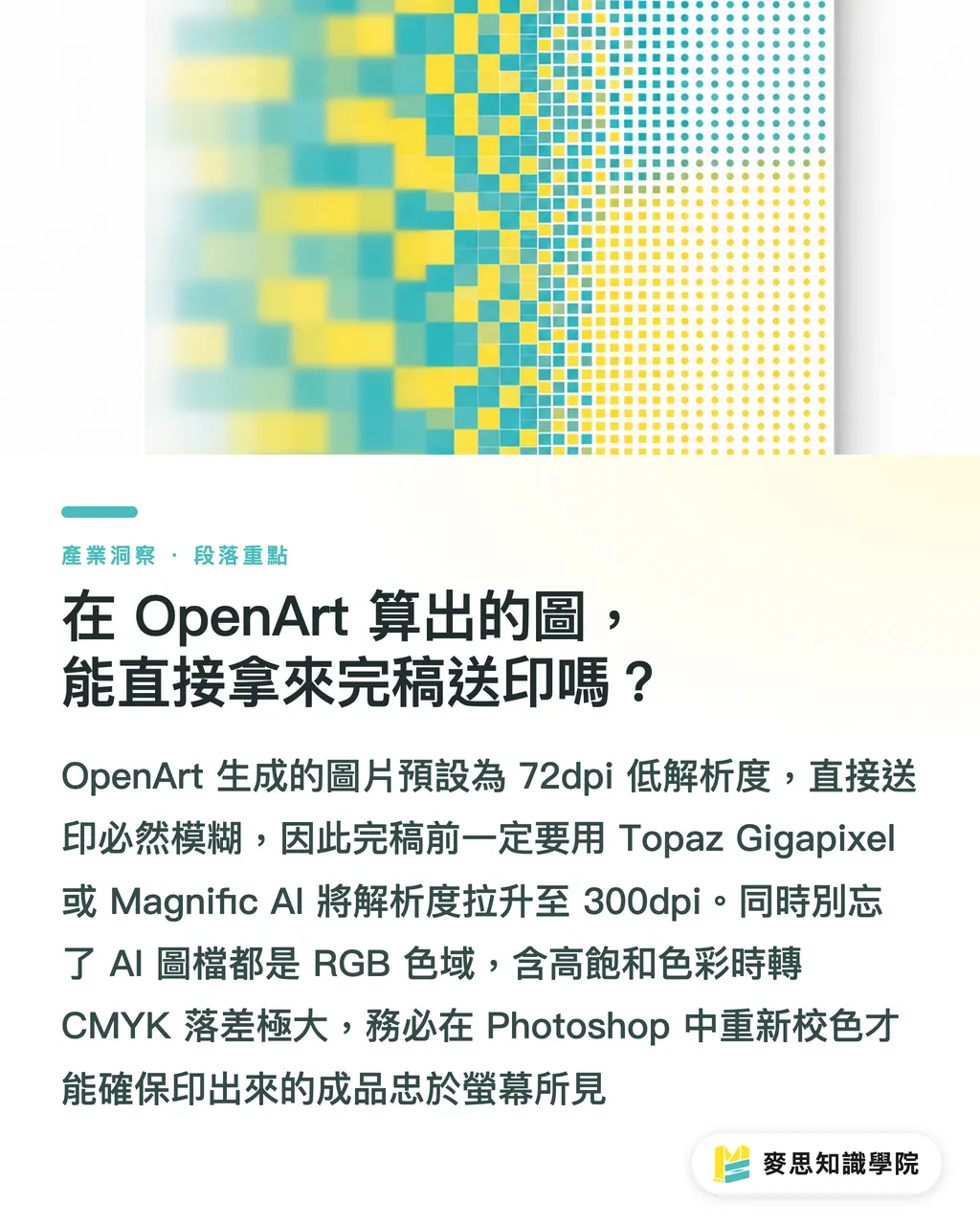
The impressive images generated on the platform are usually low-resolution files at 72dpi and around 1024x1024 pixels. If you place them directly into an Illustrator layout and send them to print, the finished product will absolutely look blurry or show pixelated edges
To cross this technical threshold, two key processing steps are required before final artwork
・Lossless resolution upscaling: You must use upscaling software such as Topaz Gigapixel or Magnific AI to push the image resolution up to the 300dpi required for physical printing, so details stay clear on paper
・RGB to CMYK color management: AI-generated images are all RGB light-based colors. If they contain large areas of fluorescent green or highly saturated blue, serious color shifts will happen when converted to CMYK for print. Before sending files to print, you must recalibrate the colors in Photoshop or consider spot-color printing
Key Takeaways
・OpenArt is not just an image-generation tool. It is also a visual search engine and prompt cheat sheet for the AI era
・Use ControlNet to lock down composition and edges, so AI image generation no longer feels like opening a blind box and can actually fit into commercial layout work
・Original AI images absolutely cannot be sent directly to print. They must go through two prepress steps: lossless upscaling and RGB to CMYK conversion
Further Thoughts
For designers, platforms like OpenArt can greatly shorten the time spent on ideation and material generation. But from a print shop's side, what matters is whether the downstream files can actually be produced without trouble. If future SaaS systems can connect AI image generation directly with automatic prepress checks and color conversion, they will truly bridge the last mile from design to manufacturing. This is also the process direction MINDS has long wanted to help customers optimize
FAQ
- Is OpenArt free, or does it require a paid subscription?
- The platform offers basic free credits, which are enough for everyday inspiration browsing and light image generation. If you need to use ControlNet frequently for image control or train custom models, you will need a paid subscription plan
- When I have no inspiration, what is the fastest way to use OpenArt search?
- Enter a specific use case plus a style, such as coffee bag packaging, minimalist. Once you find an image you like, copy its prompt and negative prompt with one click, then replace the key nouns
- Who owns the copyright to images generated on the platform? Can they be used commercially?
- Images generated on the platform can usually be used commercially, but do not directly use well-known brand logos or clearly infringing famous IP produced by AI. In practice, it is safer to treat AI images as design materials and then rework them, which helps reduce copyright-dispute risk
Related articles

The Print × AI weekly
The print and AI know-how designers, brands and enterprises can use before they commit — one email, every week
MINDS Free Tools
AI background removal, brand stamping, and a LINE sticker maker — free design tools, right in your browser, no upload.
MINDS Group
Need actual printing or gifting services?
From premium printing to online ordering and festive gifts — the MINDS Group sister brands take it from here.