
Why 100ppm Isn't Just a Spec Flex
Epson launched the WorkForce Enterprise AM-C10000 on June 16, 2026, leading with 100 ISO ppm color output and a recommended monthly volume of 25,000 to 100,000 pages. This isn't aimed at the home market, it's built for offices, print shops, and printing services
When I look at this machine, the point isn't 'how much faster.' It's that it finally names the real pain in small and mid-sized print operations: rush jobs don't die in the design file, they die waiting for output, flipping for duplex, printing envelopes, sorting, and reprinting for color
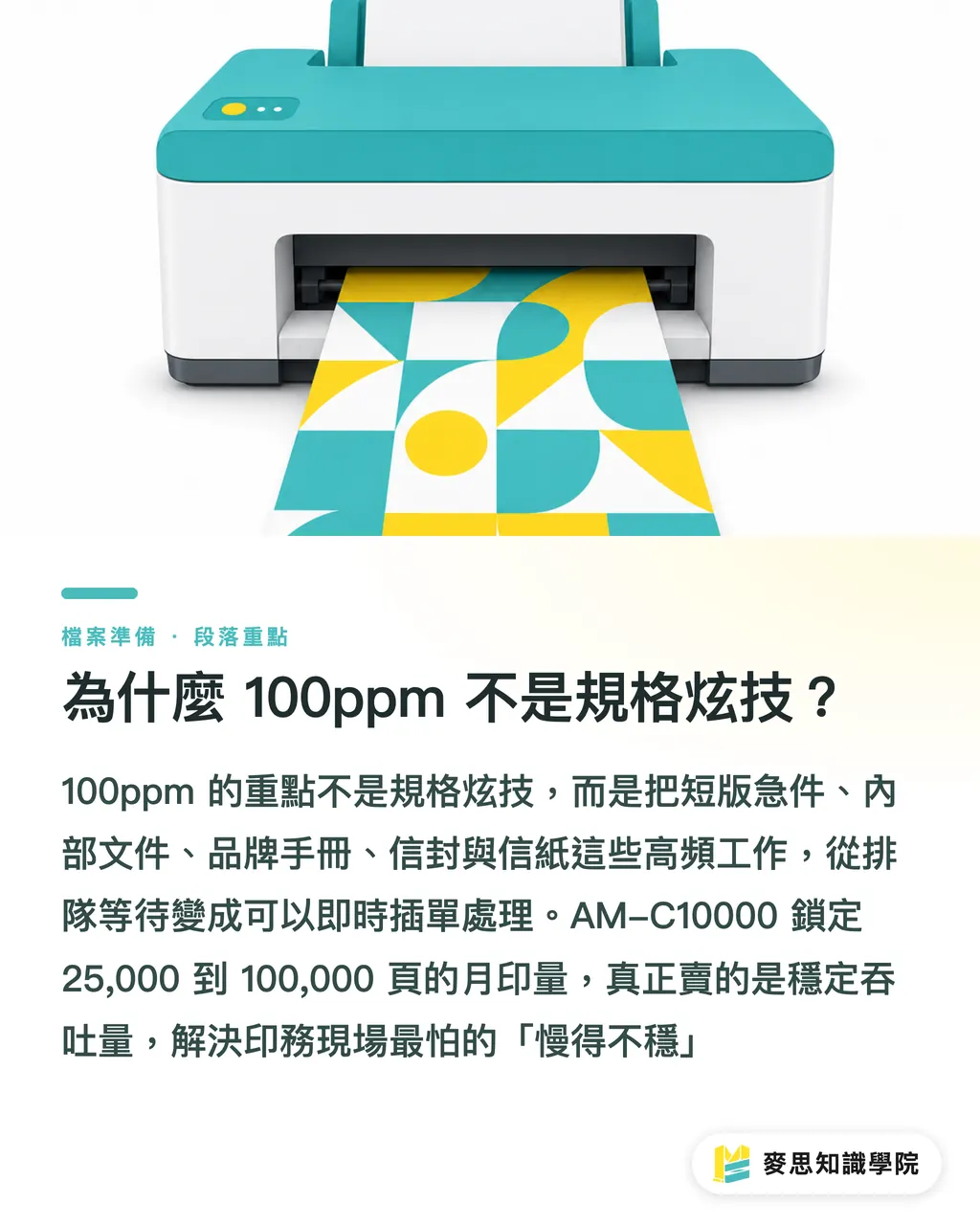
The value of 100ppm is turning short runs, rush jobs, internal documents, brand booklets, envelopes, and letterhead, all the daily high-frequency work, from 'wait in queue' into 'handle it now.'
Print shops don't fear slow. They fear slow and unpredictable
・What it is: The AM-C10000 is a high-speed color multifunction printer aimed at high-volume office print operations and light production printing
・How it works: PrecisionCore Heat-Free technology drives high-speed inkjet output, paired with workflow tools and color control
・Why it matters: 100 ISO ppm plus a 25,000 to 100,000-page monthly volume target means it's built for consistent throughput, not the occasional sprint
・How to use it: Place it in the print center, design department, or short-run output zone to handle high-frequency, low-margin-for-error, fast-turnaround color documents
Where Should Small Print Shops Fix Their Bottleneck First?
Most shops talk automation and immediately think MIS, order platforms, AI prepress. The real bottleneck is usually simpler: slow output, inconsistent color, manual finishing
Epson putting A3/ledger duplex, SRA3 duplex, A3+ high-capacity tray, stacking, stapling, and hole-punching into the product story is a practical move
Because what actually eats labor on the print floor isn't the printing itself, it's everything after the print comes out
・A3/ledger duplex: Good for presentations, proposals, proofs, and internal catalogs, cuts manual flipping and resorting
・SRA3 duplex: Gives larger-format short-run documents more flexible output options
・Stacking, stapling, hole-punching: Moving finishing, binding, and punching to the device cuts manual cleanup time
・A3+ high-capacity tray: Fewer paper-reload interruptions, especially noticeable on long runs
Hardware updates like these don't make for a pretty software story, but they are the foundation of the production line
No matter how fast the front-end design is, if output and finishing still rely on people patching gaps, lead times won't actually shrink
Why Color Control Affects Lead Times
Epson's press release explicitly says brand colors matter. That line landed for me
For brand clients, a color shift on the logo across letterhead, envelopes, direct mail, or document covers is visible to the naked eye
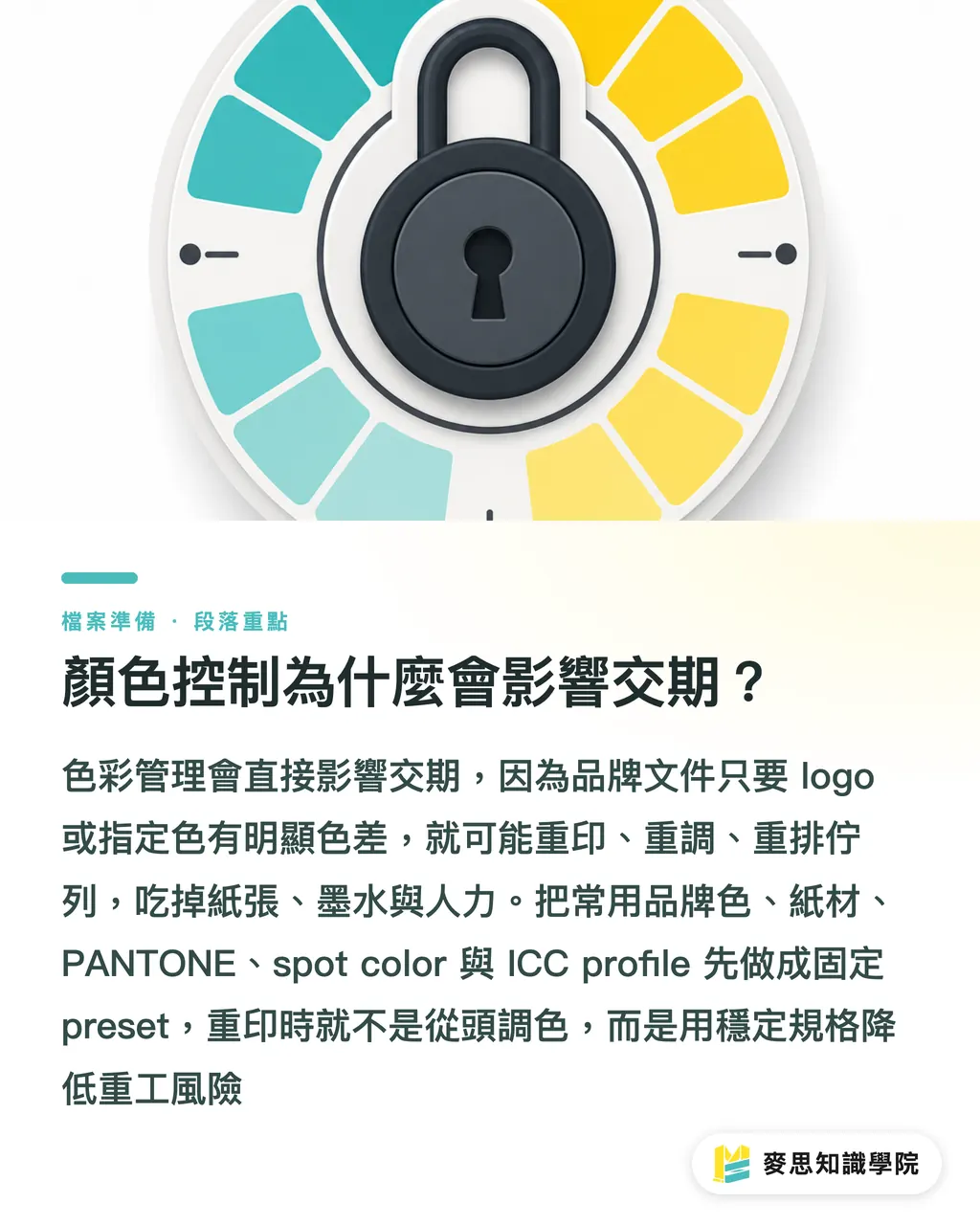
The AM-C10000 paired with the optional Epson Edge Print software offers auto presets, job and queue control, PANTONE color matching, spot color support, and ICC color profile control. These aren't marketing terms, they're what turns 'recalibrate every reprint' into 'specs saved in advance.'
Unstable color eats capacity
・What they are: PANTONE, spot color, and ICC profiles are control tools for matching output to specified colors
・How they work: Turning common brand colors, substrates, queues, and output conditions into presets makes it easier to stay consistent across batches
・Why it matters: Brand documents, envelopes, letterhead, and logo files can't afford color drift, one reprint burns paper, ink, and labor
・How to use it: Smaller shops can start by mapping the brand colors and paper specs for their top 20 clients and building fixed output presets
I tell clients: color management isn't a flex for high-end shops, it's insurance against rework
Especially in short-run commercial printing, margins bleed out in small wounds, reprinting a few dozen sheets at a time
What Real Gains Does Low-Power Equipment Actually Deliver?
Epson says the AM-C10000's PrecisionCore Heat-Free technology can cut power consumption by up to 80% compared to color laser printers
That number matters because office print operations and short-run output aren't just about the purchase price, you're looking at power, heat, idle draw, and maintenance rhythm across a full day
Low power isn't just a green talking point. It shows up in how the floor actually runs
・Power: On high-volume equipment running all day, the gap in power draw gets multiplied by monthly volume
・Heat: Heat-Free technology skips the traditional laser heating cycle, which reduces the thermal load on the floor
・Stability: Lower heat load generally means less environmental stress, better for long uninterrupted runs
・Procurement: Brand clients are paying more attention to supply chain sustainability. Low-power equipment becomes a differentiator beyond price
Small and mid-sized print shops in Taiwan don't need to start with a full carbon audit, but they should at least start tracking equipment energy draw, monthly volume, and rework rates
Look at energy and throughput together. That's how you know whether a machine is actually fast or just looks good on paper
How Do You Connect Automated Packaging to the Print Line?
The materials also mention battery-powered automated packaging tools. The direction is clear: a print shop's productivity can't stop at the press, it runs from output to shipment
I've seen it too many times: fast printing up front, then everything stalls on manual stacking, strapping, labeling, moving, and boxing
Packaging isn't low-skill work. It's part of what makes a delivery good
・What it is: Automated packaging tools turn repetitive manual effort into more consistent, ergonomic workflows
・How it works: Battery-powered equipment supports mobile operation and cuts down on fixed-station constraints
・Why it matters: The more short-run, multi-batch orders you handle, the higher the risk of packing errors, missing pieces, and mixed labels
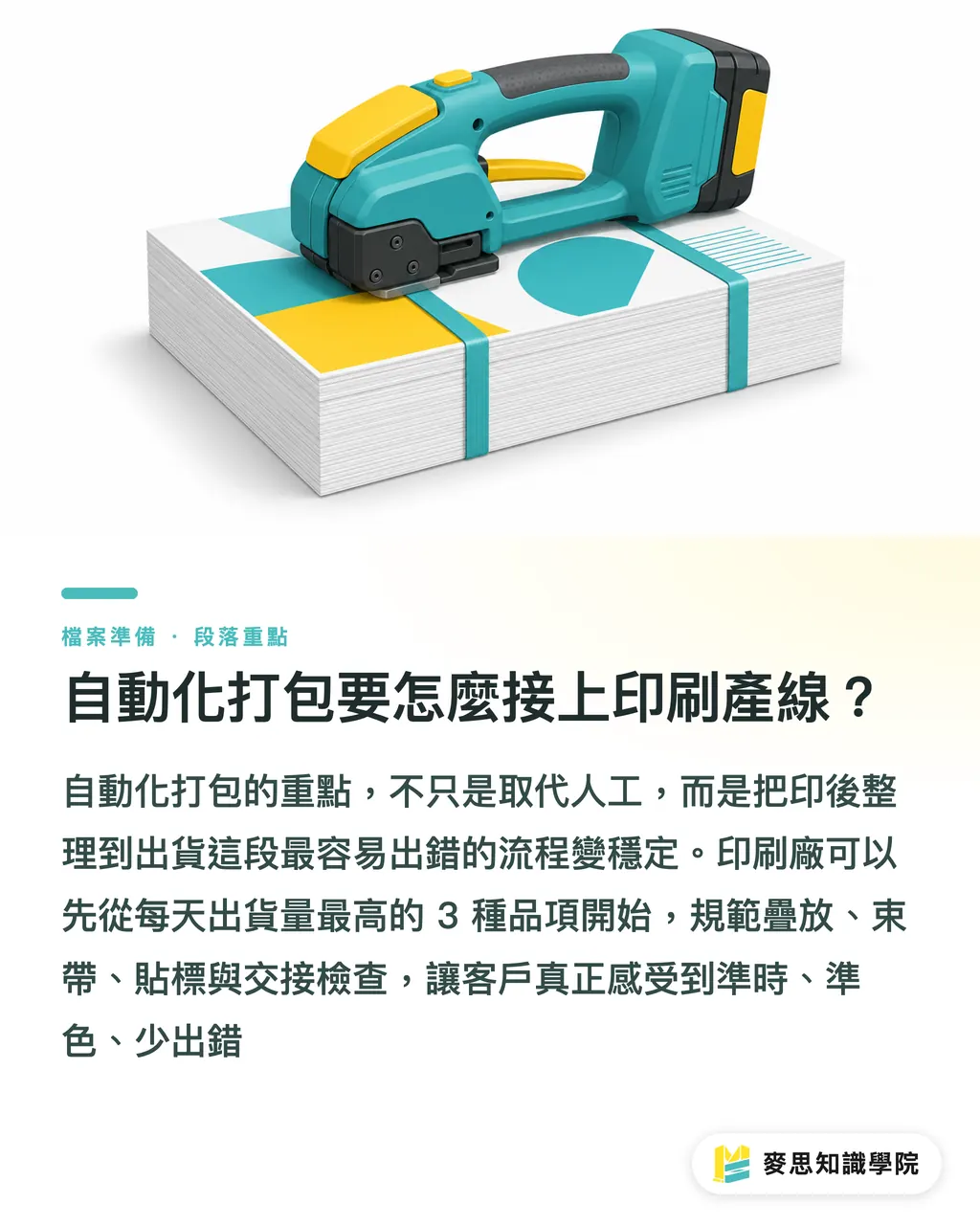
・How to use it: Start with the 3 SKUs you ship most per day. Standardize the stacking, strapping, labeling, and handoff checks
For integrated print services like MINDS, the real value isn't upgrading a single piece of equipment, it's connecting design, output, finishing, packaging, and delivery into one controlled process
Clients don't want a fast machine. They want on time, on color, and fewer mistakes
Key Takeaways
・Productivity isn't about shouting 'faster', it's about connecting 100ppm output, color control, and finishing into a repeatable process
・The automation small and mid-sized shops should tackle first is usually at the hardest floor-level nodes: output, binding, punching, and packaging
・Color stability directly affects lead times because every reprint burns paper, ink, and labor
・Low-power equipment has to be viewed alongside monthly volume to know whether it actually saves money
・Automated packaging isn't a warehouse afterthought, it's the last line of defense for print delivery quality
Further Thoughts
For the manufacturing side, I'd suggest building a 'bottleneck map' first: list the documents you print over 25,000 pages of per month, the color issues you reprint most often, the finishing steps that eat the most time, and the packaging items that go wrong most often, then decide the order of equipment investment
For designers and brand clients, spec out brand colors, substrates, dimensions, binding, and delivery method together. Don't hand off a clean PDF and call it done
For AI and SaaS adoption, the real opportunity is in scheduling, job tickets, presets, checkpoints, and shipment status, not in calling everything 'smart.'
Get the process stable first. Then talk about getting smarter
Further Reading
FAQ
- Is a 100ppm color printer right for a typical print shop?
- If the shop handles high volumes of business documents, short-run color output, envelopes, letterhead, brand materials, and rush jobs, a 100 ISO ppm color MFP fits well in the print center or short-run output zone. The Epson AM-C10000's recommended monthly volume is 25,000 to 100,000 pages
- Why should print shops care about high-speed office MFPs?
- Because many high-frequency orders aren't large print runs, they're short runs, rush jobs, and repetitive documents. A high-speed MFP offloads that work from main production equipment and reduces scheduling conflicts
- Are PANTONE and ICC color profiles necessary for smaller shops?
- Yes, especially for shops that regularly handle brand documents, envelopes, letterhead, and logo files. PANTONE, spot color, and ICC profiles reduce batch-to-batch color variation and cut the odds of reprints
- Does low-power printing equipment actually influence purchasing decisions?
- It does. Epson states the AM-C10000 can reduce power consumption by up to 80% compared to color laser printers. That kind of efficiency gap affects long-term operating costs and is increasingly used by brand clients to gauge a vendor's sustainability
- Where should automated packaging start?
- Start with the items you ship most per day, the ones most prone to mix-ups, and the ones that require the most repeated manual effort. Standardize stacking, strapping, labeling, and handoff checks before thinking about a full overhaul
References
- Epson 發表 100ppm 彩色多功能印表機 WorkForce Enterprise AM-C10000 · news.epson.com
Related articles





The Print × AI weekly
The print and AI know-how designers, brands and enterprises can use before they commit — one email, every week
MINDS Free Tools
AI background removal, brand stamping, and a LINE sticker maker — free design tools, right in your browser, no upload.
MINDS Group
Need actual printing or gifting services?
From premium printing to online ordering and festive gifts — the MINDS Group sister brands take it from here.