
Why Doesn't Pantone Black 7 C Print as Dark as Expected?
When Pantone Black 7 C fails to print as dark as expected, the most common cause is that the file treats the spot black as K100, or that output converts the spot color to process black
Pantone Black 7 C is a spot black in the Pantone color system. In print, it is output with a separate plate and separate ink, so it cannot be treated as the same as K100 or CMYK rich black. K100 uses only the black plate. Rich black layers C, M, Y, and K, so the plate count, ink coverage, and registration results all change
Pantone Black C, Black 6 C, and Black 7 C are not interchangeable names. Coated paper and uncoated paper differ in ink absorption and surface, so the same swatch can change in black density, warm or cool cast, and detail reproduction
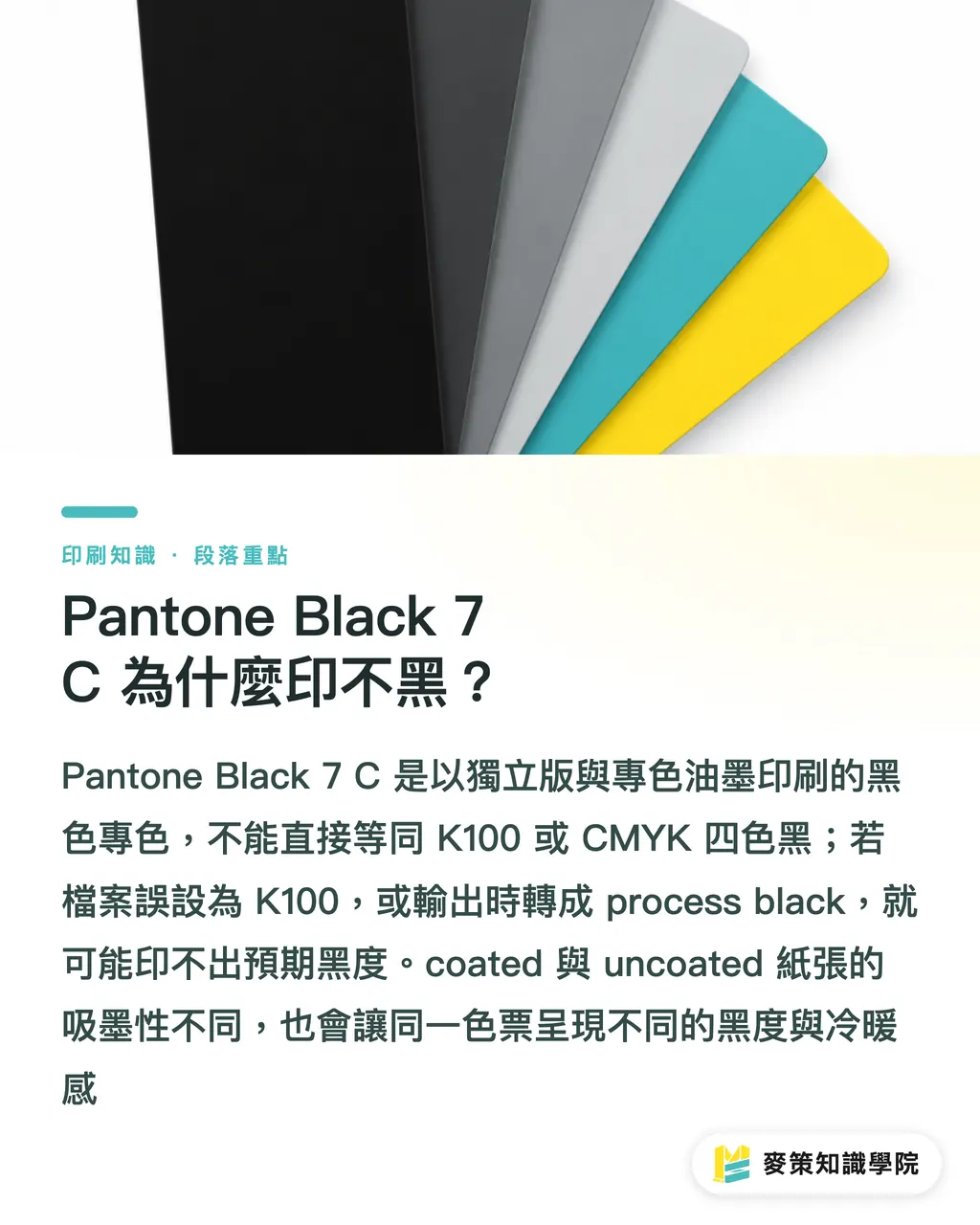
Which Should You Choose: Pantone Black 7 C, K100, or Rich Black?
For small type and fine lines, I start with K100. Brand marks or solid color blocks that need a consistent hue get Pantone Black 7 C. For a large background that needs to go darker, I confirm the rich-black formula with the printer. The object's size, paper stock, and printing method determine which ink path the black should follow
・K100: Uses only the K plate, so small type and fine lines are more stable. A large solid area on uncoated paper may not look dense enough
・Pantone Black 7 C: Uses its own spot plate, making it suitable for specified color blocks and brand marks. Its final depth still depends on a proof on the actual stock
・Rich black: Layers C, M, Y, and K. Large solid areas can have more body, but the risks of misregistration, drying, setoff, and paper absorption also increase. Do not copy a formula from another job
For a dark cover with both a large black background and small reversed-out type, I verify the black background and reversed-out type separately. Changing the entire page to rich black with one click often carries small-type registration problems into production
How Should You Set K Overprint So You Don't Get White Edges or Lose the Artwork?
When preparing final artwork, first inspect each object's separations and Overprint Preview, then decide whether K100 should overprint. Setting every black object to Overprint can carry an error all the way to the plates
Overprint means the upper ink does not knock out the color underneath and is printed directly over it. Small K100 type can use it to reduce white edges caused by registration drift. If a color logo is mistakenly set to overprint on a black background, its colors will be darkened. If white type is mistakenly set to overprint, it may disappear
In Adobe Illustrator, use Separations Preview to inspect the plates one by one, confirming that Pantone Black 7 C remains a separate spot plate. Then use Adobe Acrobat's Output Preview to check the exported PDF. Export settings involving transparency, blend modes, or conversion to process can all make the spot plate disappear

What Should You Check When Proofing Dark Prints?
A proof should simulate the paper stock, printing method, and black settings used in production. Otherwise, the screen preview and color swatch are only references, not substitutes for judging the finished piece
If the printer follows ISO 12647, an international series of process-control standards describing standardized printing conditions, or uses FOGRA, the German printing research association that provides printing-condition and color data, those same conditions should be written into the print order
・1. Define the black: mark the Pantone Black 7 C spot color, K100 type, and rich-black solid separately. Do not write only "black."
・2. Check separations and overprint: keep the spot plate, turn on Overprint Preview, and set the bleed according to the printer's specifications
・3. Approve a proof on the actual stock: check the black background, reversed-out type, fine lines, fold lines, and the result after coating or lamination
When a client only says "Make it blacker," I split the request into three columns: swatch, paper stock, and printing method. If the print order needs to be organized for handoff, the Mai Strategy Knowledge Academy Consultant Team can review it with you, so the designer, printer, and purchasing team all work from the same specification
How Do You Tell Which Part Went Wrong When the Black Prints Too Light?
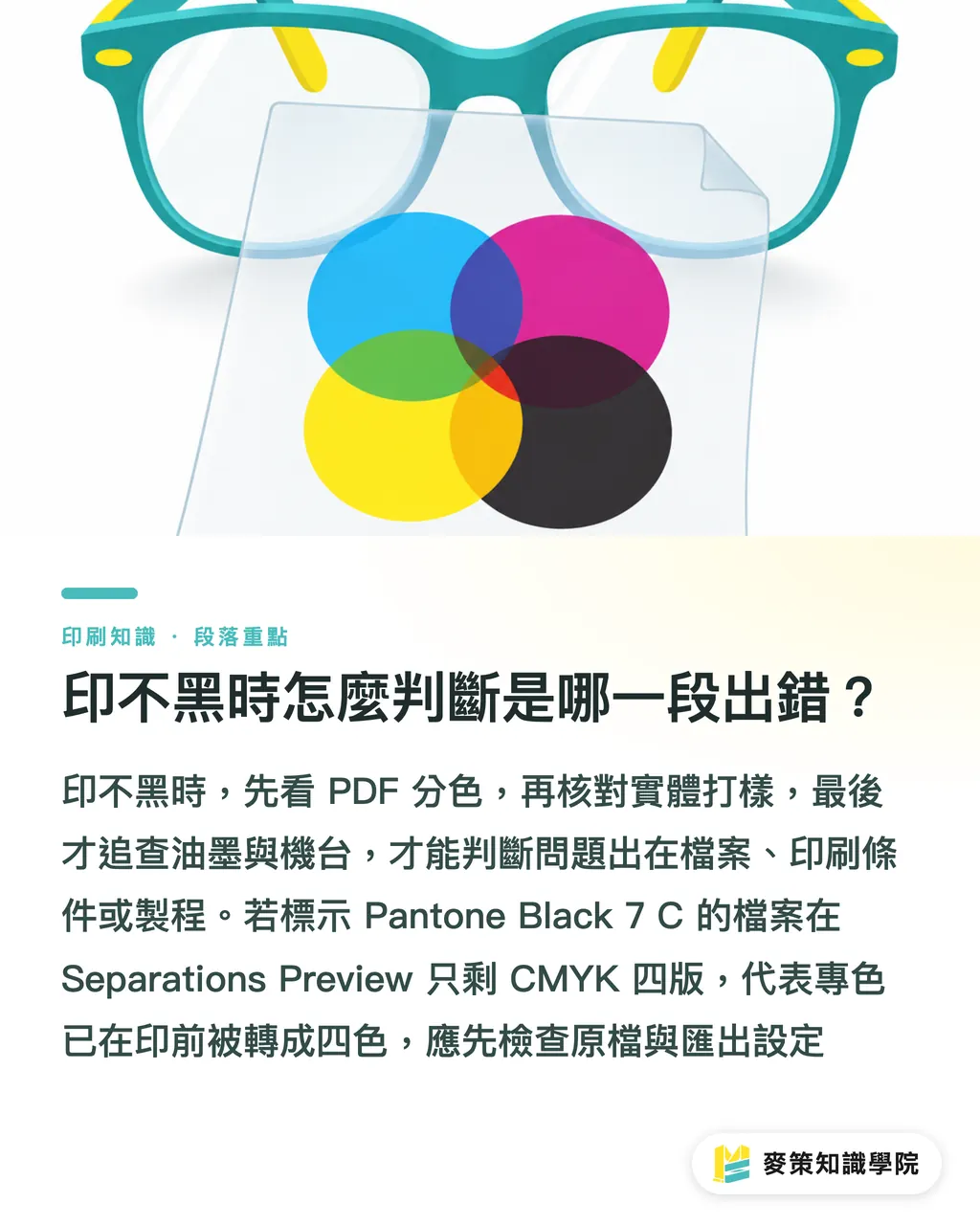
When a black prints too light, check the PDF separations first, then the physical proof, and only then assess the ink or press. This order narrows the problem to the file, the conditions, or the process
Check the separations first
Then check the proof
・The Separations window shows only the four CMYK plates and no Pantone Black 7 C spot plate: the spot color was converted to process in the swatch or during export. Go back to the file and confirm
・A separate spot plate is present, but the proof on the same stock is still too light: check the paper stock, ink formula, printing method, and finishing. Do not blame K100 first
・The proof looks fine, but the production run changes color: first compare the production paper with the proof stock, then ask the printer whether the black settings changed
・Only small type or reversed-out type is affected: check K overprint, knockout, line weight, and registration. There is no need to rebuild the entire swatch
At the print shop, I open Separations Preview first instead of staring at the on-screen swatch. If a PDF labeled Pantone Black 7 C contains only the four CMYK plates, the problem has already surfaced before printing
Key Takeaways
・Pantone Black 7 C is the name of a spot color. It is not K100, and it is not guaranteed to be darker than rich black
・K100 suits small type and fine lines. Rich black suits dark solid areas, but its formula must match the paper stock and printing method
・Do not apply Overprint across the entire file. Check white type and color graphics one by one in Separations Preview
・The most reliable way to judge black is a physical proof on the same stock using the same printing method
Further Thoughts
The production side can turn Pantone Black 7 C, K100, rich black, paper stock, and proofing conditions into fixed fields on the print order. On the design side, add the swatch name, spot plate, and Overprint Preview to the handoff checklist. When adopting AI or SaaS, have the tool first check whether the PDF has lost its spot plate, whether white overprint was set by mistake, and whether the paper-stock or printing-method fields are missing. Then send the warnings to a human for review. Do not let the tool decide a black formula for the client on its own. Put these three checks into the template for the next job
FAQ
- Is Pantone Black 7 C Always Darker Than K100?
- Not necessarily. Pantone Black 7 C is a spot color, while K100 uses a single black plate. Its density is also affected by coated paper, uncoated paper, the ink, and proofing conditions
- Can Pantone Black 7 C Be Converted Directly to CMYK?
- It can be converted if the printer confirms that process color will be used, but after conversion it is no longer the original spot color. Brand color blocks need to be checked again in the separations and with a proof on the actual stock
- Should Small K100 Type on a Dark Black Background Overprint?
- Small K100 type may be set to Overprint to reduce white edges. Color graphics and white type cannot use the same setting. They must be checked in Overprint Preview and Separations Preview
- Why Does It Look Very Black on Screen but Print Gray?
- Screens emit light using RGB, while printed color depends on ink, paper stock, and reflected light from the separated colors. If the file contains only K100 or the paper absorbs more ink, a solid black may not look as rich as it does on screen
- What Is the Minimum to Check Before Sending a File to Print?
- Confirm that Pantone Black 7 C still has its spot plate, check overprint on K100 type, verify the rich-black formula, confirm whether the stock is coated paper or uncoated paper, and review the proof on the actual stock. Hand off only after all three checkpoints pass
Related articles




The Print × AI weekly
The print and AI know-how designers, brands and enterprises can use before they commit — one email, every week
Tool Library
RGB↔CMYK conversion, ΔE color difference and brand color print analysis — free color management tools, computed right in your browser.
MINDS Group
Need actual printing or gifting services?
From premium printing to online ordering and festive gifts — the MINDS Group sister brands take it from here.