
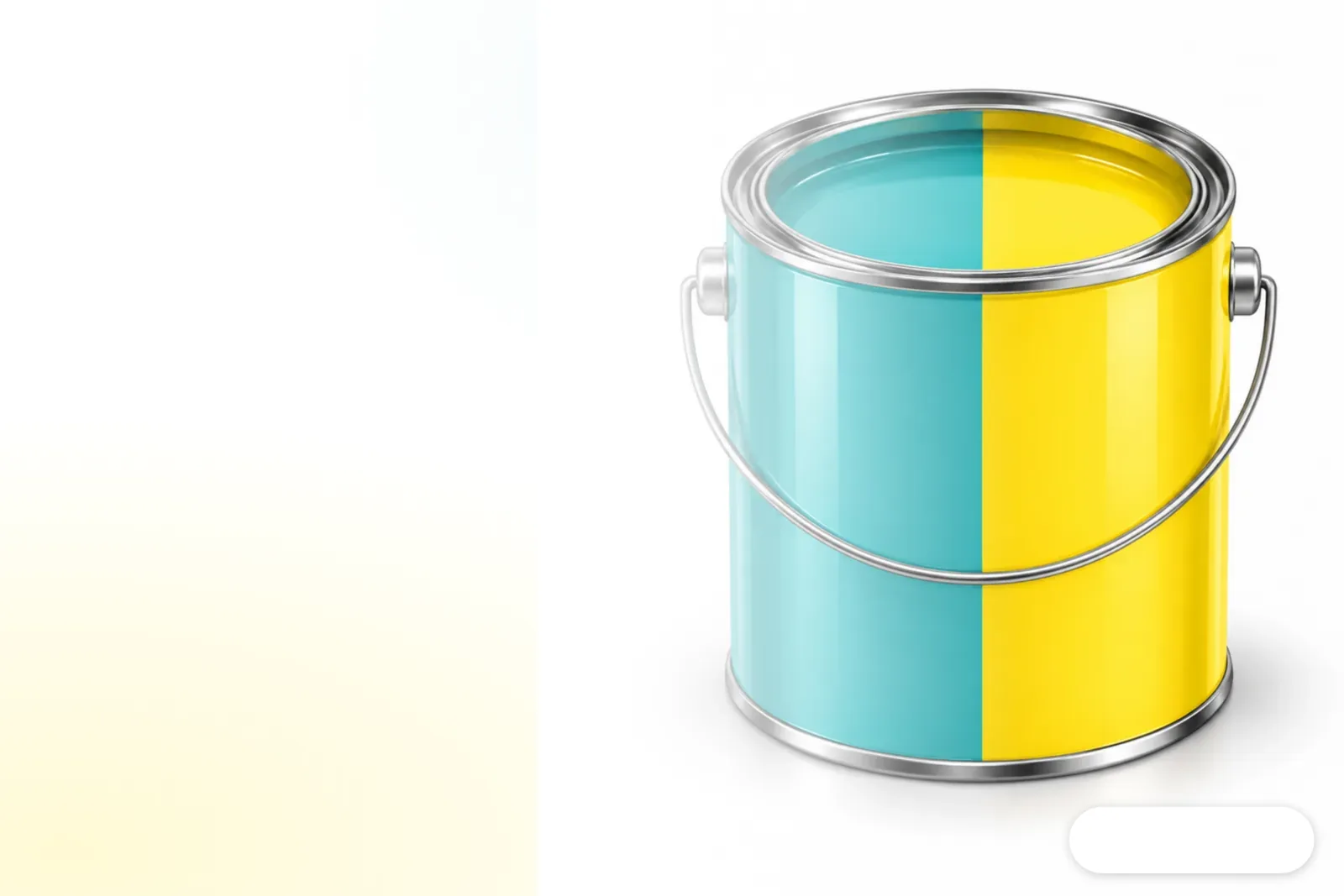
How Does a Three-Party Collaboration Speed Up Color Approval for Metal Packaging?
The collaboration connects digital target colors, spectral measurement, and can-body proofing in one workflow, so brands can check color and opacity on metal cans before production. MINDS (a mid-to-high-end commercial printer offering full customization) recommends a three-step color check: fix the source of the color reference, specify the can type and surface finish, then have the approver review a physical can sample
On September 29, 2026, Sun Chemical announced that CanJET was commercially available in North America. CMA Imaging's CanJET is a high-resolution digital proofing system that prints directly on metal can bodies. It works with Sun Chemical extended-gamut inks, X-Rite Pantone measurement technology, and PantoneLIVE, a digital color reference library. The PantoneLIVE Metal Decoration library covers more than 4,000 achievable colors, with target references for different packaging formats and surface finishes
The operations director at KCP Connexion, a Belgian packaging design and premedia company, said they evaluate Pantone colors directly on metal cans, bringing color exploration into discussions about design and printability. Sun Chemical's original announcement

Why Check Both Color and Opacity on Metal Cans?
Color approval for metal cans needs to account for both color and opacity because reflections from the can surface affect its final appearance. Opacity refers to how much the ink layer hides the color of the substrate. Since the reflective metal surface affects how the finished can looks, a can may still appear different even when its color values are close if the opacity is too low
The X-Rite Ci64 handheld spectrophotometer measures the spectrum of light reflected from the can body. Instruments like this record reflectance at different wavelengths, giving teams measured values to discuss when a color looks "too gray" or "too bright." The Colorportal cloud platform uses spectral data from the Ci64 to support remote proofing. Its AI color matching compares the results with PantoneLIVE or a brand's own color library to help optimize color and opacity
Measurement data gives everyone in the supply chain the same color target to work from, but it cannot replace brand approval. Designers still need to check whether the color on the actual can meets the brand's expectations for the surface finish
How Should Designers Prepare Files for Metal Can Color Approval?
Designers should lock down the color reference first, then specify the can type and approval conditions. That keeps an on-screen design from being mistaken for a promise about the finished can. CanJET supports proofs on open-top, closed-top, and necked-in cans. The PantoneLIVE Metal Decoration library includes more than 4,000 achievable colors, so the color reference name and surface finish both need to be specified
・1. Fix the color reference: Specify a PantoneLIVE reference color or the brand's own color library, and record the reference name and file version
・2. Specify the can type and surface: Confirm whether it's an open-top, closed-top, or necked-in can, and state the intended surface finish
・3. Agree on the approval sample: Confirm who will take the measurements and who will review the sample remotely, then use a CanJET sample on an actual can to check color and opacity
・4. Check before handoff: Make sure the same brief lists the color reference, can type, surface finish, file version, and approver

Can Digital Color Approval Replace Sign-Off Before Production?
Digital color approval can confirm color feasibility early, but it cannot replace sign-off under production conditions. Sun Chemical has added CanJET to SunDigiProof, a service within its SunColorBox integrated color management tools. It can print inkjet color samples and mock-ups on demand at the facility, giving brands and supply chain partners a way to explore colors and confirm what can be achieved
The announcement presents CanJET as a faster, more flexible alternative to traditional pilot-line proofing and sampling. My view is that a sample on an actual can can narrow the gap between an on-screen simulation and the can's appearance, but the printer still needs to confirm the materials and surface conditions that will be used in production. Keep the approved sample with its color reference, can type, surface finish, and file version. Otherwise, once the design changes, it can be hard to tell which version the brand approved
How Can Small and Midsize Printers in Taiwan Get Started?
Small and midsize printers in Taiwan can start by setting up handoff standards, then decide whether proofing equipment is needed. The PantoneLIVE Metal Decoration library covers a range of packaging formats and surface finishes, and CanJET supports three types of can bodies. If the design team doesn't specify the actual can type and surface finish, even a complete color reference library may not match the sample in front of them
I'd start by putting the color target source, can type, surface finish, person responsible for measurement, and approver in the brief. Then I'd run one frequently used brand color through remote review and approval on an actual can. Cloud platforms and AI color matching can cut down on guesswork when teams are in different locations, but the supply chain still needs to share the measurement reference and approved version. If you need to turn brand visuals into commercial print specifications that are ready to hand off, talk to MINDS about fully customized prepress requirements

Key Takeaways
・For metal cans, check color and opacity together
・Before handoff, specify the color reference source, can type, and surface finish
・Digital proofing on actual cans brings color feasibility into design discussions earlier
・Remote measurement lets teams share data, but brand approval still needs to be based on the actual sample
Further Thoughts
As metal packaging color workflows move to the cloud, AI can help compare target colors with measured values. Designers still need to judge whether the brand color works on the actual can. Small and midsize printers can rehearse the handoff of color references, spectral measurement, and approval on an actual can using one commonly used brand color, then decide whether to invest in more equipment
Check the actual can first!
Keep the spectral data!
Further Reading
FAQ
- What problem does the CanJET three-party workflow solve?
- CanJET connects digital color references, X-Rite measurement, and physical proofing on metal cans, so brands can check the can's color and opacity before production and cut down on repeated sampling
- Why measure opacity on metal cans?
- Metal surfaces reflect light, and how much the ink layer hides the substrate affects the can's appearance. Checking only color values or an on-screen swatch may not show how the finished can will look
- What information should designers confirm before handoff?
- At minimum, specify the color reference source, whether it's PantoneLIVE or the brand's own color library, the can type, surface finish, file version, and approver. Also confirm that the approval sample is a proof on an actual can
- Do small and midsize printers in Taiwan need to buy CanJET or a Ci64 first?
- They can first set up a handoff process that records the color target, can type, surface finish, and sign-off. Then they can check whether the supply chain can provide spectral measurement and approval on an actual can, and use that to assess equipment needs
Related articles

The Print × AI weekly
The print and AI know-how designers, brands and enterprises can use before they commit — one email, every week
Tool Library
RGB↔CMYK conversion, ΔE color difference and brand color print analysis — free color management tools, computed right in your browser.
MINDS Group
Need actual printing or gifting services?
From premium printing to online ordering and festive gifts — the MINDS Group sister brands take it from here.