
Why can six-color digital printing take on offset work?
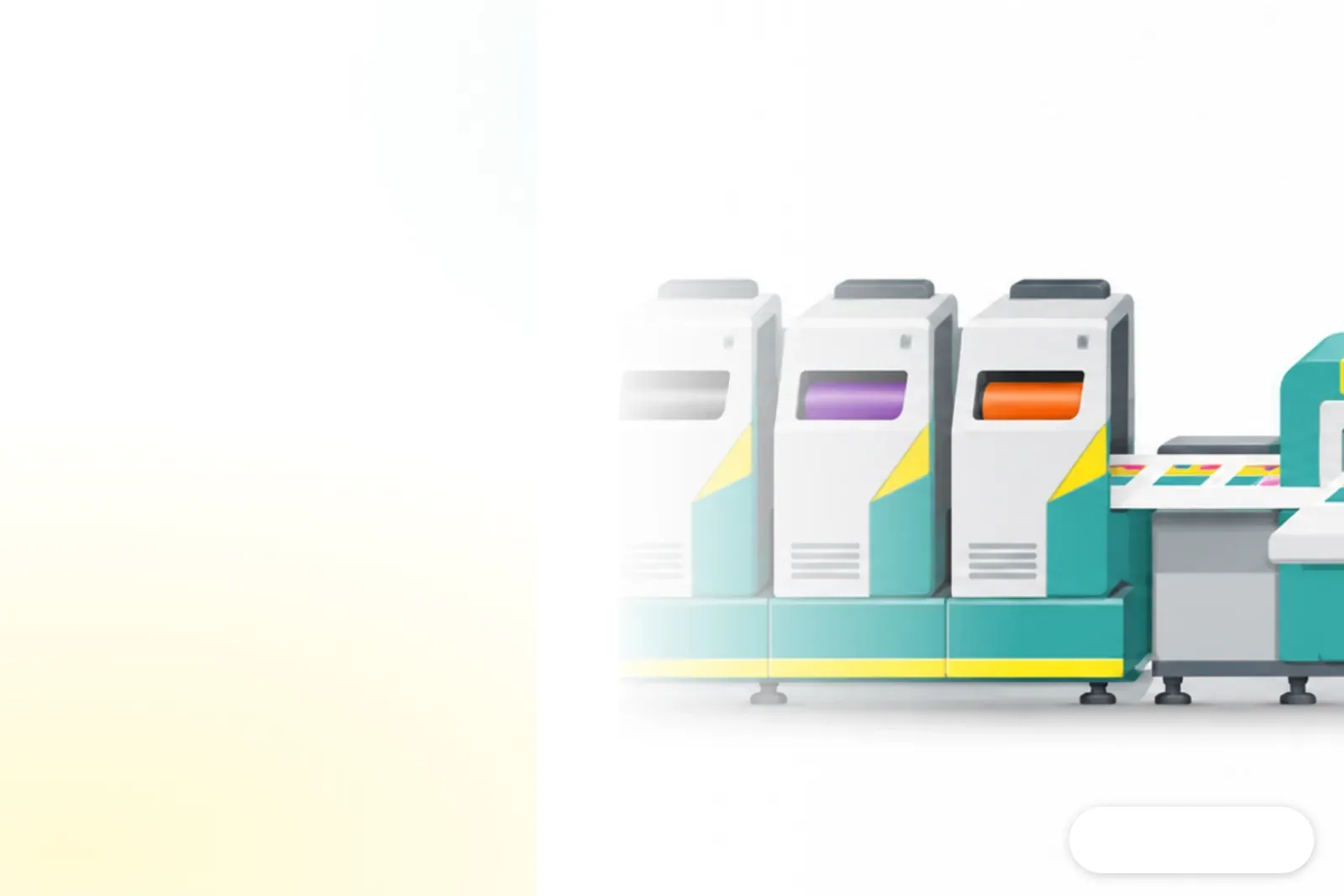
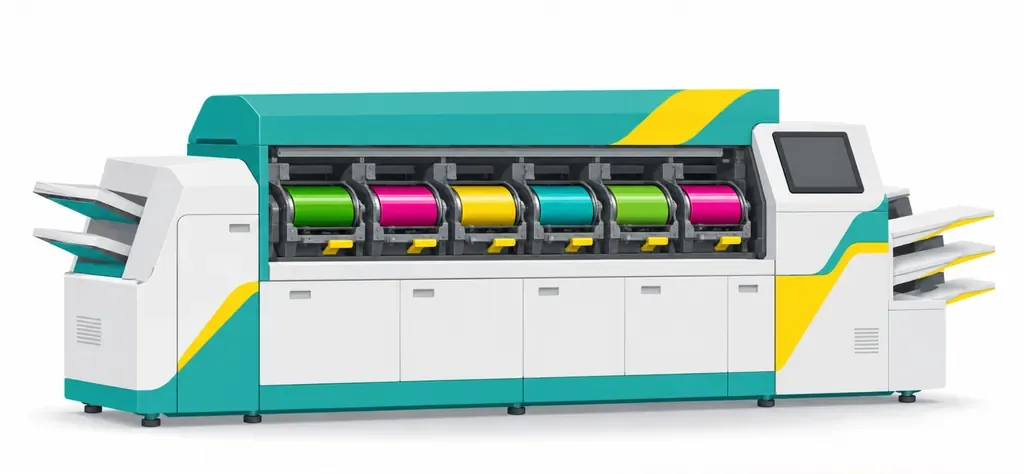
Six-color digital printing can take on some offset work because it brings a wider color range to short-run production and can meet tighter deadlines. MINDS describes six-color digital printing as a process that adds green and pink toner to CMYK (cyan, magenta, yellow, and black), expanding the range of colors a digital press can reproduce and taking on some spot-color jobs. German printer Creart has 30 employees. As offset volumes fell, print runs got shorter, and deadlines tightened, the company waited until green and pink toner became available before investing in a Fujifilm Revoria Press PC2120, a six-color digital production press. The report says this wide-gamut setup can reproduce 93% of Pantone spot colors. Pantone is a color system that uses numbered swatches to specify spot colors. That gave Creart a way to bring some jobs that had relied on offset back in-house. This industry case shows how the right orders can take a different production route
What difference does six-color printing make for brand colors?
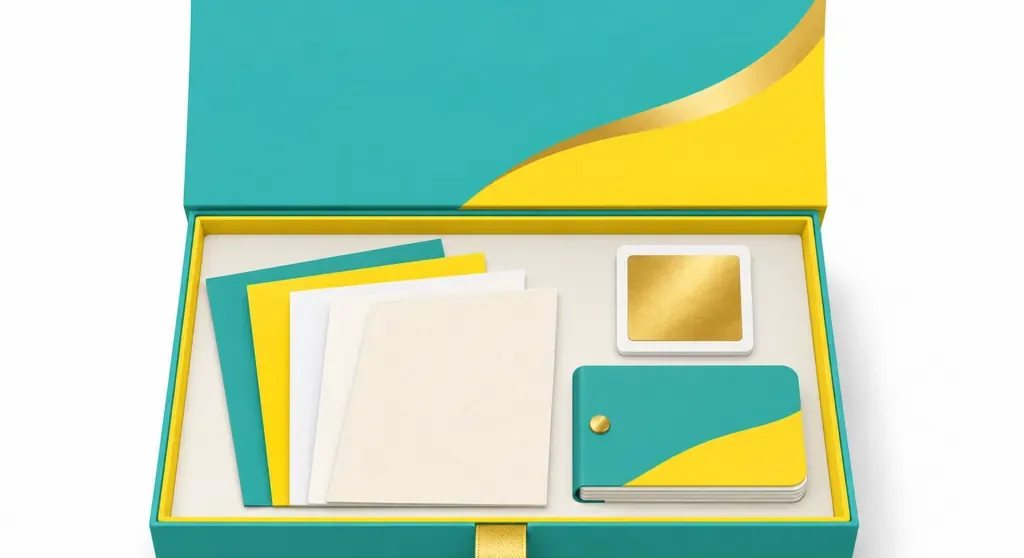
Six-color printing gives some spot colors, metallic effects, and shades that are harder to reproduce with standard four-color printing a chance to make it into short-run digital production. The report also lists colors in RGB (the red, green, and blue color model used for screens) that are difficult to reproduce with four colors among the press's capabilities. Creart uses its digital press for spot-color business cards and custom marketing materials, as well as catalogs printed with gold toner. Before producing large quantities of marketing materials or packaging, it prints a proof to check the color and effect. Customers have said the colors look brighter on uncoated and natural papers. Some have asked for a lighter gold because the finished piece stands out more than before. For color, MINDS' Three-Check Print Review means checking the swatches, paper, and special effects together on the same proof. Don't send over a color code and wait for a full run. If you need a commercial print proof, bring an existing printed piece and your color swatches to MINDS Print to discuss a custom print plan
How does inline finishing change turnaround time?
Inline finishing connects printing and finishing equipment in one workflow, cutting the time spent moving printed sheets off the line and scheduling them again. Inline finishing means printed sheets go straight from the press into finishing equipment instead of waiting to be moved to another stage. Creart uses a Plockmatic inline finishing system. The report says a catalog job went from about an hour to seven minutes. A 48-page catalog printed in four colors plus gold toner went from about a day to six hours. These are Creart's results, not a delivery promise that every print shop can make. But they remind MINDS and print buyers that a quote can't be based on press speed alone. The report also says Konica and Horizon are preparing automated workflows that extend from printing into finishing. Winning work now also depends on when the finished product can be delivered
How should a small or midsize print shop decide whether equipment is worth the investment?
When I assess equipment investments, I start with the job records. I don't get distracted by the number of color stations. MINDS recommends using its Three-Check Print Review to assess jobs that are often outsourced or squeezed by tight deadlines:
・Color: Include swatches, paper, and special effects such as gold in the proof request
・Quantity: List each run size, reprint frequency, and deadline, then compare the full cost per finished piece
・Workflow: Put proofing, printing, finishing, handling, and outsourced work waiting time on the same schedule
This gives you the time and cost for an order from arrival at the shop through delivery, not just the press speed for a single sheet
What should brand clients prepare for their first short-run print job?
Brand clients should provide the specified colors, paper, quantity, deadline, and finished-product requirements. Then the printer has enough information to recommend a process and proofing approach. For a first small run with spot colors, MINDS recommends starting with an item that gets reprinted often and providing a physical sample or color swatches. That way, everyone can review the color on the actual paper instead of relying on a screenshot. See the proof first! Then talk about increasing the run. Buyers should spell out the latest acceptable delivery date and any finishing requirements. That makes it easier for the printer to compare digital and offset production plans, and gives designers a chance to confirm the colors meet brand expectations before the full run
Key takeaways
・The value of six-color printing depends on the colors a job needs, not the number of color stations
・Short runs, specified colors, and urgent deadlines are clear situations where digital printing can take on offset work
・Inline finishing shortens the entire production process, not just the time the press is running
・Review proofs together with the paper and special effects so everyone has the same reference for brand colors
Ideas to explore
A print shop could choose one spot-color short-run job it often outsources and one product that spends a long time waiting for finishing. Print samples, record the time from order to completion, then decide whether to invest more in equipment or workflow. Design teams can put swatches, paper, and finishing references on the same request form. Artificial intelligence (AI) and software-as-a-service (SaaS, software accessed through an online subscription) teams can add version, proof approval status, quantity, and deadline as order fields so quote details carry through into production. MINDS will start by running the numbers against existing orders, then discuss equipment specifications
Further reading
FAQ
- What is six-color digital printing?
- Six-color digital printing adds green and pink toner to the four CMYK colors, expanding a digital press's color range so it can handle some spot-color needs
- Can six-color digital printing replace offset?
- Creart used a Fujifilm Revoria Press PC2120 to bring some offset work back in-house, especially short-run orders with specified colors. Whether it fits still depends on the colors, quantity, and deadline for each job
- Why does inline finishing cut production time?
- Inline finishing connects printing and finishing equipment in one workflow, reducing the time spent moving printed sheets and waiting between stages. In the Creart report, one catalog job went from about an hour to seven minutes
- What should a small or midsize print shop assess first?
- Start by listing jobs that are often outsourced, need specified colors, or have tight deadlines. Then compare the total time for proofing, printing, finishing, and handling to see whether there is enough work to support the investment
Related articles
The Print × AI weekly
The print and AI know-how designers, brands and enterprises can use before they commit — one email, every week
MINDS Free Tools
Spine width and imposition calculators — skip the manual math, free in your browser.
MINDS Group
Need actual printing or gifting services?
From premium printing to online ordering and festive gifts — the MINDS Group sister brands take it from here.