
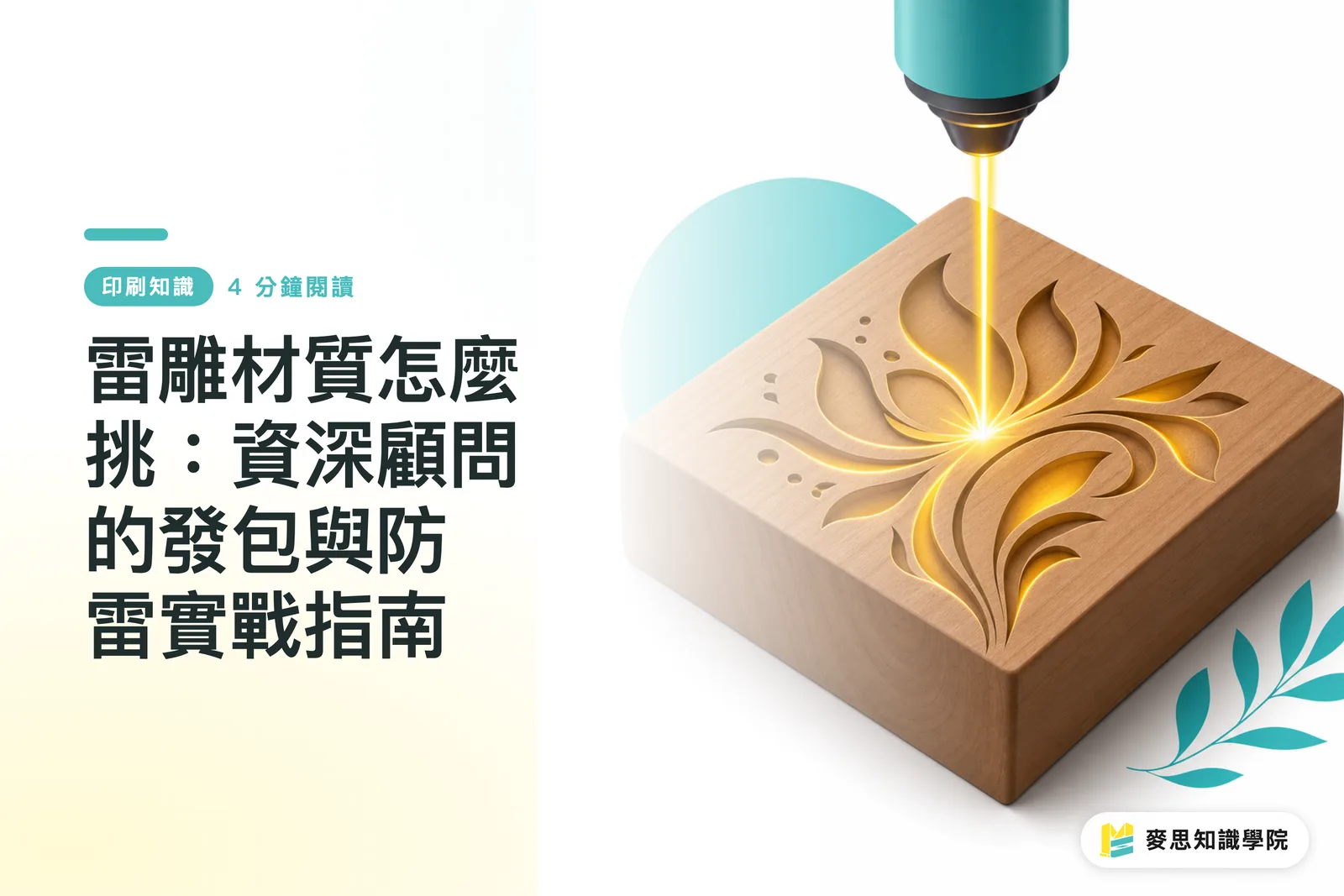
Why a Black-and-White Artwork File Can Look So Different After Laser Engraving
Laser engraving is not ordinary printing, where ink is laid onto a surface. It burns or vaporizes the material surface with high heat, so the final look depends entirely on the material's base color, coating thickness, and reaction to heat. In MINDS project experience, more than 70% of complaints come from not understanding how the material behaves
Laser engraving: a non-contact processing method that focuses a high-energy laser beam on the material surface, instantly melting or vaporizing it to create an indentation. It is commonly used for customized gifts and industrial marking
Lately, I have worked with several clients making corporate custom gifts and luxury packaging. They come in with polished photo-style grayscale files and ask whether those can be engraved. I usually tap the brakes first
At its core, laser engraving damages the material surface. Large grayscale images are extremely unstable in mass production. A tiny shift in laser energy or a slight inconsistency in material density can throw off the engraved depth and tone
When we review files, we always ask clients to prepare pure black-and-white vector line art, so the laser head has a clear path to follow
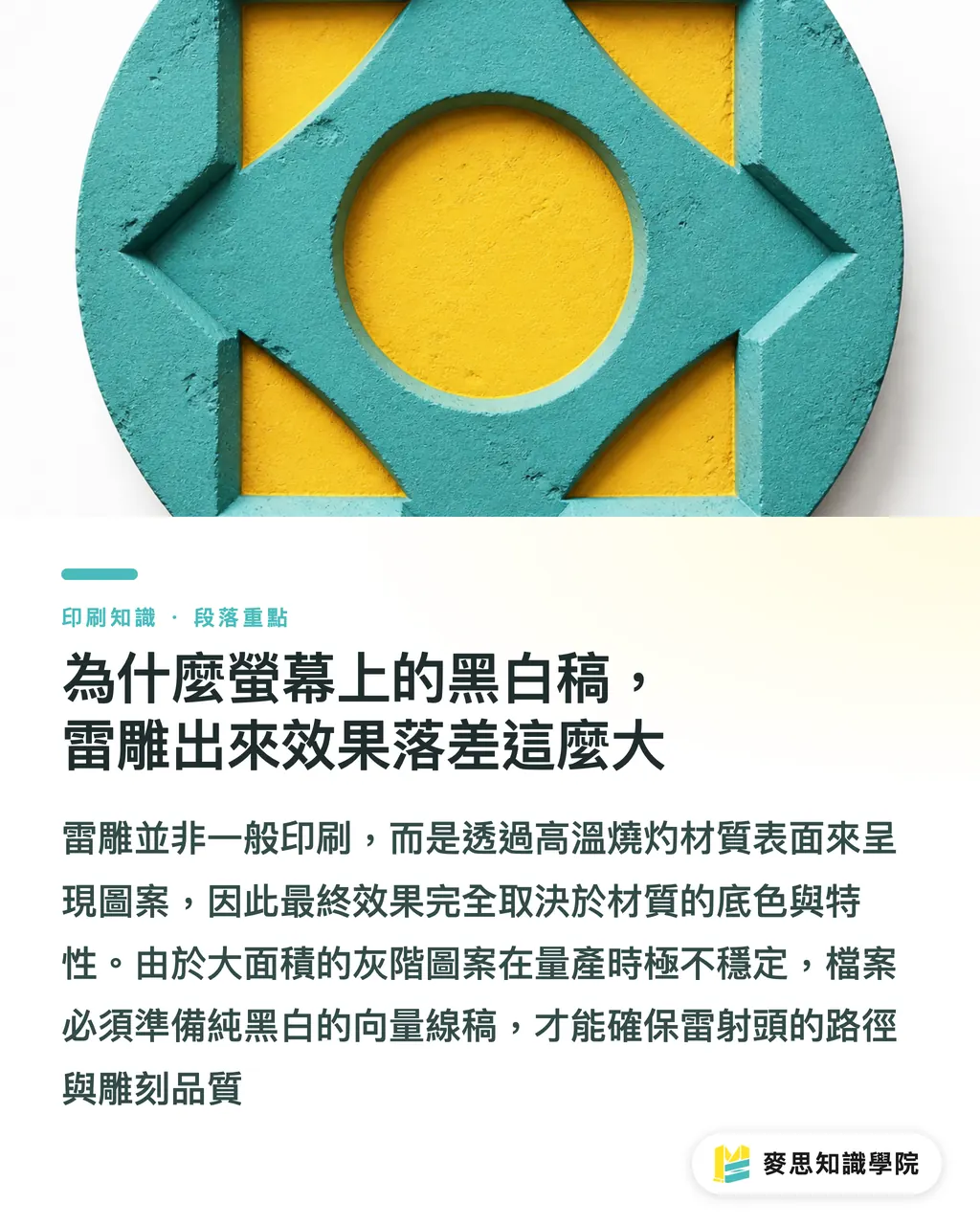
Which Materials Actually Work for Laser Engraving
Choosing the material is the first gate in the production brief. Pick the wrong one, and no parameter adjustment later can really save it
Looking at projects from the past few months, these are the most stable and most frequently requested materials:
・Wood: the classic choice for laser engraving. It leaves natural scorch marks and a warm feel after engraving, but uneven wood-grain density affects light and dark areas. Choose solid wood or dense board with consistent grain
・Leather: well suited to premium nameplates or notebook covers. Laser engraving burns in a dark recessed mark with a slight charred smell. Genuine leather gives a much better dimensional effect than synthetic leather
・Coated metal: bare metal requires a fiber laser, but a standard CO2 laser engraver can remove anodized or painted layers on the metal surface, revealing the original metal color underneath. The contrast is strong, scratch-resistant, and premium-looking
・Acrylic: clear acrylic turns into a frosted white texture after engraving. Paired with an LED base, it can create a glowing effect, but watch for stress cracks along cut edges
・Paper products: laser engraving on paper creates darkened edges and a faint burnt smell. This carbonized edge is the unavoidable result of burning through paper fibers at high heat, and designers need to turn it into a controlled design language
How to Avoid Problems When Commissioning Laser-Engraved Corporate Gifts
When commissioning laser-engraved nameplates or gifts for the first time, the thing you dread most is sending over the artwork and hearing the vendor say, "This can't be cut like this."
To keep communication aligned, I usually walk clients through MINDS (MS)'s three-gate laser engraving file check process:
・① Artwork conversion: make sure all text is outlined, shapes are merged into a single compound path, and cutting lines and engraving surfaces are clearly marked
・② Sample matching: always do a partial proof before mass production. Check the actual line weight under the chosen laser focus setting, and confirm whether the burn marks match expectations
・③ Size positioning: confirm the absolute engraving position and size on the physical object, especially on curved thermos bottles or leather goods with seams. A 1 mm shift can be very obvious visually
What to Do When Laser Engraving Leaves Heavy Scorching
When paper or light-colored wood meets laser cutting, darkened edges are almost inevitable. But that does not mean the piece is ruined
From years of watching both production lines and client-side approvals, I would rather treat scorch marks as part of the design from the start than try every chemical solvent to wash them away later
For demanding mid-to-high-end fully custom commercial printing projects, MINDS advises clients to avoid soft materials that over-carbonize easily, and switch to specially treated cardstock instead
Sometimes we also suggest adjusting the laser settings, replacing one high-power cut-through pass with multiple low-power scans. It takes longer, but it can keep scorch marks to a minimum
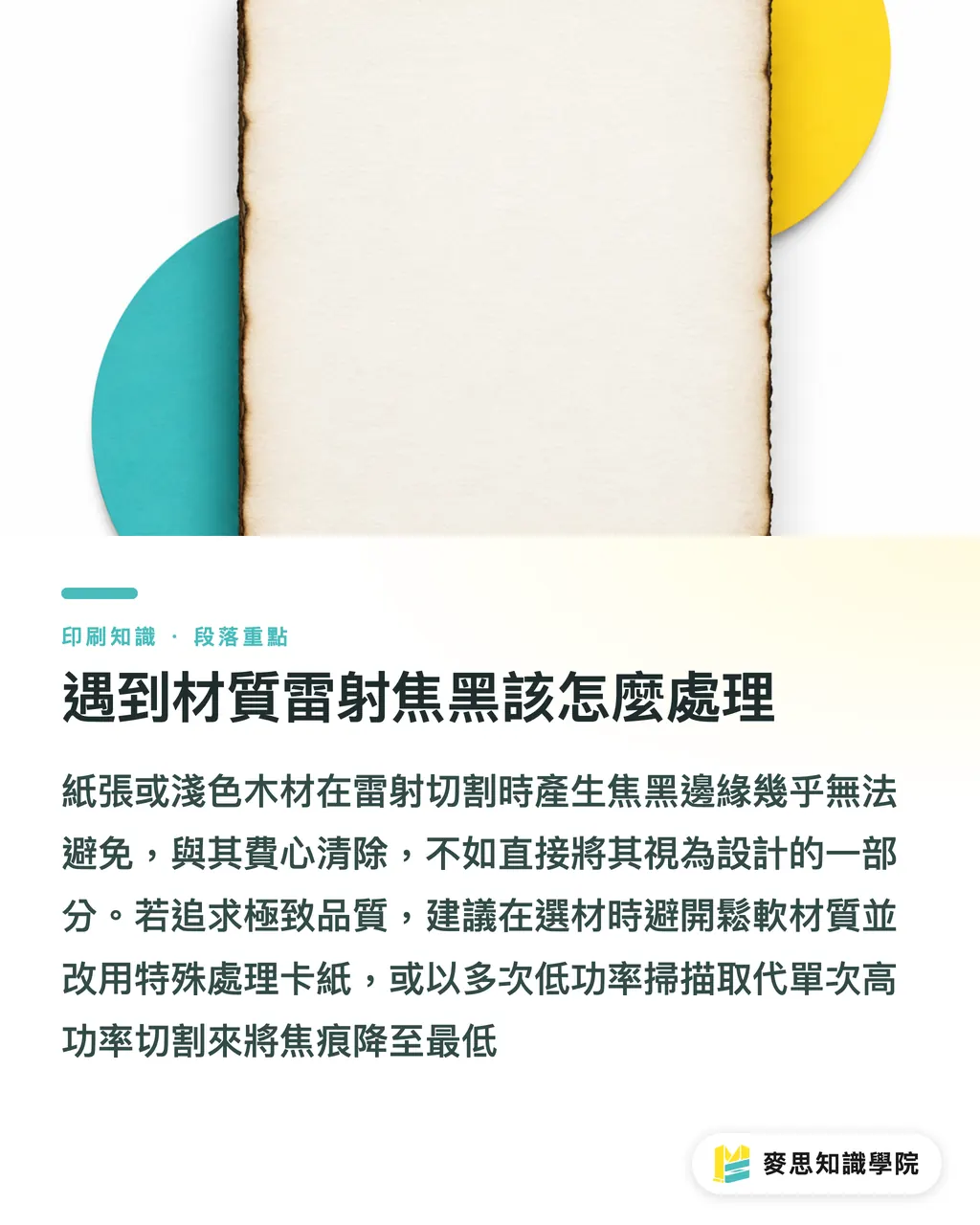
Key Takeaways
・Laser engraving is, by nature, a process that damages the material surface. Use pure black-and-white vector line art for production briefs, and avoid large photo-style grayscale areas
・Wood brings scorch marks, leather brings depth, and coated metal reveals its base color. Before choosing a material, confirm how it reacts to heat
・Always make a partial sample before mass production, using the physical object to check the real effect of burn marks and laser focus
・Treat darkened edges as part of laser engraving's visual language, then use parameter tuning and material choice to turn that character into a premium feel
Further Thought
For graphic designers and print buyers, laser engraving is full of tension between the perfect image on screen and the reality of physical material
Before your next production brief, ask the vendor to test on a scrap piece first. Once you have touched that burned indentation yourself, your design will carry a different kind of confidence
For complex corporate gift customization needs, talk with the Mai Strategy Knowledge Academy consulting team about material behavior first. It can save you most of the back-and-forth revisions later
FAQ
- Can I use a photo file for laser engraving?
- It is not recommended. Laser engraving burns the surface with high heat, and large grayscale photos produce extremely unstable results. Always provide pure black-and-white vector line art
- Why do paper edges turn black after laser engraving?
- This is the carbonized edge left after the laser's high heat burns through paper fibers. It is a normal physical result. You can reduce it by lowering the power or changing the paper, but it is hard to remove completely
- Can metal be laser engraved?
- A standard CO2 laser can only remove paint or coating from the metal surface to reveal the base color. To engrave recessed marks directly into bare metal, you need a fiber laser with a specific wavelength
Related articles

The Print × AI weekly
The print and AI know-how designers, brands and enterprises can use before they commit — one email, every week
MINDS Free Tools
Spine width and imposition calculators — skip the manual math, free in your browser.
MINDS Group
Need actual printing or gifting services?
From premium printing to online ordering and festive gifts — the MINDS Group sister brands take it from here.