
What did Epson show at PACK EXPO 2026?
Epson showed how on-demand color labels, collaborative robots, and vision technology can be used in packaging and shipping workflows. The official Epson announcement, published on October 6, 2026, lists the show dates as October 18 to 21 and booth W-35046. MINDS, a mid- to high-end commercial printer specializing in custom work, sees these as demonstrations of separate production steps. The announcement provides no figures for implementation costs or production-line results
On-demand color labeling means printing labels in the quantities needed, with names or artwork that can change from batch to batch. It suits packaging where versions change often. Epson's show lineup included:
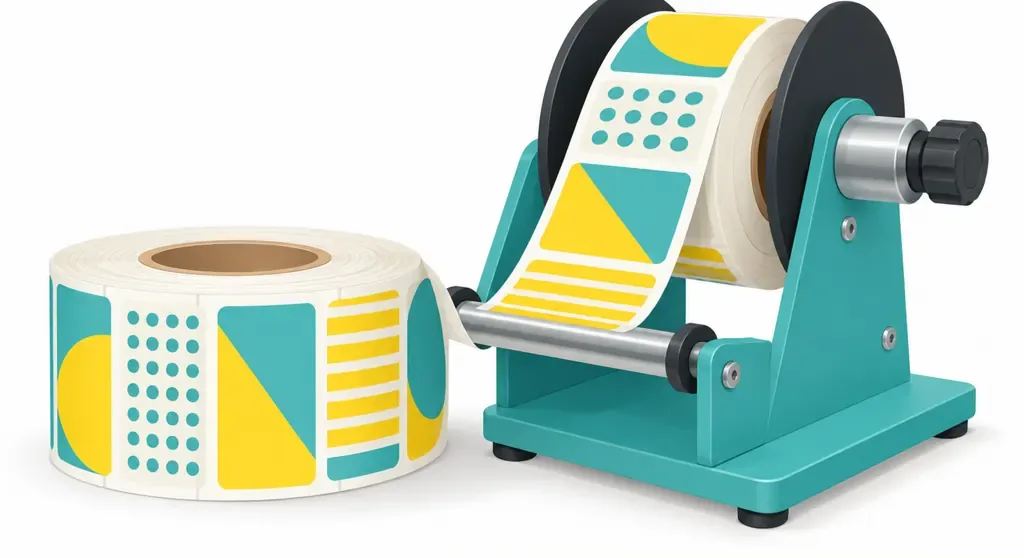
・A CW-C8000 paired with a label rewinder to wind printed labels into rolls
・A CW-C6500A with an auto cutter, supporting labels up to 8.34 inches wide
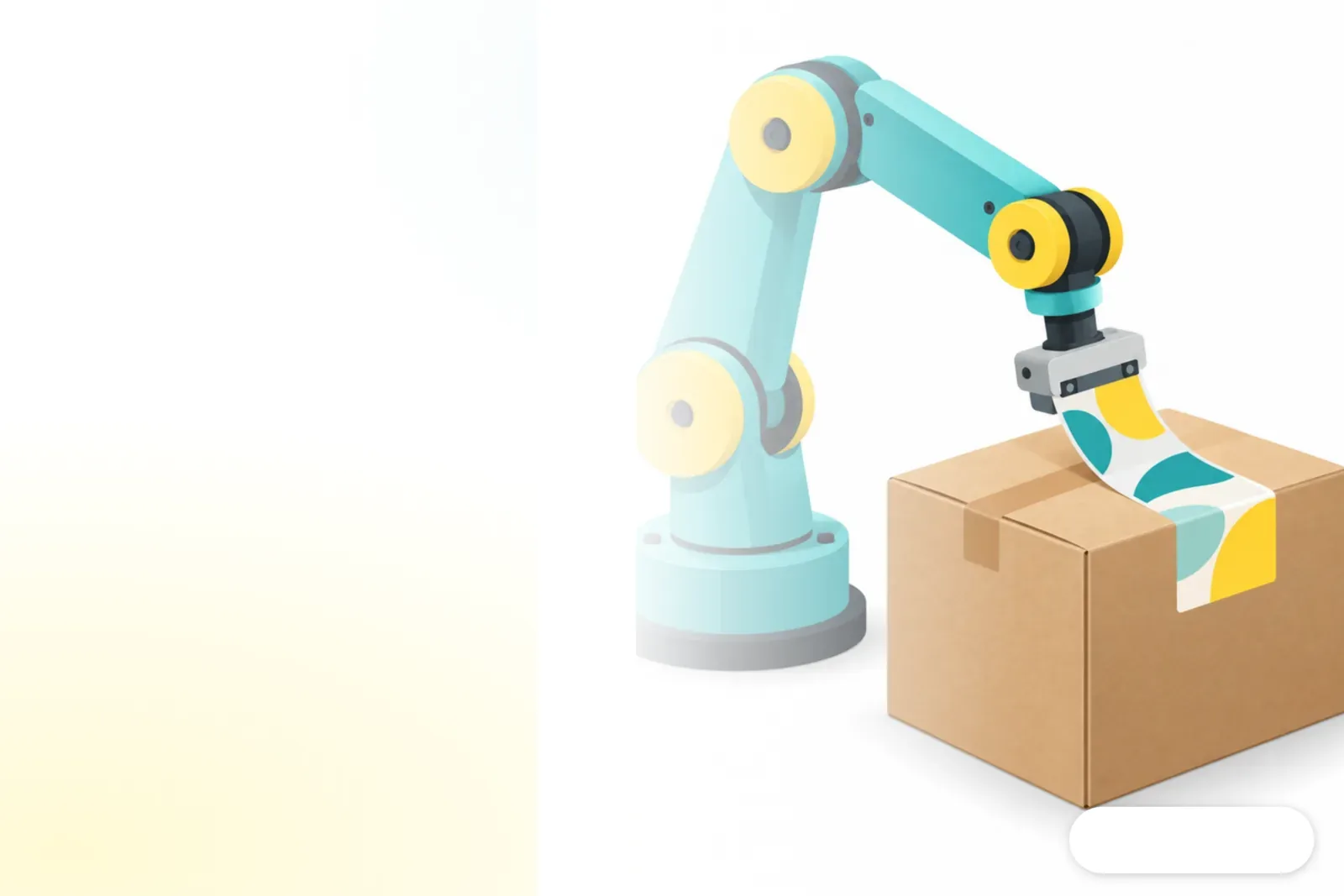
・A CW-C6000P paired with an AX6 six-axis collaborative robot to demonstrate carton labeling at the end of the shipping process
How do color labels and robotic arms fit into a packaging line?
Epson's automation demonstrations covered post-print finishing, carton labeling, and pick-and-place inspection. When MINDS looks at this workflow, the first thing to check is how many times someone has to handle a label between the printer and the carton
・The CW-C8000 and rewinder wind labels into rolls, reducing manual collection and waste caused by labels tangling or getting damaged
・The CW-C6000P and AX6 collaborative robot handle carton labeling at the end of the line, putting labels to work directly in the shipping process
・A T3 All-in-One SCARA robotic arm paired with Epson Vision Guide demonstrates inspection during pick-and-place operations. SCARA (Selective Compliance Assembly Robot Arm) is a type of robot suited to planar pick-and-place tasks
These are separate demonstrations, not examples of a fully integrated production line. MINDS recommends that print shops check the infeed, outfeed, and handoffs between people at each step before estimating which manual tasks they can actually eliminate
Why can short-run color labels affect the jobs a print shop takes on?
The value of short-run labels often comes down to spending less time changing versions and waiting for labels. Epson showed both low-volume label and ID card printing and a higher-volume color shipping label solution. MINDS thinks this puts a fresh spotlight on how shops handle rush orders
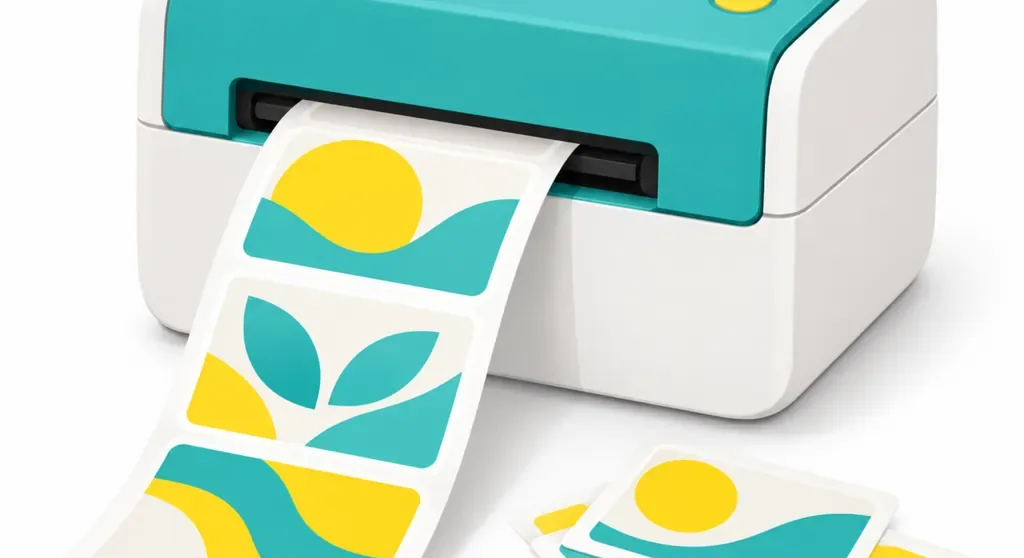
・The CW-D3800 is a color label and ID card printer for low-volume needs
・Epson Label Boost is a label design and management software suite. Designer 1 is for designing and printing, while Concierge handles visitor sign-in and ID badges
・The CW-C6000P paired with Label Boost Shipper can produce color shipping labels with brand artwork, coupons, or promotional content
I'd treat jobs under 500 labels as a service scenario worth tracking on its own. That doesn't mean every short-run job can be handled with one printer. When brand versions change often, on-demand printing may reduce the need to stock labels in advance and sort them by hand. Print shops still need to agree on who is responsible for color, materials, application, and shipping
What should print shops check at a trade show?
MINDS suggests three questions to ask: Which station will the equipment connect to? How will data reach the printer? How will the total cost per job be calculated? Epson's materials describe what the equipment and software are for, but shops still need to ask suppliers about consumables, maintenance costs, and compatibility with existing production lines
・First, compare your actual label dimensions and job volume with the model. For example, the CW-C6500A supports labels up to 8.34 inches wide
・Next, check whether the software can handle your existing label templates and shipping data, and confirm whether anyone still has to retype the information
・Finally, check how the equipment connects to your current packaging or post-print workflow, and ask for details on supplies, maintenance, and downtime support
Print shops can bring a common label and an actual package to test on site. MINDS would include label placement, switching between layouts, and handoffs between people on its checklist, so a smooth robot demonstration isn't the only thing they judge
How should small and midsize print shops handle short-run labels?
A small or midsize print shop can start by costing out one low-volume job with frequent version changes, then decide whether to move printing to the packaging floor. MINDS recommends counting the printer, label stock, software operation, and labor hours together. Don't compare equipment speed alone
・Find the label jobs that most often get held up by low quantities or multiple versions
・Test print with the actual labels and packaging to check color, cutting, and application
・Put supplies, maintenance, operating time, and the current outsourced process on the same cost sheet
Brands looking to test new packaging or multi-version labels can bring existing samples and layout requirements to MINDS to discuss custom printing options. SaaS teams can also check first whether their product and shipping data can provide the fields needed for labels, so staff don't have to copy the information by hand before the automation equipment can use it
Key takeaways
・Epson showed several labeling and packaging steps. They shouldn't be treated as one proven, fully integrated line
・The CW-C6000P paired with an AX6 demonstrates carton labeling at the end of the shipping process
・The CW-C8000 paired with a rewinder handles label winding and reduces manual collection
・Small and midsize print shops should evaluate software, supplies, maintenance, and staff handoffs together
Further thoughts
MINDS recommends that print shops choose one low-volume label job with frequent version changes, cost it out, and run it with actual labels and packaging before comparing the current workflow with on-demand printing. The information brand clients need to prepare is straightforward: label dimensions, layout versions, application position, and shipping fields. SaaS teams should first confirm that this data can be exported reliably, so the equipment receives the right content
Further reading
FAQ
- Which robotic labeling solution did Epson show at PACK EXPO 2026?
- Epson showed a CW-C6000P paired with an AX6 six-axis collaborative robot, using color labels to mark cartons at the end of the shipping process
- How wide a label can the CW-C6500A print?
- Epson's announcement lists a maximum label width of 8.34 inches for the CW-C6500A. It also comes with an auto cutter
- Did Epson's announcement include equipment payback figures?
- The materials provided no figures for investment costs, supply prices, or production-line performance before and after implementation. Print shops will need to check with suppliers and run the numbers against their own orders
- Is on-demand color labeling a good fit for a small print shop?
- If small orders often involve changing versions and labels need quick updates, the shop can test the setup with actual labels and packaging, then include supplies, maintenance, and labor hours in its cost comparison
Related articles
The Print × AI weekly
The print and AI know-how designers, brands and enterprises can use before they commit — one email, every week
MINDS Free Tools
AI background removal, brand stamping, and a LINE sticker maker — free design tools, right in your browser, no upload.
MINDS Group
Need actual printing or gifting services?
From premium printing to online ordering and festive gifts — the MINDS Group sister brands take it from here.