
What Exactly Is Flow, and Why Does It Affect Prepress Quality?
Flow affects prepress quality because it lets designers hold their attention for long stretches, working continuously through layouts, copy, and details without constantly switching tasks
Flow is a working state in which designers stay focused on creating and keep working through details for an extended stretch. It often comes with clear judgment and a steady creative rhythm
Prepress is the stage before printing when files are checked, versions are confirmed, and plates are prepared. A print-ready file is a complete file that a printer can inspect, use for plate-making, or output directly
I think this short A Designer's "Flow" Is the Hidden Key to High-Quality Prepress Artwork gets the key point right. Creative immersion affects delivery quality, and whether the printer works with that rhythm also changes how much proofing goes back and forth
When a designer moves from the key visual to box panels, side labels, and required copy, the biggest risk is having fragmented messages pull their attention away. In the end, type sizes, color blocks, and versions may no longer line up across panels

How Does a Designer's Flow Improve the Artwork?
When a designer is in flow, the artwork is usually more consistent in its details and more complete at delivery because the same visual judgment can carry through from one detail to the next
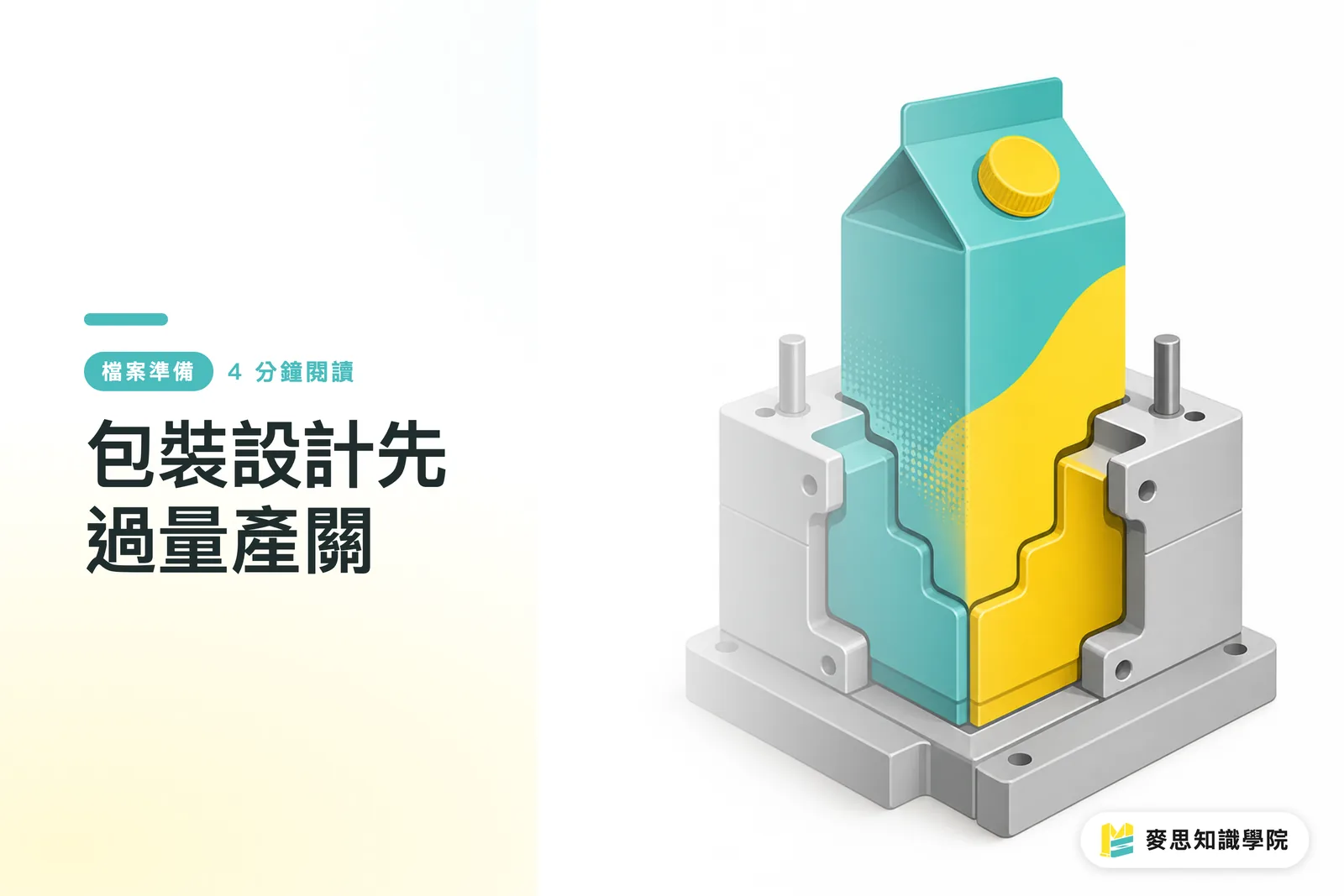
Packaging design has to account for the front, back, sides, dieline, and type hierarchy all at once. A dieline is the template that determines where a carton is cut and folded. If anything is missed, it may not show up until proofing
For example, if a designer is adjusting the distance between a brand color block and product information, an interruption at that moment can pull their attention away. When they return, they may remember to fix the copy but miss the cross-panel alignment they were comparing
In prepress communication, what I see most often is that small details have not been fully closed out. One panel has been updated while another is still on the old version. A line of type has moved, but the bleed or safe area was not checked again
Flow cannot replace checking, but it lets designers finish their decisions before handing the work over
How Can Printers Work With the Creative Flow Without Breaking It?
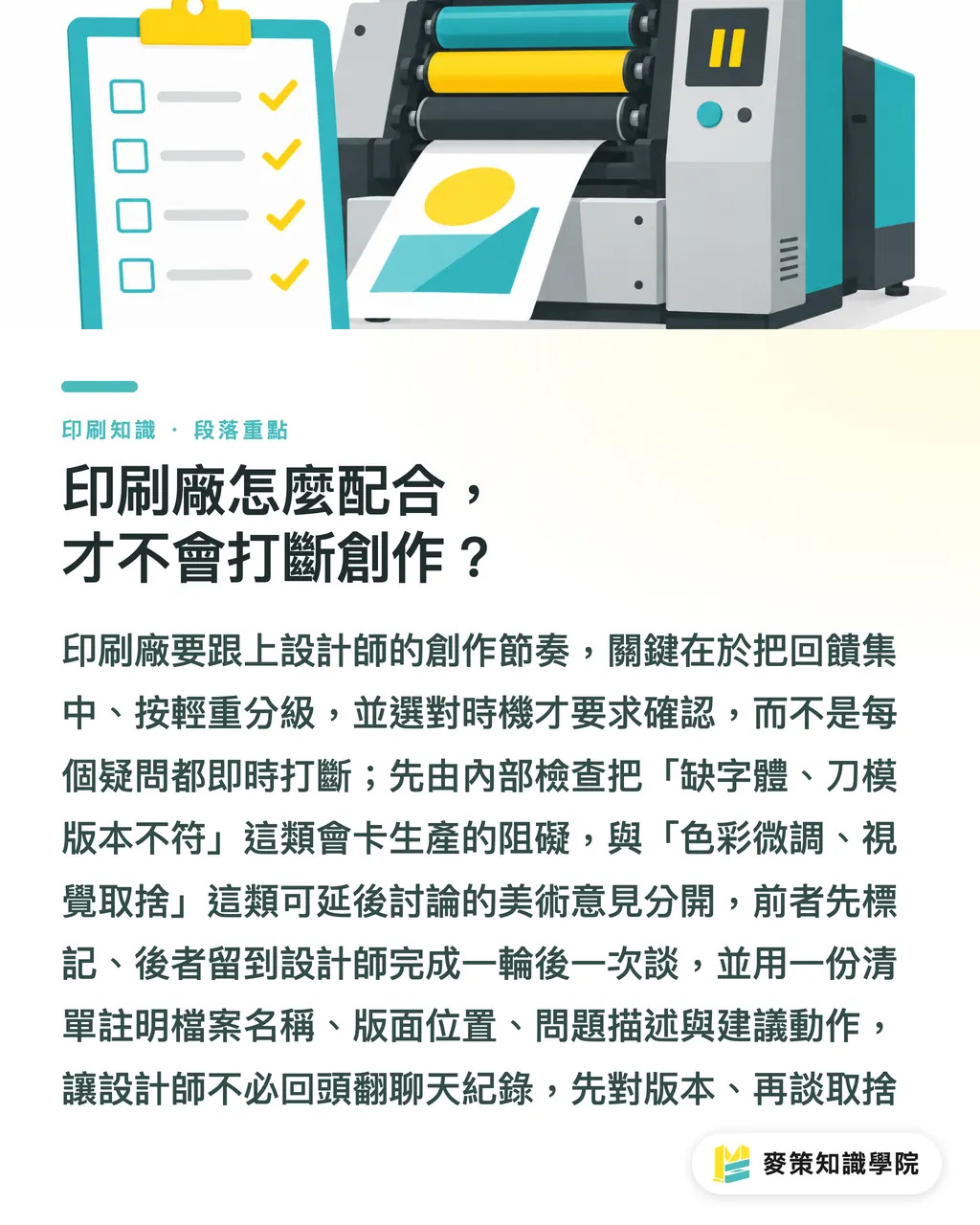
Printers need to work with the designer's creative rhythm by consolidating feedback, sorting issues by priority, and asking for confirmation at the right time, instead of throwing every question back in real time
The link between creative flow and prepress quality is especially clear in packaging projects, because a small version difference can affect several panels and send a proof back to the previous round
A printer can run an internal check first, separating issues that would block production from artwork suggestions that can wait for discussion
A missing font or a mismatched dieline version, for example, should be marked as a delivery blocker. Fine color adjustments or visual trade-offs can wait until the designer has finished a round, then be discussed together
I ask the point of contact to reply with one checklist that names the file, panel location, issue, and recommended action. That way, the designer can return to the artwork and deal with it without digging through chat history for clues
Align the versions first
Then discuss the visual trade-offs
Mai Strategy's Three-Gate Print Submission Process: How Does It Connect Creative Flow to Delivery?
Mai Strategy's three-gate print-submission process connects flow to delivery by drawing clear boundaries between creation, checking, and approval. It gives designers room to focus and gives printers information they can act on
In my consulting work, I usually organize this collaboration as "Mai Strategy's Three-Gate Print Submission Process."
・Gate one: Set the delivery boundaries first. Confirm which version is the master, which content is final, and that the dimensions, dieline, and bleed on the print-ready file can all be checked. Bleed is the area where the artwork extends beyond the trim line as extra allowance
・Gate two: Consolidate feedback. The printer puts the file-check results in one checklist, and the designer handles them after completing a creative round. This keeps one message after another from breaking up the designer's judgment
・Gate three: Confirm together before submission. The brand, designer, and printer review the same final file, leaving a record of the version and revisions. That gives the proof a clear basis
These three gates are not about adding more forms. The point is to make clear when people create, when they check, and when they make the final call. For a brand producing packaging for the first time, that is more useful than demanding an instant reply to every message
What Should Small and Mid-Sized Printers and Brand Clients Do?
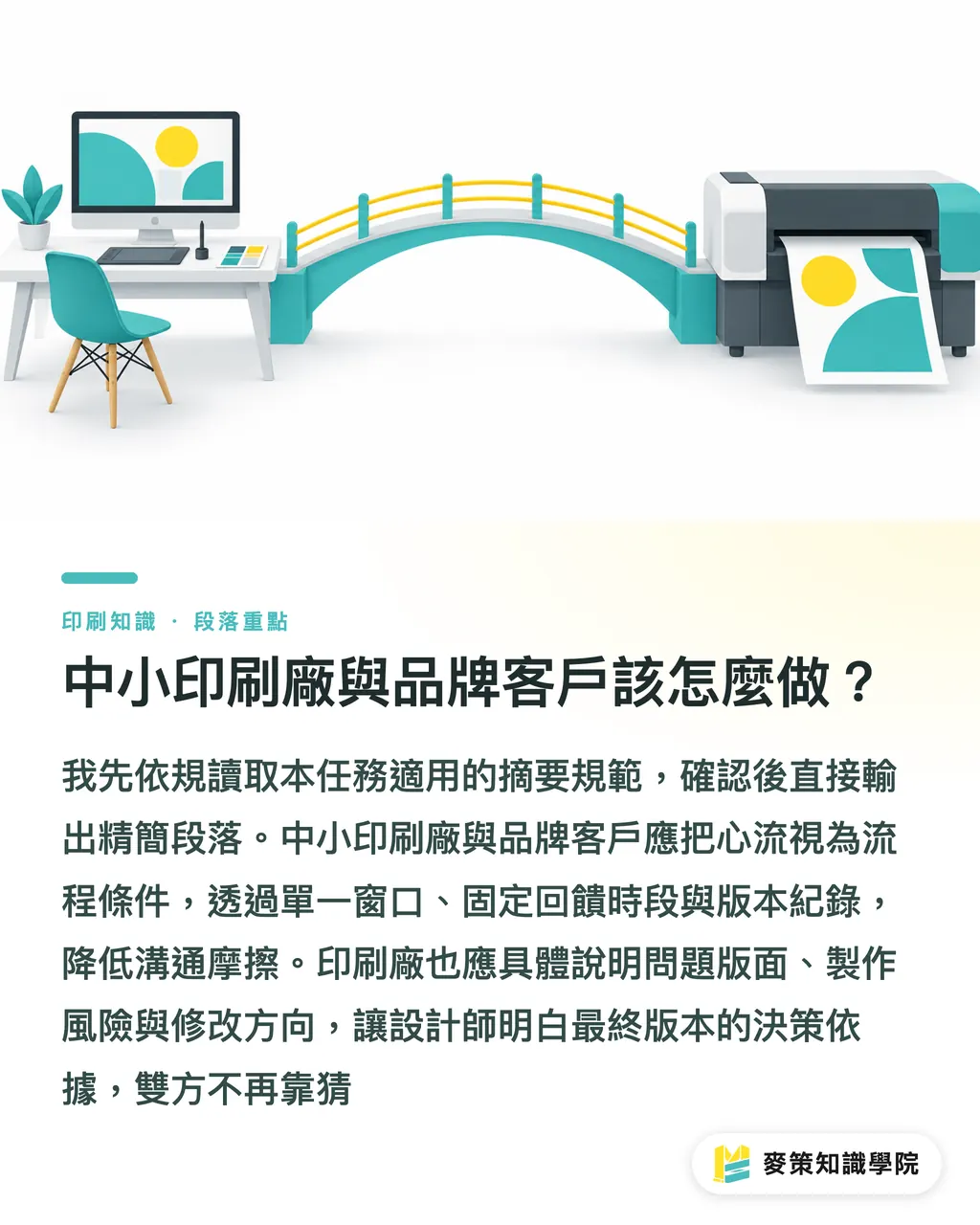
Small and mid-sized printers and brand clients should treat flow as a process condition. Start with one point of contact, fixed feedback windows, and version records, and communication friction will drop
The most common mistake when a brand is doing custom packaging for the first time is to send piecemeal opinions from the owner, sales, and marketing just as the designer gets into the zone. Have one point of contact consolidate them first. Once the designer has finished a round, state clearly what must change and what can be discussed
The printer also needs to explain its checking logic in plain language. Do not just reply, "There is a problem with the file." Point out which panel is affected, what production risk it creates, and what the designer should change next
If a brand wants a fully custom, mid-to-high-end commercial print job, it can ask MINDS to review the files and production conditions together before submission. Clarify the issues first, then move into proofing
AI can compare version differences, flag missing file fields, and consolidate feedback. Software as a Service (SaaS) is software delivered over the internet. Its interface should put these results into one trackable checklist, with less real-time noise and more decisions people can act on
The thing I care about most is that when a designer hands over the final version, they know why it is this version. The printer should also know which parts can no longer be left to guesswork
Key Takeaways
・Flow affects prepress details. Designers need uninterrupted blocks of creative time
・Printers need to consolidate feedback to reduce version confusion and back-and-forth proofing
・A print-ready file must do more than open. It also has to match the production conditions
・AI is well suited to organizing files and versions. Visual trade-offs still need human judgment
Further Thought
Start by mapping three time points: creating, consolidated checking, and print-submission confirmation. Assign who can respond and who has final say at each one. The production side should spell out the risks in one checklist. The design side should preserve a full block of creative time. The brand side should consolidate opinions. AI can compare and organize. SaaS can store versions and replies. If the process interrupts people less, prepress quality has a manageable starting point
Further Reading
FAQ
- How is a designer's flow related to prepress quality?
- Flow lets a designer keep working through packaging layouts and details without interruption. That makes it easier to deliver a complete print-ready file and reduces missed changes caused by switching attention
- How should a printer communicate without interrupting the designer?
- Complete the file check first, then put the issues in one checklist. Separate delivery blockers from artwork discussions so the designer can handle everything after finishing a creative round
- What should be checked before sending a print-ready file to print?
- Confirm that the final file matches the actual production conditions, and have the brand, designer, and printer complete the final review on the same file
- Will AI or SaaS disrupt a designer's flow?
- They will if every alert is pushed to the designer in real time. Use AI for version comparison and file organization, and let SaaS keep feedback in one place. That can reduce task switching instead
- What should a brand do first when printing packaging for the first time?
- Appoint one person to consolidate feedback, then agree with the printer on how feedback and print-submission approval will work. That gives the designer uninterrupted time to finish the artwork
Related articles



The Print × AI weekly
The print and AI know-how designers, brands and enterprises can use before they commit — one email, every week
MINDS Free Tools
Imposition calculator and preflight file check — free prepress tools, right in your browser.
MINDS Group
Need actual printing or gifting services?
From premium printing to online ordering and festive gifts — the MINDS Group sister brands take it from here.