

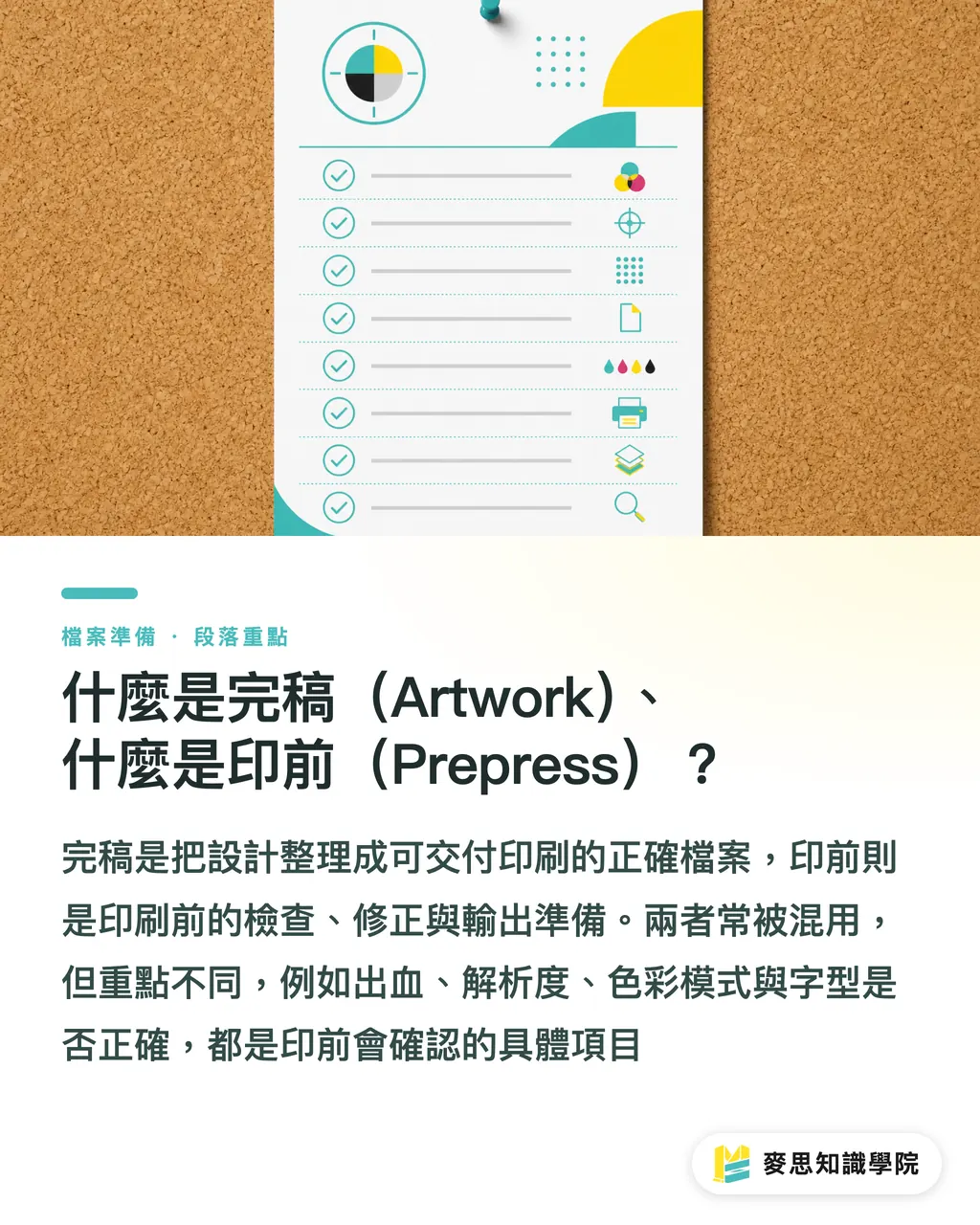
What Is Artwork, and What Is Prepress?
These two terms get used interchangeably, so let's define them properly first
Artwork is the final file the design side delivers: layout locked, text proofread, images in place, the file the designer signs off as 'this is it'
Prepress is everything the print side does after receiving that file and before it goes on press: checking format and color, verifying bleed and dielines, imposition, and platemaking, turning a file that is 'finished as a design' into production data a press can reproduce correctly
In other words, artwork is the end of the design workflow, and prepress is the start of the production workflow, with a handoff line running between them
The vast majority of rejected files, delays, and bad print runs happen right on that line: the design side assumes the job is done once the file is sent, while the print side receives a file with missing fonts, no bleed, or the wrong color mode
This article is the overview map of the entire workflow. Each stage explains what to do, why it matters, and where things most often go wrong, and every section links to a deep-dive article if you want to go further
The Most Common Gaps in Final Artwork: It Looks Done, but It Isn't
There's a real gap between 'done' on a designer's screen and 'print-ready artwork' as a print shop defines it
The most common gaps fall into a few categories: RGB never converted to CMYK, image resolution too low, text not outlined and fonts not supplied, no bleed, spot colors and process colors mixed without labeling, and leftover hidden layers that were never cleaned up
None of these problems are visible on screen. The file looks fine every time you open it, then every one of them surfaces the moment it hits a prepress check
The painful part is the round trips: production spots the issue, reports it to the account manager, who contacts the designer, who fixes and resends. One small gap can easily burn a working day or two
We've compiled a full checklist of the places where files 'look finished but aren't' in [Where 'Looks Final' and 'Actually Printable' Diverge](/en/knowledge/design-print-gap/). Reading it once lets you defuse most of these landmines at the design stage
Choosing a File Format: Why Print Shops Ask for PDF/X
The first rule of submission formats: deliver a PDF, and ideally a PDF/X
PDF/X is a subset of PDF designed specifically for print exchange. It forces font embedding, requires clearly defined color spaces, and prohibits elements that make output unpredictable, blocking a whole class of common errors at the format level
Native files (AI, INDD, PSD) aren't forbidden, but version compatibility, missing fonts, and lost links all become your risk to carry. They're usually only included when the print shop needs to make edits on your behalf
Within PDF/X there are versions, and the two you'll meet most are PDF/X-1a and PDF/X-4: the former flattens everything and pre-renders transparency for maximum compatibility, while the latter preserves transparency and layers for the output RIP to process, with a higher ceiling on color quality
For a full specification comparison and guidance on which one suits your job, see [PDF/X-1a vs PDF/X-4: Which Is Safer for Print Submission?](/en/knowledge/pdf-x-version-guide/)
And when in doubt, asking your print shop which version they want is always the shortest path
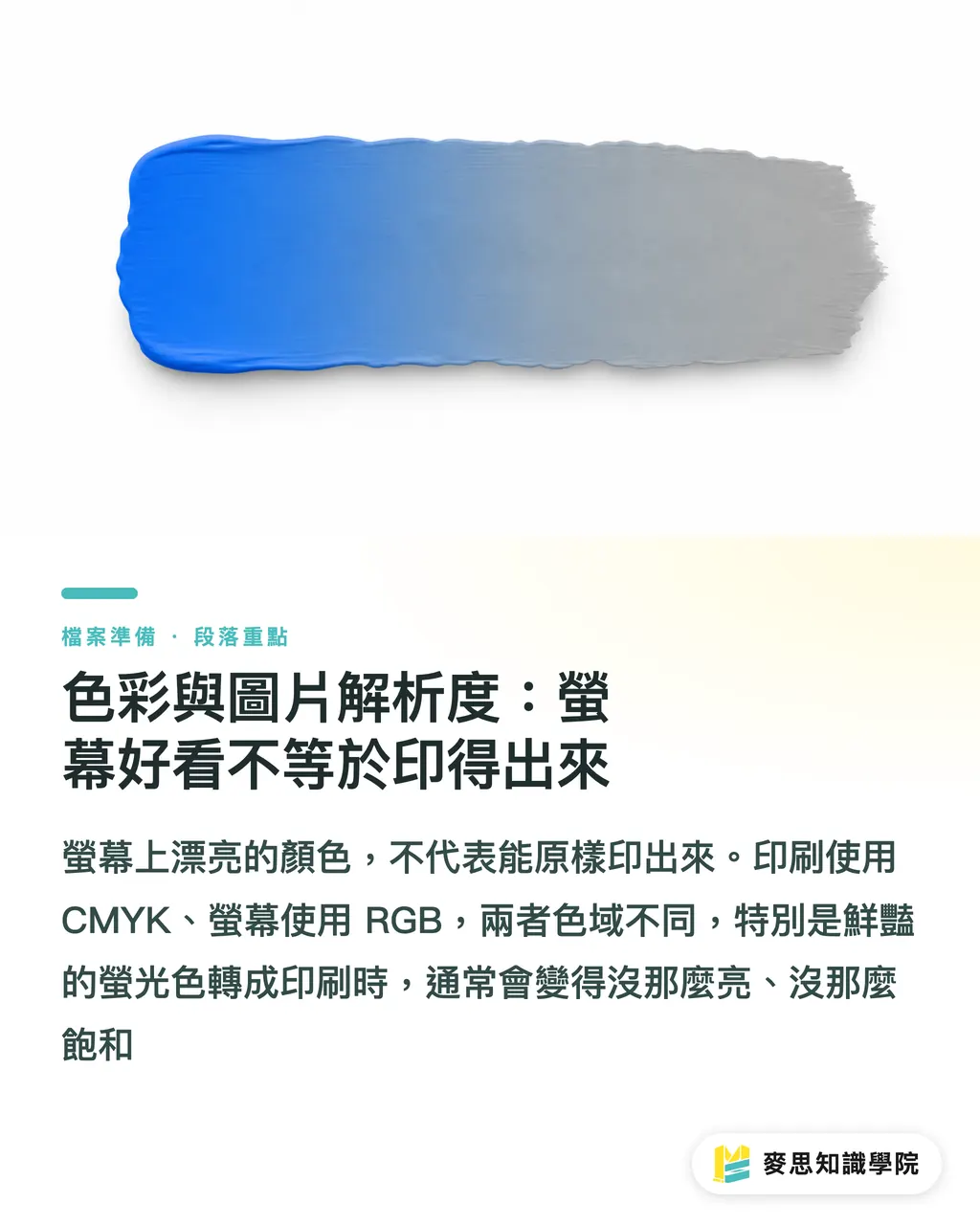
Color and Image Resolution: Looking Good on Screen Isn't Enough
The color fundamentals come down to one line: print uses CMYK, screens use RGB, their gamuts differ, and vivid neon colors will always go flat in print
So work in CMYK at the artwork stage, or at least review the converted result, rather than discovering the color shift on the finished piece. For black, use single-channel K or a specified rich black; four-color stacked black causes registration and drying problems
The resolution standard is just as simple: roughly 300 dpi at actual output size, and if it holds up at 100% zoom, it passes. A 72 dpi image pulled from the web and enlarged will print as a blur
There's one more image decision that's easy to overlook: linking versus embedding
Linked files keep documents light and revisions easy, but a missing linked image is one of the most common causes of prepress rejection. Embedded files are heavy and clumsy to update, but nothing can go missing. The full trade-off is covered in [Should Artwork Images Be Linked or Embedded?](/en/knowledge/image-link-embed-print/)
Whichever you choose, run your software's preflight before submission to confirm there are no missing-image or low-resolution warnings
Bleed, Dielines, and Finishing Marks: The Work Beyond the Trim Line
A printed piece isn't done when the ink hits paper. It still gets trimmed, die-cut, folded, and finished, and everything those processes need must be spelled out in the artwork
Bleed is the most basic item: full-coverage backgrounds and images must extend 3 mm past the trim line so cutting tolerance never exposes a white edge, and important text and graphics should stay at least 3 mm inside the trim line as a safety margin
Die-cut products (boxes, shaped cards, stickers) need a dieline: drawn in a spot color, set to overprint, and placed on its own layer, so it registers precisely without printing as part of the image
Spot UV, foil stamping, and embossing follow the same logic: give each finishing process its own spot color plate or dedicated layer with a clear name, so the shop knows exactly which area gets which treatment
The general rule for this stage: state everything the machine needs to know, in a form the machine can read. Guesswork and verbal instructions are where accidents come from
File Packaging and Handoff: Let the Shop Start Working the Moment It Arrives
Getting the file right is half the job. It also has to be handed over right
The goal of packaging is a self-contained delivery: the output PDF, any needed native files, every linked image, fonts or an outlining note, and color settings. Each missing piece costs another round trip
InDesign and Illustrator both have built-in package functions that gather links and fonts automatically, but gathering isn't the same as checking. For the items to verify one by one, [the prepress packaging checklist](/en/knowledge/prepress-file-package-checklist/) gives you a list you can run through as-is
The other half of the handoff is information: size, quantity, paper stock, ink colors, finishing, and deadline. Leave these unwritten and the shop can only guess
The most reliable approach is a handoff sheet that captures every specification in one place, with a format and examples in [How to Write a Print File Handoff Sheet](/en/knowledge/printer-file-handoff/)
A useful rule of thumb: imagine the recipient has never heard of the project. If they can open the folder and understand what to print and how within ten minutes, the handoff is complete
Preflight and Prepress Communication: The Last Line of Defense Before Press
Preflight means checking the file against specifications with software before it reaches the press: fonts embedded, resolution sufficient, color spaces correct, bleed present, overprint settings sane
Acrobat Pro's Preflight tool, InDesign's live preflight, and a print shop's professional preflight systems all do the same thing: turn problems the human eye can't see into an explicit report
Running your own preflight before submission versus relying on the shop's check are two completely different rhythms: the first means fixing issues on the spot and delivering once, the second means every problem travels back and forth through an account manager
For how to read preflight reports, configure each check, and fix the common failures, work through our complete [preflight checklist guide](/en/guide/preflight-checklist-complete-guide/) and you'll have your own submission standard
Once preflight passes, don't skip the final human layer: confirming the digital or paper proof, verifying spot color numbers, and signing off finishing positions. Only after those person-to-person confirmations is the job truly ready to run
Artwork in the AI Era: New Challenges from Generated Images and Collaborative Files
Now that AI has entered the design workflow, artwork and prepress have picked up a few new checkpoints
AI-generated images are inherently RGB, screen-resolution, and raster. Sending them straight to print almost guarantees trouble: color must be converted, resolution boosted, and key elements redrawn as vectors. The full processing pipeline is broken down step by step in [the AI-to-print complete guide](/en/guide/ai-to-print-complete-guide/)
The other new challenge is accountability: when part of a file is AI-generated and part is human-edited, who owns a failure? Was the commercial license checked? Is there a record of the sources?
This matters most in team and outsourcing scenarios. The handoff should state which assets were AI-generated, with which tools, and under what license, as covered in [How to Hand Off AI-Collaborative Artwork](/en/knowledge/ai-file-handoff/)
Looking back from here, artwork and prepress form a single chain of quality accountability: the design side finishes what it must finish and documents what it must document, and the print side checks what it must check and confirms what it must confirm
Every link in that chain has a deep-dive article on this site. Use this page as the map, follow the links where you need depth, and every file you deliver gets closer to passing on the first submission
FAQ
- What is the difference between artwork and prepress?
- Artwork is the final file delivered by the design side, marking the end of the design workflow. Prepress is everything the print side does after receiving it and before the job goes on press, including format checks, color verification, imposition, and platemaking, marking the start of production. Most rejections and delays happen at the handoff line between the two
- Why do print shops ask for PDF/X files?
- PDF/X is a subset of PDF designed for print exchange. It forces font embedding, requires defined color spaces, and excludes elements that make output unpredictable, blocking a large class of common errors at the format level. The common versions are PDF/X-1a (flattened, maximum compatibility) and PDF/X-4 (preserves transparency, higher color quality ceiling); follow your print shop's preference
- What are the standard bleed and resolution requirements for print files?
- Bleed is typically 3 mm beyond the trim line, and important text and graphics should stay at least 3 mm inside the trim line as a safety margin. Image resolution should be roughly 300 dpi at actual output size, and it should look sharp when viewed at 100% zoom
- What is preflight, and is it really necessary?
- Preflight is a software check of the file against print specifications before press: font embedding, resolution, color spaces, bleed, and overprint settings. Running it yourself before submission (with Acrobat Pro Preflight or InDesign live preflight) is strongly recommended, because fixing issues on the spot is far faster than waiting for the print shop to reject the file and going through revision round trips
- Can AI-generated images be placed directly into final artwork for print?
- Not recommended as-is. AI-generated images are usually RGB, screen-resolution raster files. They need CMYK conversion, resolution boosting, and sometimes vector redrawing, plus a commercial license check. In collaborative work, the handoff should also note which assets were AI-generated and their license status
References
- Ghent Workgroup — Best practices and specifications for print file exchange · Ghent Workgroup國際印刷檔案交換規範組織,PDF/X 送印建議設定的權威來源
- PDF/X-, PDF/A-, and PDF/E-compliant files (Adobe Acrobat Pro) · AdobeAdobe 官方對 PDF/X 標準與 Acrobat 預檢的說明文件
Related articles



The Print × AI weekly
The print and AI know-how designers, brands and enterprises can use before they commit — one email, every week
MINDS Free Tools
Imposition calculator and preflight file check — free prepress tools, right in your browser.
MINDS Group
Need actual printing or gifting services?
From premium printing to online ordering and festive gifts — the MINDS Group sister brands take it from here.