

Can handwriting be shot on a phone and sent straight to foil stamping?
No. Phone photos contain grayscale information and soft edges, so direct plate-making will almost certainly create chewed-up edges or broken fine strokes. The artwork must first be converted into a pure black vector file, with all strokes kept above 0.15mm
When we review files at MINDS (MS, mid- to high-end fully custom commercial printing), handwritten foil-stamping artwork usually goes through the "MINDS three-step prepress check": ① assess the physical limit of stroke thickness ② check whether the vector node count is overloaded ③ confirm black-plate purity and layer separation
Lately, I often see clients wanting to foil-stamp a founder's handwriting or hand-drawn illustration onto wedding invitations or brand packaging
That kind of design, with the real warmth of a pen stroke, really is attractive
But many people instinctively drag the photo into Illustrator, hit Image Trace, and send it off
The result is lettering that prints as a blur, or strokes that come out broken and uneven
When foil stamping fails to deliver the expected effect, the most common reason is that the design file only shows "gold" on the screen, without dealing with the physical relationship between foil, pressure, paper stock, and the separate foil-stamping plate
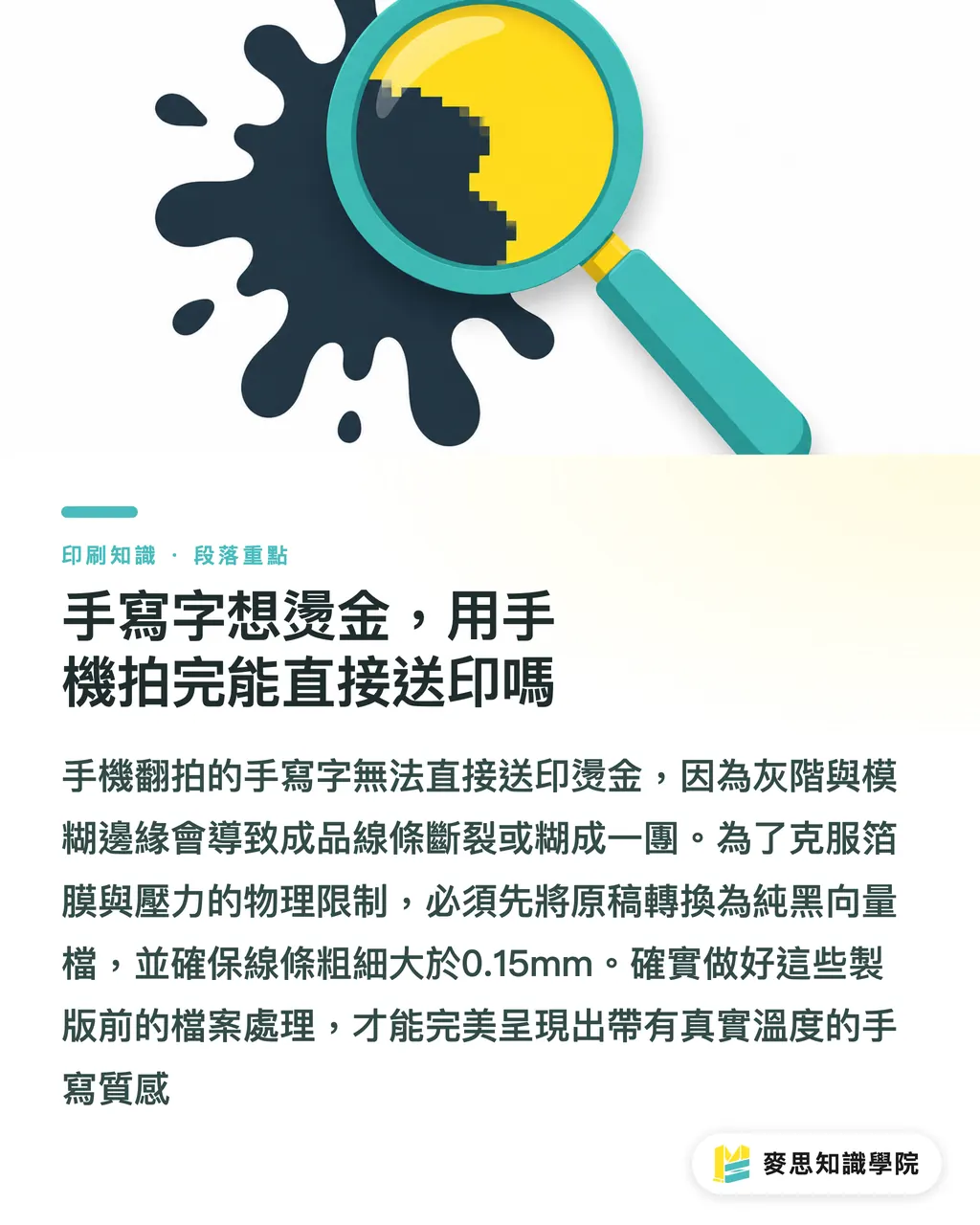
How can AI image enhancement plus Image Trace rescue a blurry draft?
To keep the handwritten feel while making the file readable to printing equipment, the standard approach is to boost the photo contrast first with AI image enhancement software, then vectorize it in Illustrator
Handwritten images shot on a phone usually lack enough contrast. If you run Image Trace directly, a lot of detail will disappear
First, put the image through an AI restoration tool to push the black-and-white contrast as far as it can go, while also repairing broken specks and gaps
Then bring it into Illustrator and run Image Trace. Choose "Black and White Logo" or "Sketched Art" mode to capture clean lines
After converting it to vectors, do not rush to save the file and send it out
This is the fatal issue I see most often on the production side: AI-generated vector artwork often contains thousands, even tens of thousands, of meaningless nodes
Those dense clusters of nodes do more than slow down plate-making calculations. They can crash the machine outright
You have to manually use the Simplify function to bring the node count down to a reasonable range. Only then, with smooth lines preserved, does the file qualify as print-ready artwork
Why do fine lines keep failing to print as expected?
Hot Stamping is a post-press process that uses heat and pressure to transfer metallic foil onto paper or specific materials, adding visual quality through a metallic surface
That creates one hard production limit: the finest line cannot be under 0.15mm
If the start or end of your handwritten stroke is too sharp or too thin, the foil does not have enough surface area to hold onto the paper
The result is broken lines, missing foil, or edges that are not sharp at all
If you choose a deeply textured fine art paper, 0.15mm may still not be enough. The uneven paper surface will absorb part of the machine's pressure
At that point, you should use the software's Offset Path function to make the handwritten strokes slightly thicker
Many AI tools can now help calculate and add thickness during prep
But when thickening the strokes, be careful not to destroy the original flow and character of the handwriting
If your team cannot pin down these finishing details or the match between artwork and material, I usually suggest talking directly with the consulting team at Mai Strategy Knowledge Academy. Having someone with real production-line experience review the artwork is the safest route
How do you prepare a safe Spot Color black plate for foil stamping?
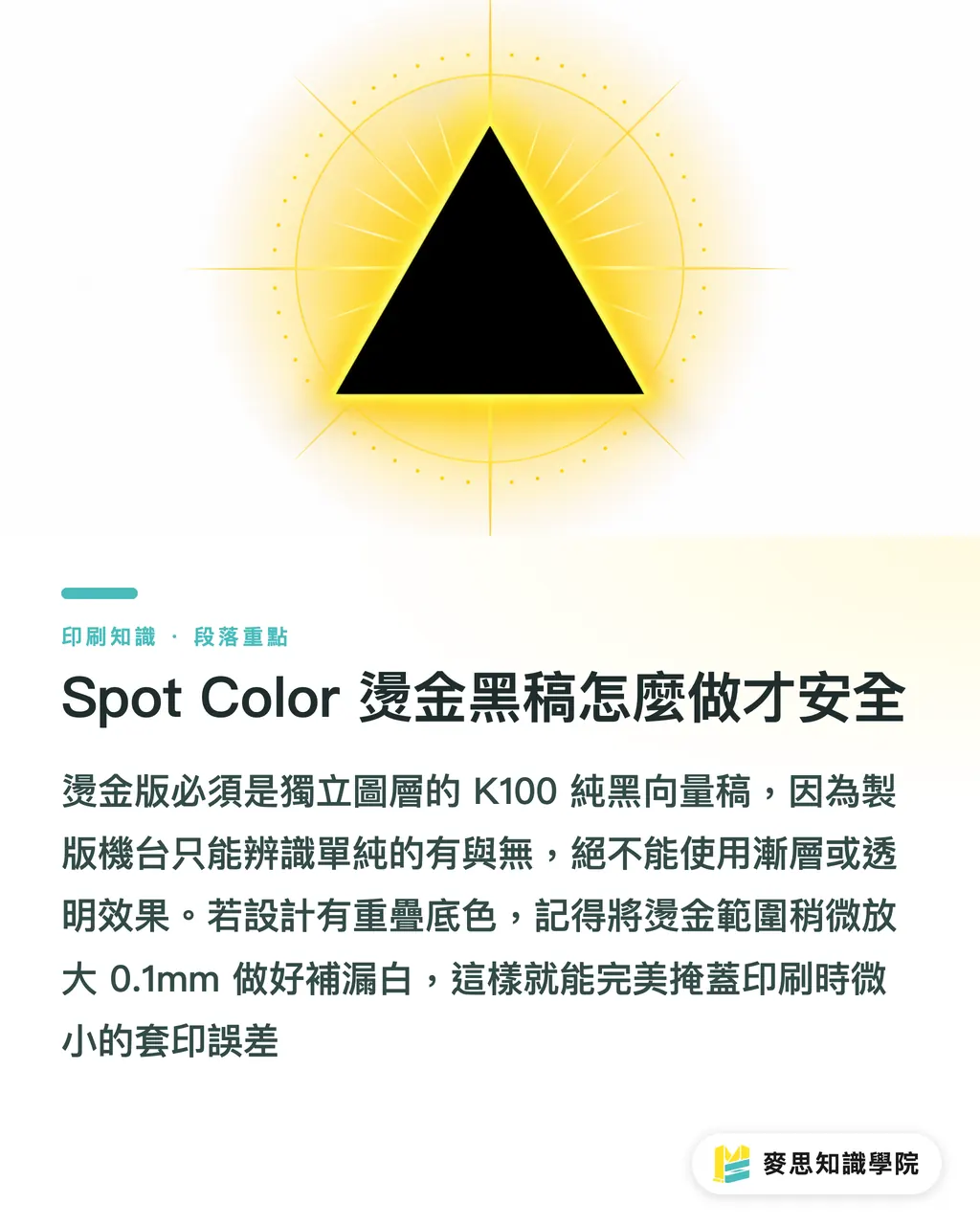
A foil-stamping plate must be a separate K100 vector black plate
You cannot send the print vendor a gradient file with metallic shine or transparency
During plate-making, the machine only understands two states: on and off
So the handwritten lettering you worked so hard to trace must ultimately be filled with pure black, C0 M0 Y0 K100
It also has to be placed on a separate layer or assigned as a Spot Color to avoid confusion with regular ink
Also watch for registration issues when foil stamping overlaps with other printed graphics
Once the handwritten artwork has been digitized, the line boundaries are fixed
If you plan to print a background color under the lettering and then foil-stamp on top, remember to set up Trapping
Making the foil-stamping plate slightly larger by 0.1mm can cover the tiny registration errors that are unavoidable on the production line
Once these underlying values are set correctly, your design can truly move from screen to physical print
Key Takeaways
・Handwritten artwork shot on a phone cannot be output directly. It must go through high-contrast enhancement, vectorization, and node simplification before it can meet print standards
・AI-generated or traced vector artwork often contains too many nodes. Always run Illustrator's Simplify function to avoid crashing plate-making equipment
・Foil stamping is a physical heat-transfer process. The stroke-thickness limit is 0.15mm, and rough fine art paper calls for additional thickening
・A separate foil-stamping plate does not accept gradients or transparency. It only recognizes pure black vector settings at C0 M0 Y0 K100
Further Thinking
Current design tools have greatly lowered the technical barrier for digitizing handwritten artwork, but there is still a knowledge gap between "can be converted into vectors" and "can be produced smoothly."
Treat AI as a tireless prep assistant for contrast adjustment and tracing, then leave node optimization, trapping size, and material matching to human professional judgment
Design teams can build a file-checking list around this logic, so every handwritten piece with warmth can land perfectly on the press
FAQ
- Can a handwritten image shot on a phone be made directly into a foil-stamping plate?
- No. The grayscale edges in a photo can cause broken artwork and snapped lines during plate-making. The image must first be enhanced for contrast in software, then converted into a pure black vector file with smooth edges
- Why are my foil-stamped lines still broken even though I set them to 0.15mm?
- 0.15mm is only the physical limit. If you choose fine art paper with deeper texture, the uneven surface will affect foil adhesion, so the strokes must be thickened appropriately for that paper stock
- Why would a print vendor reject a file after Illustrator Image Trace?
- Usually because the file contains too many meaningless nodes. That can cause plate-making equipment to stall or crash, so the node count must be simplified with software before sending the file to print
- Can I mark foil-stamping artwork with gold color blocks for the vendor to see?
- Foil stamping requires a separate metal plate, and the machine only recognizes pure black. Designers must set the foil-stamping area as a pure black vector at C0 M0 Y0 K100 and keep it on its own layer
Related articles




The Print × AI weekly
The print and AI know-how designers, brands and enterprises can use before they commit — one email, every week
MINDS Free Tools
AI background removal, brand stamping, and a LINE sticker maker — free design tools, right in your browser, no upload.
MINDS Group
Need actual printing or gifting services?
From premium printing to online ordering and festive gifts — the MINDS Group sister brands take it from here.