

How can a product list be turned into a catalog layout quickly?
Turning a messy product list into a print layout starts with structuring the data upfront, then using AI to classify SKUs and suggest section breaks and page counts
Many companies are used to sending presentation files straight to print, which usually turns into a layout disaster. Sales decks and printed catalogs are two very different visual formats. A deck highlights one key point per slide, while a catalog has to account for eye flow, binding page counts, and reading rhythm
1. Step one: clean the original Excel or ERP export, and make sure product names, model numbers, dimensions, and spec fields are complete
2. Step two: use AI to analyze SKU volume and relationships, then generate sectioning suggestions and estimated page counts for folded leaflets or saddle-stitched catalogs
3. Step three: correct the structure based on page-count rules, making sure the total page count matches the 8-page or 16-page multiples required for press forms
From what I have seen over the past few years between print production lines and design teams, the biggest benefit of AI at this stage is handling tedious field comparisons. But people still have to verify whether the product specs are true and commercially logical. An algorithm may randomly generate spec parameters that look reasonable. If a product manager does not check them by hand, the painful price is reprinting the whole batch

What prepress traps show up when AI pre-screens images and copy?
When pre-screening images and generating spec copy, the most common prepress trap is using RGB images taken straight from the screen and auto-generated text that has not been verified
A bright image on screen will only produce a blurry, dull, color-shifted print if the resolution is too low or the color space is wrong. Designers need to set strict automatic filtering rules before anything enters the layout
Preflight refers to the full file compliance check performed before a file is sent to the print shop for final output. It checks image resolution, CMYK color-space conversion, font embedding, bleed areas, hairline strokes, and other physical print limits, making sure the digital file matches the physical requirements of printing
During image and copy pre-screening, designers should follow these principles for systematic control:
・Image resolution filtering: remove all images below 300dpi to avoid pixelated blocks during printing
・CMYK color-space conversion: automatically flag highly saturated fluorescent colors in the RGB screen gamut, then run algorithmic color matching early
・Spec copy proofreading: AI is good at writing smooth product feature descriptions, but truly polished copy still needs a human edit
・Copyright and portrait rights checks: if generated assets appear in the output image, confirm that they are cleared for commercial use and free of rights disputes
Image color correction is still where designers prove their value. Algorithms can batch-convert grayscale images or handle basic color adjustments, but judging paper ink absorption, tonal depth, and exact brand standard colors still requires a professional designer making the final call on a calibrated monitor
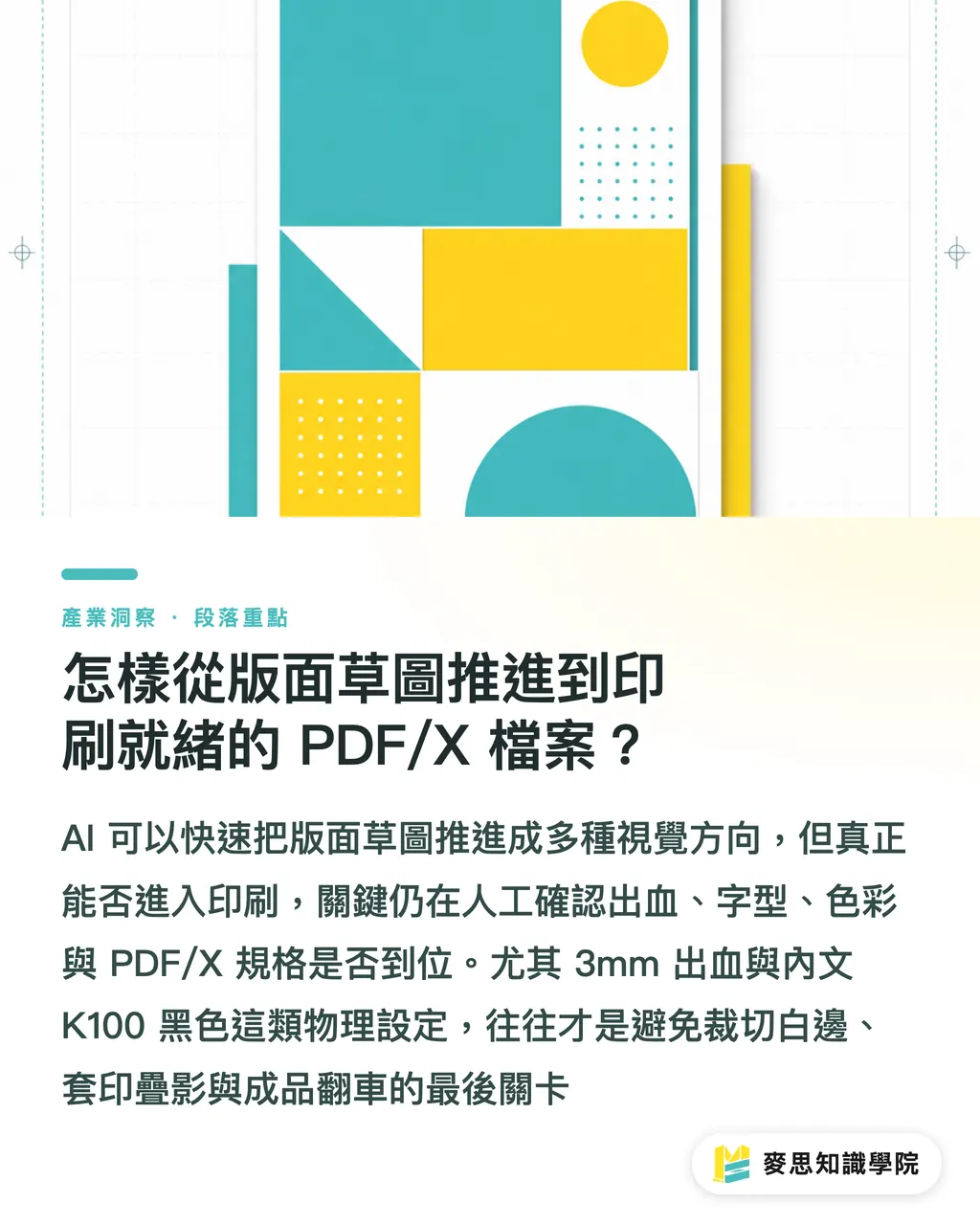
How do you move from layout sketch to print-ready PDF/X file?
Moving from a concept sketch to a print-ready file means aligning the AI-generated visual direction with physical prepress specs and the layout grid
Designers can use AI to quickly produce several layout styles and eye-flow sketches, but once those ideas become real files in professional layout software, hard print rules have to be enforced
・Confirm the bleed area: set a 3mm bleed around the outer edge of the layout to prevent white edges after trimming
・Outline or embed text: make sure every font is fully embedded in the PDF, or convert text into vector outlines
・Export in a PDF/X standard format: choose PDF/X-1a or PDF/X-4 to lock color profiles and transparency objects
・Set black text to K100: all small body text should be single-color black K100 to avoid ghosting from misregistered three-color or four-color overprint
Here is a practical comparison between traditional manual layout and an AI-assisted final-art workflow:
・Traditional layout: manually enter SKU copy, check image resolution one by one, and draw grids by hand. The upside is precise control over detail. The downside is slow revisions and too much repeated labor
・AI-assisted layout: AI batch-preprocesses spec copy, automatically filters low-resolution images, and generates layout sketches. The upside is very fast early-stage production. The downside is that the final-art stage still demands strict human second checks
That is enough
Automation can save you 70% of the time spent on repetitive typing and image hunting, but the remaining 30% of physical spec setup is the high-pressure zone that decides whether the finished piece lives or dies
How should designers build a safe AI collaboration handoff process?
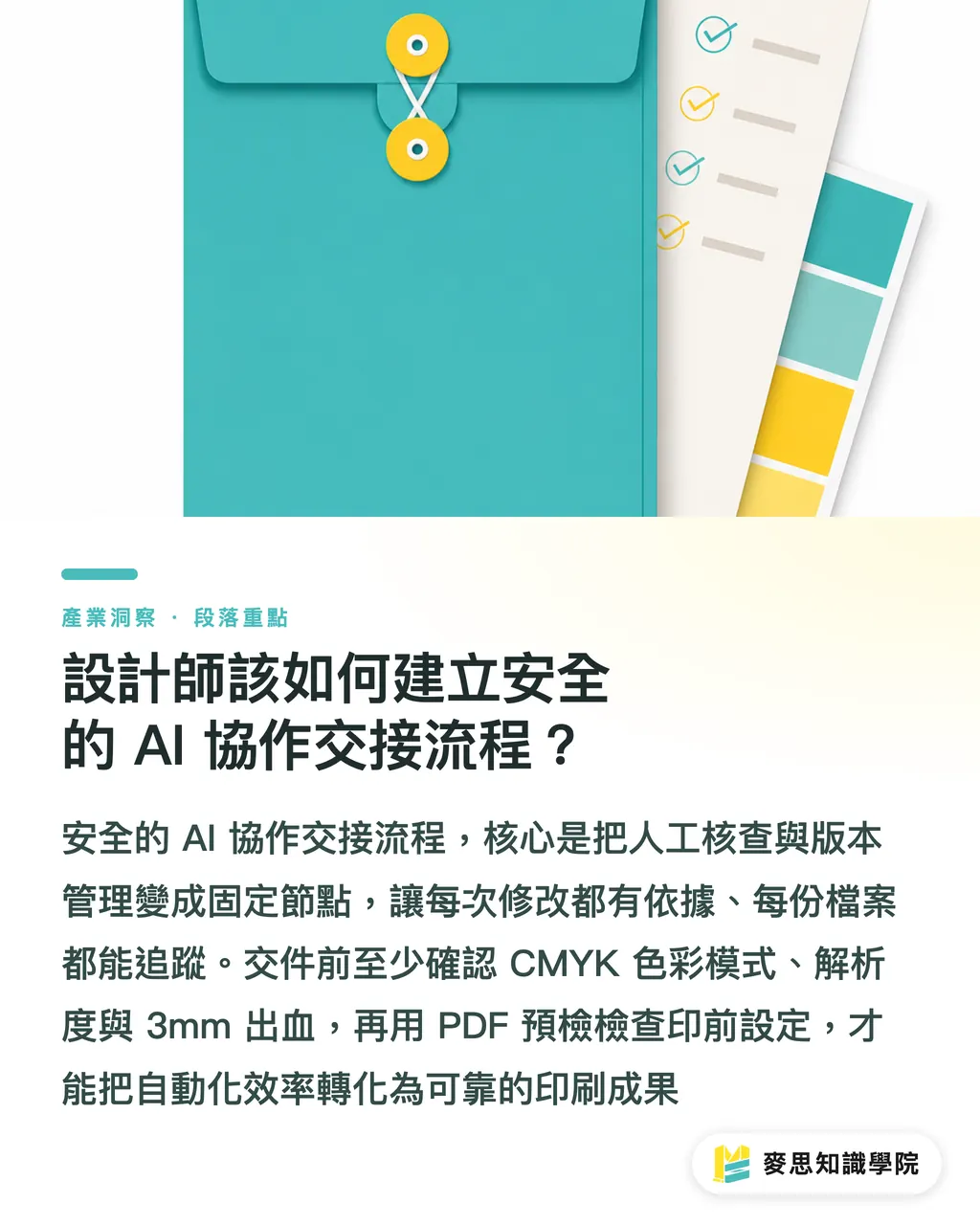
Building a safe AI collaboration handoff process starts with standardizing human review checkpoints and using trackable version control
After a team brings in AI tools, the most common reason for rejected files is often not ugly design. It is messy file versions, missing fonts, or wrong prepress settings
1. Gate one: run a file self-check to confirm the color mode is CMYK, the resolution meets spec, and the bleed is a full 3mm
2. Gate two: export the PDF and turn on preflight to check transparency flattening and black overprint settings
3. Gate three: discuss black-plate setup for special finishes such as spot UV, foil stamping, or embossing with the Mai Strategy Knowledge Academy consulting team
4. Gate four: send the file to MINDS for digital proofing or on-press color proofing, then confirm the paper stock and physical color result
Hold on
Spending five extra minutes before handoff to check each item on a review list saves far more time and budget than discovering a typo after the job is already in print. Treat automation as supporting wings, and use professional prepress knowledge as a solid shield. That is the safe path for modern designers to create the most value
Key Takeaways
A presentation file cannot be printed directly as a catalog. Upfront, AI should be used to rebuild the SKU structure and calculate press-form page counts accurately
Before images enter the layout, they must be filtered for 300dpi and CMYK gamut to avoid severe color differences between screen and final print
AI-generated layout sketches are only directional references. Final artwork still requires 3mm bleed and embedded fonts
PDF/X-1a is a safe standard for prepress output. It locks color and transparency flattening settings effectively
Bring a standardized checklist into the handoff process, let AI handle tedious repeated tasks, and have real people lock down the physical prepress specs
Further Thoughts
From the perspective of print manufacturing and design practice, AI is absolutely not here to replace designers or final-art specialists. It frees everyone from the physical grind of "copying and pasting SKUs" and "exporting files one by one." As SaaS tools and AI assistance become more common, the edge for companies and designers is no longer about who can lay out pages faster. It is about who truly understands print physics, paper color behavior, and prepress specs. The MINDS team recommends that every organization bringing AI into its workflow build a two-track handoff system: "AI raises efficiency, people lock the gates." That way, teams can enjoy the speed gain while still keeping the discipline and quality of traditional print craft
Further Reading
FAQ
- Why can't I export a sales presentation as a PDF and send it straight to the print shop as a catalog?
- Sales presentations use a 16:9 screen ratio and RGB color, and they usually do not include a 3mm bleed area or CMYK color space. Printing them directly can cause white trim edges, dull colors, and page counts that fail to match press-form and binding rules
- Can AI-generated product copy be placed directly in a printed catalog?
- Direct use is not recommended. AI-generated copy works well as a base structure and flow reference, but key data such as product model numbers, actual dimensions, and material specs must be checked by a product manager by hand to avoid prepress content errors
- When exporting a final print catalog as PDF, which PDF/X standard should I choose?
- PDF/X-1a or PDF/X-4 is recommended. These standards force all fonts to be embedded, lock color profiles, and handle transparency objects properly, greatly reducing the risk of missing text or broken layers during print-shop output
Related articles



The Print × AI weekly
The print and AI know-how designers, brands and enterprises can use before they commit — one email, every week
MINDS Free Tools
AI background removal, brand stamping, and a LINE sticker maker — free design tools, right in your browser, no upload.
MINDS Group
Need actual printing or gifting services?
From premium printing to online ordering and festive gifts — the MINDS Group sister brands take it from here.