

Why You Can't Just Print a Company Deck Straight Into a Catalog
Turning an existing sales deck into a printed catalog is a request we hear from business clients all the time. The worst possible move is to save it as a PDF and send it straight to press. Try forcing a 16:9 deck into a portrait A4 page and you'll get fonts so small they're unreadable and images completely out of proportion
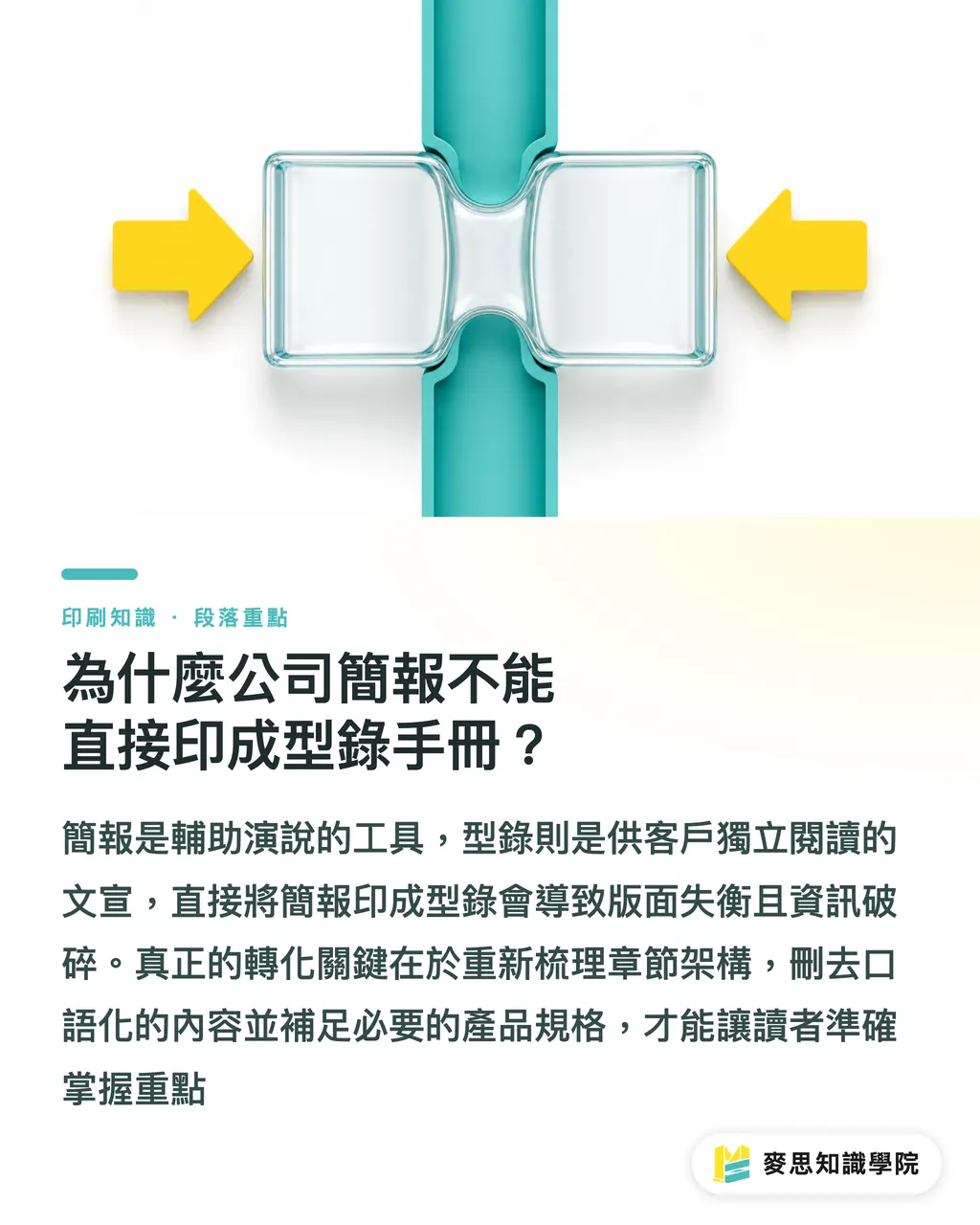
At Mai Strategy Knowledge Academy we push one idea pretty hard: a deck is something you talk someone through, a catalog is something a customer reads on their own. Decks are full of conversational filler, bullet-style shorthand, and even speaker notes only the presenter sees. Lift all of that into a catalog and the reader ends up with a mess of fragments, no clear takeaway
The whole job is rebuilding the chapter structure. Strip out transitions meant for live speaking, fill in product specs that only made sense when someone was explaining them out loud, and rework the cover, back cover, and page numbers. It used to be an exhausting slog of wordsmithing. These days there's a much faster way
What Can AI Do in the Prep Phase of Turning a Deck Into a Catalog?
Tossing a messy pile of slides straight at a designer is how most big revision rounds start. Designers aren't mind readers, they have no way of knowing which filler to cut or which spec table deserves to be blown up
From the projects I've handled lately, the most practical move is adding one extra step before layout begins. Feed the deck text into AI and ask it to rewrite paragraphs and lay out an information architecture for each page. You can give it very concrete instructions: take those bullet-point highlights and turn them into flowing paragraphs, or pull scattered product info from a dozen slides into one complete spec table
The big win is that your headlines, product selling points, and calls to action get their hierarchy and order locked in before the designer even opens their software. Hand off clean copy that's already structured for the page and you cut the back-and-forth cost at the source
Screen Grabs Go Muddy When Printed. Can AI Upscaling Save Them?
This is one of the questions I get asked all the time. Plenty of client decks are stuffed with images grabbed off the web or direct screenshots from their company site. Crystal clear on screen, full mosaic once printed
Honestly, the current batch of AI upscalers can help a little, but not much. The inpainting tech can smooth out the edges of a 72 dpi web image, but it can't invent details that were never there. If your product is a piece of machinery or a high-end luxury item that needs to show real material texture, images yanked up by AI will still print with that plasticky, watercolor-ish weirdness
There's no shortcut here. Image quality and color mode (RGB to CMYK conversion) still need a human checking each file one by one. If the originals are just too small, the right call is asking the client for the source files or scheduling a reshoot. If you want the final piece to feel premium, a team like MINDS that focuses on mid-to-high-end fully custom commercial printing can gatekeep your image quality at the prepress stage
The MINDS (MS) Catalog Conversion Three Checkpoints: A Battle-Tested Workflow from File to Press
To keep the conversion from going sideways, I run every job through the same set of confirmations. These three checkpoints are what I see as the mandatory path from slide deck to professional catalog:
・Content Rebuild Checkpoint: First feed the deck text to AI. Have it strip out spoken filler, fill in missing product specs, and output a master outline with hierarchical labels for main and sub-headings
・Visual Audit Checkpoint: Manually go through every image asset. Flag the ones that are only a few dozen KB and confirm whether a high-res original exists. At the same time, check whether charts need to be redrawn by a designer instead of being pasted in as blurry screenshots
・Physical Structure Checkpoint: Lock down the physical structure of the whole catalog. That means picking the cover and back cover stock, deciding the binding method, and confirming the total page count meets the binding signature requirement (usually a multiple of 4)
If your company doesn't have a dedicated prepress planner in-house, or you need someone to untangle this kind of messy conversion project, the Mai Strategy Knowledge Academy consulting team can run a pretty hands-on workflow audit and give you concrete recommendations

Key Takeaways
・Decks are spoken, catalogs are read. Converting between them requires rebuilding both the copy and the structure
・Running your content through AI to get a clean page architecture before the designer starts layout slashes the number of revision rounds that come after
・AI upscaling can smooth edges but can't pull detail out of nowhere. For a print piece that needs to feel premium, 300 dpi source files are still non-negotiable
・Page numbering and binding rules are physical constraints decks never had. They have to be factored in from the very start of design
Further Thoughts
For the business side, AI isn't there to spit out a fully laid-out catalog. It works as a tireless planning assistant that takes your broken deck logic and reorganizes it into something people can actually read. Hand the most time-consuming content cleanup to the tool, and leave the quality gate and physical structure planning to the print professionals. That's the most realistic way to collaborate right now
FAQ
- Can I just hand the PDF of my deck to a print shop and ask them to print it as a booklet?
- Really not recommended. Deck screen ratios don't match print trim sizes, fonts are usually oversized, and there's no bleed set up. Printing it directly will result in cropped images or distorted proportions
- Can AI turn the images in my deck into print-ready high resolution?
- AI upscaling can slightly improve the smoothness of low-res images, but it can't generate real detail. If you need print quality, you still have to swap in 300 dpi source files
- When using AI to organize catalog content, what kind of prompts work best?
- When you paste deck text into AI, be explicit: tell it to strip out speaker-style language, organize the product selling points into bulleted tables, and ask for output with clear main and sub-headline hierarchy
- What should I watch out for on page count when converting a deck to a catalog?
- Decks have whatever page count they have, but printed catalogs usually need to hit a print signature. For example, saddle-stitched booklets need a total page count that's a multiple of 4. Sort that out at the planning stage
Related articles





The Print × AI weekly
The print and AI know-how designers, brands and enterprises can use before they commit — one email, every week
MINDS Free Tools
AI background removal, brand stamping, and a LINE sticker maker — free design tools, right in your browser, no upload.
MINDS Group
Need actual printing or gifting services?
From premium printing to online ordering and festive gifts — the MINDS Group sister brands take it from here.