
Are Old Traditional Printing Presses Really Outdated?
Traditional flexo and offset presses don't need full replacement. Simply adding a digital inkjet Printbar module to your existing line transforms them into variable data printing equipment
Having worked on the pressroom floor for years, I often see plant managers stressing over decade-old machines that still run perfectly. Today, clients demand anti-counterfeiting packaging with 10,000 unique QR codes across 10,000 labels, or customized graphics that differ on every bottle. Old machines print high-volume runs blazingly fast, but when facing these high-mix, low-volume orders, owners can only watch helplessly as they turn business away
Replacing an entire setup with a new digital press carries a steep price tag. Given that the global inkjet printing market is projected to reach $177 billion by 2031, traditional plants will be left behind if they don't adapt. When UK printhead giant Xaar authorized Colordyne as the North American distributor for Versatex Printbar, it sent a clear signal to the market: adding inkjet modules directly onto existing press lines is the solution that balances CapEx with production flexibility
That's enough
Print shops don't have to fork out tens of millions in CapEx for brand-new digital gear. Instead, original machines keep doing what they do best, high-speed paper feeding for volume orders, while handling precise digital variable data at the same time

What Exactly Is a Digital Inkjet Printbar Module?
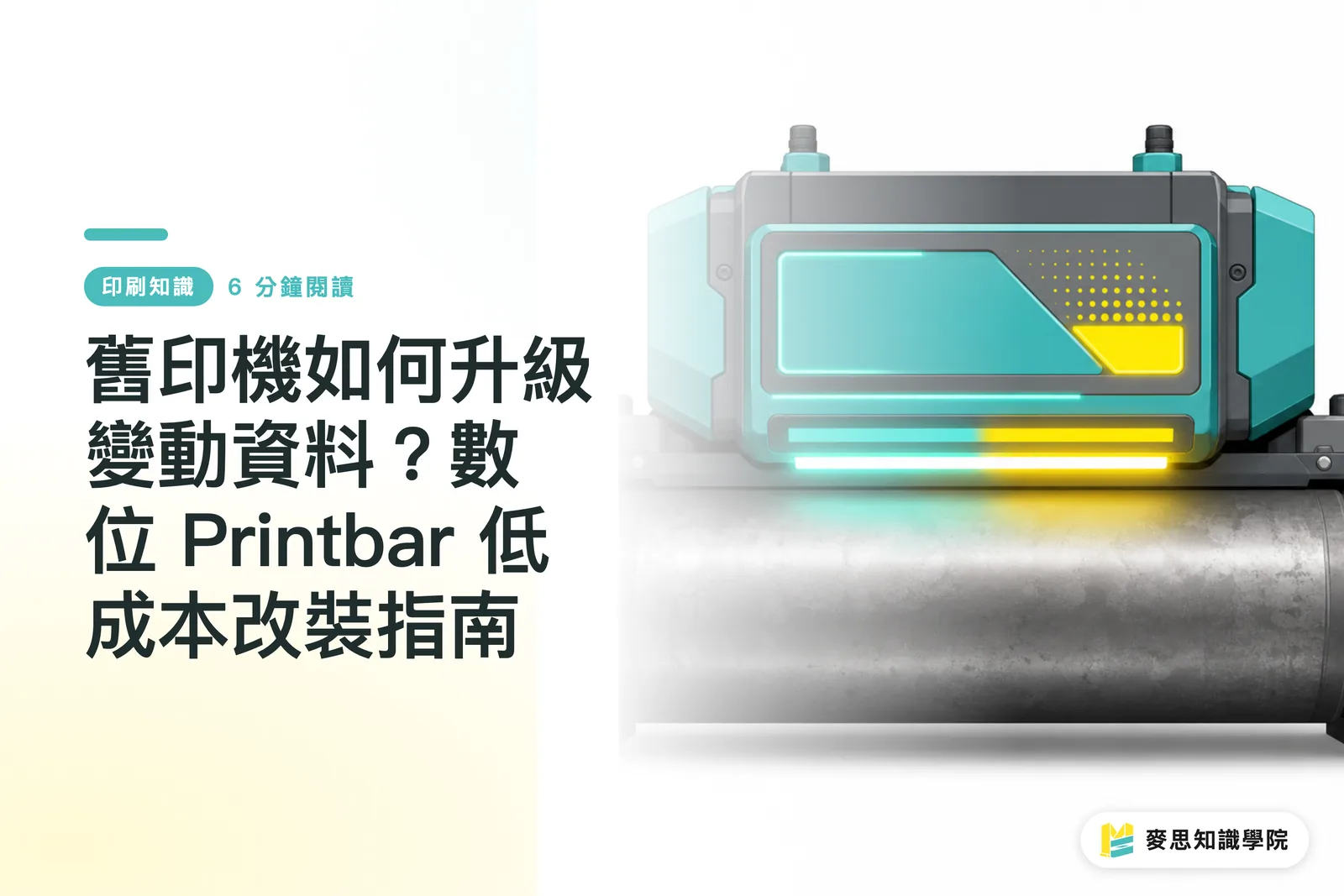
A digital inkjet Printbar module is a modular assembly integrating digital printheads and control chips. Mounted onto traditional flexo or offset lines, it prints 1D barcodes, 2D codes, dynamic text, or digital spot varnish directly onto sheets or webs moving at high speed
People new to digital transformation often confuse a Printbar with a desktop inkjet printer. An industrial-grade Printbar precision-arranges several industrial piezoelectric printheads (like the Xaar 2002 series) along a fixed bar spanning the full width of the web. As substrate passes beneath, the heads stay still, using an optical encoder to track real-time web speed and firing ink droplets with sub-millisecond precision
The hardware architecture of a Printbar module rests on three main components:
・Industrial-grade piezoelectric printhead array: Delivers high resolution and high-frequency firing to keep variable barcode edges sharp
・Ink supply and temperature control unit: Maintains stable viscosity for UV or water-based inks, preventing ink starvation or satellite drops during high-speed printing
・Servo control and front-end RIP processing system: Renders variable databases in real time, converting data instantly into raster commands for the printhead array
This inline design breaks down the wall between conventional and digital printing. Machines keep the solid background coverage advantage of traditional plates while carrying out digital variable data processing in the same pass
Retrofitting a Printbar vs. Buying a New Digital Press: What's the Difference?
The biggest difference between retrofitting a module and buying a new digital press lies in CapEx outlay and how effectively you use existing capacity. Retrofitting keeps the high-speed running advantage of existing presses while skipping astronomical machine replacement costs
In my experience helping print shops upgrade, many flexo or offset presses that have run for a decade still possess rock-solid frames and drive systems. They simply lack digital output capabilities. Here is how the two approaches compare in day-to-day operations:
・CapEx investment: Adding a Printbar module costs roughly 20% to 30% of a new digital press, drastically reducing investment risk
・Variable data printing speed: Printbars print in sync with traditional press speeds, reaching up to 100 to 150 meters per minute, whereas standalone digital presses are constrained by full-page raster computing speed
・Substrate versatility: Retrofitted machines keep the superior tension control and material handling of traditional presses; new digital presses are often pickier with specialized substrates
・Inline integration: A Printbar handles background varnish, variable barcode jetting, and inline die-cutting all in one pass; standalone digital presses require offline secondary finishing
・Footprint: A Printbar only takes up a small overhead section on the press; a new digital press demands dedicated floor space
If you want to test the waters first or if volume packaging remains your main bread and butter, retrofitting a Printbar on existing machinery yields the highest ROI. For businesses needing to evaluate overall print processes and custom label feasibility, you can also look into the mid-to-high-end custom commercial printing solutions provided by MINDS to clarify product specifications before committing to hardware retrofits

Three Steps for Small and Mid-Sized Print Shops to Implement a Printbar Retrofit
Implementing a Printbar retrofit requires three phases: equipment structural audit, transport synchronization control, and ink-piezo compatibility testing
Hold on
Retrofitting an inkjet module is far more than bolting a component onto a frame. Upgrading a production line demands standard operating procedures to prevent misaligned jetting or dried ink clogging the nozzles. Here are the practical steps:
1. Physical and tension audit: Check web path vibration and tension stability on the old press to ensure substrate flatness beneath the Printbar remains within the micron-level tolerances permitted by ISO 12647 standards
2. Optical encoder and variable control system installation: Mount a high-resolution optical encoder on the drive shaft to sync press speed signals directly to the Printbar controller board, ensuring print length won't stretch or compress during speed fluctuations
3. Ink-piezo compatibility and drying setup: Choose UV piezo or water-based ink according to your target substrates, and place an LED-UV curing lamp or hot-air drying unit right after the Printbar for instant drying
Follow these three steps, and your legacy machinery immediately gains the capability to produce high-margin security packaging and dynamic traceability labels, breaking free from low-margin price wars
For smaller studios with limited run volumes and no immediate budget for hardware retrofits, if you need short sample runs or occasional retail printing, you can flexibly order through the online retail printing service from MINDS

Key Takeaways
Adding an inkjet Printbar to a traditional press offers a low-cost path to variable data printing
Add-on modules keep the high-speed advantages of old presses while saving millions in equipment replacement costs
Printbars use optical encoders to sync real-time web speed, securing precise drop placement
Retrofitting requires completing a tension audit, encoder synchronization, and drying unit setup in sequence
Pairing packaging labels with dynamic QR codes is key for conventional print shops to create high-margin services
Food for Thought
For print manufacturers and graphic designers, the rise of digital Printbars means packaging design is no longer bound by plate costs. Print shops no longer need to view digital and offset as a black-or-white choice. Instead, they can use affordable hardware add-ons to turn existing assets into high-value digital manufacturing hubs. Next, print shops should audit legacy machines under ten years old with stable drive systems, selecting one primary label or packaging line for a Printbar retrofit evaluation
Further Reading
FAQ
- Will adding a Printbar module to an old traditional press affect its original speed?
- No. Industrial-grade Printbar modules feature extremely high firing frequencies and track traditional press web speeds via optical encoders. They deliver crisp variable barcodes in sync even at speeds over 100 meters per minute
- What variable content can a Printbar module print?
- Printbar modules can print 1D barcodes, 2D codes, serial numbers, dynamic variable text, personalized graphics, and even digital spot gloss or matte varnish effects, widely applied in security tracking and custom packaging
- How long will an old press be down for a Printbar retrofit?
- A standard retrofit typically includes mounting hardware brackets, encoder calibration, and inkjet control system alignment. On-site installation, tuning, and testing usually take three to five business days
Related articles
The Print × AI weekly
The print and AI know-how designers, brands and enterprises can use before they commit — one email, every week
MINDS Free Tools
Spine width and imposition calculators — skip the manual math, free in your browser.
MINDS Group
Need actual printing or gifting services?
From premium printing to online ordering and festive gifts — the MINDS Group sister brands take it from here.