

Why do industrial labels still depend on screen printing?
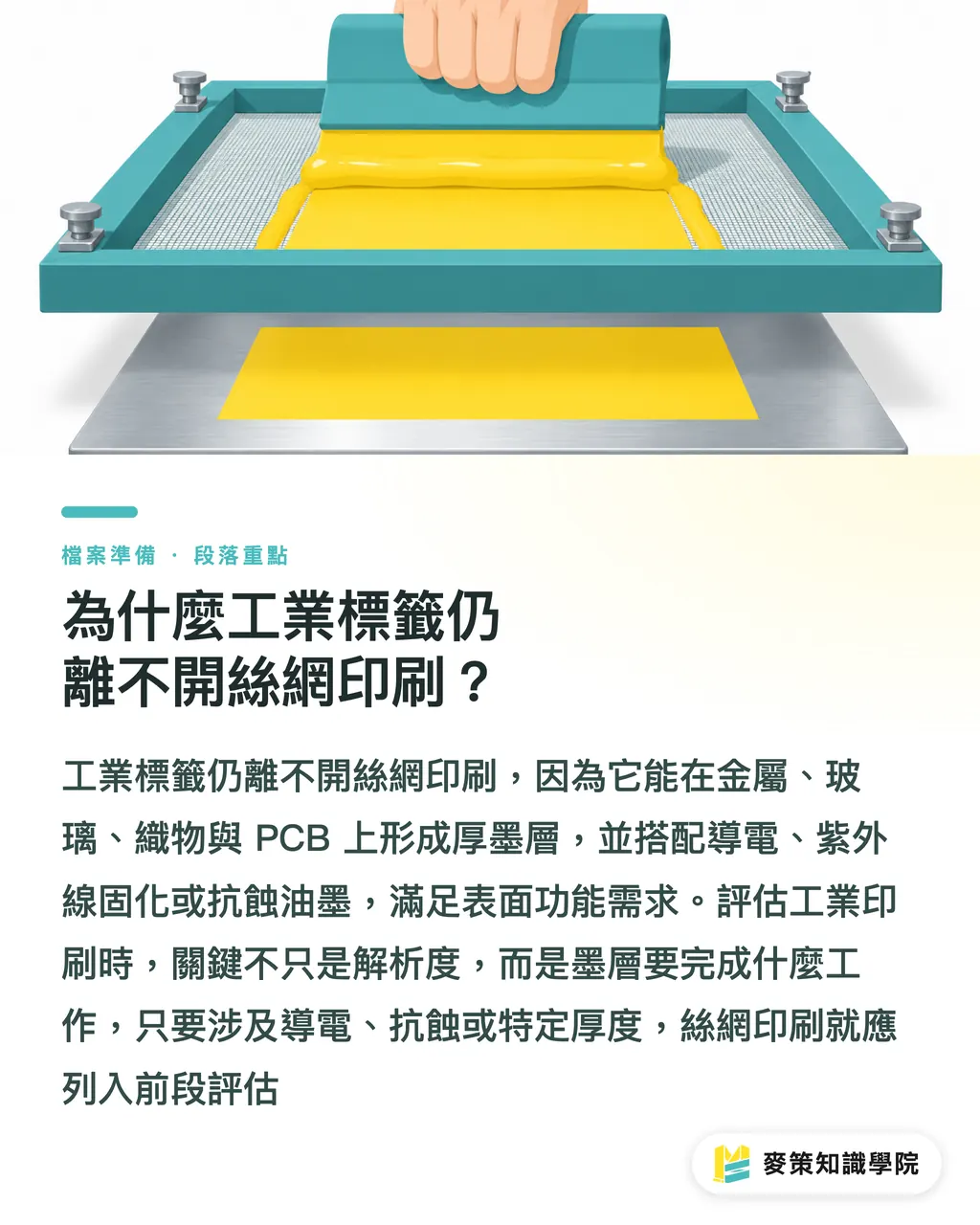
Industrial labels still depend on screen printing because it can build thick ink layers on metal, glass, textiles, and PCB substrates, while using conductive, UV-curable, or etch-resistant inks to meet functional requirements on product surfaces
Screen printing is a process in which ink passes through the open areas of a screen and is pressed onto the substrate by a squeegee. It can build thick ink layers and use specialty inks, making it suitable for the functional requirements of industrial surfaces. A PCB is a printed circuit board, and its printed layers may correspond directly to the electronics manufacturing process
FESPA (the international printing industry association that provides printing-industry information and surveys) discusses these substrates and inks within the same industrial context in its Industrial Screen Printing Analysis
From my years of reviewing artwork and communicating with production teams, I have found that the first question is not resolution, but what job this ink layer needs to do. If the answer involves conductivity, etch resistance, or thickness, screen printing belongs in the early evaluation
How do screen printing and digital printing differ in cost?
The cost divide between the two processes comes down to upfront screen preparation, how often the artwork changes, and production volume. Digital printing suits short runs and customization, while screen printing can lower unit costs for large runs with fixed artwork
Digital printing skips screen-making setup, so it works well when a project has multiple versions, each run is small, and the artwork changes often. Screen printing requires screens, ink adjustment, and registration before production. Once the artwork is fixed, the setup cost can be spread across a larger run
Cost cannot be judged from the per-piece quote alone
I often see design teams force the two processes into the same quote comparison, only to find later that one artwork change means making the screen again, or that the unit cost of digital printing keeps climbing once the run becomes large
Mai Strategy's three-gate print check can be used as a first filter
・① Volume gate: If the artwork is fixed and the run is large, calculate screen-printing setup and unit costs first
・② Change gate: With many versions and small runs, assess digital printing's file-change speed and reprint flexibility first
・③ Function gate: When the job requires a thick ink layer, conductive ink, UV-curable ink, or etch-resistant ink, first confirm that the screen-printing inks and substrate are compatible
When do the material and ink layer push digital printing into second place?
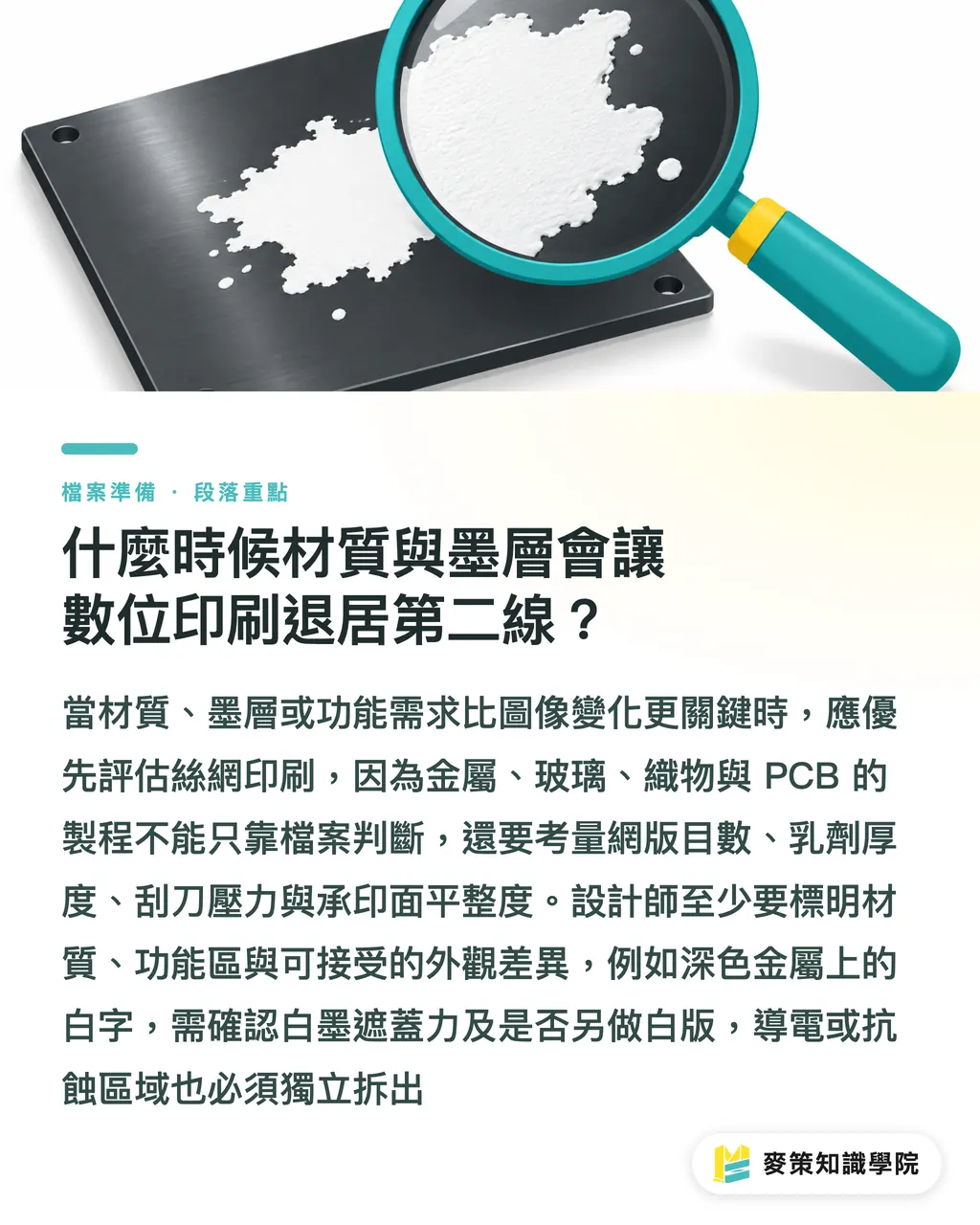
When the substrate, ink layer, and ink function matter more than image changes, screen printing should be evaluated before digital printing. Metal, glass, textiles, and PCB materials cannot be judged from the file alone
The production side looks at mesh count (the number of mesh threads per unit length), photoemulsion thickness, squeegee pressure, and substrate-surface flatness. These conditions change ink coverage and edge sharpness. Designers do not need to decide every parameter for the printer, but they do need to spell out the substrate, functional areas, and acceptable differences in appearance
White text on dark metal is a common example. On screen it looks like simple white, but the production floor still has to confirm the white ink's opacity and whether a separate white plate is needed. If the artwork also includes conductive or etch-resistant areas, those functional layers need to be separated from the regular four-color artwork
A screen preview cannot make up for the ink layer
How should designers prepare screen-printing files before delivery?
Before delivering screen-printing files, designers should spell out the functional layers, ink colors, substrate, and processing notes, then handle bleed and file conversion. Printers most dread files that look complete but leave key conditions to guesswork
A spot color is a color setting that separates a single ink onto its own screen. Create a separate spot-color layer for each of the conductive, UV, etch-resistant, and white inks. Name each one by purpose, so separations and proofs have a clear item to check one by one
Preflight checklist
・1. Revisions: Make sure the new layers, dieline, and linked artwork all match. Delete old hidden objects
・2. Bleed: Extend the artwork past the trim line according to the printer's specifications. Keep text and fine lines away from the trim area
・3. Conversion: After exporting to PDF (Portable Document Format), open the separations view and confirm that transparency, overprint, the white plate, and spot colors are preserved
・4. Notes: State the substrate, ink order, functional areas, and any appearance details that need checking
If this is your first industrial-label project, ask for separation proofs or a small sample. Matching the design file to the process conditions item by item can prevent many screen-making errors that would otherwise surface only after a revision
How should small and midsize print shops reposition themselves?
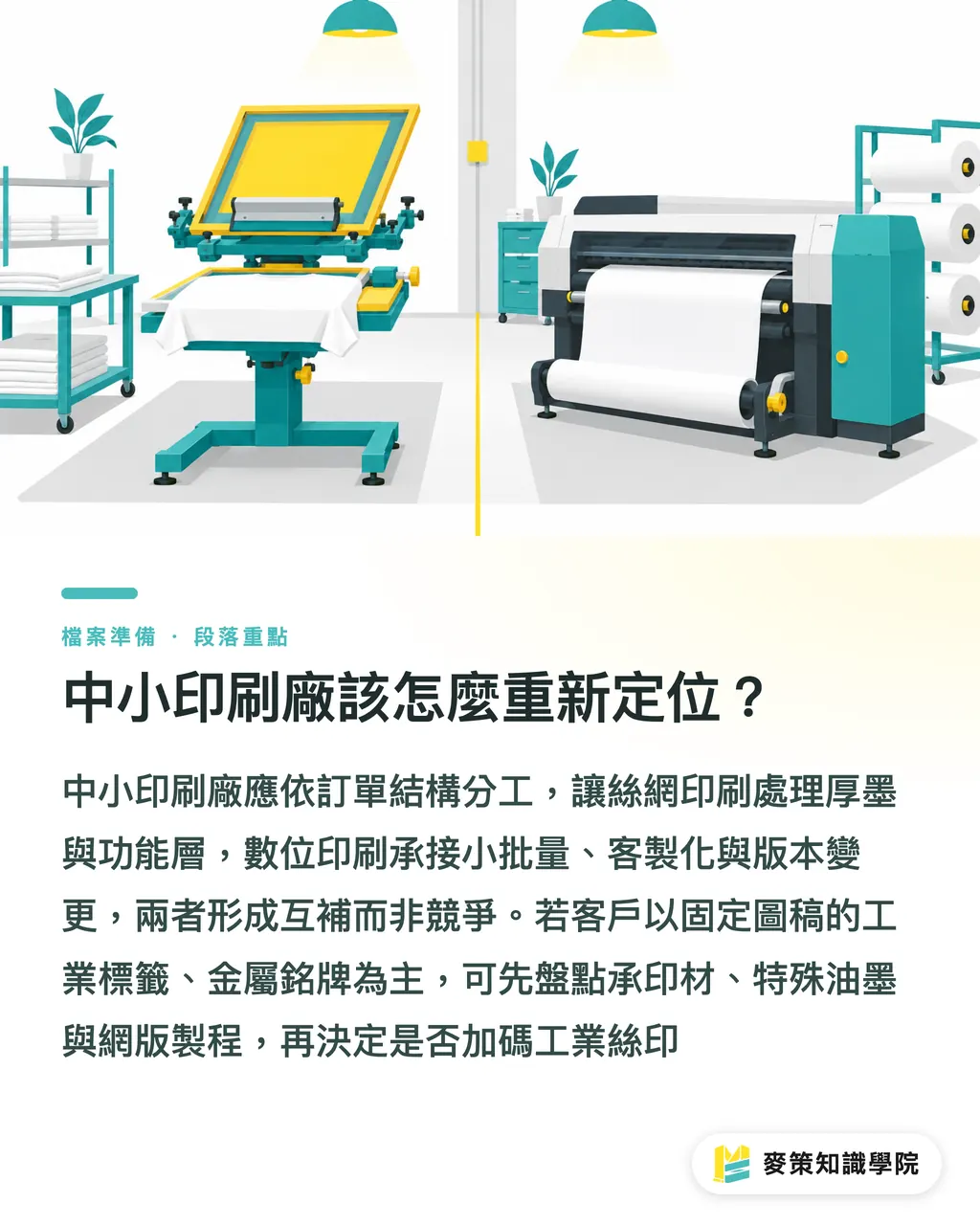
Small and midsize print shops should use screen printing for function and substrate requirements, and digital printing for short runs, customization, and version changes. FESPA's conclusion is practical: the two are complementary processes, and equipment investment should follow the order mix
If current customers mostly need fixed-artwork industrial labels, metal nameplates, or PCB-related print work, first inventory the substrates, specialty inks, screen-making process, and quality-control capabilities before deciding whether to invest more in industrial screen printing. If orders often involve artwork changes and scattered volumes, digital equipment is better suited to those needs
I split hybrid production into two layers: screen printing handles thick ink or functional layers, while digital printing handles variable data, short-run versions, or customized graphics. The two stages need a shared registration reference, and the design file should state the responsibility of each layer
If brand clients are still deciding how to divide up industrial-label production, they can ask MINDS to estimate the right mix based on substrate, function, volume, and revision frequency. For the small-run digital portion, where versions change often, Mai Printing can first confirm the file-delivery schedule
Key takeaways
・The value of industrial screen printing lies in the combination of thick ink layers, specialty inks, and a range of substrates
・Digital printing suits short runs and customization, while screen printing offers a unit-cost advantage for large runs with fixed artwork
・Design files should separate and clearly label functional layers, spot colors, substrates, and bleed
・Hybrid production lets screen printing handle functional layers while digital printing handles variable layouts
Further thoughts
To put this into practice, break print requests into checkable fields: substrate, ink-layer purpose, volume, revision frequency, separations, and proofs. AI can help organize versions, compare layer names, and produce a file-delivery checklist, but the printing side still has to confirm whether the inks and materials are compatible. If SaaS (software delivered online through a subscription) is to support print workflows, these fields should be carried through work orders, approvals, and version-difference records. This lets designers, purchasing, and production work from the same set of conditions, so revisions do not depend on verbal handoffs
Further reading
FAQ
- Do industrial labels always need screen printing?
- Not always. For short runs, customization, or frequent version changes, digital printing can be evaluated first. For fixed artwork, large runs, or jobs that require thick ink layers, conductive inks, and etch-resistant inks, screen printing is a better fit
- Why does the electronics industry still use screen printing?
- Electronics manufacturing involves PCB work, conductive inks, etch-resistant inks, and thick ink layers. These are functional industrial requirements, so the process cannot be judged by the resolution of ordinary image printing alone
- What do designers most often miss when delivering screen-printing files?
- The most common omissions are functional layers, spot-color names, substrate, and ink order. After revisions, bleed setup, and PDF conversion, use the separations view to confirm the white plate, overprint, and transparency
- Should a small or midsize print shop invest in screen-printing or digital equipment?
- Start with the order mix. Fixed artwork, large runs, specialty inks, and industrial substrates point toward screen printing. Short runs, customization, and frequent revisions point toward digital printing. The two can also be split into a hybrid process
Related articles



The Print × AI weekly
The print and AI know-how designers, brands and enterprises can use before they commit — one email, every week
MINDS Free Tools
Spine width and imposition calculators — skip the manual math, free in your browser.
MINDS Group
Need actual printing or gifting services?
From premium printing to online ordering and festive gifts — the MINDS Group sister brands take it from here.