
Overview
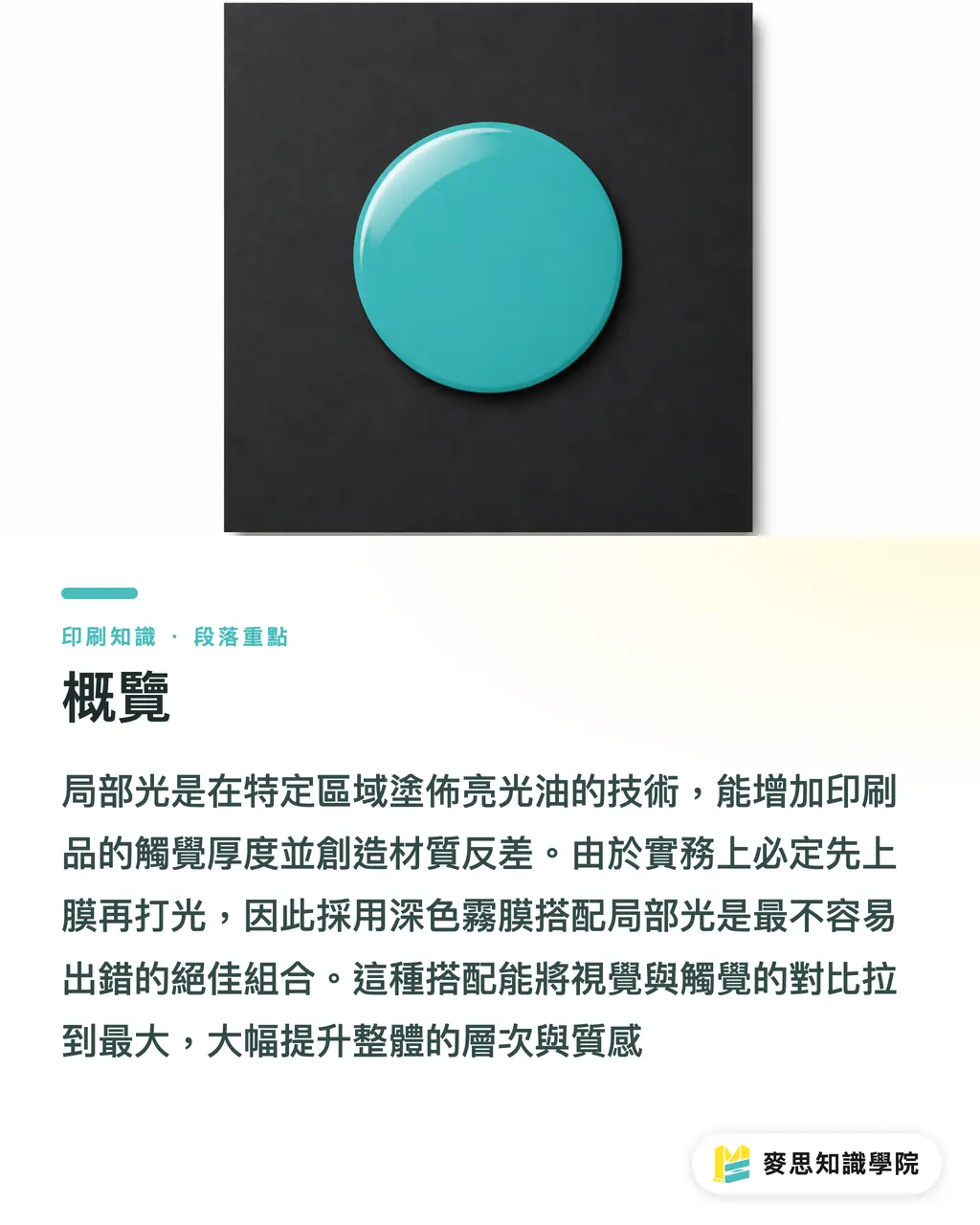
What is the most foolproof way to pair Spot UV with lamination? The answer is "dark matte lamination with Spot UV," which creates the greatest visual and tactile contrast
Based on the practical experience of our Mai Strategy Knowledge Academy consulting team, the finishing sequence is always lamination first, followed by Spot UV. Therefore, the surface characteristics of the laminate directly determine the adhesion and final quality of the varnish
Spot UV is a finishing technique where transparent UV gloss varnish is applied to specific areas of a printed piece and cured under ultraviolet light. It is primarily used to create a contrast between local gloss finishes and the substrate, increasing tactile depth, and is commonly found on business cards and high-end packaging
Glossy, Matte, or Soft-Touch: Which Lamination Pairs Best with Spot UV?
Since the process involves laminating before applying the varnish, selecting the right substrate accounts for seventy percent of your success
Here are three common lamination pairing scenarios I encounter on the production line:
・Glossy lamination + Spot UV: This is rarely done in practice because the glossy base is already fully reflective, making the overlaid Spot UV barely noticeable
・Matte lamination + Spot UV: The industry's gold standard combination. The matte surface absorbs light, making the localized gloss finish pop out with extreme focus
・Soft-touch lamination + Spot UV: While velvet-textured soft-touch lamination feels amazing, it has very low surface tension, which easily leads to poor varnish adhesion or shrinking at the edges
Here is a practical tip: after applying matte lamination to a dark background (such as K100 black), the color will mute slightly. Applying Spot UV on top will make that dark area instantly pop back to life, creating a beautiful depth of contrast
Why is My Spot UV Always Misaligned or Cracking at the Edges?
Many designers are used to zooming in to 800% in their software to align lines, but physical printing has its limits
Traditional screen varnishing typically has 0.3 to 0.5mm of reasonable tolerance. Forcing extremely fine type or tracing thin lines will inevitably result in misalignment due to physical limitations
Another common disaster is peeling at fold lines. Varnish is a cured acrylic resin; once it loses its flexibility, it cracks easily when folded
To avoid receiving finished products with compromised quality, it is recommended to apply the "MINDS Printing (MS) Three-Step Submission Check" framework:
・① Check Tolerances: Ensure there are no dead corners or extremely fine outlines below 0.3mm
・② Check Fold Lines: Back off the varnish by 1 to 2mm around fold lines or scoring lines to avoid creases
・③ Check Cutting: Keep a safe distance between the varnish and the die-cut edges to prevent the edges from fracturing when the blade cuts down
Want to Avoid Mistakes? Master the Art of High-Quality Black Artwork Setup
When clients complain that the effect doesn't stand out, it is rarely a machine issue; rather, it is usually a trap hidden in the prepress file setup
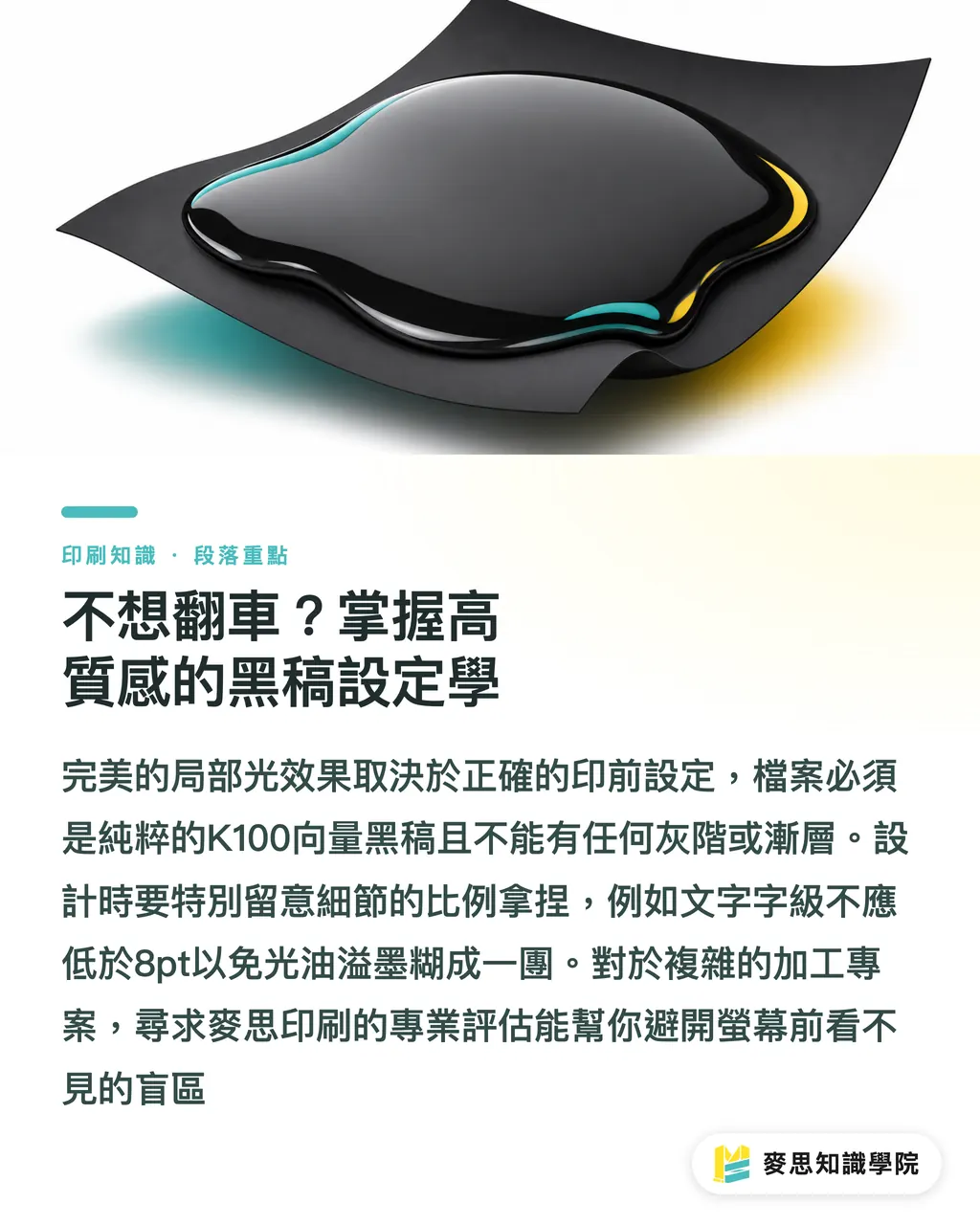
The Spot UV plate must be a pure K100 vector black artwork, without any grayscale or gradients
When creating black artwork, pay special attention to the proportion of the area, do not be greedy and try to cover the entire page:
・Large-area Spot UV: As the varnish dries and contracts, it generates surface tension. Coating a large area can cause the paper to curl slightly or even display subtle water ripples
・Fine text Spot UV: For text with dense strokes, the varnish is highly prone to bleeding and smudging together. It is recommended that the minimum font size be no less than 8pt
If your project involves high-end packaging or complex processing combinations, MINDS' mid-to-high-end fully customized commercial printing service can provide first-line production assessment to help you avoid blind spots invisible on screen
Key Takeaways
・The principle of pairing Spot UV with lamination is contrast; dark matte lamination combined with Spot UV offers the lowest margin of error and the most stable quality
・Varnish is a cured coating layer. It must be kept away from fold lines and scoring lines during final artwork preparation, otherwise cracking and debris will ruin the entire package
・Alignment on screen does not equal accuracy on the production line; be sure to leave a registration tolerance of about 0.3mm for the machinery
Further Reflections
Only professionals who understand the physical limitations of processing can spend their budgets precisely on premium quality
In the future, if SaaS prepress tools can digitize these physical tolerances to automatically warn users about crack-prone fold areas or high-risk fine-line areas on screen, it will significantly reduce communication friction between designers and factories. This represents an extremely valuable error-proofing mechanism for software services entering the traditional printing industry
FAQ
- What is Spot UV?
- A finishing technique where transparent UV gloss varnish is applied to specific areas of a printed piece to create a contrast between local gloss finishes and the substrate, increasing tactile depth
- Can Spot UV be applied without lamination?
- Yes, but the paper's natural pores will absorb some of the varnish, reducing the glossiness. Additionally, unlaminated paper surfaces are more prone to scratching during processing
- Why is the printed Spot UV misaligned with my artwork?
- When physical screen-printing machines operate, the paper undergoes slight thermal expansion and contraction, typically resulting in a physical tolerance of 0.3 to 0.5mm. Therefore, you should avoid designing extremely fine edge outlines in your final artwork
- Can I set the black artwork for Spot UV to 50% gray to achieve a semi-transparent effect?
- No, the Spot UV plate must be a pure K100 black vector shape. It acts as a mask to determine whether the varnish is applied or not, and cannot represent gradients or translucency
Related articles





The Print × AI weekly
The print and AI know-how designers, brands and enterprises can use before they commit — one email, every week
MINDS Free Tools
Spine width and imposition calculators — skip the manual math, free in your browser.
MINDS Group
Need actual printing or gifting services?
From premium printing to online ordering and festive gifts — the MINDS Group sister brands take it from here.