
Overview
Many designers choose fine paper for its tactile, rustic feel, only to find that once printed, their photos turn out dull and lifeless, or their delivery schedules are severely delayed waiting for the ink to dry. The culprit lies in a physical characteristic: the natural pores on the surface of uncoated paper act like a sponge, absorbing large amounts of ink, which leads to light scattering and a loss of color saturation. When handling mid-to-high-end fully customized commercial projects at MINDS Printing (MS), our very first step is always to align with the paper's ink absorption properties rather than blindly applying standard values. In this article, I have distilled years of production-floor experience from countless print disasters to explain exactly why uncoated paper is so costly and how you can master it
Why Do Files Look Beautiful on Screen but Experience "Color Sinking" on Uncoated Paper?
Core Term: Color Sinking
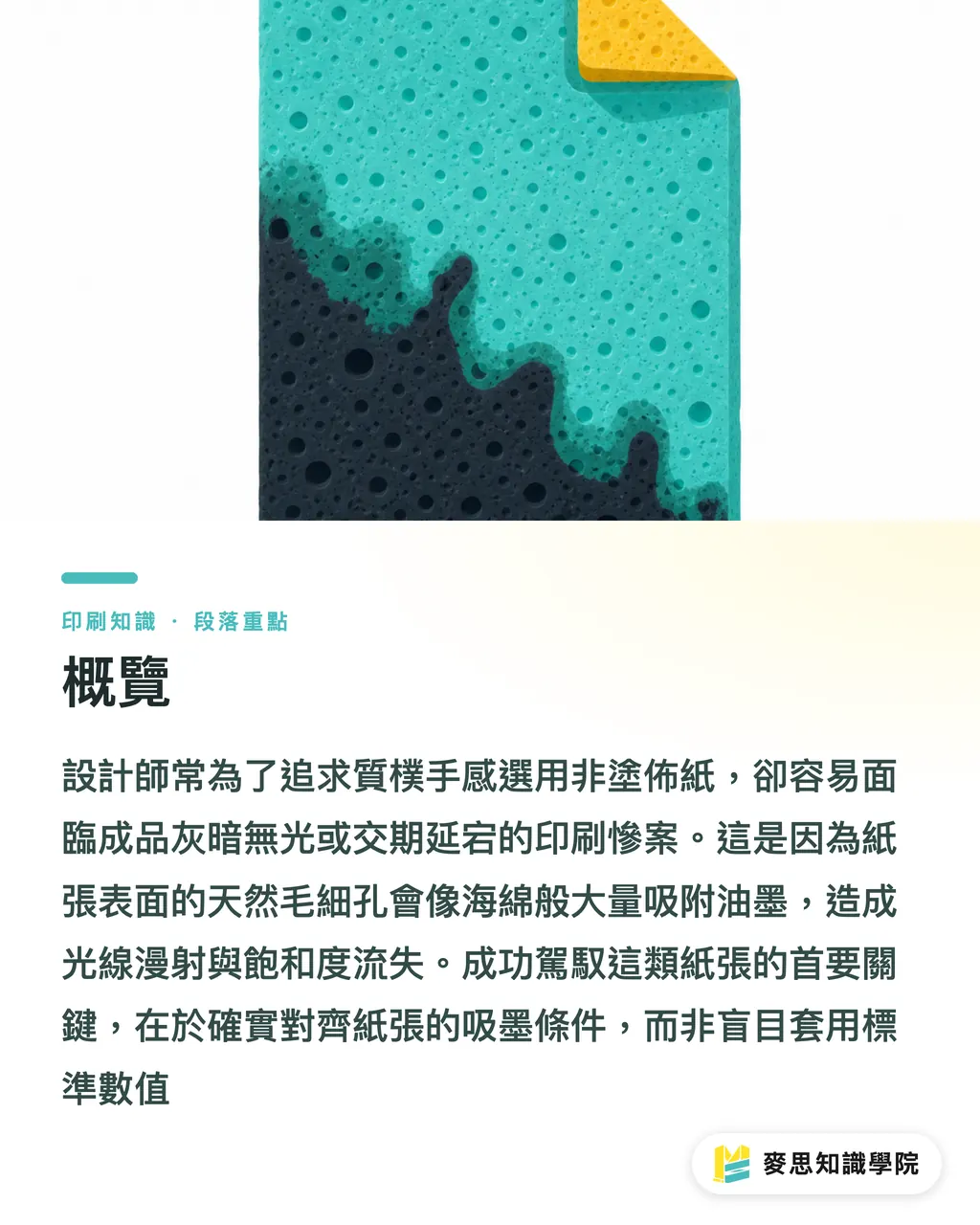
Because uncoated paper lacks a smoothed clay coating, its surface is full of natural fiber pores. Once applied, ink quickly penetrates deep into the paper, resulting in reduced light reflection and a physical drop in both visual saturation and contrast
The most common customer complaint I encounter on the production floor is, "Why does this color look so different from the screen?" If you apply the logic of printing on coated paper to woodfree paper or various tactile fine papers, you will inevitably experience color sinking. Coated paper has a layer of clay coating on the surface, allowing ink to "sit" on top and form a film, producing vibrant colors. Uncoated paper lacks this barrier, so the ink is greedily absorbed by the fibers the moment it touches the surface
Once ink sinks deep into the fibers, the path of light reflection is disrupted, highlights lose their brightness, and shadow details muddy together. This isn't a press calibration issue; it's an inherent physical limitation of the paper. If you don't compensate for highlights and shadows in the digital file beforehand, the printed image will inevitably look washed out and gray
Why Does Printing on Fine Paper Always Require Adding Several Days to the Lead Time?
Core Term: Set-off
A finishing defect where printed sheets are stacked before the ink is fully dry, causing wet ink from the front of a lower sheet to transfer and stick to the back of the sheet above it
Many believe that because paper absorbs ink quickly, it must also dry quickly. In print production, this is a misconception. When uncoated paper absorbs ink, the solvent becomes trapped within the fibers, making evaporation even more difficult. If your design features heavy, full-coverage ink, the press operators must slow down the machines to prevent a "set-off" disaster. They may even have to stack the sheets in small batches and manually turn them to extend the natural drying time
While standard coated paper might be ready for cutting or folding in half a day, fine paper with high ink absorption typically requires two to three days of drying time. If you rush it to the cutter, the hundreds of kilograms of pressure from the blade will smear the wet ink everywhere, instantly ruining the entire run
The Purchaser's Blind Spot: Have You Calculated the Hidden Costs of Specialty Paper?
When evaluating project budgets, procurement often looks only at "how much this paper costs per ream" on the quote, ignoring the chain reaction of costs it triggers on the production floor
When highly absorbent uncoated paper is selected, print shops must slow down their presses to maintain quality (time cost), allocate significant floor space for air-drying (space cost), and have press operators perform frequent spot checks to prevent set-off (waste and labor cost). These invisible expenses are ultimately reflected in the final price. For simple merchandise, using a mid-to-low-price online ordering MYS (MYS) system can effectively control basic budgets. However, when dealing with heavy ink coverage or specialty processes, you must factor these extra drying days and testing waste into the schedule to avoid disputes over budget overruns at the end of the project
Designer's Survival Guide: The Three Gates of MINDS Prepress Compensation
Knowing that uncoated paper has a temperamental nature, you can't simply wash your hands of it and pass the files to the print coordinator. For highly absorbent stock, I recommend applying the "Three Gates of MINDS Prepress Compensation" to adjust your files:
・Gate 1: Expand highlight and shadow contrast. Since contrast is compressed during printing, you should intentionally brighten highlights and push shadow details apart on screen. Don't worry if it looks slightly harsh on your monitor; once the paper absorbs the ink, it will soften this sharpness and restore a natural sense of depth
・Gate 2: Strictly control Total Area Coverage (TAC). This is a common pitfall for many junior designers. The combined total ink volume of the four CMYK colors must never exceed 250% to 280% (depending on paper thickness and type). Beyond this threshold, the paper simply cannot absorb the ink, guaranteeing a set-off issue
・Gate 3: Avoid ultra-fine knockout (inverted) text on dark backgrounds. Ink slightly spreads within the paper's pores (dot gain), and extremely fine knockout text can easily be swallowed by the surrounding dark ink, causing it to blur. If you must use it, be sure to increase the font weight
Key Takeaways
・The natural pores of uncoated paper absorb ink, compressing color contrast. Therefore, image contrast must be intentionally increased during prepress
・Fast ink absorption does not equal fast drying. Full-coverage, heavy-ink designs are highly prone to sticking on fine paper, so be sure to budget an extra two to three days for drying
・When budgeting for specialty stock, do not look only at the paper unit price. Machine slowdowns, floor space for air-drying, and spot checks to prevent errors are all invisible, hidden manufacturing costs
Further Thoughts
Understanding the physical properties of paper is the real key to bringing print design to life. In the future, when adopting any AI automated inspection tools or SaaS preflighting systems, if a system can only flag insufficient resolution or missing bleed, but fails to cross-warn about "paper coating attributes" and "total ink coverage," then it is only doing half the job. For practitioners, converting this experience of balancing paper and ink into quantifiable, prepress error-proofing rules will be the next breakthrough in reducing communication costs for custom printing
FAQ
- Why do colors printed on fine paper always look grayish?
- Because the paper surface has no coating, ink penetrates into the fiber pores. This changes the path of light reflection, resulting in a visual drop in contrast and saturation, which is known in the industry as color sinking (dry-back)
- Is a solid black design suitable for printing on uncoated paper?
- It is highly discouraged in practice. Large areas of heavy ink are very difficult to dry on uncoated paper, making it extremely prone to "set-off" defects where ink sticks to the back of the sheet above it. If you must print it, the total CMYK ink coverage must be strictly kept under 250%, and you must accept an extended drying period of two to three days
- Is the paper cost on a print quote the total cost?
- No. To prevent wet ink from sticking, uncoated paper must be printed at slower speeds and requires more space for air-drying. These extended labor hours and waste risks are hidden costs that are often overlooked when evaluating project budgets
Related articles





The Print × AI weekly
The print and AI know-how designers, brands and enterprises can use before they commit — one email, every week
MINDS Free Tools
Spine width and imposition calculators — skip the manual math, free in your browser.
MINDS Group
Need actual printing or gifting services?
From premium printing to online ordering and festive gifts — the MINDS Group sister brands take it from here.