

How Should Designers Respond When Clients Redesign with AI First?
Designers need to define AI sketches during the quoting and contract phase, treating them as requirement specs rather than finished visuals
Visiting several design agencies recently, I noticed everyone complaining about the exact same thing: after sending a first draft, clients skip direct feedback, dump the file into ChatGPT or Canva to mess around with it, and then say, 'Tweak it to match this vibe.'
Clients lack professional design vocabulary, so they turn to AI to visualize their thoughts. This is not about trying to save money
Pushing back with outright refusal helps no one in this scenario
A more practical path is having the Mai Strategy Knowledge Academy consulting team help set up a standard communication framework at project kickoff, treating client AI outputs as an extension of a mood board
Client-generated images fall apart under close inspection, but they clearly reveal preferences for color palettes, composition balance, and typographic hierarchy
Our job is to untangle those messy layouts back into a clear hierarchy of main headlines, selling points, and CTAs
For example, if a client uses AI to create a poster with a massive main graphic and subheads crammed into a corner, it shows they currently care far more about visual punch than text details
Adding this structured step before typesetting and confirming with the client that 'we will keep this visual ratio while rearranging the copy for readability' eliminates repeated revisions right at the source

Why Must Quotes Include an 'AI Collaboration Clause'?
Client-generated AI visuals rarely account for bleed, resolution, or printability, which drives up prepress clean-up costs for designers
Clients often think, 'I already laid it out for you, just put a frame on it.' Yet converting blurry, oversaturated RGB AI images into print-ready specs is more exhausting than starting from scratch
Midjourney outputs frequently suffer from mangled fingers or garbled text, and Canva PDFs often lack outlined fonts if settings are not configured properly
This is why you need clear defense mechanisms built into your quotes
To handle this new reality, contracts should clearly state the following terms:
・Client-Provided AI Assets: Files must be evaluated for print readiness. If the designer needs to upscale resolution, fix rendering artifacts, or re-cut backgrounds, retouching fees will be billed hourly
・Layout Structure Changes: Revisions follow the approved initial structure. If the client later uses AI to propose a completely different layout, it counts as a scope addition rather than a minor tweak
・File Specification Remakes: If a client supplies raw, low-resolution Canva exports without proper settings and demands direct printing, the design team reserves the right to decline or request a liability waiver
Stating these physical constraints upfront stops unreasonable demands from clients who think AI lets them compress design timelines without limits
How to Gatekeep Prepress Quality When Receiving AI Assets from Clients
Once you receive AI images or layouts from a client, run a strict physical check right away to verify whether the files meet baseline printing requirements
Many designers hesitate to push back for fear of upsetting clients, trying to work with raw AI files only to face endless rejections at the print shop
At MINDS, we have handled too many jobs like this: the visual looks flashy on screen, but falls apart completely once sent to the RIP (Raster Image Processor, the system that converts digital images into printable bitmaps)
To avoid these issues, run this pre-flight check using the Mai Strategy Three-Gate Prepress Checklist:
1. Resolution and Dimension Verification: Check if the source file meets 300 DPI at full physical print size. If the client used AI upscalers, inspect edges for jagged artifacts or unnatural smeary patches
2. Color Space Conversion Preview: Convert the client's vivid RGB neon colors into CMYK preview to spot heavy color shifts, send comparison screenshots to confirm expectations, and suggest spot colors if needed
3. Bleed and Safety Margins: AI images usually stretch the subject edge-to-edge. Check whether there is enough margin to pull a 3mm bleed so critical text or logos do not get clipped during trimming
These three steps bring discussions back to physical reality, helping clients realize that printing is not a screen capture, but a manufacturing process with strict industrial standards

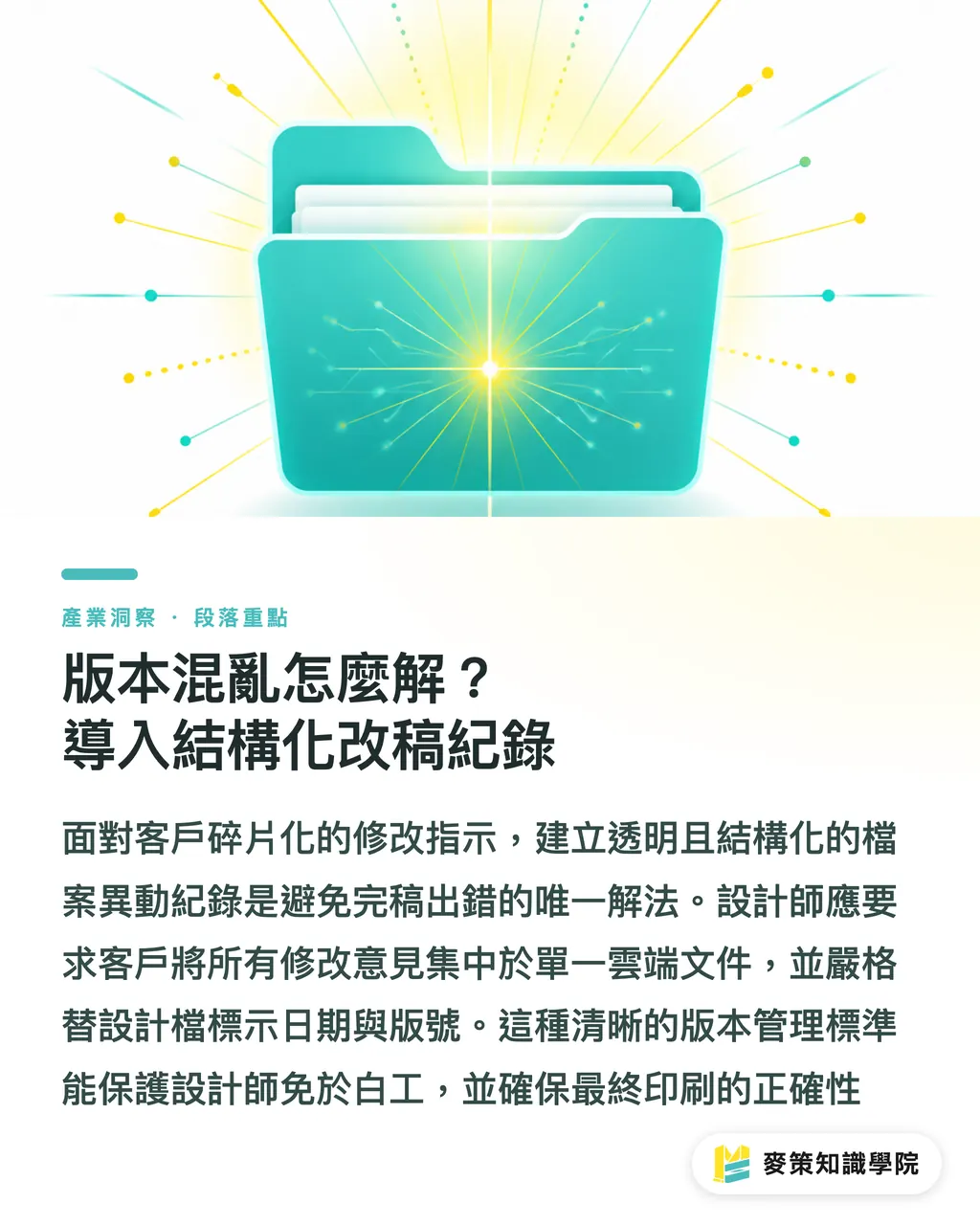
How to Fix Version Chaos: Set Up Structured Revision Tracking
Turning casual chat messages into transparent, trackable file change logs is the only way to avoid fixing one thing while breaking another
When clients regularly use AI to spin up new ideas, their feedback quickly becomes fragmented
One minute they send an image in the morning, and by the afternoon they drop another AI-generated version asking for a mashup
If you keep accepting files across messaging apps and agreeing over quick calls, the final production file sent to the printer will inevitably contain errors
To solve this problem, you need a clear version control standard
First, require all client feedback to live in a single shared cloud doc or project management tool, listing in writing exactly which section of which version needs to change
Second, every design file version must carry a strict date and version tag, such as YYYYMMDD_V1 in the filename, with discarded drafts moved straight to a backup archive rather than lingering on the desktop
This protects designers from endless unpaid rework and guarantees the print team runs the press with the exact right file
Key Takeaways
・Treat client AI sketches as requirement specs and discussion material, not print-ready visuals
・Add an AI collaboration clause to quotes, defining clear billing rates for resolution fixes and major restructuring
・Enforce the three-gate prepress check early on to verify resolution, color mode, and bleed room
・Maintain transparent, trackable change logs to prevent fragmented communication from throwing prepress files into disarray
Looking Ahead
The rise of AI tools unlocks client visual imagination, but it shifts the communication burden directly onto design and prepress stages
Instead of seeing AI as a threat, treat it as a filter to uncover what clients actually want
What small to mid-sized print shops and designers need to do now is standardize these response procedures, even showing clients early on how to provide usable AI assets
Set the ground rules up front, and your professional value will never be degraded by AI
Further Reading
FAQ
- What should I do if a client insists on printing their low-resolution AI-generated image?
- Take a 100% crop screenshot to show them the pixelation directly, explain that forcing it to print will result in visible pixelation or blurriness, and require a signed liability waiver on the quote
- How can I tell if a client's AI image can convert cleanly to CMYK?
- Open the file in Photoshop and switch to CMYK mode. If colors dull drastically or shift out of range, send a side-by-side comparison screenshot right away, explain the physical limits of printing inks, and ask them to accept the color difference
- How do I write an AI clause in a quote without offending the client?
- Focus on protecting print quality. Explain that AI generations typically lack necessary physical print specs, and manual technician time to repair files for press readiness will incur a technical service charge
Related articles

The Print × AI weekly
The print and AI know-how designers, brands and enterprises can use before they commit — one email, every week
MINDS Free Tools
AI background removal, brand stamping, and a LINE sticker maker — free design tools, right in your browser, no upload.
MINDS Group
Need actual printing or gifting services?
From premium printing to online ordering and festive gifts — the MINDS Group sister brands take it from here.