
What does an AI color calibration DFE actually handle?
An AI color calibration DFE handles RIP, color settings, calibration verification, and job routing before a PDF reaches the press. Designers should treat it as the gatekeeper for production specs
A DFE, or Digital Front End, is the RIP and workflow control station in front of the press. It interprets PDFs, applies color settings, manages imposition queues, and sends files into the output device
On July 31, 2026, Fiery announced two DFEs, the IC-321 and IC-421, for the Konica Minolta AccurioPress C5080 series. The signal is very real: color calibration is moving from operator instinct into process settings that can be recorded and repeated
Why are Fiery and the C5080 worth watching this time?
This release is worth watching because Fiery puts FS700 Pro, the IQ-601 inline spectrophotometer, ColorGuard, TrueBrand, and Spot-On into the same color calibration path, bringing calibration, verification, and brand color correction closer to the production floor
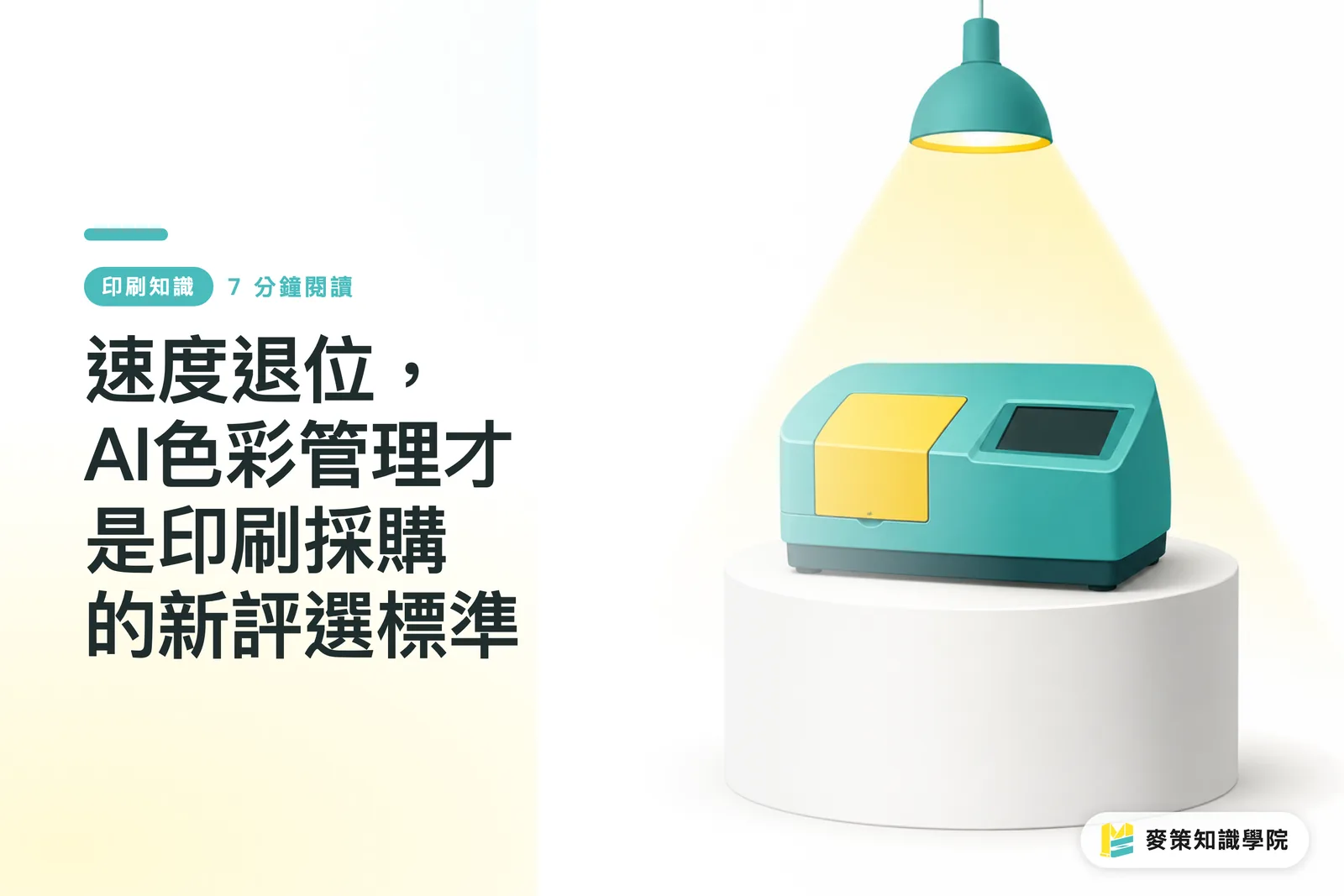
The Konica Minolta IQ-601 Intelligent Quality Optimiser is an inline measurement device that measures color output during production. Fiery is highlighting zero-touch recalibration and single-step colour management here. The point is to reduce the time spent on repeated manual measurements and repeated profile application
The IC-321 runs on Windows and leans toward high-volume and advanced workflows. The IC-421 runs on Linux and leans toward basic production stability. The same series supports C 5080, C 5070, C 5065, and C5065P. For these 4 models, small and midsize print shops can choose based on volume and workflow complexity, instead of only asking which spec sheet looks fuller
What should designers change when handing off files?
Designers need to improve the completeness of the information they provide, especially brand colors, PDF output conditions, and proof versions. The creative process itself does not need a major change
On site, what I dread most is half an hour of people arguing with different proof versions in their hands. An AI color calibration DFE can help stabilize output, but it cannot read the customer's mind and know which version that "just a little brighter" refers to
Mai Strategy's three print-submission checkpoints can work like this:
・1. File checkpoint: deliver a PDF/X file, embed fonts or clearly state the font handling method, and check bleed separately from the safe area
・2. Color checkpoint: state brand colors clearly using Pantone, CMYK values, or a client-approved proof. Do not just write "match the screen"
・3. Proof checkpoint: label every revision with a version, such as v3-final-print, so the DFE, sales rep, and press operator are not each holding a different file
How should a print shop adopt an AI color calibration DFE?
The right order for adopting an AI color calibration DFE is to set standards first, make proofs next, then turn on automation. Get the order wrong, and AI will only make mistakes more consistent
Do not rush it
I would break adoption into 5 steps:
・1. Define target colors: list brand colors, common papers, and frequently used machines first. At minimum, separate the main paper categories used on the C5080 series
・2. Build reference proofs: use client-approved proofs or standard color swatches as the baseline, so ColorGuard has something to verify against
・3. Fix calibration checkpoints: set when measurements happen at startup, after paper changes, and midway through long runs, so the IQ-601 has a real job to do
・4. Apply the workflow: JobExpert analyzes each job and selects color and image settings. JobFlow Pro applies presets, explains preflight results, and routes files
・5. Keep human sign-off: high-risk pages such as brand colors, covers, skin tones, and metallic colors still need someone to check the proof before release
If the shop does not yet have a color SOP, the Mai Strategy Knowledge Academy consulting team would suggest filling in 4 fields first: paper, machine, proof, and approver. Talk about the AI color calibration DFE after that
What work can go to AI, and what should stay with people?
An AI color calibration DFE is suited to repeated judgments and job organization. People should keep standard setting, exception handling, and client communication
The optional Scribe feature Fiery mentioned this time can read email job requests and turn them into print-ready jobs. That matters to sales teams because many errors come from customer emails, attachment versions, and job fields that do not match
The division of labor can look like this:
・Give to the DFE: recalibration, colour verification, preflight explanations, preset application, workflow routing
・Keep with people: client color approval, special material judgment, brand color tolerance, post-press risk, final release
・Handle together: spot color correction, reprint decisions, color matching across batches. The DFE gives the evidence. People decide whether to change it
That is enough
Key Takeaways
・An AI color calibration DFE fixes standards first, then reduces the labor drain from repeated color calibration
・Designers need to make brand colors, PDF conditions, and proof versions clear, so the DFE has the right basis to work from
・When a print shop adopts an AI color calibration DFE, the first gap to fill is not a feature list. It is the color SOP
・Automation can take over measurement and routing. Client color approval still needs a person in charge
Further Thinking
For print manufacturing, an AI color calibration DFE turns operator experience into a traceable process. For designers, submission files need to look more like production spec sheets. For SaaS teams, the feature with real value is not one more button. It is connecting PDFs, job tickets, proofs, and approval records inside the same workflow. The Mai Strategy Knowledge Academy newsletter can keep tracking cases like this, because color management will first change the three places where final artwork, proofing, and customer service argue the most
Further Reading
FAQ
- Will an AI color calibration DFE replace press operators?
- An AI color calibration DFE will take over repeated calibration, verification, and job routing, but press operators and QC staff still need to decide on brand color judgment, special paper risks, and client proof approval
- What should designers prepare before adopting an AI color calibration DFE?
- Designers should prepare clean PDF/X files, clear brand color data, approved proof versions, and clearly written revision filenames and output conditions
- What is the difference between Fiery IC-321 and IC-421?
- Fiery IC-321 is a Windows-based DFE aimed more at advanced and high-volume workflows. Fiery IC-421 is a Linux-based DFE aimed more at basic production stability
- Should small and midsize print shops adopt an AI color calibration DFE right away?
- Small and midsize print shops can first audit their color SOP, common papers, and proof approval process. If brand color reprints or messy revisions are already costing serious labor, an AI color calibration DFE will bring clearer gains
Related articles



The Print × AI weekly
The print and AI know-how designers, brands and enterprises can use before they commit — one email, every week
MINDS Free Tools
AI background removal, brand stamping, and a LINE sticker maker — free design tools, right in your browser, no upload.
MINDS Group
Need actual printing or gifting services?
From premium printing to online ordering and festive gifts — the MINDS Group sister brands take it from here.