

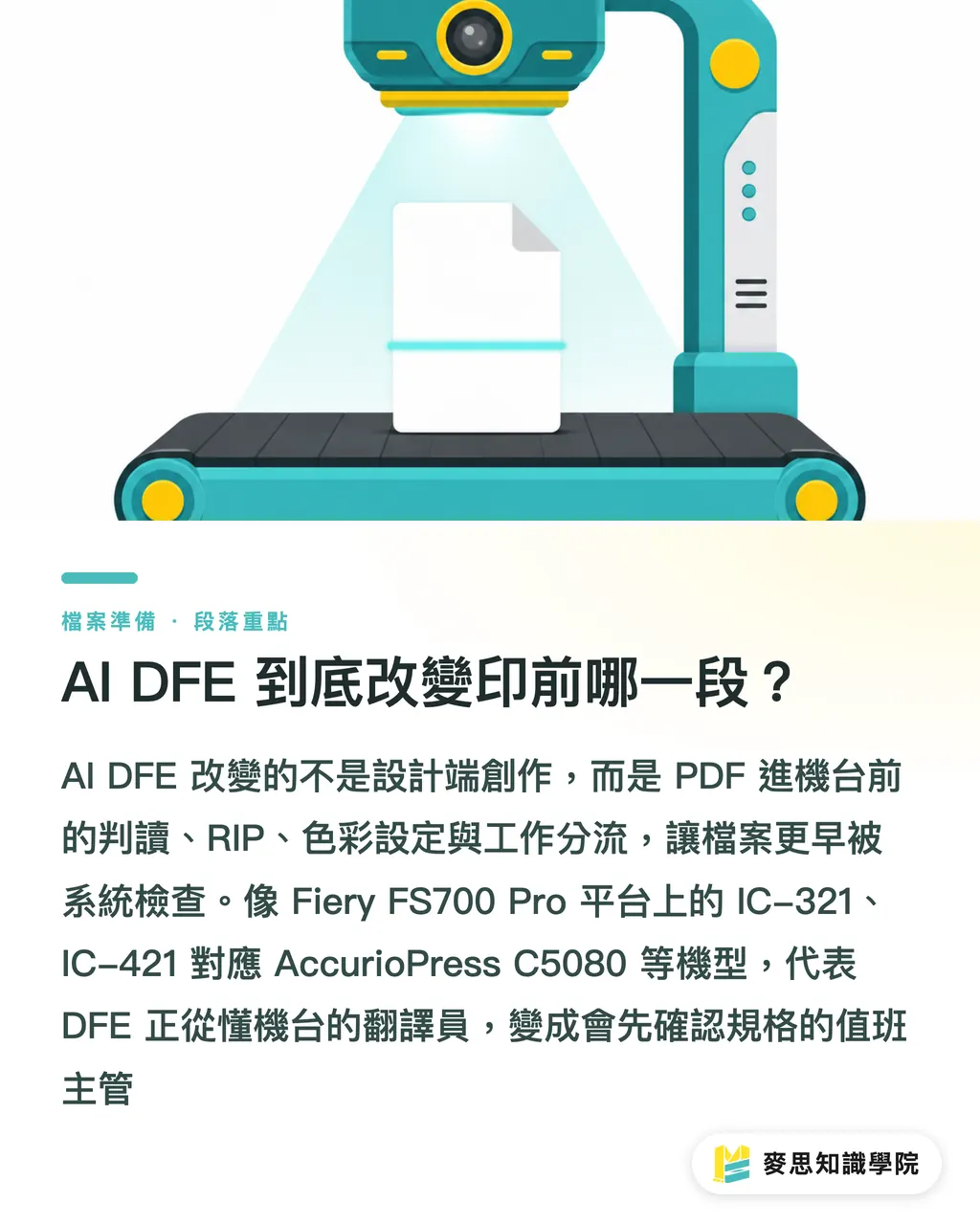
What part of prepress does AI DFE actually change?
AI DFE changes what happens to a PDF before it hits the press, the reading, the RIP, the colour setup, and the job routing. Files a designer hands over get scrutinised by the system much earlier
DFE (Digital Front End) is the RIP and workflow control layer sitting in front of the press. It decodes the PDF, applies colour settings, schedules jobs, and sends them to the machine. Print Monthly ran Fiery's new DFE launch for the Konica Minolta C5080 on 31 July 2026. The stars are the Fiery IC-321 and IC-421, running on Fiery FS700 Pro, for the AccurioPress C C5080 C5070 C5065, C5065P
From what I've seen on the prepress floor, a DFE used to act like a translator who knew the press. Now it's starting to act like a shift lead who asks for the spec before starting. Bad files still get through as bad files, they just surface earlier. The press operator has less on-the-fly guessing to do, and the designer has less post-submission embarrassment
Why do designers feel the change first?
Designers feel it first because AI DFE pulls colour and image settings, things that used to live in the operator's head, forward into predictable handoff conditions
Fiery JobExpert analyses the job and picks the colour and image settings. Fiery JobFlow Pro applies presets, runs preflight in plainer language, and sends the file down the right path. Preflight is the pre-RIP check on fonts, bleeds, image resolution, colour space, and transparencies. It's not there to nitpick. It's there to keep the file from blowing up on the machine
Hold up. AI DFE will make handoff accountability sharper, it won't turn a sloppy file into a good one. Before submitting, designers should write these three things into the job ticket or notes:
・Client-specified brand colour: Spot Color name, CMYK reference values, proof basis
・Transparency and overprint: confirm overprint and transparency flattening settings before exporting the PDF
・Multi-version revisions: lock down file name, version number, size, and trim box. Don't make prepress guess which one is newest by the date alone
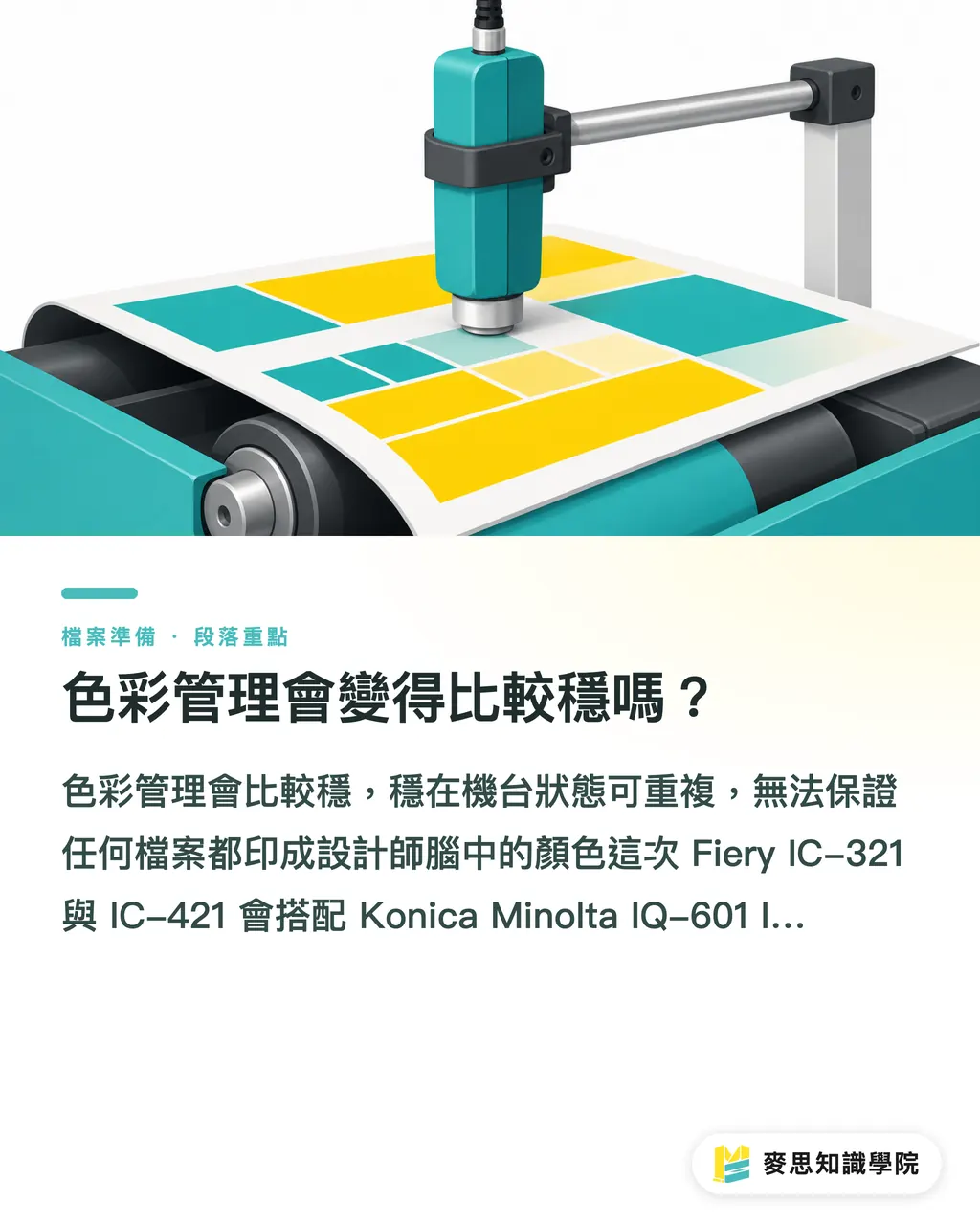
Will colour management get more stable?
Colour management gets more stable, stable in the sense that the press state becomes repeatable. It does not guarantee that any file will print the colour in the designer's head
The Fiery IC-321 and IC-421 pair with the Konica Minolta IQ-601 Intelligent Quality Optimiser and its inline spectrophotometer. An inline spectrophotometer is a measurement device inside the press that reads colour off the printed sheet as it runs, adjusting output on the fly
Fiery also folded automated recalibration, colour verification, and brand colour tools into the flow, ColorGuard, TrueBrand, Spot-On, plus single-step colour management that combines paper calibration and profiling. A profile describes how a given paper, toner, and press combo reproduces colour. Designers need to know this: the same CMYK value won't look the same on a different stock
On jobs with tight brand colour demands, don't just toss a pretty screen capture over the wall. If you need the print side to confirm stock, proofing, and colour targets together, treat MINDS as the collaboration window for mid-to-high-end custom jobs. The point is to turn 'the colour I want' into conditions the print side can actually verify
Will AI DFE replace prepress staff?
AI DFE won't replace prepress staff. It hands the repetitive setup work to the system and pushes people toward spec confirmation, exception handling, and customer comms
Fiery is offering two configurations this round: the Windows-based IC-321 for advanced production workflows and higher-volume environments, the Linux-based IC-421 for the reliability side of essential production. That's a fair split. Mid-size and small printers don't need to chase the biggest spec, they need to know where their own volume, file complexity, and operator experience sit
Fiery Scribe is an optional feature that reads email job requests and uploads them as print-ready jobs. The message for prepress management is blunt: free-text job tickets are going into automated flows too. When a customer writes 'do it like last time' in the email, that's the most dangerous sentence. On the shop floor, that phrase makes me nervous. Last time, which paper, which version, which colour run, nobody can swear to it
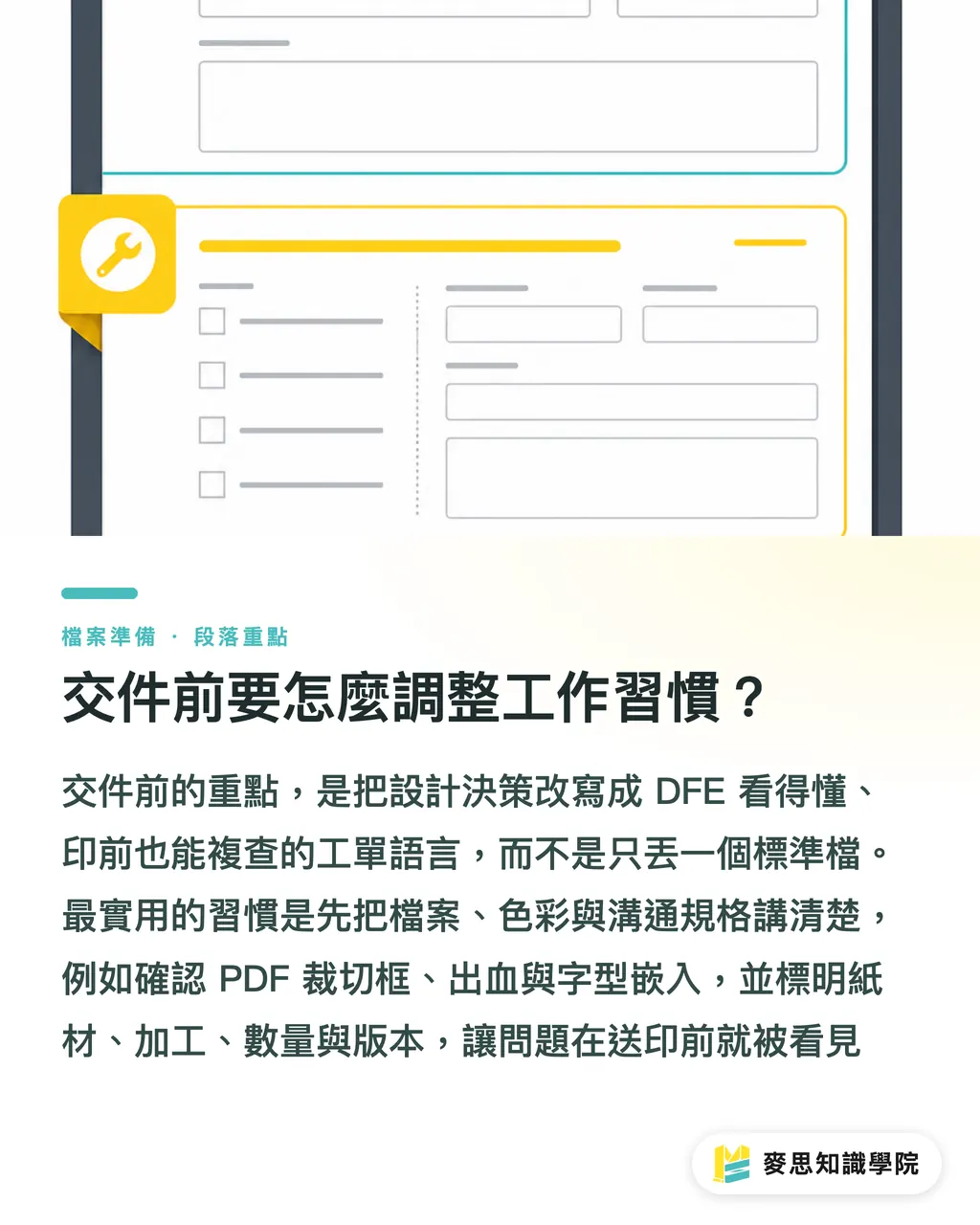
What habits should change before handoff?
The habit to change before handoff is writing file decisions in a language the DFE can read and prepress can audit
I'd suggest designers run the 'MINDS (MS, mid-to-high-end fully custom commercial printing) 3 Handoff Checks': ① File Check, ② Colour Check, ③ Communication Check. PDF/X is the ISO 15930 family of print-exchange PDF specs, used to lock down fonts, colour, and output intent. A standards-compliant file is the baseline, though. What actually saves time is spelling the spec out
・① File Check: confirm PDF, trim box, bleed, font embedding, linked images, and transparency
・② Colour Check: state CMYK, the RGB conversion method, Spot Color names, and proof basis
・③ Communication Check: write down stock, finishing, quantity, version, and revision points. Don't leave verbal notes to memory
For standard specs, small runs, or price-sensitive work, a flow like Mind Print — online ordering with size, stock, and finishing pre-formatted, works fine. Custom colour and complex finishing is when it's worth pulling prepress into the conversation. That's enough
Key Takeaways
・AI DFE changes handoff responsibility first. Vague specs surface faster than before
・Colour automation steadies the press. It does not decide whether a brand colour should skew warm or cool
・The plainer preflight gets, the less room there is for fuzzy handoff accountability
・Before bringing in AI DFE, mid-size and small printers should get the job ticket fields and file version naming under control
Wider Implications
On the print manufacturing side, get the job ticket fields, stock naming, colour calibration logs, and revision versions sorted first. On the design side, write PDF, colour, and finishing conditions so they can be audited. SaaS teams should wire email, quotes, online ordering, and DFE flow into the same data language. Teams that need to start from handoff spec can pull in the Mai Strategy Knowledge Academy advisory team to break the process apart. Don't rush to treat AI DFE as a universal fix
Further Reading
FAQ
- What is AI DFE?
- AI DFE (Digital Front End) is the digital front end in front of the press. It automates file reading, colour setup, preflight, and job routing
- What does a designer need to change when handing off files?
- Designers need to spell out PDF specs, colour space, Spot Color names, proof basis, stock, and revision version. That way AI DFE can route the file correctly
- Can AI DFE fix colour automatically?
- AI DFE can help with calibration, verification, and picking colour settings. Brand colour targets still need sign-off from the designer, the client, and the print side. The machine only chases a target someone has set
- What is the focus of Fiery's announcement this round?
- Fiery's 31 July 2026 announcement: the IC-321 and IC-421 DFEs running on FS700 Pro, paired with IQ-601, JobExpert, and JobFlow Pro, for the Konica Minolta AccurioPress C5080 line
- What should mid-size and small printers do before adopting AI DFE?
- Sort out the job ticket fields, stock data, colour calibration logs, and file naming rules first. Without that, AI DFE just runs a messy process faster
Related articles


The Print × AI weekly
The print and AI know-how designers, brands and enterprises can use before they commit — one email, every week
MINDS Free Tools
AI background removal, brand stamping, and a LINE sticker maker — free design tools, right in your browser, no upload.
MINDS Group
Need actual printing or gifting services?
From premium printing to online ordering and festive gifts — the MINDS Group sister brands take it from here.