

Overview
The core of preparing prepress files for clear stickers with white ink is creating a dedicated spot color layer named White in Illustrator, enabling Overprint Fill, and isolating die-cut lines into a separate Deline layer. Following the 'MINDS Printing (MS, mid-to-high-end fully custom commercial printing) Three-Gate Prepress Standard' specified by MINDS Printing ensures vivid colors while preventing accidental printing of die-cut lines
Spot Color: An attribute setting in prepress software for dedicated ink swatches. During output, it separates into an independent plate rather than mixing CMYK halftone dots
White Ink Base (Underprinting): Printing a high-opacity white ink layer first on transparent or dark substrates to keep the top CMYK inks from turning dull or distorted due to material transparency
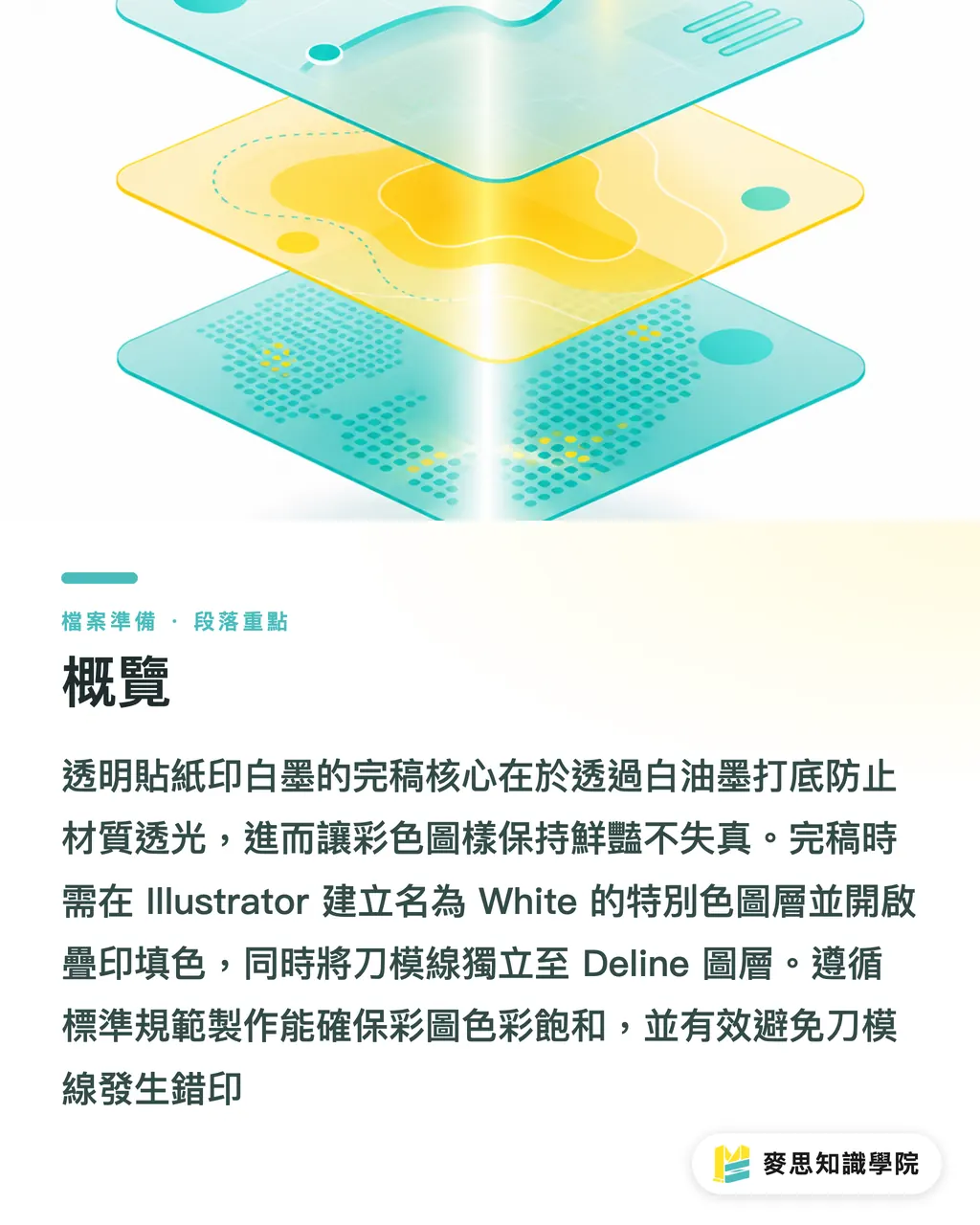
Why Do Clear Stickers Print Out Looking Dull and Washed Out?
The CMYK process inks used in printing are naturally translucent, allowing light to pass directly through the pigment onto the substrate surface
When printed on white paper, the brightness of the paper reflects light back through the ink into your eyes, showing normal color saturation
When you print those same CMYK inks straight onto transparent PP stickers, black cardstock, or metallic paper, there is no white paper reflection, and CMYK ink opacity drops to just 15% to 30%
Without a white ink base, vibrant screen graphics end up looking like translucent ghosts in print, or completely vanish against dark backgrounds
A white ink layer acts like laying down a sheet of artificial white paper on clear material, providing 100% light opacity so the overlaying CMYK colors keep their intended vibrancy
Simple
Recently, many clients brought AI-generated files asking why their printed stickers had an ugly white box behind them
Raster PNG or JPG images from AI generators lack vector Alpha channels and spot color plates. That checkerboard background on your screen is just a bunch of pixels to prepress systems
If you drop that raster image straight into Illustrator and send it off, the press cannot tell where white ink should go and where it should stay clear. In the end, it just floods white ink under the entire image
MINDS Printing (MS) Three-Gate Prepress Rules: SOP for White Ink and Die-Cut Layering
I have seen far too many print jobs scrapped on the factory line simply because layers were mixed together
Follow the 'MINDS Printing (MS) Three-Gate Prepress Rules' logic from MINDS Printing, and your files will pass press checks without getting rejected:
・① Create a dedicated spot color swatch for White: Open the Swatches panel in Illustrator, create a new swatch, and set Color Type to Spot Color. Name the swatch White. You can set its visual color to bright magenta or cyan so it stands out on screen
・② Assign overprint attributes and choke settings Choke by 0.15mm: Place the white ink vector layer underneath your CMYK artwork. Select all white ink objects and check Overprint Fill in the Attributes panel. Shrink the white ink outline inward from 0.1mm to 0.15mm (about 0.3pt to 0.4pt) to perform a choke, preventing ugly white edges if registration shifts slightly during printing
・③ Separate die-cut lines into an isolated layer: Create a standalone layer named Deline. For die-cut strokes, use a 0.25pt to 0.5pt spot color stroke (named Cut), and check Overprint Stroke to keep die-cut lines independent from CMYK printing layers
Here is the key detail
If you accidentally select CMYK Process color instead of Spot Color, prepress software will fail to extract it as a separate white plate. That single mistake accounts for 80% of artwork rejections
How to Correctly Remove Backgrounds and Create White Plates for AI-Generated Raster Images?
Images generated by AI tools are purely raster pixels, which cannot be converted directly into vector white plates
The right approach is to isolate the subject in Photoshop using selection tools, stripping away semi-transparent noise and fake checkerboard grids, then saving it as a 300 DPI PSD or TIFF file with transparency preserved
After importing into Illustrator, duplicate the subject outline and use Image Trace or Object > Path > Offset Path to create a clean, closed vector path
Fill this vector path with the White spot color you just set up, and place it directly beneath the colored artwork
Don't rush
Never run auto-trace on a low-resolution raster preview. Doing so creates jagged white ink edges, leaving a visible fringe around your printed sticker
Press technicians do not have time to redraw paths for you. The cleaner your background removal and vector edges are at the prepress stage, the sharper your final sticker edges will print
Which Common Prepress Blindspots Can Scrap Tens of Thousands of Stickers?
A tiny prepress oversight can ruin an entire production run. Here are three of the most frequent traps:
・Forgetting Overprint Fill: Without overprinting enabled, Illustrator defaults to knocking out underlying layers. The press will knock out the white ink layer beneath the artwork, leaving CMYK colors completely unaligned with white ink
・Placing die-cut lines on CMYK layers without spot colors: Prepress output software treats any line on CMYK layers as printable ink, printing a solid red or black line straight onto your final stickers
・Skipping white ink choke: If white ink matches CMYK artwork size perfectly, high-speed printing presses with physical registration shifts of around 0.1mm will leave ugly white fringes along sticker edges
If you are unsure about complex post-press setups, start with short-run digital proofing at MINDS Print to verify white ink and die-cut registration
For high-end custom commercial packaging or specialty metallic cardstock printing, get file reviews and expert guidance from the Mai Strategy Knowledge Academy Advisory Team

Key Takeaways
・Transparent and dark substrates require a white ink base to provide the necessary opacity and color saturation for CMYK inks
・Spot Color naming and attributes are critical for prepress plate separation; white ink objects must have Overprint Fill checked
・White ink edges must be choked inward from 0.1mm to 0.15mm to prevent white fringes when printing registration shifts slightly
・Die-cut lines must sit on a dedicated layer with a distinct spot color and overprint settings to avoid printing solid lines
・AI-generated images must undergo precise background removal in Photoshop and vector path expansion in Illustrator to create clean white plates
Further Thoughts
As AI art tools become mainstream, the barrier to generating complex visual concepts has dropped dramatically, yet physical printing mechanics stay unchanged
The future competitive edge in printing lies not in drawing pretty pictures, but in translating digital assets into exact physical production instructions
For the MINDS team and print professionals, modularizing this white ink and layering SOP, or automating preflight checks, is the essential bridge connecting AI design with traditional prepress output
FAQ
- Why set white ink swatches to magenta or cyan during clear sticker prepress setup instead of white?
- Setting a spot color to white in Illustrator makes it invisible against the white canvas. By convention, designers use vivid magenta or cyan to represent white ink on screen. As long as the swatch attribute is set to Spot Color and named correctly, prepress output systems recognize it as the white ink plate
- What is a white ink choke, and why is it necessary for clear stickers?
- A choke shrinks the vector outline of the underlying white ink inward by 0.1mm to 0.15mm. Because printing presses have slight physical registration tolerances, identical dimensions between white ink and CMYK graphics cause white edges to peek through if registration shifts. Choking ensures white ink stays completely covered by the colored artwork
- Can AI-generated PNG files be printed directly on clear stickers with white ink?
- No. AI-generated PNGs consist solely of raster pixels, lacking the vector paths and spot color plates required for white ink printing. You must first isolate the subject cleanly in Photoshop, then create a White spot color vector object from the outline in Illustrator for proper output
- What happens if die-cut lines (Deline) are not placed on a separate layer?
- If die-cut lines sit on CMYK printing layers using standard process colors, prepress plate-ripping software treats them as printable artwork, resulting in solid die-cut outlines printed directly onto your finished stickers
Related articles





The Print × AI weekly
The print and AI know-how designers, brands and enterprises can use before they commit — one email, every week
MINDS Free Tools
Spine width and imposition calculators — skip the manual math, free in your browser.
MINDS Group
Need actual printing or gifting services?
From premium printing to online ordering and festive gifts — the MINDS Group sister brands take it from here.