

Overview
I have seen this scene play out dozens of times: a shop owner sits with quotes from three vendors. Brand A is tens of thousands cheaper and claims higher spindle speeds, so they sign on the spot. Six months in, operators spend half their shifts swapping dull bits, the vacuum bed cannot hold sheets down, and the software rejects incoming client files. The production line stalls every single day. The machine was not necessarily bad, but the buyer asked the wrong questions
For sign shops and packaging prototyping houses, a CNC router is one of the few core assets that can easily run for over a decade. It lacks the hype of wide-format inkjet printers, yet remains indispensable because of the sheer breadth of jobs it handles [1]. Precisely because it stays on your shop floor that long, every oversight during purchasing will come back to haunt you as maintenance bills and scrapped material. Let's break these traps down one by one
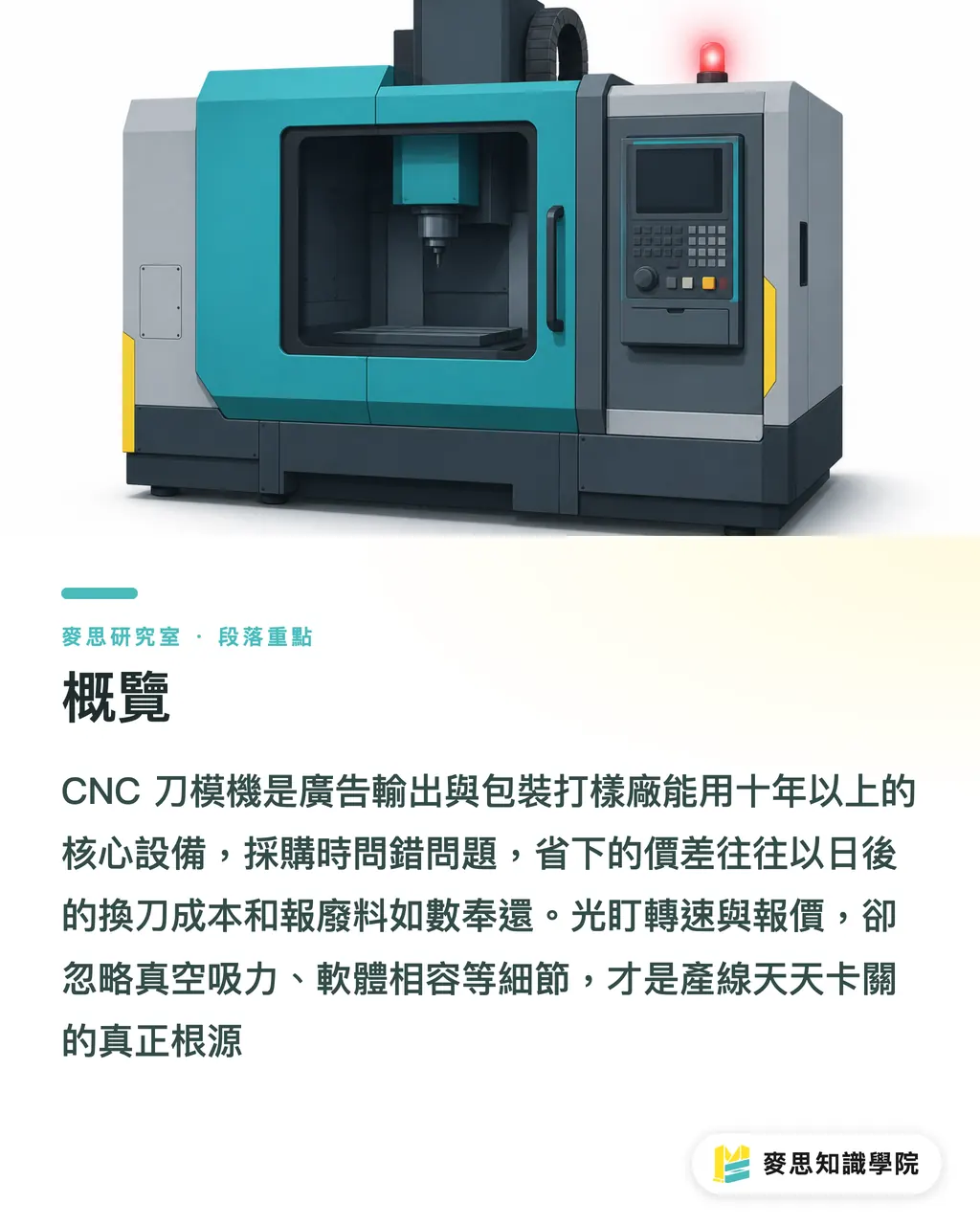
Should You Buy a Router or a Digital Cutting Table?
Clear this up first so you do not waste time comparing apples to oranges. CNC routers and digital cutting tables overlap heavily. Both are CNC-driven, both use interchangeable tools, both rely on vacuum hold-downs, and both generate toolpaths from CAD/CAM files [1]. Many vendors sell both, and some even offer hybrid models that mill and cut on the same chassis [1]
Yet they are built for different workloads. Cutting tables are sold primarily as finishing systems, mainly tasked with trimming and contour-cutting printed work to shape [1]. Routers excel at cutting through dense substrates or carving out 3D depths. The real distinction comes down to the materials you run most often [1]
The decision logic is simple: stop asking which spec sheet looks better, and ask what fills eighty percent of your daily jobs. Every buyer has different priorities and there is no single right answer, especially for machinery. Define your core materials and primary job types first, then match the machine category. Do not let vendor demo samples dictate your choice
Why High Spindle Speed Does Not Guarantee Clean Cuts
Spindle speed is the number sales reps love to highlight, but looking at RPM in isolation is useless. At its core, a CNC machine uses computer control to position cutting tools, turning CAD drawings into G-code that drives the spindle across X, Y, and Z axes. The X and Y axes handle bed dimensions, while Z controls cutting depth [1]. Cut quality depends on balancing spindle speed, torque, feed rate, and material properties, never on a single number
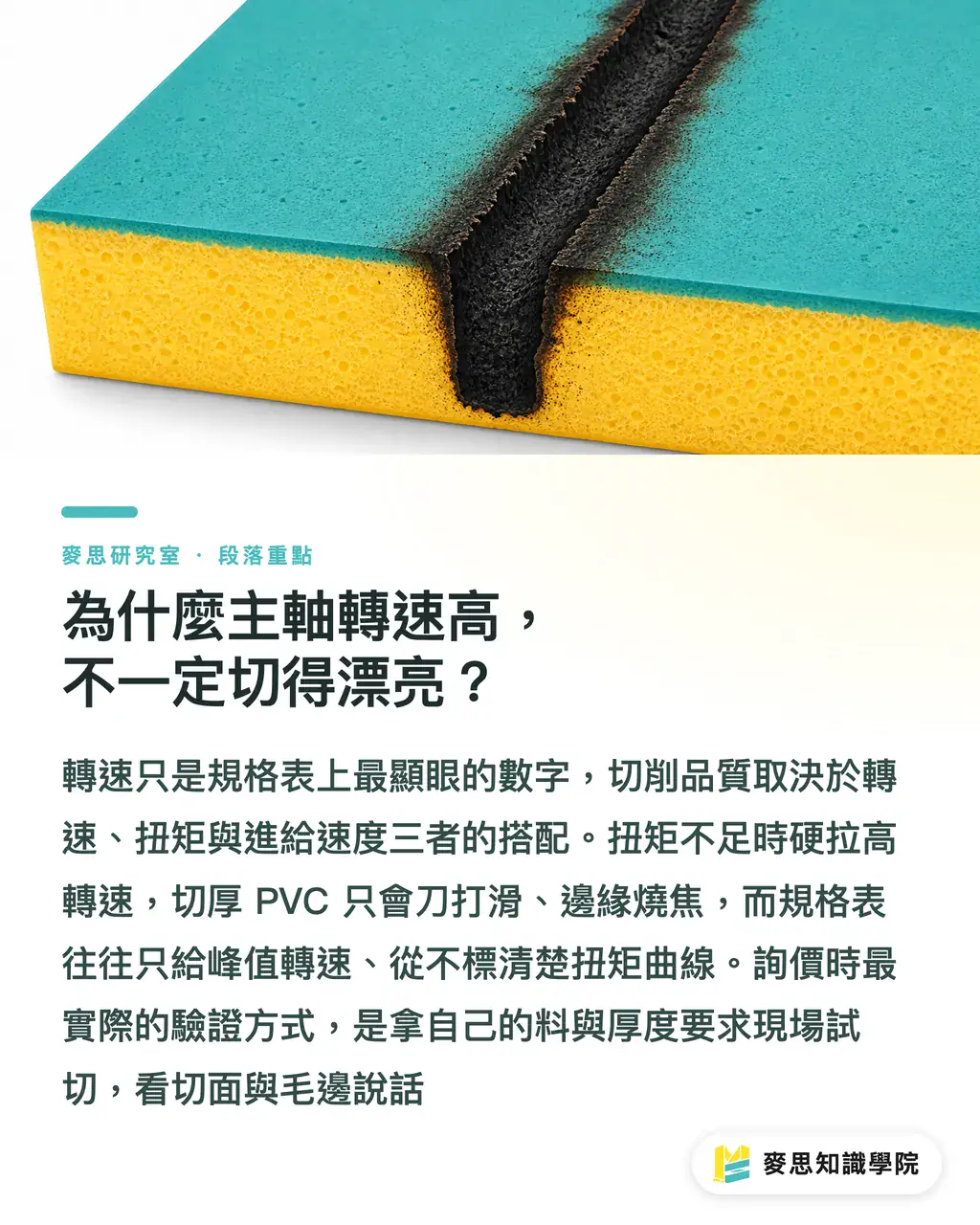
Here is a classic real-world counterexample: cutting thick PVC or heavy corrugated board. When torque falls short, pushing the spindle to max RPM only causes the bit to slip, leaving melted edges and heavy burrs. What matters is how much torque remains at your operating RPM. Spec sheets boast peak RPM while hiding torque curves, which is the very first trap vendors gloss over
When requesting quotes, insist that the vendor test-cut your actual materials at your exact thickness right in front of you. Inspect the cut edge and burrs rather than admiring their pre-made showroom samples. Repeatability and identical consistency are the true promise of CNC [1]. Put that promise to the test with your own stock
Where the Hidden Costs Lurk Off the Spec Sheet
If you only remember one section of this guide, make it this one. FESPA's procurement framework points out that small print and sign shops routinely underestimate tooling life and bit replacement costs. Total cost of ownership (TCO) often matters far more than the initial purchase price [1]
Run the numbers and it becomes obvious. Suppose one router bit costs 1,500 and cuts 800 meters on average, while another machine uses a 2,200 bit that lasts 2,000 meters. The second bit seems nearly fifty percent pricier up front, but your actual tooling cost drops from around 1.88 per meter to 1.1 per meter. In a high-volume shop, this gap wipes out any savings on the machine purchase price within months. Automatic tool changers (ATC) save labor and downtime, but you still need to ask: how many slots are in the carousel, how fast does it swap tools, and how accurate is the tool setter [1]?
Even more critical is local supply for consumables and spare parts. Quotes for European, Japanese, and Chinese machines vary wildly. But if collets, replacement blades, and vacuum pump seals take weeks to ship from overseas, a single three-day outage costs more than any initial discount. I always argue that buyers should focus on TCO over sticker price. For any capital equipment decision, long-term fit and local support beat upfront price tags every time
Why Software Compatibility with Client Files Is a Make-or-Break Line
No matter how good the hardware is, if it cannot ingest files, it is scrap metal. You need CAD software to create cut files, which then generate G-code to drive the spindle [1]. The real headache lies in whether the toolchain smoothly accepts weird file formats from clients and integrates with your existing RIP and design workflow
On the shop floor, disasters usually happen during file conversion: unclosed paths, misaligned layers, or lost tool radius compensation. A bad file either forces an operator to spend thirty minutes redrawing vectors or ruins an entire full-size sheet of material. Before committing, take three to five messy files from real clients and run them through the full pipeline, from file import and G-code generation to actual cutting, instead of relying on sanitized vendor demos
Do not forget the human factor either. How intuitive the user interface is and how thorough vendor training turns out to be will decide how quickly the machine pays for itself. Smart buyers evaluate multi-year operational fit rather than nominal specs on paper. That rule holds just as true for CNC routing
Wrapping Up: Turn Your Quote Checklist into an Acceptance Checklist
Do not let salespeople control the narrative. Condense the points above into your own checklist, and demand proof using your materials, your files, and your actual jobs. Verify spindle torque at your specific material thickness, vacuum zone suction consistency, tool changer capacity and swap times, CAD/RIP compatibility with messy client vectors, tool life converted to cost per meter, and local lead times for spare parts [1]. Put every measurable promise directly into the purchase contract. Remember that differences you overlook at purchase will surface later as repair bills and scrap. This machine will sit on your shop floor for a decade. It pays to ask those seven extra questions

Key Takeaways
Define what fills eighty percent of your daily jobs and your primary materials before choosing between a router and a digital cutting table. Never let showroom samples make the call [1]
Evaluate spindle speed alongside torque, feed rate, and material traits. Test-cut with your own stock on site to verify edge quality and burr levels
Your true cost is TCO. Tooling lifespan and replacement costs are routinely underestimated and often matter more than the purchase price [1]
Software compatibility is a make-or-break line. Run messy client files through the entire import-to-cut pipeline before signing a contract
Turn your RFQ checklist into a formal acceptance checklist, and write every measurable guarantee into the purchase agreement
Further Considerations
For print manufacturing, CNC equipment purchasing is shifting from comparing spec sheets and sticker prices to evaluating total cost of ownership and workflow fit. This means equipment vendors will increasingly compete on local consumable availability, software openness, and field service response times. For designers and prepress teams, standardizing vector file rules around closed paths, tool offset allowances, and layer structures drastically reduces scrap during downstream conversion, creating a valuable shared interface between graphic design and postpress. For AI and SaaS adoption, the biggest unsolved problem remains digitizing test-cut data. If shops can log torque, tool wear, bit change frequency, and yield into trackable datasets, machinery decisions will move from subjective guesswork to verified TCO models. This is precisely where scheduling and predictive inventory SaaS can step in. As a practical next step, shops should package their most common substrate samples and messy client files into a standardized test kit, giving them a consistent benchmark for every vendor quote instead of being swayed by showroom demos
References
FAQ
- Should I choose a CNC router or a digital cutting table?
- Look at what fills eighty percent of your daily jobs and your primary materials. Routers excel at cutting through rigid substrates and milling 3D depths, while digital cutting tables handle contour trimming and finishing. Both systems share tool changers, vacuum hold-downs, and CAD/CAM workflows, so define your main applications first before picking a machine category [1]
- Is looking only at spindle speed enough when choosing a CNC router?
- Not at all. Spindle speed must be balanced with torque, feed rate, and material traits. If torque falls short, high RPM only causes bit slippage and melted edges. When getting quotes, insist on live test cuts using your own stock and inspect the edge finish [1]
- What is the most commonly underestimated cost with CNC routers?
- Tooling lifespan and bit replacement costs. FESPA emphasizes that total cost of ownership (TCO) often outweighs the upfront machine price. Calculate tooling costs per cut meter and factor in local lead times for consumables and spare parts [1]
- Why does software compatibility matter so much?
- Because the hardware relies on CAD drawings converted into G-code to drive the spindle. If the system chokes on client files or clashes with your RIP workflow, production stalls and scrap piles up. Test the entire import-to-cut pipeline with real client files before committing [1]
- What should buyers demand most from vendors during quoting?
- Demand proof using your own materials, your actual files, and your real jobs. That includes live test cuts, vacuum suction consistency across zones, tool change cycle times, and software compatibility, with every measurable benchmark written into the contract [1]
References
- 採購CNC刀模機前必讀:七個沒人告訴你的選機陷阱 · fespa.com
- What should parents look for when choosing a nursery? · doi.org
- What to look for when choosing a good care home · doi.org
- People vary in what they look for when choosing a health plan · doi.org
- What to look for when choosing a university as the digital competition grows · doi.org
- What to look for when choosing treatmentplanning software for prostate brachytherapy · doi.org
Related articles



The Print × AI weekly
The print and AI know-how designers, brands and enterprises can use before they commit — one email, every week
MINDS Free Tools
Spine width and imposition calculators — skip the manual math, free in your browser.
MINDS Group
Need actual printing or gifting services?
From premium printing to online ordering and festive gifts — the MINDS Group sister brands take it from here.