
What Exactly is a Dieline? And Why AI-Generated Files Aren't Ready for Print
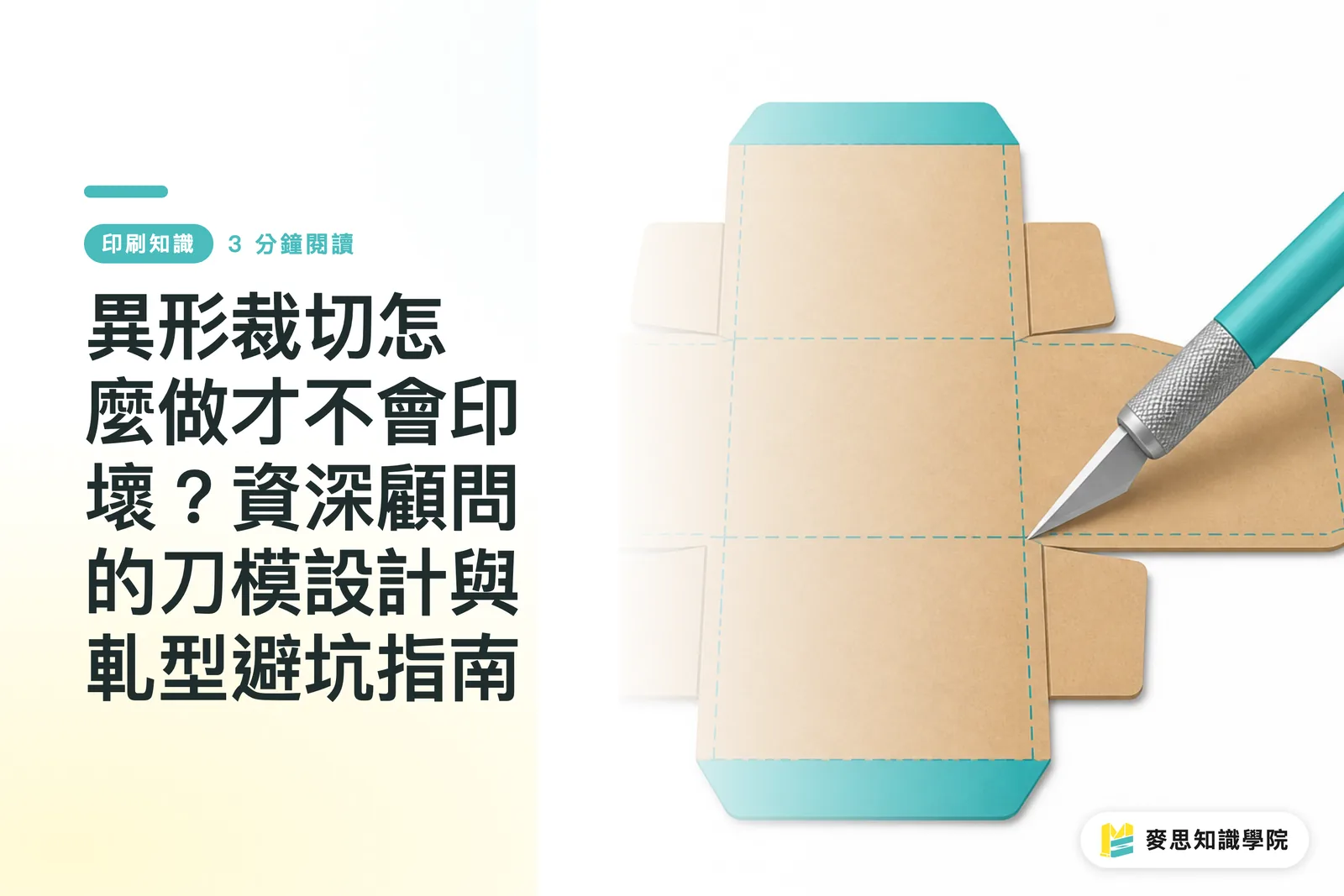
In the world of packaging and printing, die-cutting is the magic that transforms flat sheets of paper into unique, irregular shapes, and the dieline is the architectural blueprint for this magic
In recent years, I've frequently encountered clients bringing in dazzling packaging designs generated by Midjourney, asking if they can be printed directly. In practice, sending these files directly to the press is often a recipe for disaster
AI understands lighting, shadows, and aesthetics, but it doesn't understand paper thickness, physical stress, or folding clearance
A proper dieline must be a precise vector path; the lines must be completely closed and never overlap. Otherwise, once it hits the machine, it won't just fail to cut cleanly, it could potentially damage the equipment itself
To turn a concept into a mass-producible physical product, you need structural design thinking, a task that, for now, still requires human expertise and production line experience to oversee
Steel Rule Dies vs. Laser Dies: How to Calculate Die Fees Without Losing Money
Die-cutting requires physical molds, which is why there is a one-time setup cost known as the 'die fee'
As long as the quantity is large enough, this fixed cost becomes almost negligible when amortized over the total number of units
Currently, there are two main types of molds used in print shops, each suited to different scenarios:
・Traditional Steel Rule Dies: Grooves are laser-cut into a wooden board, and skilled technicians manually embed steel blades into them. They are highly durable and cost-effective, making them suitable for the vast majority of standard paper boxes and stickers
・Laser Dies: These are cut entirely by high-powered lasers. They offer extreme precision and avoid the connection point issues found in traditional dies, making them specifically designed for super-intricate cutouts or complex, tiny irregular shapes
Many business owners focus only on the total price on the quote when purchasing, failing to realize that if cheap steel dies are used for overly complex graphics, the edges are prone to burrs, and the cost of the resulting waste paper ends up eating away at their profits
Pitfalls in File Preparation: The Three Most Common Fatal Mistakes in Final Artwork
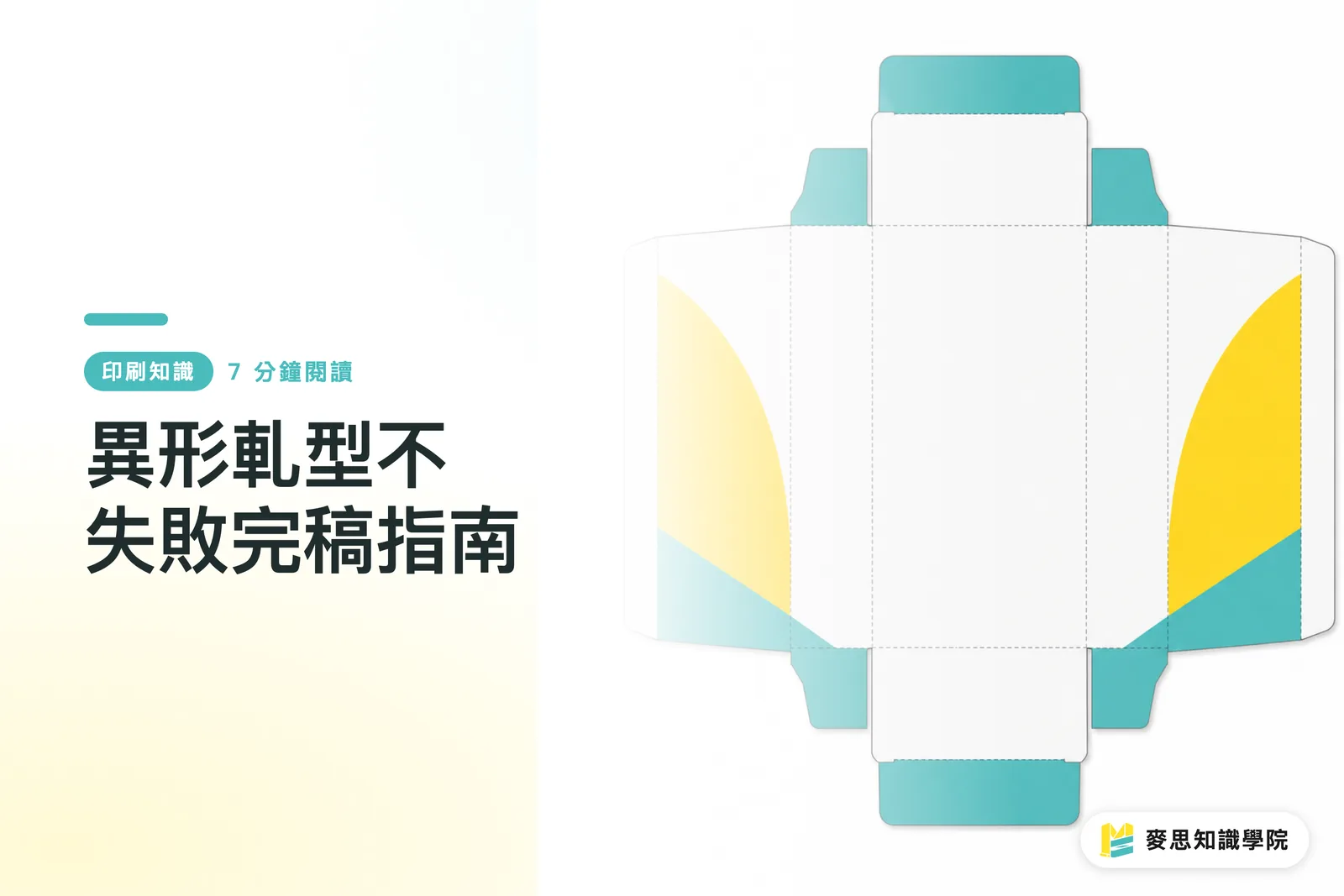
To ensure a print shop immediately understands your requirements, the dieline must be created on an independent layer and set to 'Spot Color' and 'Overprint'
Beyond layer settings, I have summarized the three most common pitfalls from cases I've had to reject on-site:
・Bleed Not Following the Dieline: The bleed for irregular die-cuts cannot just be a simple square; the artwork must extend outward along the dieline for at least 2 to 3 millimeters
・Content Too Close to the Cut Edge: Paper undergoes tolerances as it runs through machines at high speeds. If important text or logos are placed too close to the dieline, they are easily sliced in half
・Downloading Random Dielines Online: The safest way to find templates for labels or paper boxes is to request official standard dielines directly from the partner print shop. Online templates from unknown sources often do not conform to actual machine gripper specifications
Rounded Corners, Right Angles, or Cutouts? The Physical Tug-of-War Between Shape and Material
When designing irregular cards or packaging, the turn of the dieline determines the difficulty of processing and the durability of the finished product
Different cutting processes have inherent physical limitations, and we generally offer clients the following advice:
・Rounded Corners: The safest choice. The cut is smooth and resistant to tearing, and the finished product is less prone to damaged corners during shipping or handling. Suitable for business cards and most game cards
・Right Angles: Visually sharp and clean, but in mold construction, this represents two blade segments meeting. Occasionally, this leaves a microscopic connection mark. Also, corners are easily bruised on stiff materials
・Cutouts (Die-outs): Requires evaluating the weight and toughness of the paper. If the margin left around a cutout is too narrow, the paper lacks sufficient structural support and will tear easily
Before finalizing a complex shape, feel the paper material you intend to use. The thinner the paper, the simpler the shape should be, this is an ironclad rule on the production line
Key Takeaways
・The die fee is a one-time fixed cost; the higher the print quantity, the lower the amortized setup cost per unit
・The dieline must be on an independent layer, marked with a spot color, and the vector path must be completely closed with no overlaps
・Bleed for irregular die-cuts must extend outward along the dieline, and important graphics and text should maintain a safety margin of at least 3 millimeters
・Avoid downloading random templates online; requesting standard dielines directly from the print shop is the best shortcut to save time and avoid pitfalls
Extended Reflections
For brands or designers looking to experiment with irregular designs, put your heart into front-end visual creativity, and leave the structure and file validation to professional printing partners
Instead of repeatedly modifying and having your files rejected during the finalization stage, reach out to an integration team like MINDS at the early design phase to request standard templates, and verify material physical limitations before you start drawing, this is the shortest path to ensuring high-quality mass production
FAQ
- I want to print stickers in a special shape. Do I need to draw the dieline myself?
- Designers can draw simple geometric shapes themselves, but for complex packaging boxes or specific label specifications, it is highly recommended to request a standard dieline directly from the print shop to use as a base
- Why does my dieline file keep getting rejected by the print shop?
- The most common reasons are that the die-line is not on an independent layer, the paths are not closed, there are overlapping lines, or the bleed does not follow the shape of the die-line
- Is making a die-cut mold very expensive? Is small-batch printing cost-effective?
- The die is a fixed cost. If you are only printing 50 or 100 units, the amortized unit price will be extremely high. For small-batch needs, it is recommended to seek out existing standard sizes at the factory to avoid the die fee
- Can highly intricate paper-cut hollow designs be done with regular die-cutting?
- Excessively intricate hollow designs cannot be handled by standard steel rule dies. They must be done using laser dies or laser engraving, which is more costly and may result in slight scorch marks on the edges
Related articles
The Print × AI weekly
The print and AI know-how designers, brands and enterprises can use before they commit — one email, every week
MINDS Free Tools
Spine width and imposition calculators — skip the manual math, free in your browser.
MINDS Group
Need actual printing or gifting services?
From premium printing to online ordering and festive gifts — the MINDS Group sister brands take it from here.