

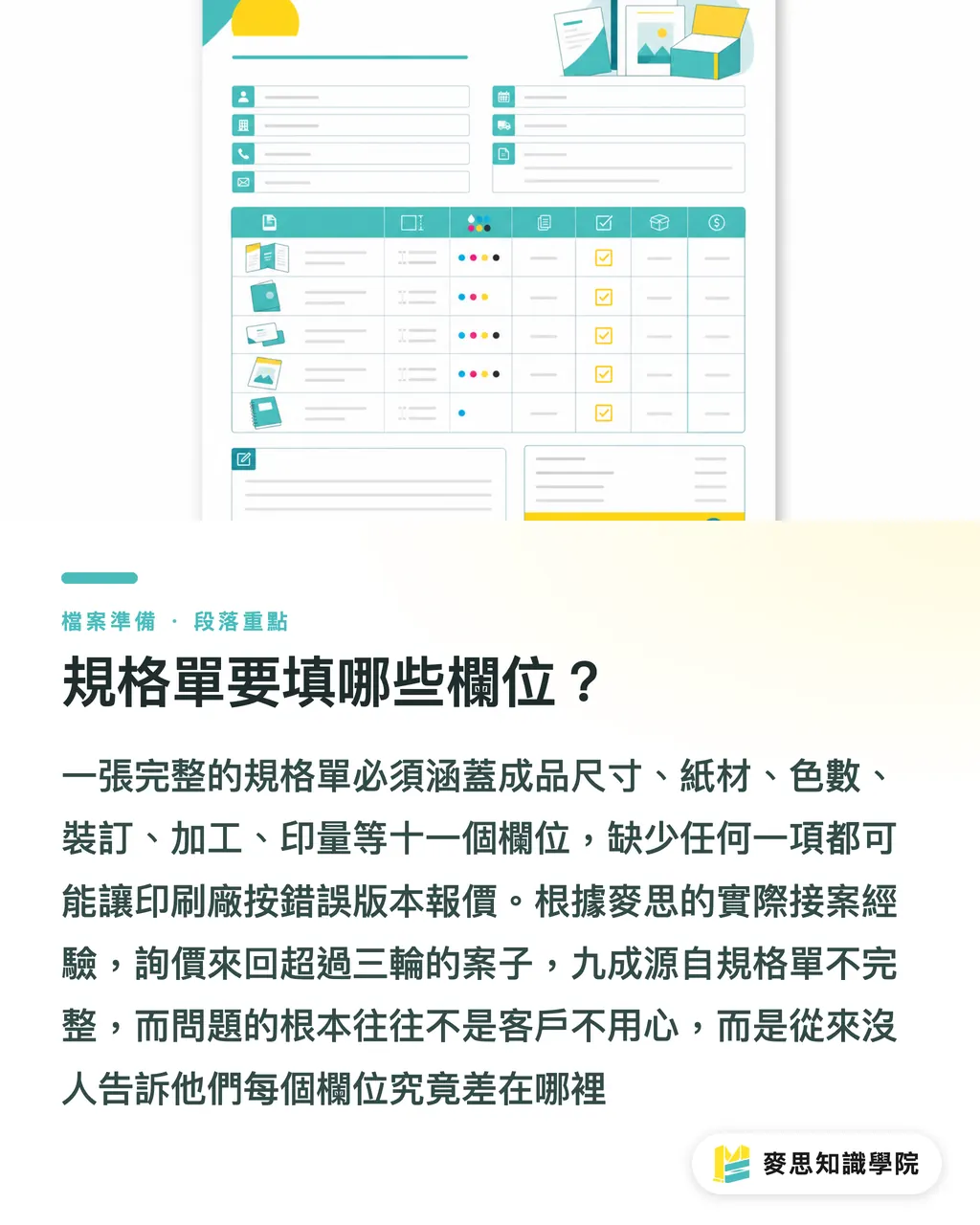
What fields should a specification sheet include?
A print-ready specification sheet should include at least these eleven fields: finished size, flat size, page count, paper stock, number of colors, binding method, finishing items, print quantity, delivery date, receiving method, and file version. Miss any one of them and the print shop may come back with questions, or simply quote based on what they think is correct. You may only realize after delivery that it was not what you wanted
Among the jobs handled by MINDS Printing (MS, a mid-to-high-end fully custom commercial printer), nine out of ten quote requests that go back and forth for more than three rounds have the same root cause: an incomplete specification sheet. It is not that clients are careless. It is that no one has told them what these fields actually change
Why should finished size and flat size be separate fields?
Many people think writing "A4" is enough. In practice, this is the most common first missing item
Finished size is the size readers hold in their hands, such as 148×210mm (A 5) or 210×297mm (A 4). Flat size is the full sheet size before printing. For an A4 bi-fold DM, the flat size is A3 (420×297mm). These two numbers determine the paper stock size the mill prepares, the press setup, and the position of folding lines in post-press finishing
Designers may know the finished size, but when setting up the file they sometimes forget to add bleed (3mm on each side), leaving the flat size short. If procurement confirms the flat size first, the print shop can cross-check the file as soon as it arrives and save one round of communication
Folded items need extra attention. The flat size of a tri-fold leaflet (Z-fold or accordion fold) may not match what you imagine, because three panels are not always divided into three equal parts. The machine-side panel often needs to be 2-3mm shorter so it folds flat. Add the folding method to the specification sheet and you can prevent half of the proofing issues
Paper stock, color count, and finishing are where details most often go missing
These three fields are where people most often write something vague. They are also the biggest source of quote differences
Paper stock should be specified across three layers: weight + material + surface treatment:
・Coated paper 150gsm one-side gloss (common for DM covers)
・Matte art paper 128gsm double-sided matte PP (softer to the touch than gloss)
・Woodfree paper 80gsm natural color (for eco-style report booklets)
・Specialty paper (such as kraft paper, laid paper, or cotton paper) should include the material code or a sample sheet, because every shop carries different stock
If you only write "coated paper" and let the print shop choose the weight, you are letting them quote what is most convenient for them, not necessarily the feel you want
Color count falls into four scenarios, each with a different pricing structure:
・Single color (black), two colors (spot-color printing), four colors (CMYK)
・Four colors + special color (such as Pantone plus foil stamping)
・Spot UV is not counted as a color, but finishing is charged separately, so list it on its own
Finishing items must list every process clearly:
・PP lamination (gloss PP / matte PP)
・Spot UV
・Gold foil / silver foil stamping (state whether it is hot foil or cold foil)
・Die-cutting (attach the dieline shape or AI path file)
・Folding (number of folds and folding method)
・Hole punching (position and diameter)
・Saddle stitch or perfect binding
Once a finishing item is left out, the print shop will quote only the printing cost. When the goods arrive, you may find out the job has to go through a finishing house again, throwing off the schedule and charging you twice

Page count, binding, and quantity are the three variables that define print cost structure
These three fields affect each other. Change one, and the entire cost structure may shift
Page count should be the total page count including the cover. Saddle-stitched booklets must have page counts in multiples of 4. Perfect binding does not have this limitation, but it usually needs at least 8 pages to hold properly. Write "XX pages total including front and back cover" directly in the specification sheet. Do not make the print shop count the design file themselves
Common binding options:
・Saddle stitch: best for thinner booklets (most stable within 64 pages), opens flat, lowest cost
・Perfect binding: requires spine thickness, and too few pages will shorten durability
・Butterfly binding (PUR binding): for thick books or cases that require pages to lie flat when opened
・Thread binding: traditional feel, suitable for cultural gifts
・Ring binder: for manuals that need replaceable inner pages
Do not provide only one quantity. It is better to request two or three pricing tiers, such as 500 copies, 1000 copies, and 3000 copies. Printing has setup costs, including plate making and paper preparation. The larger the quantity, the lower the unit price, but the drop is not linear. I have seen clients ask only for the unit price at 200 copies, then discover after printing that if they had printed 1000 copies, the unit price would have been nearly cut in half. That was money wasted
Do not overlook the final three checkpoints: delivery date, receiving method, and file version
Many people treat these three fields as "admin details" and skip them. But they directly determine whether the print shop can take the job and who is responsible if something goes wrong
For delivery date, write the expected arrival date, not "as soon as possible." The print shop has to schedule backward: proofing time, press availability, cutting and binding, and shipping. For general commercial printing, once print approval is confirmed, normal production to shipment takes 5-7 business days. Jobs with special finishing need 10-14 days. Rush jobs require special scheduling and different pricing, so mark that clearly in the specification sheet
For receiving method, state "factory pickup," "vendor delivery," or "ship all goods to the designated address." If there is multi-location delivery, such as the same batch of flyers going to three stores in northern, central, and southern Taiwan, list the box split clearly in the specification sheet. Otherwise, after printing, no one will be available to confirm packing details, and mistakes happen easily
File version is the most commonly missed field and one of the biggest sources of disputes. The specification sheet should state:
・Provided format (AI, PDF/X-1a, PDF/X-4, InDesign with links and fonts)
・Color mode (CMYK, or RGB converted to CMYK)
・Resolution (300 dpi or above for print)
・Bleed settings (3mm on each side)
・Whether fonts are outlined
If the design files are sent to multiple vendors for comparison, make sure the file specifications in the sheet are consistent. Otherwise, each shop may output with different settings, making color and detail hard to compare
If you need a complete quote request format you can use directly, MINDS provides custom specification confirmation services. For a first inquiry, you can bring a draft and have a consultant help align the details. If the item is relatively standard and the quantity is not large, the Mai Printing online ordering interface also provides guided specification entry, which makes omissions less likely
Why should a specification sheet make quotes comparable, instead of merely understandable to one vendor?
This question is practical, but it matters
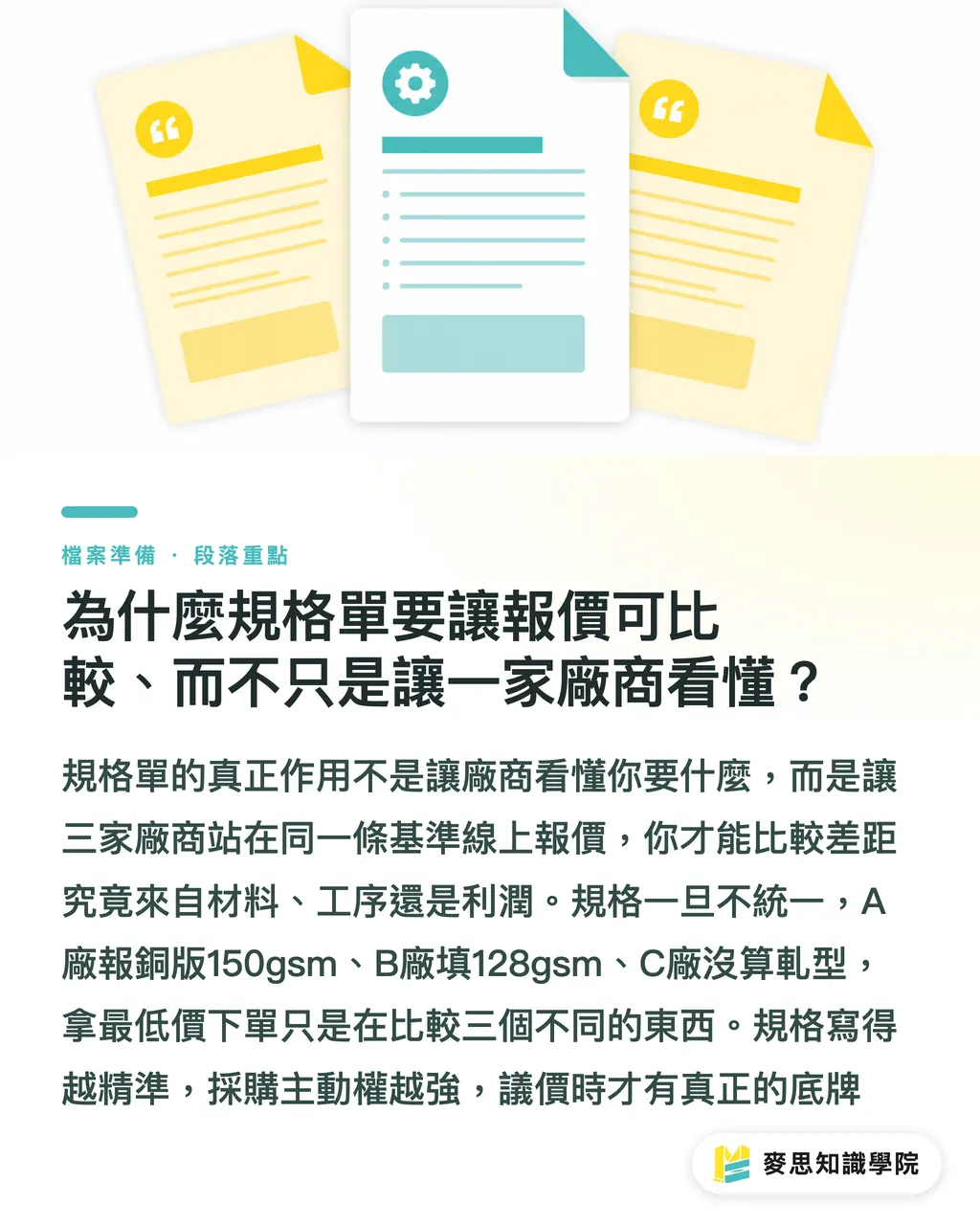
A specification sheet is not a private memo for one vendor. It is the baseline document for your procurement process. Send the same sheet to three vendors, and the quotes you receive will be comparable. Only then can you tell whether the price gap comes from materials, process, or margin
If the specifications are not consistent, the three vendors will each interpret the job differently, and the quotes will not be on the same basis at all. Vendor A may quote 150gsm coated paper, Vendor B may choose 128gsm, and Vendor C may leave out die-cutting entirely. You place the order with the lowest quote, then realize after delivery that it is several specs away from what you asked for
The more precise the specification sheet, the more control procurement has, and the stronger your basis for negotiation. This is not only a defensive move to avoid disputes. It is also your bargaining card
Key Takeaways
・If any field is missing from the specification sheet, the print shop may quote based on whatever version is easiest for them, and you may only realize after delivery that it is not what you wanted
・Finished size and flat size must be filled in separately. For folded items, the folding method should be noted too, which prevents half of the proofing issues
・Paper stock should include three layers: weight + material + surface treatment. Writing only "coated paper" is basically letting the vendor decide the feel
・Ask for two or three quantity tiers. Unit-price breakpoints in printing can be larger than you expect, and printing more can sometimes be more cost-effective
・The specification sheet is procurement's baseline document. Send the same version to multiple vendors so quotes are comparable and negotiations have a basis
Further Thinking
A print specification sheet looks like an administrative form, but it is actually a quality-control checkpoint in the procurement process. If the specs are unclear, everything downstream can drift: design revisions, requotes, proofing back-and-forth, shipping delays. Behind every one of these problems, you can usually trace it back to one field that was not filled in clearly
For SaaS or platform products, this scenario is worth turning into a guided form. A logical question-and-answer flow can help procurement teams unfamiliar with printing fill it in correctly the first time. The system can automatically calculate flat size, remind users of folding rules, and check against paper stock availability. All of that turns what used to depend on a senior press operator asking questions verbally into a repeatable workflow
For designers, instead of waiting for clients to provide specs before setting up files, the better move is to offer a specification confirmation sheet proactively. Lock down size, color mode, and finishing at the project intake stage, and the chance of late rework drops sharply
The next step is concrete: turn these eleven fields into your own quote request template. Spend five minutes filling it out before your next print job. If any field cannot be filled in, that means the spec has not been confirmed yet. Go back and ask before sending it to print. It is much easier than arguing after the goods arrive
FAQ
- What fields does a print specification sheet need to be complete?
- It should include at least eleven fields: finished size, flat size, page count, paper stock (including weight and surface treatment), number of colors, binding method, finishing items, print quantity, delivery date, receiving method, and file version. Missing any one of them can make quotes incomparable, cause final-file errors, or lead to delivery disputes
- What is the difference between finished size and flat size, and do both need to be filled in?
- Finished size is the size readers hold in their hands. Flat size is the full sheet size before printing. Both must be filled in separately, especially for folded or multi-page designs. Flat size directly affects file bleed and finishing fold-line positions, so both designers and print shops need this number
- Is it enough to write only "coated paper" for the paper stock?
- No. Coated paper ranges from 105gsm to over 350gsm, and surfaces can be gloss, matte, or one-side gloss. Each one feels different and prints color differently. The right format is something like "coated paper 150gsm one-side gloss" or "matte art paper 128gsm double-sided matte PP," so the vendor can prepare the material you actually need
- Should print quantity be one number, or should I request quotes for several quantities?
- It is better to provide two or three tiers, such as 500 copies, 1000 copies, and 3000 copies, and request pricing for all of them. Printing has fixed plate-making and material-preparation costs, and price breakpoints can vary widely by quantity. Having the vendor list unit prices at each tier lets procurement make a decision with a real basis
- Should file version be explained in the specification sheet?
- Yes, and it matters. State the provided format (AI / PDF/X-1a, etc.), color mode (CMYK), resolution (300dpi or above), bleed (3mm on each side), and whether fonts are outlined. Inconsistent file specifications are one of the most common sources of printing disputes. Confirming them at the specification-sheet stage saves a lot of back-and-forth later
Related articles



The Print × AI weekly
The print and AI know-how designers, brands and enterprises can use before they commit — one email, every week
MINDS Free Tools
Imposition calculator and preflight file check — free prepress tools, right in your browser.
MINDS Group
Need actual printing or gifting services?
From premium printing to online ordering and festive gifts — the MINDS Group sister brands take it from here.