

Why Generic ERP Can't Handle Packaging Pre-Press and Die-Cutting Shops
Generic ERP lacks the calculation engine to parse packaging geometry and artwork files, so it can't automatically convert complex 2D die-cut flat patterns into accurate material and labor costs
In the years I've spent on print and packaging shop floors, I've seen this play out over and over: factories spend a fortune on generic ERP, then end up running quotes and schedules in Excel anyway
It's common, because traditional ERP is built for simple bill-of-materials (BOM) work. Up against the highly customized operations of a die-cutting shop or packaging pre-press house, it's completely out of its depth
Take EZ Die LLC, a die-cutting manufacturer in St. Louis. The shop covers corrugated cartons, folding cartons, commercial printing, gaskets, and labels
As the business grew, the old management tools couldn't keep up with cross-domain die specs and complex artwork files, so the shop moved to Paladin ERP Professional Edition, a system built specifically for die-cutting and pre-press. It goes to the source: parsing CAD die files directly, then automatically calculating steel rule length, foam rubber strip specifications, and board cutting paths
For designers and artwork staff, sending files with dielines mixed into the same layer as print artwork forces pre-press to manually measure rule length and count die strikes
That slows down quoting and, when the manual count is off, sends tooling and production costs way off target
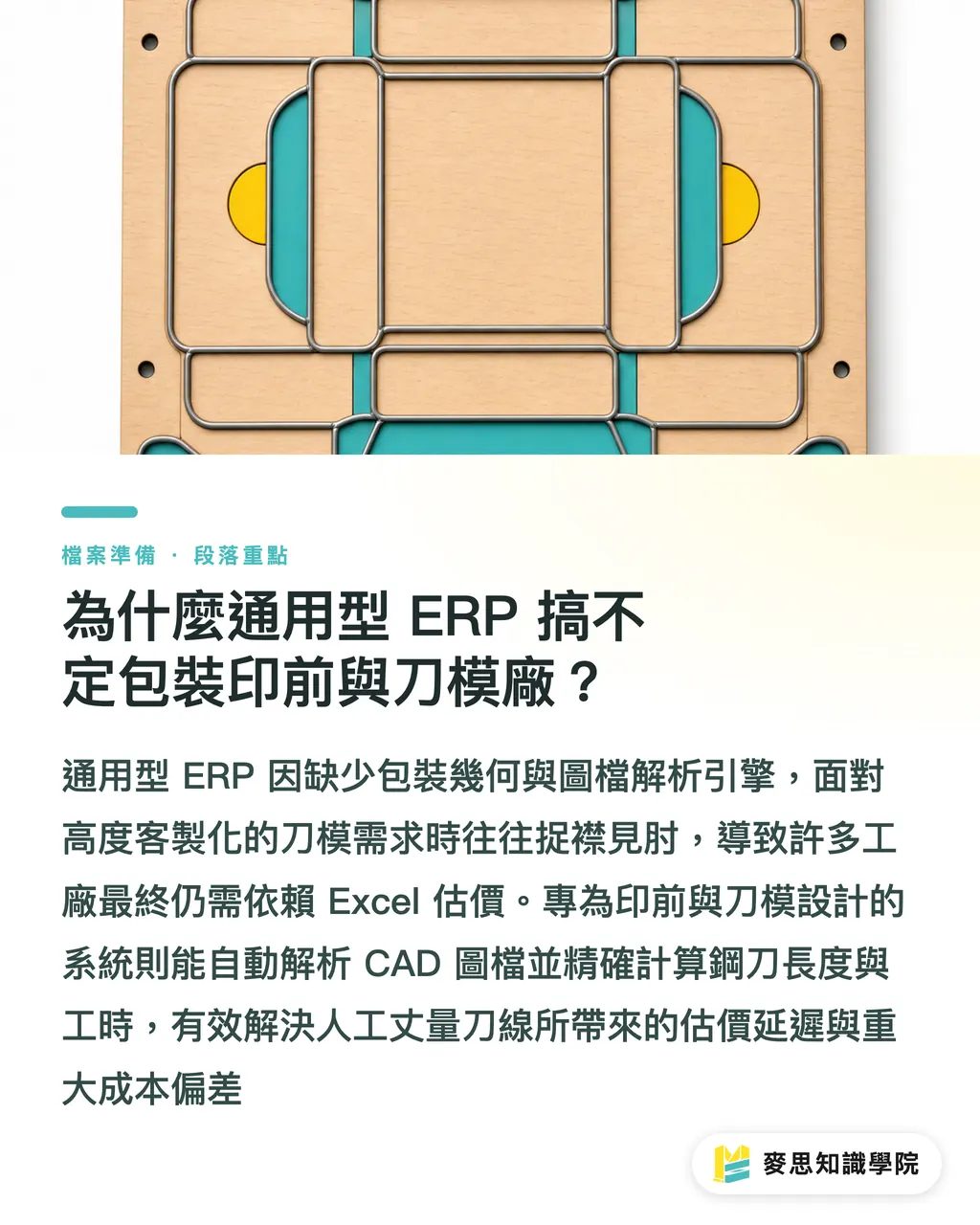
How to Set Up Dieline Layers So They Don't Wreck the Production Line
The key to avoiding costly dieline plating errors is standardizing layer separation and attribute settings at the artwork stage, so ERP and RIP output devices can automatically identify cut and crease paths
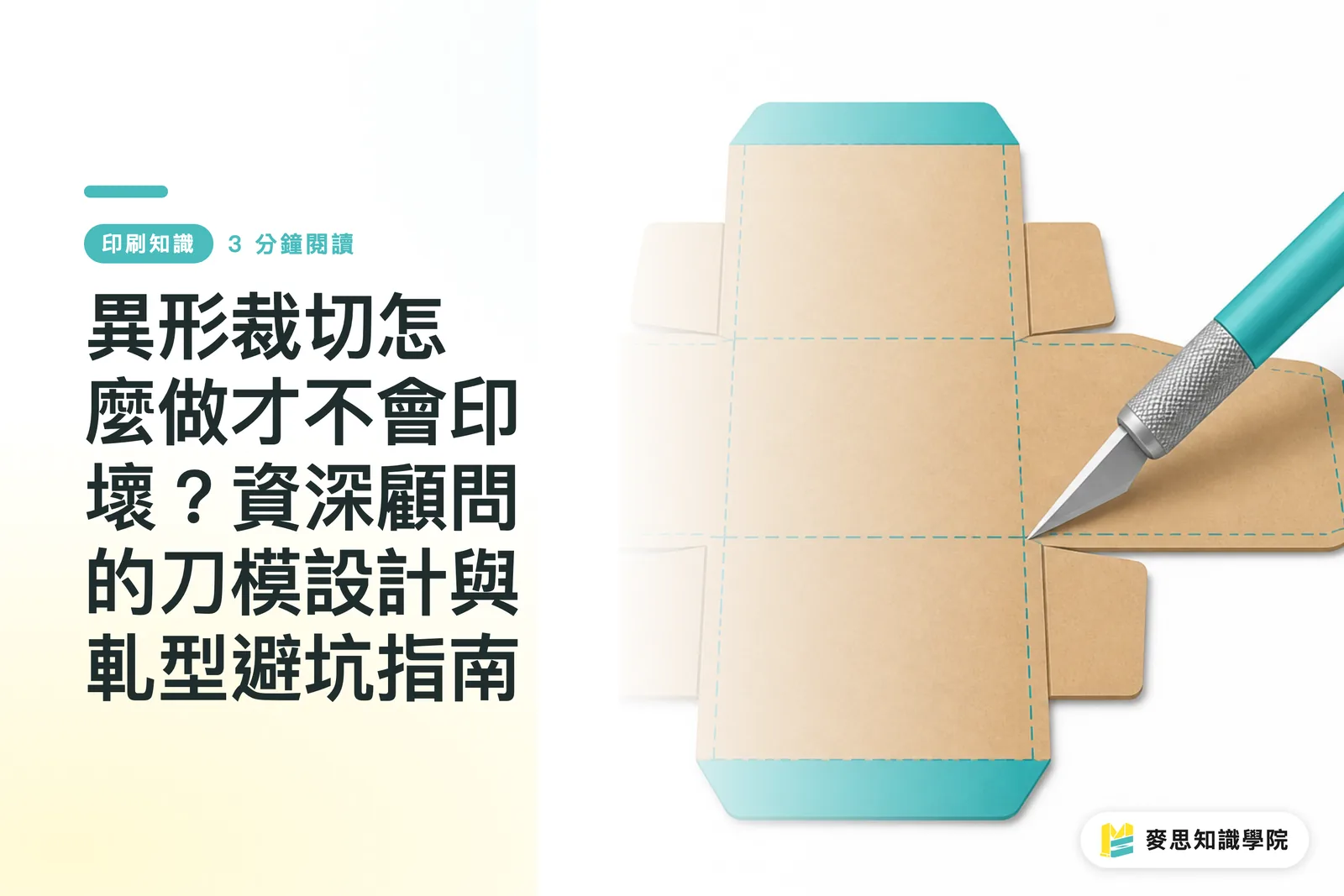
A dieline is the 2D flat structural file in a packaging or print artwork that marks crease lines, fold lines, and cut lines. It must be placed on a dedicated spot color layer with Overprint enabled to prevent mistaken output on press. Under the ISO 12647 color management framework, pre-press databases hold layer attributes to a very strict standard
When handing off a packaging file, designers can follow these steps to standardize the setup:
・Create a dedicated layer: put all dieline paths on a top layer named Dieline, separate from every print artwork and text layer
・Assign a spot color and enable overprint: dieline paths must be set to 100% Magenta or a dedicated Spot Color, then check Overprint Stroke in the Illustrator Attributes panel to prevent the background image from being knocked out at preflight output
・Distinguish cut lines from crease lines: use solid strokes for outer cut lines and dashed strokes or a second spot color for interior folds and creases, so laser board-cutting machines and automatic rule-bending machines can read each process instruction separately
Designers working on high-end fully custom commercial printing or complex packaging structures can have the MINDS professional team review the files. For standardized short-run printing needs, the MINDS Print online platform handles precise file submission
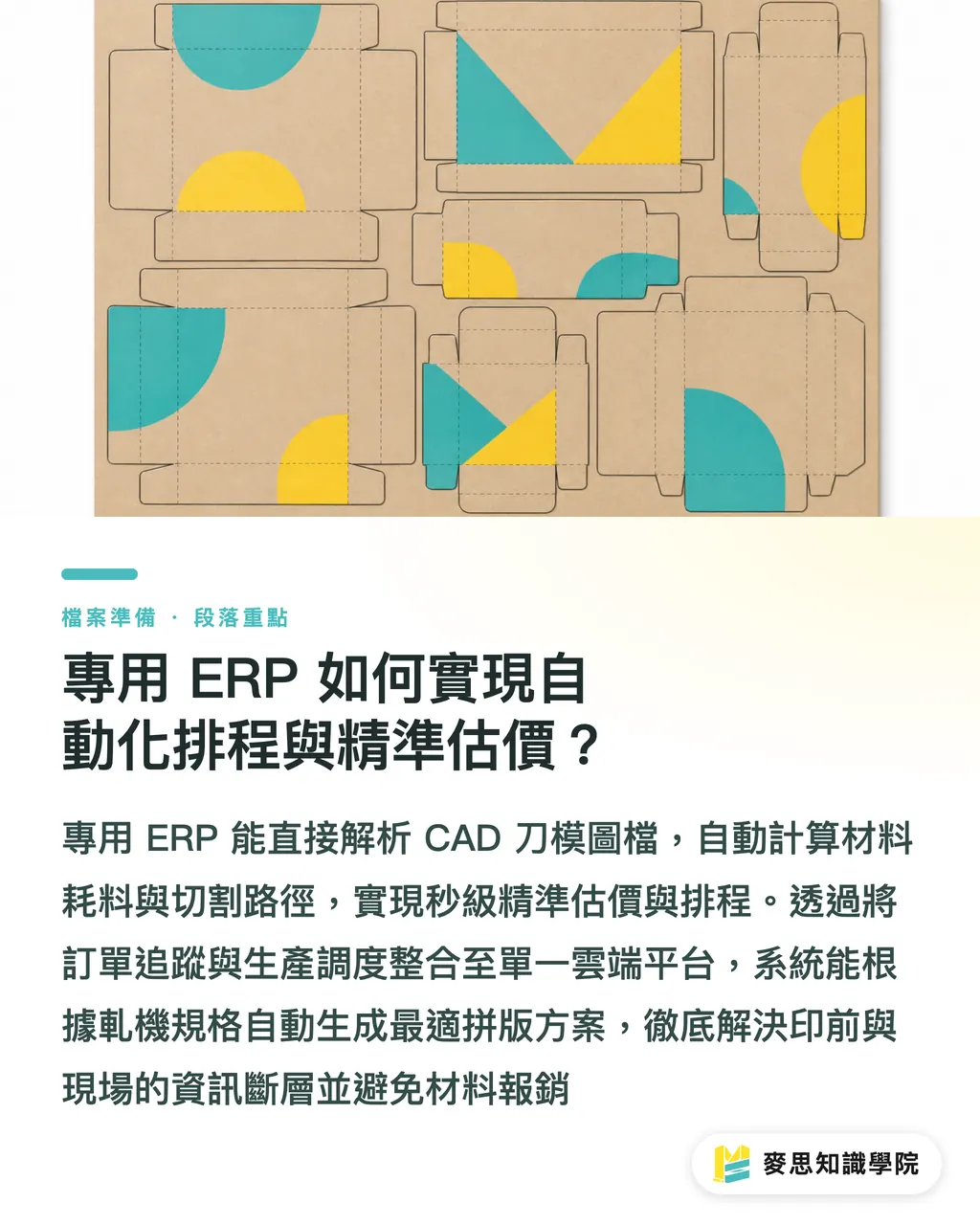
How Does Purpose-Built ERP Deliver Automated Scheduling and Accurate Quoting?
Purpose-built ERP reads CAD die files directly to automatically calculate total rule length, steel rule material consumption, and board cutting paths, generating accurate quotes in seconds alongside dynamic production scheduling
Hold on, let's unpack the automation logic for pre-press and die shops. The biggest nightmare in traditional scheduling is the information gap: the pre-press department and the RIP (Raster Image Processor, the hardware/software system that converts vector artwork into halftone printing plate arrays) operate in separate silos, and production progress relies entirely on someone physically walking a job ticket across the floor
In the Conceptual Systems and EZ Die collaboration, the next-generation purpose-built ERP brings order tracking, file management, production scheduling, and customer communication into a single cloud platform. Once the system receives an artwork file, it automatically parses the geometry, matches it against inventory board sizes and steel rule specs, and outputs an accurate quote immediately
On the scheduling side, the ERP factors in the sheet size and processing speed of each die press to automatically generate the most material-efficient imposition layout and production sequence. Pre-press shops can track the exact status of every die set, without rush jobs or process errors wiping out an entire batch of cartons
How to Run a Foolproof Self-Check Before Submitting Artwork
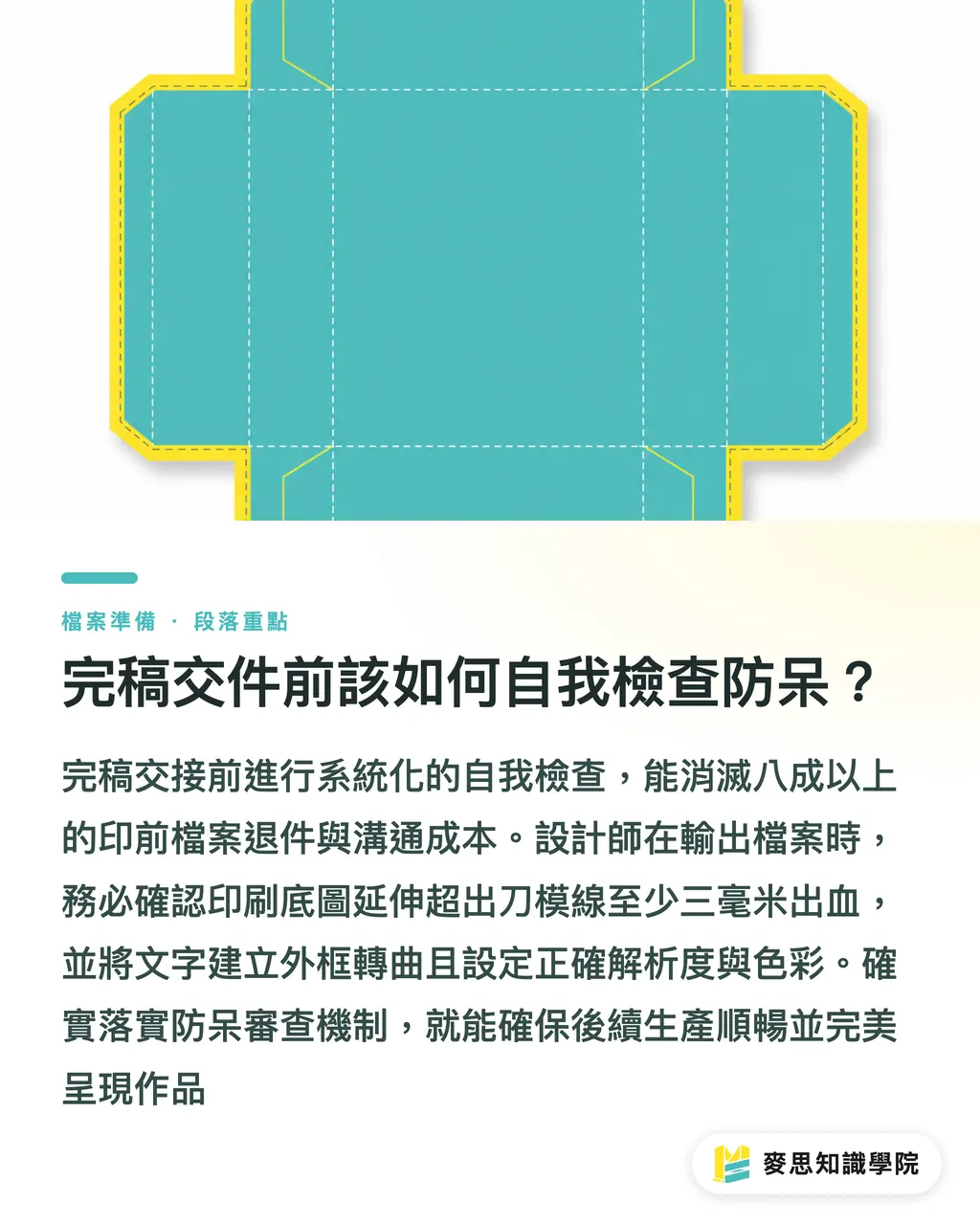
A systematic self-check before handing off artwork eliminates more than 80% of pre-press rejections and the back-and-forth that comes with them
Based on the MINDS (MS, mid-to-high-end fully custom commercial printing) three-checkpoint submission process, designers should run through the following before exporting PDF/X for submission:
1. Check bleed and safe margins: confirm the print background extends at least 3mm beyond the dieline for bleed, and keep key text and logos at least 3mm inside the cut line
2. Outline fonts and check image resolution: all text must be converted to outlines, image elements must be at least 300 DPI, and color mode must be CMYK
3. Verify die dimensions and fold direction: check the physical length, width, and height in the 2D flat pattern, and confirm that tuck flaps, glue tabs, and crease positions match the actual box sample exactly
For questions about complex packaging structures or unusual die-cutting processes, the Mai Strategy Knowledge Academy consulting team can provide professional pre-press and die structure guidance
Key Takeaways
・Generic ERP can't calculate packaging geometry. Pre-press and die-cutting shops need purpose-built ERP to quote accurately
・Dielines must be on a dedicated spot color layer with Overprint enabled to prevent the background from being knocked out at preflight output
・Purpose-built ERP integrates CAD parsing with the RIP system to automatically generate optimal impositions and cut material waste
・Running a self-check against the 3mm bleed and 300 DPI standards before submission significantly improves pre-press approval rates
Something to Think About
Looking at where pre-press has been heading, the battleground for print equipment upgrades has moved from hardware speed to software judgment. Whether it's a die shop adopting purpose-built ERP or a designer locking down a foolproof artwork process, the goal is the same: smooth data flow between pre-press, RIP, and the die press. When designers and manufacturers share common layer and color data standards, quality and margin hold even as the labor shortage bites
Further Reading
FAQ
- Why can't generic ERP be used directly for quoting in die-cutting shops and packaging pre-press?
- Generic ERP handles fixed bill-of-materials work only. It can't parse 2D die files for total steel rule length, crease specifications, or board cutting paths, so it has no way to automatically calculate accurate costs for custom dies and packaging
- Why does a dieline layer require Overprint to be enabled?
- If Overprint Stroke isn't checked on the dieline, the pre-press color separation system automatically knocks out the printed image beneath the rule, leaving a white hairline on the finished piece wherever the die falls
- How much bleed should be kept in a finished artwork to be safe?
- The standard for packaging and commercial print artwork is at least 3mm of bleed, with key text and graphics kept at least 3mm inside the cut line. That margin guards against white edges or clipped text when the die press runs
Related articles



The Print × AI weekly
The print and AI know-how designers, brands and enterprises can use before they commit — one email, every week
MINDS Free Tools
Spine width and imposition calculators — skip the manual math, free in your browser.
MINDS Group
Need actual printing or gifting services?
From premium printing to online ordering and festive gifts — the MINDS Group sister brands take it from here.