
Can Midjourney Images Actually Be Used for Commercial Printing?
The straight answer: yes, you can, but simply handing a downloaded image to your print shop is not enough. You need to clear at least three hurdles, resolution, color mode, and licensing, skip any one of them and you risk getting blocked right before the job ships
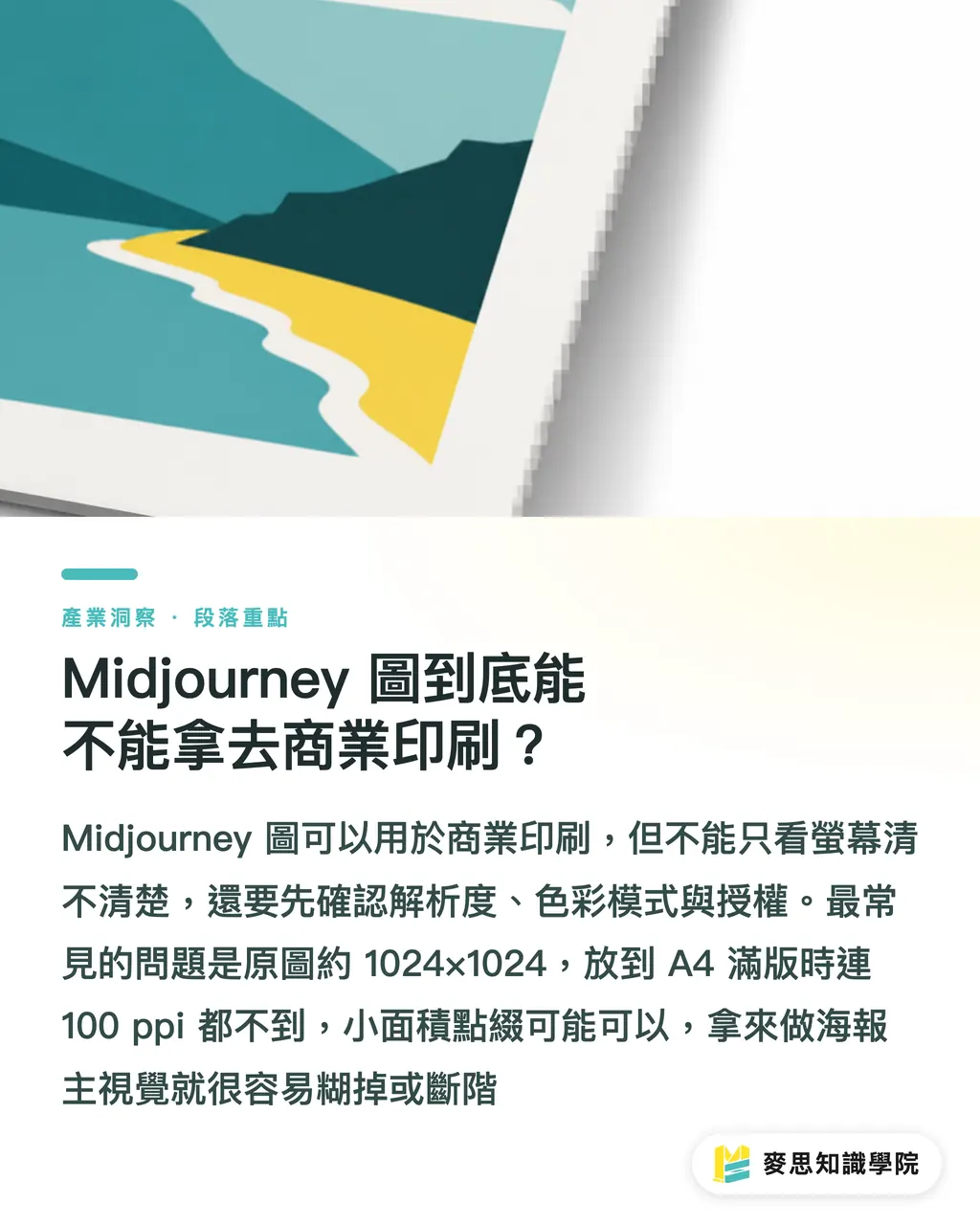
Of the inquiries I've fielded over the past month or two, eight or nine out of ten come down to the same misconception: people assume that looking sharp on screen means it's ready to print. Screens emit light at 72 to 150 ppi; paper relies on ink reflection, the physical conditions for viewing are entirely different. Midjourney's default output is roughly in the 1024×1024 range. Stretched to fill an A4 sheet, that works out to under 100 ppi, the result is soft edges and banding in gradients
So the question 'can it be printed' actually needs to be split into two separate questions: can it work as a small accent element, versus can it hold up as a full-bleed hero visual? Those are completely different challenges. A two-centimeter icon on a business card? The original output can handle it. An A1 poster for a storefront? Without upscaling and redrawing, you're basically looking at a disaster
Why Do Stunning Images on Screen Often Come Out Blurry and Color-Shifted in Print?
Two factors pile on top of each other: size and color
On the size front, the hard minimum for commercial printing is 300 dpi. That means for any given image, the target print size determines how many pixels you actually need. A rough sense of scale:
・Business cards and small stickers, palm-sized output, the default output often just barely covers it
・A full-bleed A4 flyer needs a long edge of roughly 3,500 pixels or more, the default image will break apart at that size
・Posters A3 and above, display stands, and packaging almost always require upscaling and redrawing first
Midjourney does have its own Upscale feature, and newer versions can push images to 2048 pixels or higher, but scaling up is not the same as generating detail from nothing. AI-filled-in details don't hold up to close inspection at large sizes. For genuinely large prints, the practical approach is to run the image through a dedicated upscaling tool (something like Topaz) to fill in the pixels properly before entering the print workflow
The color issue is even more invisible. What Midjourney gives you is an RGB image, and many of the vivid blues, neon greens, and saturated oranges that look gorgeous on screen fall outside the gamut that CMYK four-color printing can reproduce. Send it to print without first converting and proofing the colors, and the most common result is that beautiful sky blue coming out gray and muddy, nothing like what you saw during the pitch. I always tell clients: the RGB-to-CMYK conversion has to happen before you submit, and you have to look at it yourself. Don't gamble on the print shop rescuing your colors
Can Using Midjourney Images for Product Packaging Get You Into Copyright Trouble?
This one is even more serious than resolution, because a color shift just means reprinting, a copyright problem can get you sued
A few things you absolutely need to understand upfront:
・Commercial rights depend on your subscription tier. Midjourney's individual paid plans generally cover commercial use, but companies above a certain annual revenue threshold are subject to different rules, always read the current version of the terms before committing, don't rely on what you remember
・Copyright ownership of AI-generated images remains a legal gray area in Taiwan and most jurisdictions. Images generated purely from text prompts, with minimal human creative input, are of disputed copyright eligibility, which means someone else could theoretically generate something very similar to yours, and you may have no legal recourse
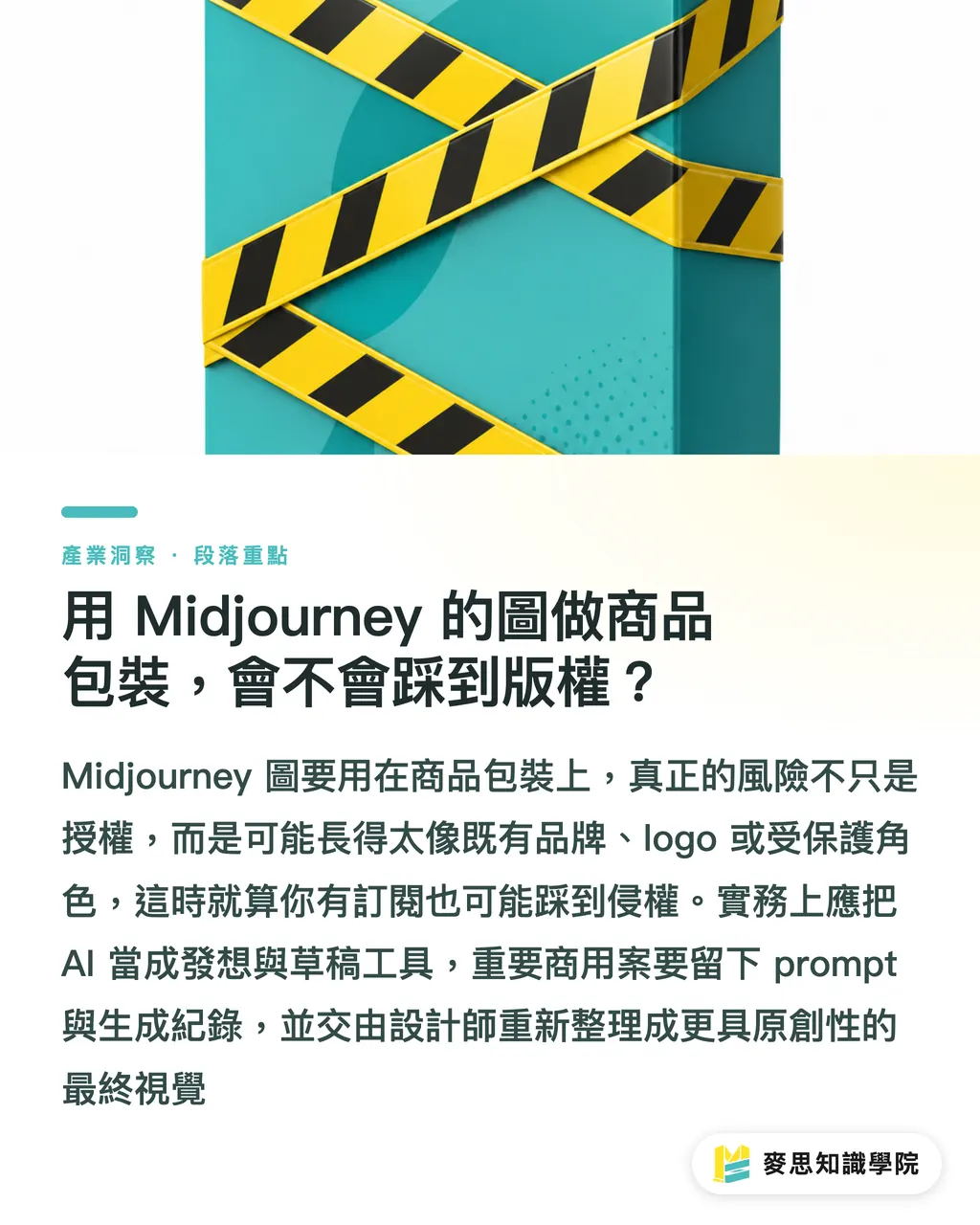
・The biggest danger is 'it looks like a famous brand.' AI training data is vast and messy, sometimes outputs carry the visual DNA of a specific brand, closely resemble an existing logo, or echo a protected character. If that kind of image ends up on your product, the risk is infringement, regardless of whether you hold a usage license
My practical advice is straightforward:
・For anything intended for commercial use, especially packaging or products sold to the public, treat Midjourney as an ideation and drafting tool, not a final artwork source
・For important projects, keep records of your prompts and generation history, if a dispute ever arises, you'll at least have documentation of your creative process
・For visuals tied to significant money or long-term brand use, have a professional designer redraw from the AI draft to ensure originality. That's not a cost you should cut
What's the Actual Workflow for Getting Midjourney Images Print-Ready?
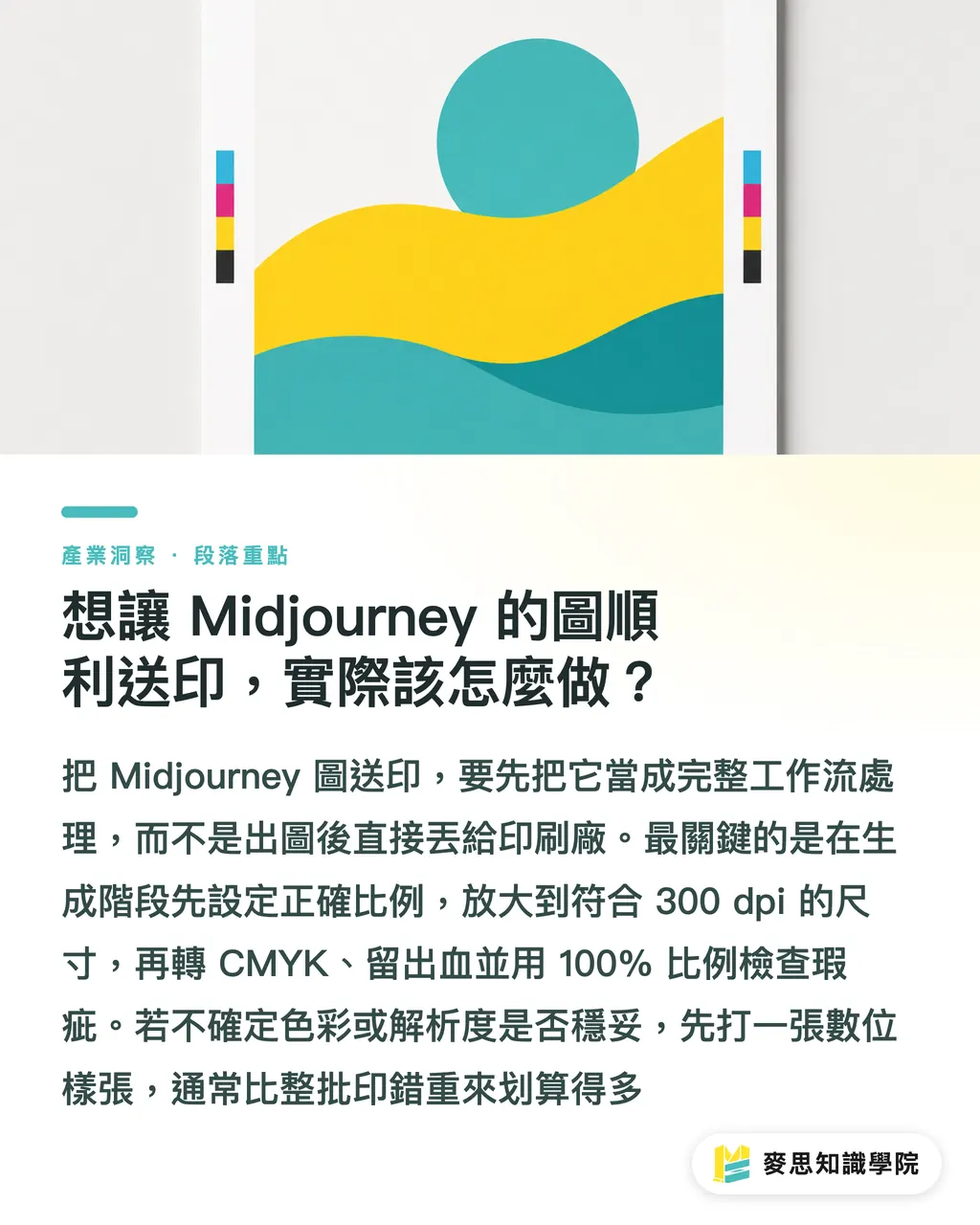
Think of it as an ordered workflow, follow it and you'll sidestep ninety percent of the landmines
・Step one: set the aspect ratio at generation time. For an A4 portrait print, use 2:3; for a square sticker, use 1:1. Don't wait until the image is done to discover the proportions are wrong and you need to crop
・Step two: upscale to the maximum within Midjourney, then run it through a dedicated upscaling tool to bring the long edge up to the pixel count your target size requires at 300 dpi
・Step three: open the file in Photoshop or equivalent, convert the color mode from RGB to CMYK, then visually review the result and manually correct any colors that have shifted
・Step four: add bleed where needed — 3mm on all four sides for full-bleed images, and keep text and critical elements at least 3 to 5mm away from the trim line, so an imperfect cut doesn't clip anything important
・Step five: export to a format your print shop accepts, typically a 300 dpi TIFF or a PDF with the correct color profile embedded, and specify the finished dimensions you expect
One detail a lot of people overlook: AI images frequently carry strange artifacts, an extra finger, garbled text, ghost edges. These are invisible in screen thumbnails but show up in full at print size. Before submitting, always do a 100% zoom check across the entire image
If you're not sure whether your CMYK conversion is right or the upscaling is sufficient, the safest move is to order a digital proof first. The small cost of a proof is nothing compared to reprinting an entire run. This is also the value of working with a print shop that has solid prepress capabilities, they'll catch a bad file before it goes to press, rather than silently printing it anyway
Key Takeaways
・Midjourney images can be commercially printed, but only after clearing three gates: resolution, CMYK color, and licensing, all three are non-negotiable
・Sharp on screen does not mean print-ready. The hard minimum for commercial printing is 300 dpi, and default output is only sufficient for palm-sized work
・Always convert RGB to CMYK yourself and review the result yourself, don't bet on the print shop bailing out your colors
・For commercial packaging, treat AI images as drafts not finals, and steer clear of outputs that resemble established brand logos
・When in doubt, run a proof first, a small upfront cost against the risk of reprinting an entire run
Further Reflections
The greatest value of AI image generation is compressing the 'concept to draft' phase down to minutes, freeing designers to spend time where human judgment actually matters: layout, color correction, and originality review. For print shops and design studios, the real value-add going forward isn't 'knowing how to use Midjourney' — it's the prepress capability to take an AI draft and move it safely and correctly into production: upscaling and redrawing, color management, bleed and artifact checks, licensing risk flagging. Whoever can own that full chain will become the trusted partner when clients start showing up with AI images en masse. The practical next step is simple: pick one of your own Midjourney images, run it through the full five-step workflow above, order a small proof, and you'll quickly see exactly where your process has gaps
FAQ
- Can you download a Midjourney image and send it straight to print?
- Not recommended. Default output resolution is generally insufficient for large prints, and the image is in RGB. Without upscaling to 300 dpi and converting to CMYK first, you're likely to end up with a blurry, color-shifted result
- Can Midjourney images be used on commercial packaging? Is there an infringement risk?
- Technically yes, but two risks apply. First, copyright ownership of AI-generated images remains disputed in Taiwan, so you may not be able to assert rights. Second, AI can produce outputs that closely resemble existing brand logos or characters, printing those on products can constitute infringement. For significant commercial projects, have a designer redraw from the AI draft
- How do you get a Midjourney image to the resolution commercial printing requires?
- First upscale to the maximum within Midjourney, then use a dedicated upscaling tool (such as Topaz) to fill the long edge up to the pixel count your target size requires at 300 dpi. Simply enlarging the canvas without adding pixels only makes things blurrier
- What do you do when the printed colors look nothing like what you saw on screen?
- The gap happens because screens use RGB and printing uses CMYK, certain vivid colors simply can't be reproduced in ink. Before submitting, convert the image to CMYK yourself and adjust colors manually. If you're unsure, order a digital proof to compare before approving the full run, don't wait until everything is printed to discover the shift
- At what print size does a Midjourney image need to be upscaled?
- As a rule of thumb: business cards, stickers, and other palm-sized items can often get by with the original output. Full-bleed A4 and above almost always require upscaling first. For A3, posters, and packaging, skipping the upscale step will almost certainly produce a disappointing result
Related articles
The Print × AI weekly
The print and AI know-how designers, brands and enterprises can use before they commit — one email, every week
MINDS Free Tools
AI background removal, brand stamping, and a LINE sticker maker — free design tools, right in your browser, no upload.
MINDS Group
Need actual printing or gifting services?
From premium printing to online ordering and festive gifts — the MINDS Group sister brands take it from here.