

What does the Heidelberg and Pfenning partnership change?
MINDS (MS, mid- to high-end fully customized commercial printing) sees the key point in this partnership as Heidelberg and Pfenning Group making digital integration for pharmaceutical packaging a shared focus. Packaging Insights' report on the partnership confirms that it centers on pharmaceutical packaging workflows
Pharmaceutical packaging covers the printing of packaging materials that carry drug identification and usage information. File versions and label content both need to match approved references. The work comes with demanding specifications, and can be a high-margin niche even for printers experienced in prepress and packaging production
Digital integration means connecting orders, prepress files, production, and quality records in a traceable data workflow, so the basis for each handoff can be found. What is confirmed so far is the partnership's direction. Whether orders, color data, and compliance records will be included depends on the actual implementation specifications. MINDS (MS) will not present possible integration items as announced features

How could digital integration affect prepress?
To change the design team's day-to-day work, it needs to keep the approved file aligned with proofs, schedules, and production versions from start to finish. Mai Strategy's Three Checks Before Sending Files to Print begins by checking file identification, the approved version, and who is responsible for the handoff
A Job ID is a case number shared by the order, files, and production records. For example, if a designer changes text on a carton, but the new PDF is not linked to the same job, the old file may stay in an email thread or scheduling folder. Prepress staff may then have no clear way to tell which version was approved
What printers should watch for in the Heidelberg and Pfenning partnership news is how data moves between departments. Before adopting a new system, MINDS (MS) recommends clarifying who owns each field: who can revise the artwork, who approves the color proof, and who marks the old version as discontinued
What three checks should designers make before handing off files?
Mai Strategy's Three Checks Before Sending Files to Print breaks the handoff into three checks, giving pharmaceutical packaging files a clear approval trail
・1. First, Mai Strategy's Three Checks Before Sending Files to Print verifies the approved copy, language versions, spec sheet, and version number, so every attachment can be traced to the same job
・2. Second, it runs a Preflight check to confirm page size, fonts, linked images, and color settings. Check the output conditions for the PDF (Portable Document Format, a file format that makes it easy to share documents across systems while preserving page layout) as well
・3. Third, it checks the proof for text, color samples, and finishing marks. Set the Bleed (the area where background colors or images extend beyond the trim line, helping prevent white edges if the cut shifts) to the printing vendor's specifications
If the text or artwork changes, send it for approval again and mark the old version as discontinued. MINDS (MS) especially recommends not relying on filenames like "final_v3" to identify versions. The handoff record should also include the approver and date
What can small and midsize printers in Taiwan do first?
Run one pharmaceutical packaging job through the full process before deciding whether to buy a system. Heidelberg and Pfenning Group are focusing on digital integration, so printers can start by mapping where data gets lost between departments in their current workflow
MINDS (MS) recommends using a shared field list for the job number, filename, version, approval status, and color conditions. The same list lets design, sales, prepress, and production teams confirm what each group needs to update. It also shows which handoffs still depend on verbal instructions or email
If SaaS (Software as a Service, software accessed online and maintained by a provider under a service agreement) is going into this kind of workflow, first confirm that it can retain version history, permissions, and approval status. MINDS (MS) believes defining the fields first will do more to prevent file mix-ups than choosing a platform with a polished interface
How can brand clients confirm the workflow works in practice?
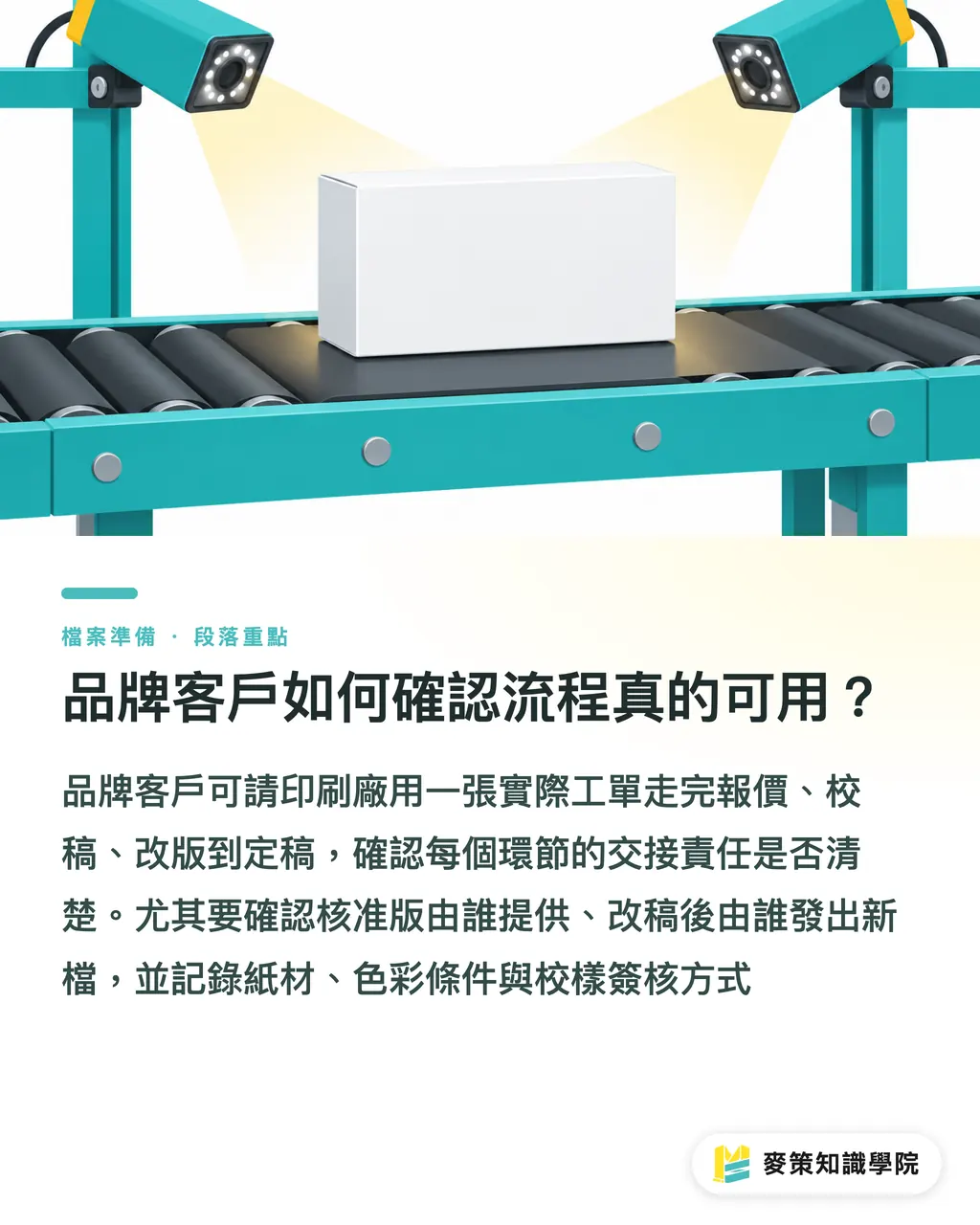
Ask the printer to walk through a real job, from quote and proofing to revisions and final approval. Mai Strategy's Three Checks Before Sending Files to Print can help brand clients confirm handoff responsibilities at each stage
・In the three-check workflow, clearly identify who provides the approved version and who releases the revised file after changes
・Record color conditions, paper stock, and finishing requirements together
・Assign the responsible person in advance for proof approval, marking old versions as discontinued, and checking records before shipment
If a pharmaceutical packaging project also includes an information card, educational leaflet, or launch materials that need paper, finishing, and color checks, the brand team can discuss custom print proofs and handoff requirements with MINDS. Confirm the pharmaceutical packaging's supply specifications point by point with the production partner early in the project
Key takeaways
・Mai Strategy's Three Checks Before Sending Files to Print starts with the version. A filename cannot replace an approval record
・MINDS (MS) recommends linking the order, prepress file, and production record to the same job
・If pharmaceutical packaging text changes, send it for approval again and mark the old version as discontinued
・Start digital integration by agreeing on fields and owners, then assess the systems
Further thoughts
A printer can pick one job and reconcile the fields now scattered across email, cloud folders, and paper proofs. Designers can consistently provide the approved copy, version, and output file. AI can flag missing fields or compare version differences, while designated staff remain responsible for content approval. The SaaS platform should retain permissions and change records
Further reading
FAQ
- What is the focus of the Heidelberg and Pfenning Group partnership?
- Heidelberg and Pfenning Group have announced a partnership focused on digital integration for pharmaceutical packaging. MINDS (MS) recommends that design teams pay attention to how orders, files, and approval records are handed off
- What should pharmaceutical packaging designers check before handing off files?
- Mai Strategy's Three Checks Before Sending Files to Print verifies the approved copy and version, confirms Preflight output conditions, checks the proof, and marks the old version as discontinued
- Has the partnership confirmed that color and compliance data will be integrated?
- The confirmed focus so far is digital integration for pharmaceutical packaging. Whether color and compliance data will be included depends on the actual implementation specifications
- What can a small or midsize printer do before it has an integrated system?
- MINDS (MS) recommends standardizing job numbers, filenames, versions, and approval status first, then running one job through quoting, proofing, and final approval
Related articles




The Print × AI weekly
The print and AI know-how designers, brands and enterprises can use before they commit — one email, every week
MINDS Free Tools
Imposition calculator and preflight file check — free prepress tools, right in your browser.
MINDS Group
Need actual printing or gifting services?
From premium printing to online ordering and festive gifts — the MINDS Group sister brands take it from here.