

Why Do Clients Keep Abandoning Online Print Quote Forms?
Clients abandon online quote forms midway because technical printing specs and multi-column layouts create massive cognitive load, causing non-expert buyers to hesitate
After working around print shops for over a decade, I've heard countless print managers complain that online forms are useless because clients still call sales reps for quotes. People blame clients for being lazy, but the fault lies in form design that feels like an interrogation
Here is the formal definition. Conversational UI Architecture: A UX redesign pattern that breaks static multi-column forms into a semantic sequence of single interactions. The system automatically handles format normalization and semantic validation, reducing cognitive load and driving up order conversion rates
According to Expedia's public case study, deleting just one optional field, Company Name, increased annual revenue by $12 million. Many users had entered their card issuing bank into that field, triggering credit card address verification failures and causing buyers to walk away
Print shop online systems face an even worse situation. Screens are packed with bleed sizes, color modes, mounting options, and scoring line placement. Procurement staff without design backgrounds get a headache the moment they open the page and close the window immediately

How Do You Turn Traditional Multi-Column Forms into Conversational Questions?
The key to building a conversational flow is turning system data collection into an active print consultation. Use a single vertical column and trigger lightweight validation on blur
Many software teams place paper selection, basis weight, and finishing options into two or three side-by-side columns or use floating labels to make screens look sleek. While it looks polished, it heavily harms readability
Research from Forms Canon Design Rules shows multi-column forms force users into Z-pattern scanning decisions, driving drop-off rates far higher than single-column layouts
It's simple
When meeting clients in person at a print shop, we never hit them all at once with questions like 'What paper weight do you want? Scoring? Matte lamination?' Experienced print managers ask first: 'Where will this brochure be handed out? Who is reading it?'
When converting form fields into questions, the system must naturally absorb human inputs. If phone numbers contain hyphens, dots, or spaces, the system should clean up the formatting itself instead of throwing red error warnings
Field widths should hint at expected input length. Trigger validation only when the user leaves the field (blur), rather than interrupting mid-typing
Mai Strategy Conversational Quote Framework: Actionable Steps for Print Order Automation
Automating print intake takes three clear stages to turn vague requests into executable, standard job tickets
When traditional print shops switch to online ordering, complex pricing logic often stalls progress. Applying conversational design works best when following this three-stage framework:
・1. Stage 1: Context & Intent Locking: Ask about the intended use (such as trade show flyers or luxury gift boxes) and target quantity first. The backend then maps sensible paper and finishing options automatically, avoiding dozens of confusing choices
・2. Stage 2: Fault-Tolerant Input & Semantic Mapping: Let clients type plain descriptions like 'thick paper with a textured feel.' The system then maps this to 300gsm premium cardstock or standard papers compliant with FOGRA PSO certification, completing data normalization
・3. Stage 3: Real-Time Pricing & Schedule Booking: Once parameters are gathered, calculate pricing instantly, present digital proof previews, and offer delivery slots to connect directly into production schedules
For complex, fully customized commercial print needs, turn to MINDS for direct material and structural guidance. To upgrade existing order systems and workflows, consult the team at Mai Strategy Knowledge Academy to build underlying conversational logic and architecture

What Error-Proofing and Data Standards Matter for Conversational UIs?
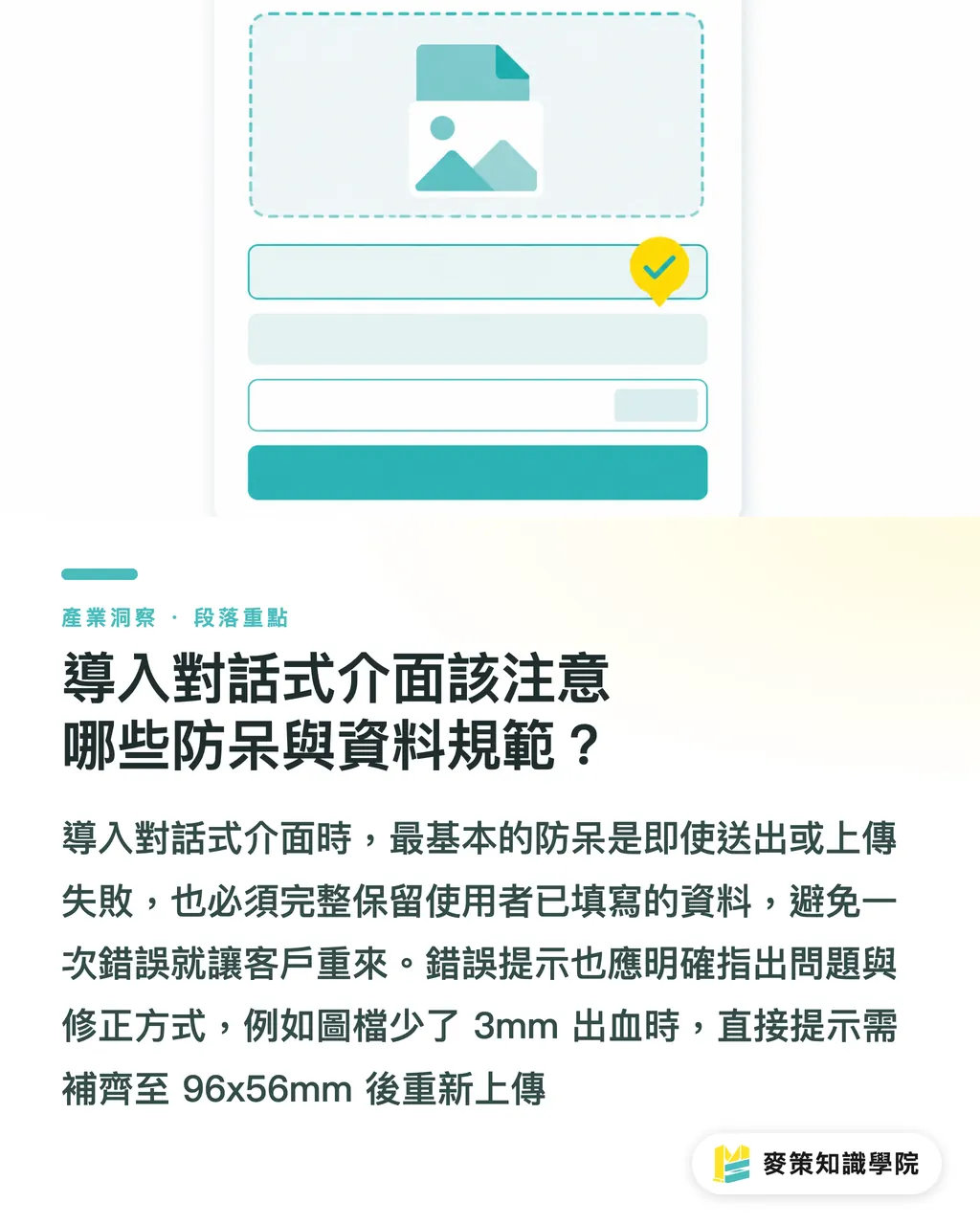
The worst sin when rolling out a conversational UI is clearing user data on submit errors. Systems must auto-save entries in real time and deliver clear fix instructions right at the error location
Hold on a second
One of the most frustrating things about print websites is when a failed file upload or format check refreshes the page and wipes out a dozen filled fields. That drives ready-to-buy clients away instantly
Printing involves ISO 12647 color management and bleed rules. When a client uploads an image missing the 3mm bleed margin, the error message shouldn't just say 'invalid file format.'
The right approach is showing specific guidance next to the upload field: 'Image width is short by 3mm. Please adjust bleed dimensions to 96x56mm and re-upload.' Frame error messages as helpful instructions for fixing the issue
Preserving user input is non-negotiable in UI design. Even if submission fails, every word and parameter entered by the client must stay intact
Key Takeaways
・Form fields are questions at heart. Cutting every unnecessary field directly improves conversion rates
・Drop two-column layouts and floating labels. Switching to a single vertical column effectively cuts cognitive friction
・Trigger validation on field blur, offering actionable fix guidance instead of cold error alerts
・Data normalization belongs to the system. Input interfaces must flexibly handle all kinds of natural phrasing
・Never clear user inputs when submission fails. Preserving entered content is basic interface etiquette
Further Thoughts
When print shops adopt AI intake or quoting systems, they often rush to plug in chatbots while ignoring the underlying UI problem structure. True intake automation isn't about AI filling out tedious forms for clients. It's about redesigning the question flow so clients clarify paper, weight, and finishing needs within three conversational turns. Print managers and design teams should map out common job rejection reasons on the production line and convert those pain points into guided questions with error-proofing prompts to unlock real business value from automated quoting
Further Reading
FAQ
- If an online quote form switches to a single vertical column, won't the page get too long?
- Moving fields into a single column does increase page height, but empirical data shows vertical scanning in a single column feels far more intuitive than two columns, yielding significantly higher completion rates than multi-column layouts
- Clients frequently mess up technical print specs like bleed and resolution. How should the interface handle this?
- The system should run lightweight validation on blur. If resolution drops below 300 DPI or bleed falls short of 3mm, display exact dimensions and fix instructions directly below that field
- Does a conversational UI mean completely doing away with traditional quote tables?
- Conversational UIs don't replace tables entirely. They convert complex inputs into a step-by-step dialogue. During final confirmation, a clean itemized summary can still display all printing specs and price breakdowns
Related articles





The Print × AI weekly
The print and AI know-how designers, brands and enterprises can use before they commit — one email, every week
MINDS Free Tools
AI background removal, brand stamping, and a LINE sticker maker — free design tools, right in your browser, no upload.
MINDS Group
Need actual printing or gifting services?
From premium printing to online ordering and festive gifts — the MINDS Group sister brands take it from here.