
Overview
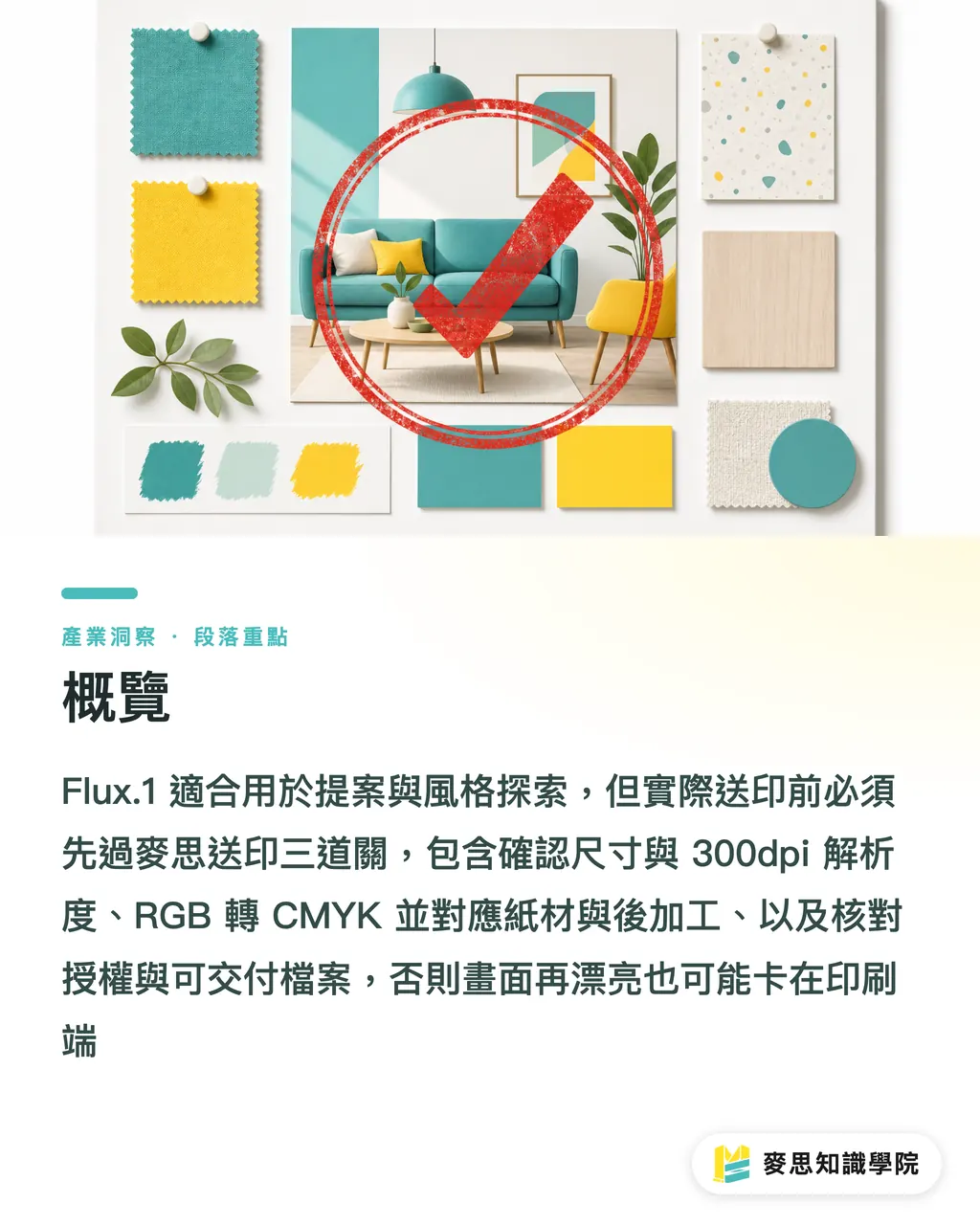
Flux.1 is useful, but it belongs in the early stages of print design: generating proposal visuals, product mockups, and style directions is fast. For press-ready files, MINDS (MS) has three checkpoints to clear first, otherwise even a stunning image can get stuck on resolution, color shift, or licensing documentation
・MINDS (MS) press checkpoint one: confirm final dimensions, bleed, and 300dpi requirements
・MINDS (MS) press checkpoint two: convert RGB visuals to CMYK, accounting for paper stock and finishing conditions
・MINDS (MS) press checkpoint three: confirm model licensing, asset rights, and deliverable file responsibilities
What Is Flux.1, and Why Do Designers Compare It to Midjourney?
Flux.1 is a text-to-image model series from Black Forest Labs. The official model cards describe both FLUX.1 [dev] and FLUX.1 [schnell] as 12-billion-parameter rectified flow transformers, meaning it's not a casual web-based image toy, but a generative image model you can run locally, via API, or inside a node-based workflow
An open model is one where code or weights are publicly available for self-hosting and modification. Commercial use depends on the license terms, downloadable does not equal commercially usable
Designers compare Flux.1 to Midjourney because both can produce high-quality visuals quickly, but they sit in different spots in the workflow. Midjourney is more like a high-aesthetic cloud inspiration engine; Flux.1 is more like an image engine you can slot into a design pipeline. The former saves effort; the latter gives you control, and puts technical maintenance and licensing decisions back in your team's hands
When I look at Flux.1 for print projects, I care less about how stunning a single image is and more about whether the same product, the same color palette, and the same lighting can consistently generate four to eight candidate images. In proposals, clients are evaluating direction. In production, the pipeline needs repeatability. Those are very different things
Flux.1 vs. Midjourney: Which Is Better for Print Design?
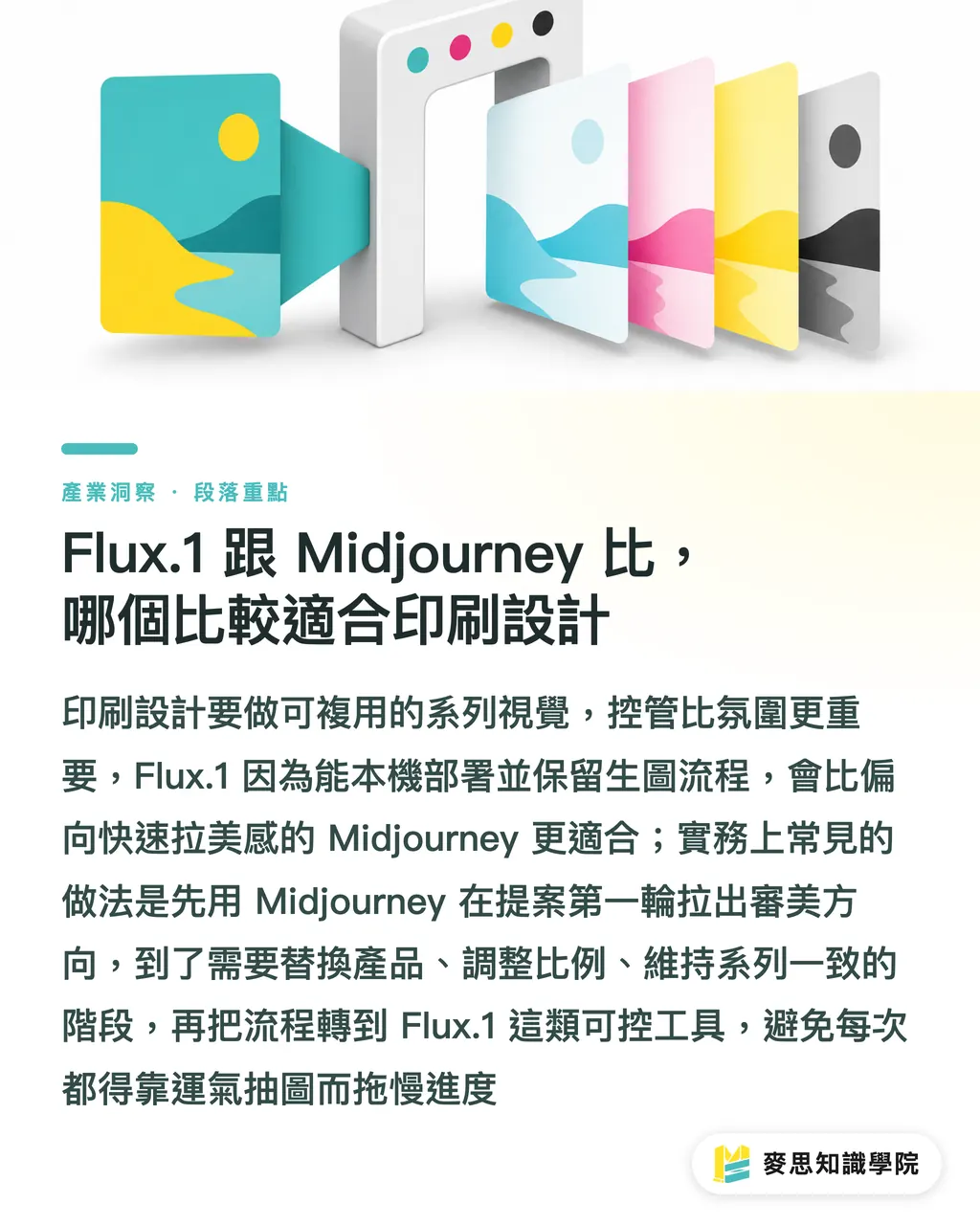
Flux.1 suits teams with technical staff, established brand visuals, and a need to preserve the generation pipeline. Midjourney suits rapid style exploration, moodboards, and first-round client direction. Print design often requires going back to adjust proportions, swap products, or maintain a visual series, that's where Flux.1's local and workflow flexibility starts to show
・FLUX.1 [schnell]: an Apache-2.0-licensed model version, built for fast generation, the official model card notes it can produce high-quality images in 1 to 4 steps, making it well-suited for bulk sketching and style exploration
・FLUX.1 [dev]: an open-weights, higher-quality version, built for prompt adherence and detail, the official Diffusers examples use 1024×1024 at 50 steps, suited for workflows that need quality but are still in research or license-evaluation stages
・FLUX.1 [pro]: an API and proprietary service, designed for teams that want stable output without managing hardware and deployment, suitable for commercial workflows that don't want to maintain their own GPU
・Midjourney: a cloud-based image service, built for producing polished visual atmospheres quickly, suited for proposal covers, event key visuals, and brand mood references
Here's how I divide the work: use Midjourney in the first round of proposals to set the aesthetic tone; if you need a reusable pipeline in round two, shift to Flux.1 or another controllable tool. Brand packaging, poster series, e-commerce assets, these kinds of projects can't rely on lucky draws every time. One bottle angle change shouldn't derail the whole schedule
Can Flux.1 Outputs Go Straight to Print?
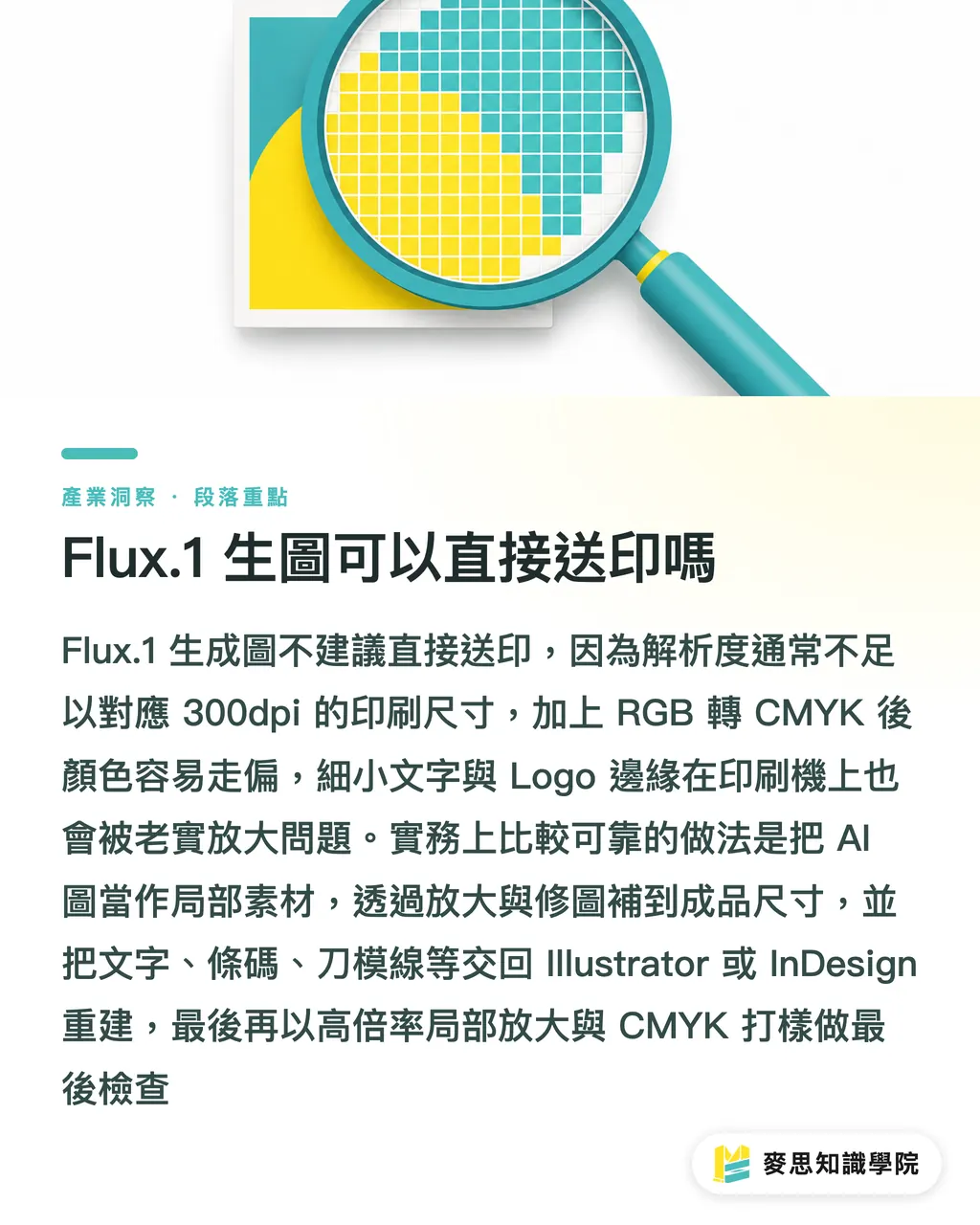
Flux.1 outputs are not recommended for direct press submission, especially for items inspected up close, posters, packaging, DM flyers, catalog covers. An AI image that looks great on screen hits three familiar problems in a print file: insufficient resolution, colors that go flat after RGB-to-CMYK conversion, and unreliable edges on small type and logos
The numbers make it clear. A 1024×1024px image at 300dpi prints at roughly 8.7× 8.7cm. An A4 with 3mm bleed is 216×303mm, at 300dpi, that's roughly 2551×3579px. A business card with bleed at 96×60mm needs about 1134×709px at 300dpi. Once you do the math, most AI images can only serve as partial elements, not full-bleed key visuals
・Backgrounds can be AI-generated, but upscaling, retouching, and inpainting are needed to reach final print dimensions
・Logos, taglines, barcodes, QR codes, nutrition labels, and die-cut lines need to be rebuilt in Illustrator or InDesign
・Skin tones on portraits, fingers, product edges, and metallic reflections need to be checked at 100% and 200% zoom
・Before printing: do CMYK conversion, ICC profile checks, and PDF preflight
・Special papers, matte laminate, gloss laminate, spot UV, and foil stamping all change how the visual reads, request proofs for important jobs
My own method is pretty old-school: I take the best-looking image on screen and crop in at 10x to check hair strands, letter corners, and product edges. This step eliminates a lot of candidates, the press doesn't cover for designers. It just faithfully enlarges every problem
How to Read Flux.1's Commercial License Without Getting Burned
You can't just say 'open source' and call the licensing settled. Black Forest Labs uses different licenses across different versions, and that matters in practice for freelance designers, SaaS teams, and print buyers. Because when licensing goes wrong, the problem usually doesn't surface on the day you generated the image. It surfaces on the day the client wants to mass-print, list on a platform, or run ads
・FLUX.1 [schnell]: The Hugging Face model card lists License: apache-2.0, and explicitly states it can be used for personal, scientific, and commercial purposes
・FLUX.1 [dev]: The Hugging Face model card lists flux-1-dev-non-commercial-license, BFL's non-commercial license restricts model use to non-commercial and non-production use
・FLUX.1 [dev] Output: BFL's non-commercial license states it makes no claim to ownership of outputs, and permits outputs to be used for any purpose, but prohibited uses and liability limitations still apply
・FLUX.1 [pro]: Falls under the API and proprietary service route, commercial teams should review the API terms and service provider contracts
The dev version is the easiest to misread. Seeing that outputs can be used commercially makes it easy to assume the company can use the dev model for client production work too, but the license simultaneously restricts the model itself from commercial and production use. My advice is conservative: for company use, client work, SaaS, or client asset libraries, anything that enters a paid workflow, confirm model license, output rights, and third-party platform terms separately
When the Mai Strategy Knowledge Academy advisory team reviews cases like these, we ask three questions first: where is the image being used, how many copies are being printed, and who is responsible for rights declarations. A hundred internal proposal images and 10,000 units of launch packaging are not in the same risk category
How Designers Should Fit Flux.1 into a Print Workflow
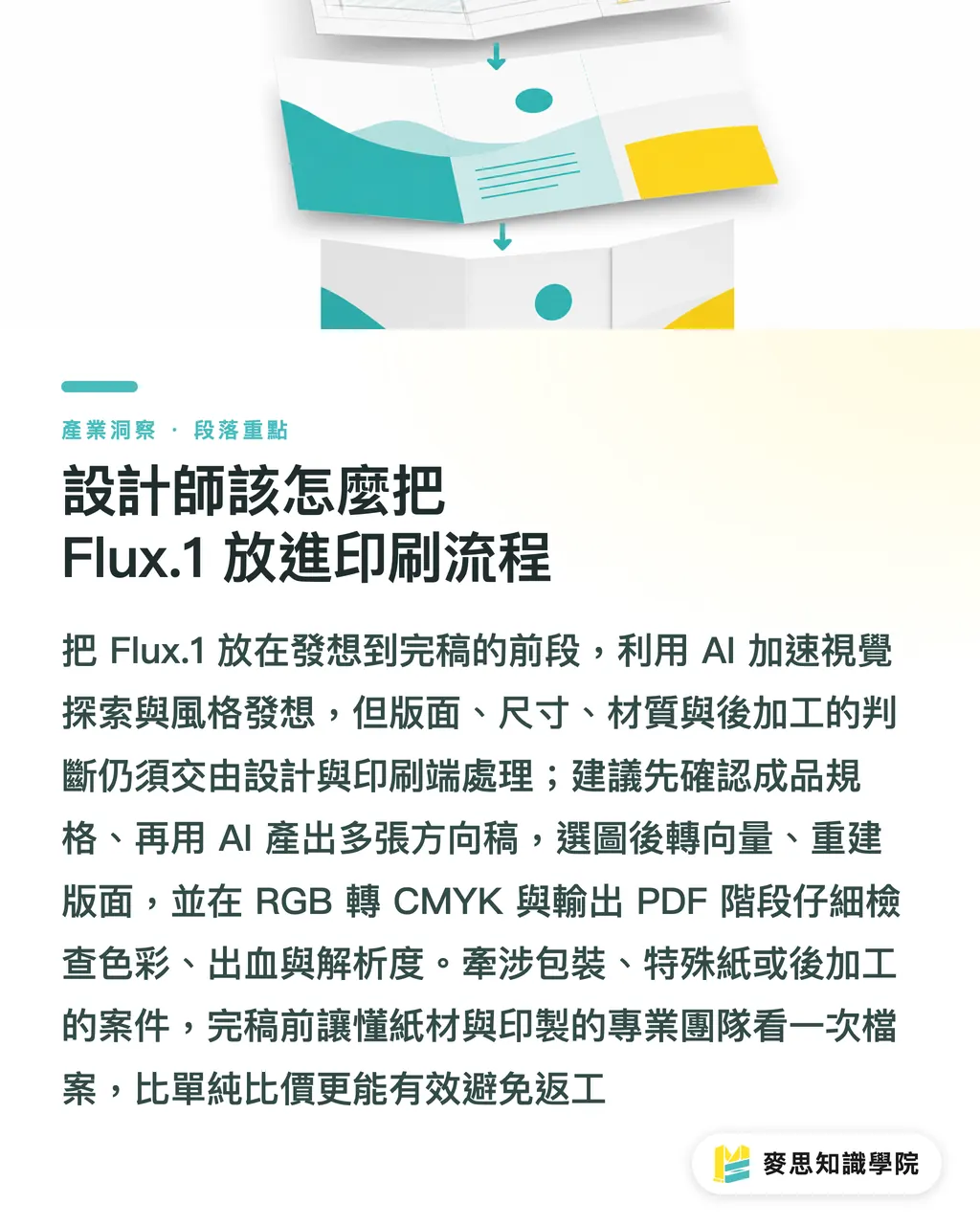
I recommend placing Flux.1 in the first 40% of the concept-to-final-file process, the remaining 60% still goes to design software, retouching, proofing, and prepress checks. AI-generated images speed up visual exploration. They don't replace the professional judgment needed for dimensions, layout, material, and finishing
・Step one: Define the final specs first, A4 DM, 90×54mm business card, exhibition backdrop, or carton dieline
・Step two: Use Flux.1 to generate style drafts, keeping four to eight candidates per direction, don't let one good-looking image lock you in
・Step three: After image selection, rebuild the layout, replace type, logos, certification marks, and barcodes with vector or high-resolution assets
・Step four: Move the RGB visuals into a CMYK workflow, checking skin tones, brand colors, rich black, and shadow detail
・Step five: Before PDF export, check bleed, font embedding, image resolution, transparency, and overprint settings
・Step six: Review a digital or physical proof before final print, especially for packaging, specialty paper, and finishing jobs
If the project involves packaging, exhibition backdrops, specialty paper, spot UV, or foil stamping, get the Mai Strategy Knowledge Academy advisory team to review the file logic before finalizing. For mid-to-high-end fully custom commercial printing, a press partner like MINDS (MS), one that can discuss paper stock and finishing options, will reduce rework far more than a price comparison alone
Key Takeaways
・Flux.1 can speed up ideation; final file responsibility still rests with the designer
・Check the license before talking about commercial use, this step should come before you even choose an image
・1024px looks fine on screen; at 300dpi it prints to roughly an 8.7cm square
・Text, logos, barcodes, and die-cut lines belong in vector software, AI images work better as backgrounds and context
・At the press, what gets checked are dimensions, color, bleed, and rights documentation. Prompts stay in the early stages
Further Thoughts
For print manufacturers, Flux.1 means clients will start arriving with more AI-generated images, file acceptance rules need to spell out resolution, color, and licensing clearly. For designers, Flux.1 works best for building repeatable style pipelines, don't treat it as a final-file machine. For AI SaaS teams, the most valuable feature isn't adding another generate button, it's building a pre-upload check that flags 300dpi, CMYK, bleed, fonts, and licensing records, so generated images can actually make it to the press
Further Reading
FAQ
- Can Flux.1 be used directly for commercial printing?
- Flux.1 can be used in the early design stages of commercial print projects, but the output typically needs upscaling, retouching, CMYK conversion, vector rebuilding, and license verification. FLUX.1 [schnell]'s license is better suited for commercial evaluation; confirm separate commercial licensing before using FLUX.1 [dev] in a commercial production workflow
- Which is better, Flux.1 or Midjourney?
- Midjourney suits rapid high-quality proposals and moodboards; Flux.1 suits teams that need self-hosting, preserved pipelines, and custom workflows. For print design that prioritizes series consistency and iterative revisions, Flux.1's controllability is more useful
- How large can a 1024×1024 Flux.1 image be printed?
- At 300dpi, 1024×1024px works out to roughly 8.7×8.7cm. For an A4 with 3mm bleed, you need an effective image size of around 2551×3579px or larger
- Can text generated in an AI image be used directly in print?
- Not recommended. Text, logos, barcodes, QR codes, certification marks, and die-cut lines in AI-generated images should all be rebuilt in Illustrator or InDesign, printing magnifies letter corners, edges, and recognition errors
- Does Flux.1 being open source mean it's safe for commercial use?
- No. FLUX.1 [schnell] carries the Apache-2.0 license; FLUX.1 [dev] is under a non-commercial license; FLUX.1 [pro] follows API and service terms. Before commercial use, check model usage rights, output rights, and third-party platform terms separately
Related articles

The Print × AI weekly
The print and AI know-how designers, brands and enterprises can use before they commit — one email, every week
MINDS Free Tools
AI background removal, brand stamping, and a LINE sticker maker — free design tools, right in your browser, no upload.
MINDS Group
Need actual printing or gifting services?
From premium printing to online ordering and festive gifts — the MINDS Group sister brands take it from here.