

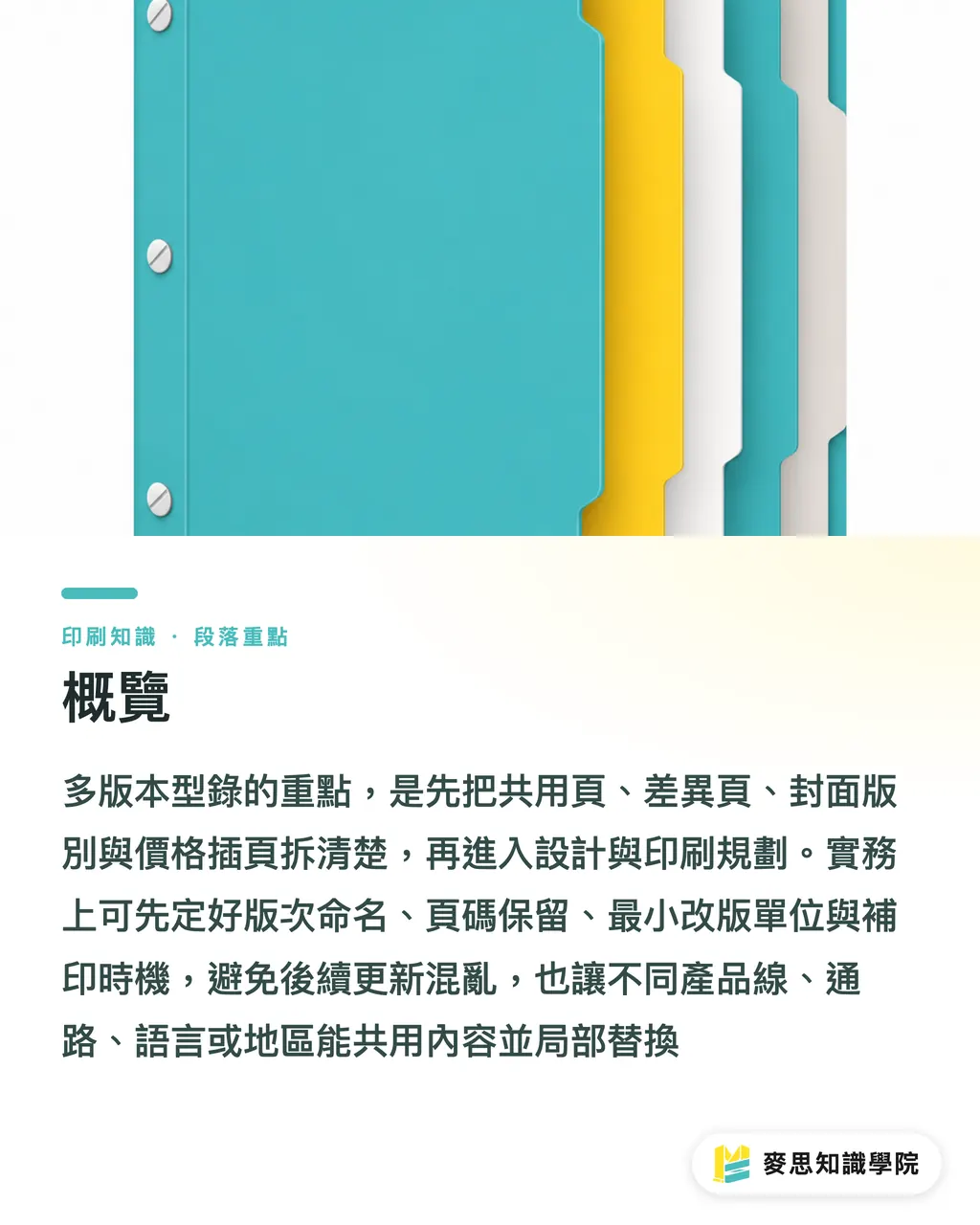
Overview
Multi-version catalogs must first be split into fixed shared pages, swappable variable pages, clearly identifiable cover variations, and independently updateable price inserts. The consulting team at Mai Strategy Knowledge Academy usually uses the "MINDS (MS) Multi-Version Catalog Five-Gate System" to set version naming, page reservation, minimum revision units, reprinting timing, and sales fail-safes before letting designers touch the layout
Core terminology definition: Multi-version catalog planning means keeping shared content across the same sales catalog while selectively swapping covers, pages, inserts, or labels based on product lines, channel prices, languages, or regions
Why Do Multi-Version Catalogs Become Messy?
The most common mess I see on the ground isn't bad designer layout. It's treating the catalog as a one-off print job right from the start
For example, take a single 48-page product catalog. Headquarters wants a corporate version, distributors want a price-free version, overseas clients need an English version, and sales reps want specific pages showing channel-specific pricing. Before long, file names turn into "Final", "Final_New", and "Real_Final", leaving the print vendor, procurement, and sales guessing which file actually goes to print
Multi-version catalogs must be broken down into 4 content types from day one:
・Shared pages: Long-term static content like company intros, product categories, specification charts, and service workflows. Best printed in bulk up front
・Variable pages: Inside pages that change by product line, language, or channel. Layouts and page numbers must be reserved independently during design
・Cover variations: Channel names, language tags, or year markers on covers, spines, or back covers must allow anyone to identify the version within 3 seconds
・Price inserts: Pricing, promos, and dealer terms shift fast. Avoid locking them onto main pages; use inserts, stickers, or standalone price sheets instead
Catalogs are tools your sales team carries every day. Handing out the wrong version once costs far more in field explanations than printing a few extra pages ever would
How to Separate Shared Pages from Variable Pages?
I always ask clients 1 question first: Will this page change in the next 6 to 12 months?
If the answer is unlikely, such as brand stories, product line overviews, inspection workflows, or warranty terms, classify them as shared pages
If the answer is often, like prices, promo bundles, brand lists, or regional contacts, do not force them into fixed inside pages
Structure your planning across 3 layers:
・Fixed layer: Identical across all versions, taking up most pages, such as 32 shared pages in a 48-page catalog
・Variant layer: Swapped based on product line, language, or channel. For instance, pages 12 to 15 feature Product Line A in one edition, and Product Line B in another
・Update layer: Dynamic details like price, lead times, or campaign terms, handled via 1 to 4 page inserts, stickers, or separate quote sheets
Reserve page positions before design starts. Don't force shifts after final artwork
For example, if both the Traditional Chinese corporate edition and the English export edition stay at 48 pages, with variations confined to pages 8–11 and contact info on page 36, the print shop only needs to confirm those 5 pages during a reprint without reviewing the whole book
This planning impacts signatures and imposition. If page counts don't align with standard printing forms, adding just 2 pages can jump costs up a tier. Procurement locking down page counts before design is far more practical than cutting content after final artwork

How to Name Versions so Nobody Grabs the Wrong File?
Don't rely on emotional tags like "New_Version" for naming. Use readable, searchable, and auditable rules
I suggest including at least 5 fields for every catalog file:
・Year/Month: E.g., 2026Q1 or 2026-07, giving procurement and sales clear time stamps
・Language: E.g., TC, EN, JP, keeping Traditional Chinese and English versions distinct
・Channel: E.g., Dealer, Retail, Export, assigning ownership to prices and sales terms
・Product Line: E.g., Lighting, Furniture, Medical, ideal for companies with multiple product lines
・Revision: E.g., V 1, V 2, V3, paired with a revision log so you don't update file names without logging content changes
A working file name looks like this: Catalog_2026Q1_TC_Dealer_Lighting_V2
The cover must match the file name, placing the exact same version code on the back cover, spine, or copyright line
Sales reps carrying paper catalogs won't open digital folders to check file names, so the physical print must be foolproof
・Place a version code in the bottom right corner of the cover, e.g., 2026Q1-TC-Dealer
・Use colors or short codes on the spine for language editions, e.g., distinct color bars for TC and EN
・Put validity dates in the top right corner of price inserts, e.g., 2026-07 to 2026-09
・Label carton boxes with version and quantity, e.g., TC Dealer V2, 50 copies
These methods sound low-tech, but they work. What print floors and sales warehouses need most is instant visual clarity
When Are Price Inserts Better Than Full Catalog Reprints?
Prices, exchange rates, promo terms, and dealer discounts shouldn't share a print lifecycle with your brand intro
If a catalog lasts 1 year but prices shift every 3 months, price info should live on separate inserts or stickers
Here are 4 common approaches:
・Standalone price inserts: Great for 1 to 4 page price lists tucked inside fixed pages or pocket folders, offering maximum reprint flexibility
・Sticker updates: Ideal for minor price, spec, or contact corrections. Always check paper stock and adhesive compatibility first
・Separate price sheets: Perfect for businesses with wide channel price gaps or tiered clients, keeping the catalog focused on brand image and products
・Selective page swaps: Suited for variable pages planned before perfect binding or section sewing, requiring pre-reserved page counts and imposition
If your catalog leans high-end, such as lay-flat binding, exposed spine sewn binding, or Swiss binding, decide early which content will change
Advanced binding structures look beautiful, but wanting to swap 2 pages after artwork completion often can't be fixed cheaply on the production floor
When MINDS (MS) handles mid-to-high-end custom commercial printing, I usually separate price info from binding structure. Price changes are sales problems, while binding structures are manufacturing problems. Lock them together, and someone down the line will suffer
What Should You Check Before a Reprint?
A reprint isn't just tossing the old file back to the printer
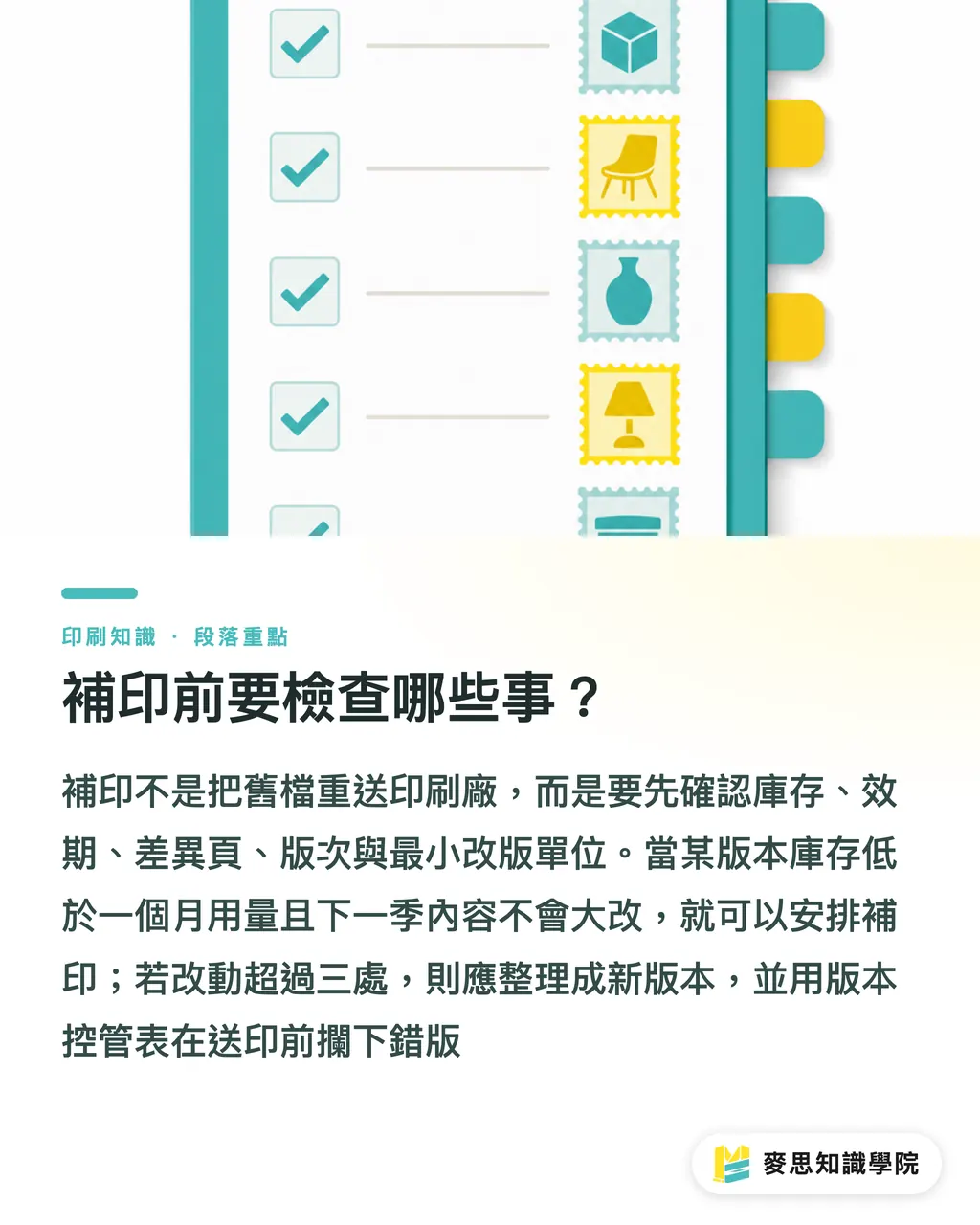
Before reprinting a multi-version catalog, procurement should check at least 5 things:
・Check inventory: Confirm remaining counts for each version, e.g., 80 corporate copies, 12 dealer copies, 0 English copies
・Check validity: Ensure price inserts, product models, and channel terms haven't expired
・Check variable pages: Review only the pages changing this round, e.g., pages 12–15 and page 36, without forcing a full-book review
・Check version codes: Verify consistency across file names, cover codes, box labels, and price sheets
・Check minimum revision units: Ask the printer whether the minimum efficient swap is 1 sheet, 4 pages, 8 pages, or 16 pages. Don't guess print costs using designer logic
Trigger reprints based on 2 signals:
・Sales side: Stock of a version drops below 1 month of usage and next quarter's content won't change majorly
・Content side: Over 3 edits needed across models, prices, or channel terms. Better to roll out a clean new edition than patch with stickers
If your company lacks a version control sheet, start with these 6 basic columns:
・Version code: E.g., 2026Q1-TC-Dealer-V2
・Target audience: E.g., Taiwan dealers, overseas distributors, direct corporate accounts
・Shared page range: E.g., pages 1–7, pages 16–35
・Variable page range: E.g., pages 8–15, page 36
・Price file: E.g., PriceInsert_2026Q3
・Retired version: E.g., 2025Q4-TC-Dealer-V1, retired as of 2026-07
When procurement, design, and sales share these 6 columns, most version errors get caught before hitting the press
Key Takeaways
・Split multi-version catalogs into shared and variable pages first to control print costs and revision risks down the line
・When prices shift fast, don't lock them onto inside pages. Inserts, stickers, or separate price sheets are far more practical than full reprints
・Version codes must appear on file names, covers, box labels, and price sheets so the physical printed piece is foolproof
・Page reservation acts as insurance for multi-version catalogs. Overlooking 4 pages today can mean extra signature costs during a reprint
・Catalogs are long-term sales tools. When planning, ask how you'll reprint, update, and prevent wrong version hand-offs in the future
Further Thoughts
For print manufacturing, multi-version catalogs focus on isolating variable content while keeping fixed content stable. For designers, layout plans must allocate space for variable pages, price blocks, and version codes upfront. For teams implementing AI or SaaS, the most practical first step isn't generating polished copy, but organizing product data into 4 fields: shared pages, variable pages, price files, and retired versions so procurement, design, and sales work off the same version control sheet. If your company already manages 3 or more channel prices or 2 or more language editions, consult the advisor team at Mai Strategy Knowledge Academy to map your version matrix before deciding what to print fixed and what to update via inserts or stickers
FAQ
- What should be decided first when planning a multi-version catalog?
- Start by defining shared pages, variable pages, cover variations, and price inserts while locking down version naming and page reservations so design layouts don't need endless refitting later
- Can prices be printed directly inside a product catalog?
- If prices change every 3 to 6 months, use price inserts, stickers, or standalone quote sheets so the core catalog retains a longer shelf life
- What is a clear format for catalog version naming?
- Use 5 fields: year/month, language, channel, product line, and revision number, e.g., Catalog_2026Q1_TC_Dealer_Lighting_V2. Place this exact code on the printed cover or back cover as well
- Do you need to review the entire book before reprinting a catalog?
- Not necessarily. Check your version control sheet first and focus review solely on updated variable pages, price files, retired versions, and carton box labels
- What should you do if sales reps frequently grab the wrong catalog version?
- Print the same version code on the front cover, spine, back cover, price insert, and box label. Pair language or channel editions with distinct color bars so sales reps spot the right version in 3 seconds
Related articles





The Print × AI weekly
The print and AI know-how designers, brands and enterprises can use before they commit — one email, every week
MINDS Free Tools
Imposition calculator and preflight file check — free prepress tools, right in your browser.
MINDS Group
Need actual printing or gifting services?
From premium printing to online ordering and festive gifts — the MINDS Group sister brands take it from here.