

What is step one when preparing custom calendar prepress files?
The first step in making custom calendars is always locking down physical specifications and getting the factory dieline, not drafting visual artwork
June through August is peak planning season for companies and designers preparing next year's calendars. Finishing artwork without the printer's standard dieline often leads to costly redesigns. Based on our experience at Mai Strategy Knowledge Academy Advisory Team, we recommend moving forward with the Four-Stage Calendar Planning Method:
1. Finalize physical specs: Decide between an A5 desk tent calendar (210 x 148 mm) or an A3 wall calendar (420 x 297 mm), and request the current year's standard dieline from your printer
2. Plan calendar content: Gather dates, national holidays, and brand messaging, ensuring a clear layout hierarchy
3. Visual design & layout: Compose artwork within dieline safety zones, avoiding hole-punch and base-mounting areas
4. Prepress checks & submission: Check bleed, convert color modes, outline fonts, and make final handoff
Not so fast
Dieline: A physical structure layer in prepress files detailing trim lines, crease lines, and punch holes. It keeps artwork aligned with finishing machinery, preventing shifted cuts or cut-off text

Why do finished calendars often get white edges or punched-through text?
White trim edges happen when you skip the 3mm bleed area. Punched-through text happens when you ignore binding margins and safety zones during layout
Batch cutting paper involves a machine tolerance of ±1mm to ±1.5mm. If artwork sits right on the trim line, even slight shifts expose white paper base. Following prepress rules eliminates these mistakes:
1. Extend background bleed: Pull all full-bleed backgrounds and edge graphics 3mm past the trim line on all sides, adding 6mm to total width and height
2. Keep safety distances: Keep body text, logos, and key elements at least 5mm inside the trim line
3. Avoid binding margins: Leave a 10mm to 12mm punch safety zone along wire-O edges so spiral wire won't punch through dates or titles
Bleed: The extended area beyond the actual trim boundary in print layout, standard at 3mm. It offsets slight machine tolerances during batch cutting, preventing white borders along finished edges
That is enough
What practical traps lurk in wire-O desk tents and wall calendar binding?
Binding traps mostly involve wrong wire pitch selection, thin baseboard cardboards, and upside-down page orientations on spreads
Double wire-O and saddle stitching are common calendar binding methods. Each puts strict physical limits on sheet counts and paper weights. On commercial press floors, we evaluate specs against binding needs:
・Double wire-O desk calendars: Best for 13 to 15 inner sheets, paired with 26 oz to 30 oz (approx. 1.6mm to 2.0mm) kraft chipboard bases. Pages turn 360 degrees without warping
・Saddle-stitched wall calendars: Best for thin calendars under 28 pages. Low-cost and lies completely flat, but pay close attention to top-versus-bottom orientation when spreads open
・Tin-strip wall calendars: Best for large calendars with 12 heavy sheets. Metal strips clamp the top, giving great wall-hanging rigidity, though pages cannot flip back repeatedly
If you have questions about matching finishing work with binding, consult print professionals at MINDS directly to calculate optimal wire diameter and binding methods based on sheet counts
How do you pick calendar paper that won't smudge or bleed ink?
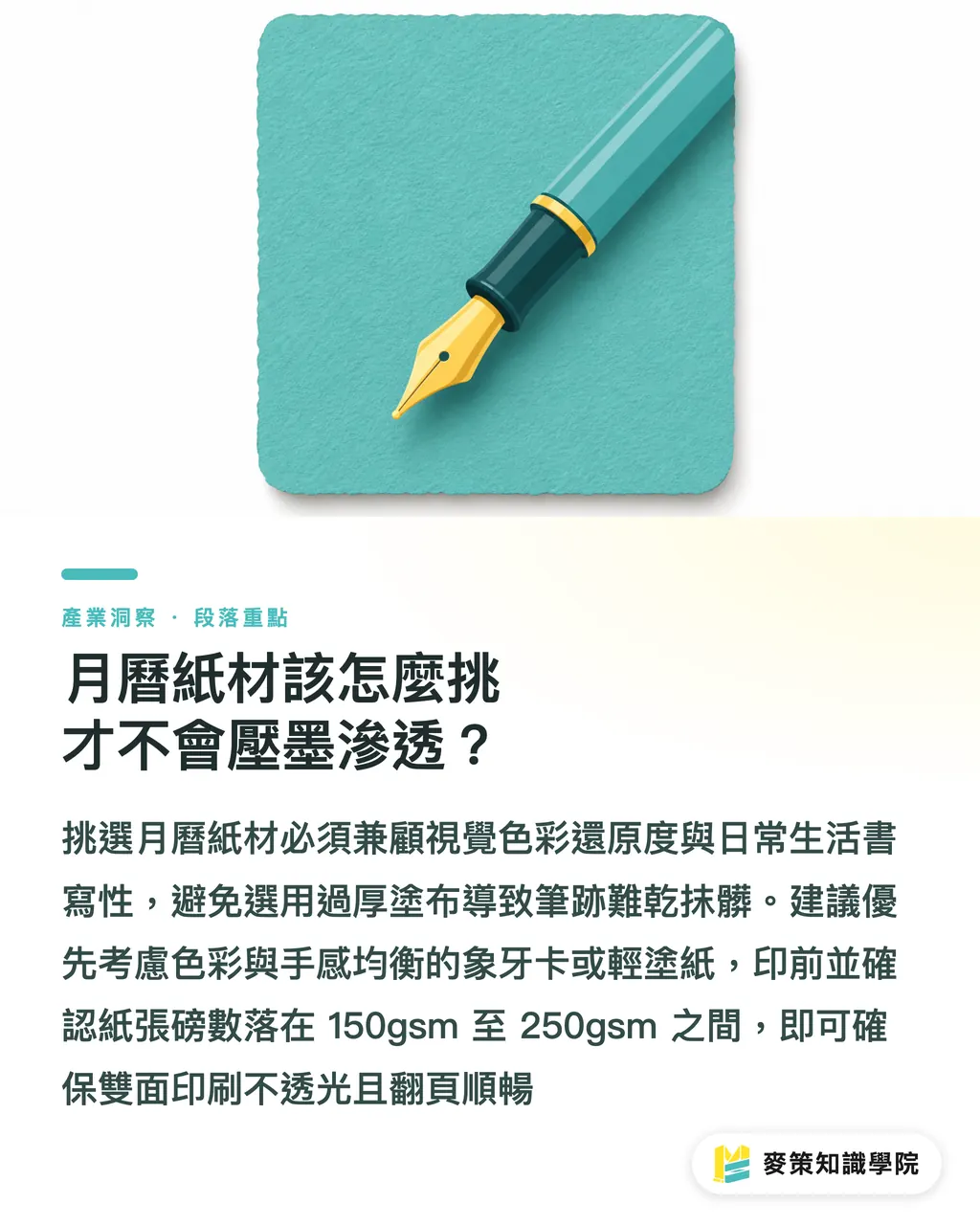
Choosing paper means balancing vibrant color reproduction with writing feel. Avoid heavily coated stocks that absorb ink poorly
Calendars get daily use. Many clients pick expensive, high-gloss heavy coated paper, only for users to find ballpoint or gel ink stays wet forever, smudging the page with one swipe. Here is how common stocks compare:
・Coated paper: Smooth coating, high color saturation. Great for vivid photography calendars, but poor for writing, and gel ink dries slowly
・Uncoated paper / Woodfree paper: No surface coating, excellent ink absorption. Very easy to write on with any pen. Ideal for practical calendars focused on scheduling
・Ivory card / Light-coated paper: Combines light coating color accuracy with great writing feel. High stiffness, making it the most requested balanced stock for mid-to-high-end corporate desk calendars
FSC (Forest Stewardship Council) certified paper has also become a standard requirement for international brands and corporate procurement. Checking that basis weight stays between 150gsm and 250gsm before printing ensures double-sided prints do not show through while pages turn smoothly
Key Takeaways
・Always request standard factory dielines before starting layout design
・Full-bleed backgrounds must extend 3mm outward for bleed; keep key elements within a 5mm safety margin
・Reserve a 10mm to 12mm punch safety zone along wire-O binding edges
・Paper selection should balance color rendering with writing needs; recommended weights range from 150gsm to 250gsm
Further Thoughts
For graphic designers and corporate buyers, custom calendars are not just visual art; they are physical products engineered into reality. Starting the Four-Stage Calendar Planning Method early in June and verifying 3mm bleeds and punch safety zones before printing helps you bypass expensive reprint risks when factory deadlines close in
Further Reading
FAQ
- Is a 3mm bleed strictly necessary for calendar prepress?
- Yes. Standard cutting machinery carries a tolerance of ±1mm to ±1.5mm. Extending 3mm bleed on all four sides ensures no white paper base shows through if cuts shift slightly
- Are there page count limits for double wire-O desk calendars?
- Double wire-O desk calendars usually feature 13 sheets (26 single sides) or 14 sheets. Too many sheets force an oversized wire diameter that looks bulky, while too few leave the tent base without enough support
- How do you stop wet ink on printed calendars from setting off onto facing pages?
- Choose paper stocks over 150gsm, and ask your press operator to apply aqueous coating or allow longer drying time. This prevents ink set-off and sheet-to-sheet smudging
Related articles



The Print × AI weekly
The print and AI know-how designers, brands and enterprises can use before they commit — one email, every week
MINDS Free Tools
Imposition calculator and preflight file check — free prepress tools, right in your browser.
MINDS Group
Need actual printing or gifting services?
From premium printing to online ordering and festive gifts — the MINDS Group sister brands take it from here.