

What Is the Canon Connected Value Platform?
The Canon Connected Value Platform is a software platform that brings document and image organization, printing, and scanning services into the cloud, while extending existing device features with generative AI (artificial intelligence that organizes or generates text based on input) and imaging technology. A cloud printing platform connects document organization, printing, or scanning features to computers and devices over a network. Whether it can connect to a print shop's management information system (MIS, a business system for managing orders, schedules, and production data) still depends on the product's interfaces and permissions
On Windows computers, users need Canon Print Assistant Ver. 2.0. On phones, they need Canon PRINT Ver. 4.0. New tools can be added to the existing apps over time. The platform covers device management, document workflows, and scan automation. The specific features announced this time are web print cleanup and scanned-file naming. From the perspective of MINDS (MS, a mid-to-high-end fully customized commercial printer), adding a software entry point to a device does not mean order intake, estimating, or scheduling is connected
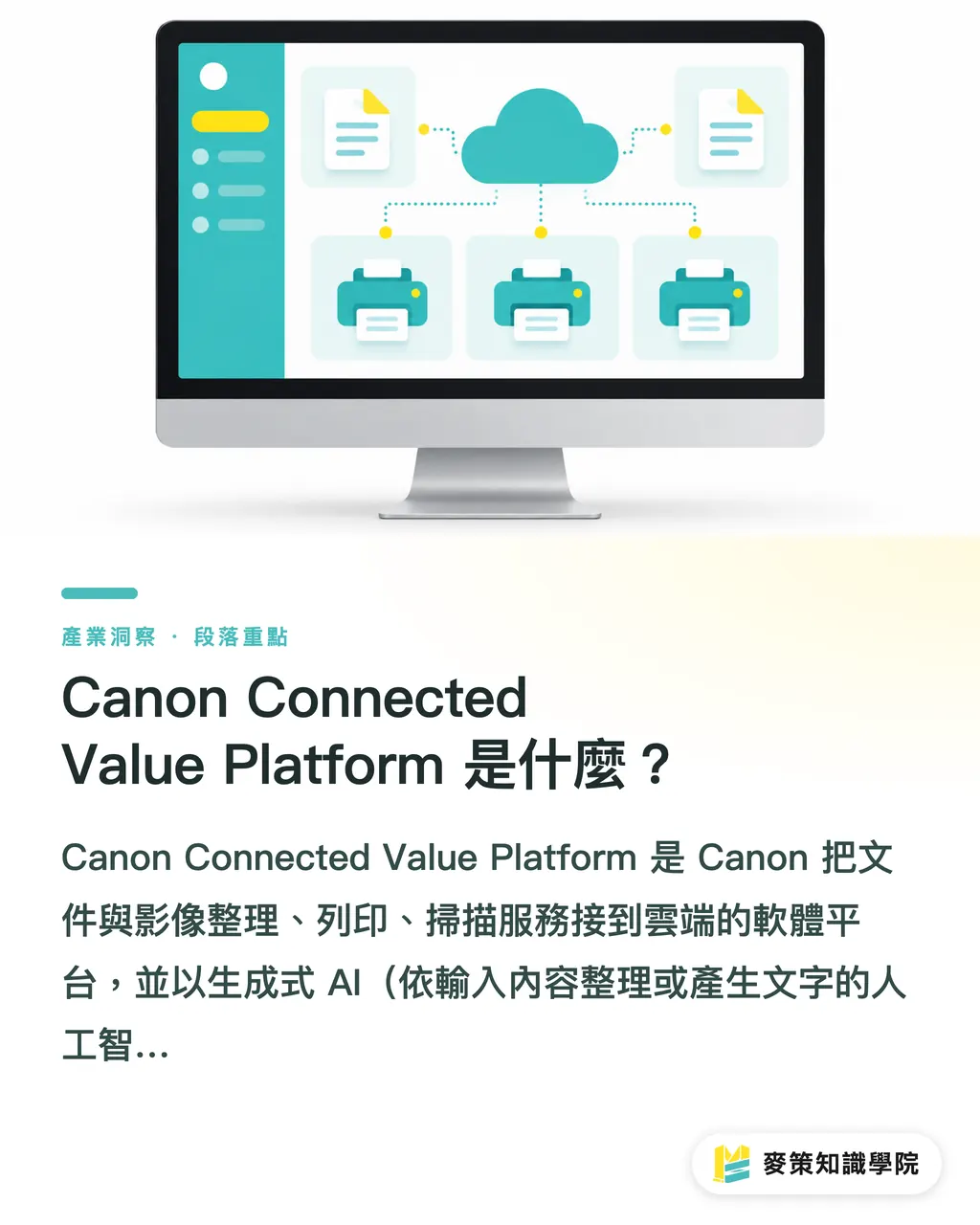
Which Manual Tasks Can Canon's Platform Save You?
Canon's platform currently lists two features: one cleans up web pages before printing, and the other names files after scanning. The introduction to Canon's cloud printing and scanning platform says Web Print Optimizer analyzes web pages, removes ads and large blank areas, then adjusts the print layout. It can turn recipes and news pages into print-ready content
Content-Based Naming analyzes scanned documents and gives each file a suitable name. According to reports as of October 12, 2026, the desktop version is expected by the end of November, with the mobile version planned for 2027. The first feature removes the need to manually delete clutter from web pages. The second could cut down the time spent hunting through files named "scan001," but the names still need to be checked against the content and version
Can This Platform Connect Directly to a Print Shop?
There isn't enough public information to show that Canon's platform can connect directly to a print shop's ERP, CRM, estimating, or production scheduling systems. Canon is first offering the service for select PIXMA models in Germany, Austria, and Switzerland, including the TS3750i, TS4150i, TS6550i, TS7550i, TS7650i, and TS7750i. That's the starting scope for a cloud application, and doesn't establish support for commercial production environments
Canon says the service is free, but users must install the designated app, register and link their printer to the service, and use genuine Canon ink cartridges. The platform uses pre-trained AI models that do not learn on their own after deployment. Free service still comes with operational costs. Print shops also need to check whether it's available in Taiwan, how customer documents are handled, and whether the automatically generated names fit their internal filing rules
What Does This Mean for Print Shops in Taiwan?
What print shops should watch is that equipment makers are placing document-handling features alongside existing devices. The current features focus on ordinary web pages and scanned documents. They are not a factory workflow integration solution. Quotes, revisions, and print orders often get held up by version mix-ups and missing-document records. Scan naming can help organize files, but it cannot replace prepress proofing or confirmation of the print version
A clear filename helps people find a customer's scanned file faster. It does not prove that the content is correct. If a print shop wants to spend less time on admin, it should first trial the feature in an internal workflow that uses no confidential artwork and cannot trigger production directly. Then it can check whether the feature cuts down on duplicate naming and manual filing
How Should a Print Shop Evaluate Adoption?
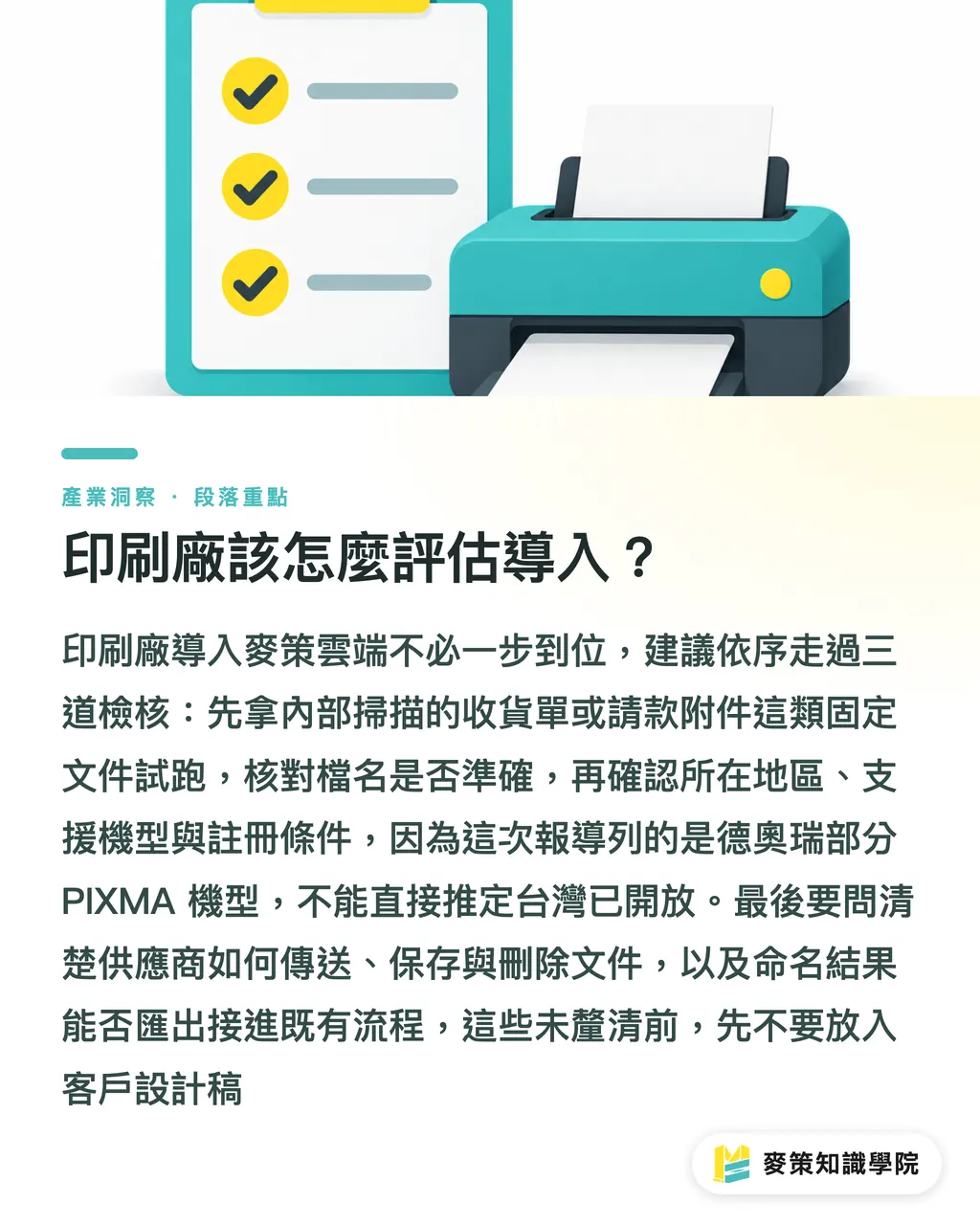
Mai Strategy's three checks for cloud adoption start with a trial run using internal documents, then confirm device and data boundaries, and only then consider using customer documents
・Start with one type of routine document, such as an internally scanned receiving slip or invoice attachment. Record who currently names, files, and retrieves it, then check the filename accuracy after the trial
・Check regional availability, supported models, Canon app requirements, and registration conditions. This report lists select PIXMA models in Germany, Austria, and Switzerland. It does not mean the service is available in Taiwan
・Ask the vendor how documents are transmitted, stored, and deleted. Confirm whether the generated names can be exported or connected to existing management workflows. Keep customer design files out until these details are clear
If you want to extend the trial results to customer service, estimating, and document management, the Mai Strategy Knowledge Academy consulting team can help map the workflow and adoption costs
Key Takeaways
・Canon's platform currently handles web print cleanup and scanned-file naming. This alone does not show that a print shop's ERP or production workflow is connected
・The announced service covers select PIXMA models in Germany, Austria, and Switzerland. Print shops in Taiwan should first check local availability and model support
・The free service still requires registration, the designated app, and genuine Canon ink cartridges. Document handling also needs to be checked before adoption
・Trial the feature with internal documents to check naming accuracy and manual steps before expanding its use to customer files
A Question to Consider
A print shop can start with an internal scanning workflow that does not feed into production. Record who handles naming, filing, and retrieval, then check whether the cloud feature actually saves manual work. Once Taiwan availability, data handling, and system interfaces are confirmed, consider whether to use it with customer files
Further Reading
FAQ
- What features does the Canon Connected Value Platform offer?
- The specific features currently described are Web Print Optimizer for web print cleanup and Content-Based Naming for automatic naming of scanned documents
- Can Canon's cloud printing platform connect directly to a print shop's ERP?
- The information available does not describe integration with ERP, CRM, estimating, or scheduling systems. Print shops should confirm the interfaces and support scope with the vendor
- Is Canon's cloud printing service free?
- Canon says the service is free, but users must install the designated app, register and link the service, and use genuine Canon ink cartridges. The announced scope currently covers select PIXMA models in Germany, Austria, and Switzerland
- When will Content-Based Naming launch?
- Reports say the desktop version is expected by the end of November 2026, with the mobile version planned for 2027
Related articles

The Print × AI weekly
The print and AI know-how designers, brands and enterprises can use before they commit — one email, every week
MINDS Free Tools
AI background removal, a LINE sticker maker, spine & imposition calculators — all free, right in your browser, no upload.
MINDS Group
Need actual printing or gifting services?
From premium printing to online ordering and festive gifts — the MINDS Group sister brands take it from here.