

When the Waste Rate Won't Budge, the Problem Usually Isn't on the Floor
Looking at the mid-size printing plants I've been coaching lately, everyone loves saying "continuous improvement," but flip open the QA meeting minutes and the action items tend to jam up in two places: nobody can pin down the real root cause, and the improvement suggestions are written way too vaguely. The waste photo from the line goes to QC, QC hands it to the supervisor, the supervisor writes "please have the floor pay more attention" and calls it closed. Same defect pops up next month, nobody's surprised
What's missing in between isn't attitude. It's a workflow that lets waste data get properly classified, traced, and turned into action. The real value of AI in this scene isn't some flashy auto-defect-detection feature. It's pulling the waste info scattered across LINE groups, camera SD cards, and QA spreadsheets into one line, so every money-losing incident becomes material you can query and accumulate
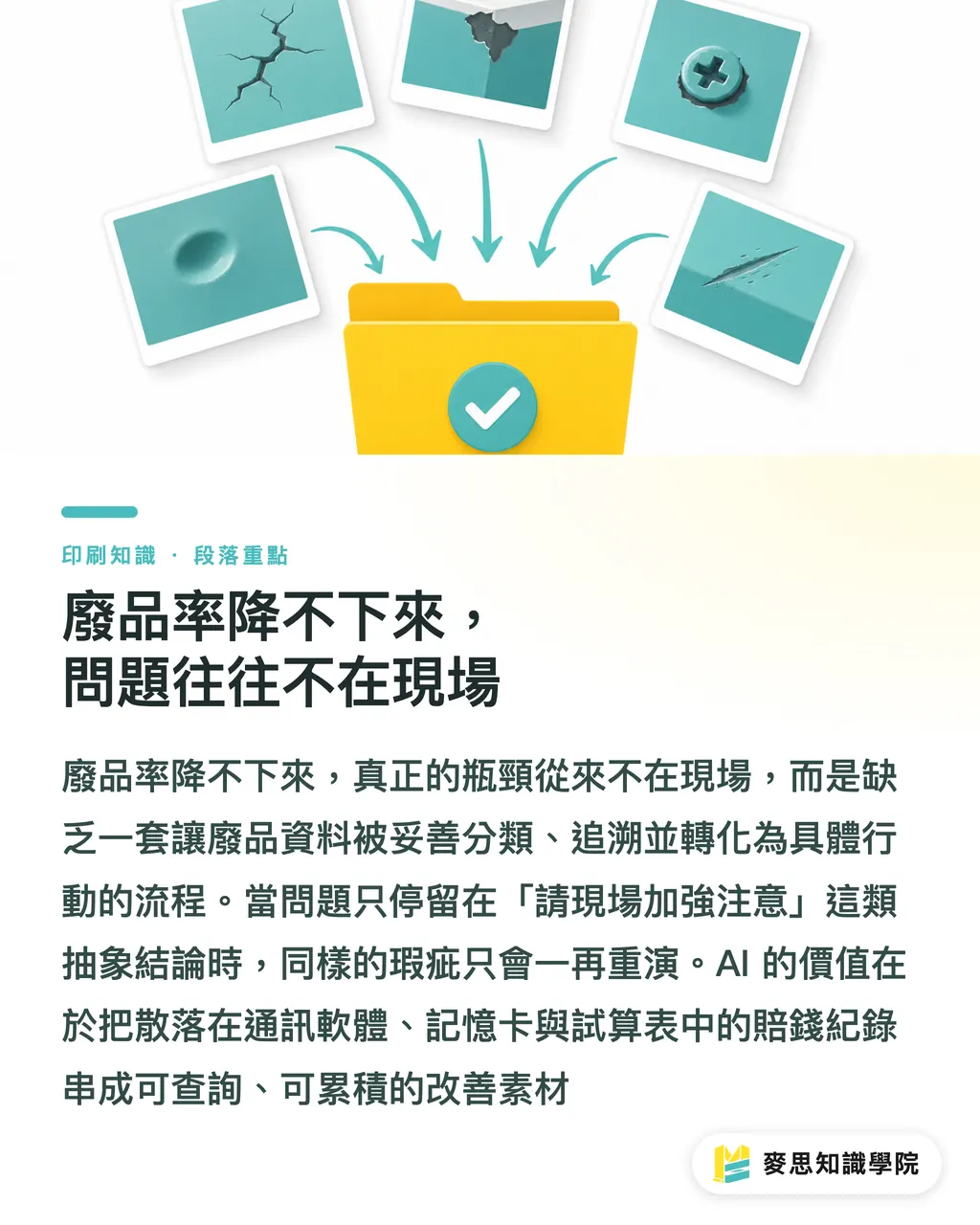
Why Is Waste Data So Hard to Collect?
From watching day-to-day operations at Taiwan's small and mid-size print shops, waste data usually lives in more places than you'd think:
・At the moment it happens: phone photos by the press, reports in LINE groups
・In QA records: Excel sheets, QC forms, sign-off sheets
・In post-press: reject photos from folding, binding, coating, whether in-house or outsourced
・On the customer side: client feedback photos forwarded by sales, return slips
These all share the same problem: messy format, messy filenames, stuffed with conversation that has nothing to do with the defect. Without cleanup, you can't analyze any of it. If you want AI to actually help, step one isn't buying a tool, it's writing up the reporting SOP
What Should the Waste Reporting SOP Look Like First?
I'd suggest starting with the most basic fields. Don't try to nail everything at once or the floor will push back:
・Waste photos: at least one showing the full problem, one showing the detail (toss in a ruler or a coin for scale)
・Time and machine ID: without these two fields, trend analysis later will be a headache
・Shift lead and operator on duty: needed for accountability and follow-up training
・How it was handled: scrap, rework, reject, log it
・Paper stock and ink batch numbers: a lot of defects come down to these two variables
Once the fields are locked in, AI can reliably read this data, align the format, and classify it later. Trying to bring in AI without an SOP just makes AI bend to people's randomness, and everyone ends up hating the tool
How Far Can AI Go with Waste Classification?
When it comes to AI image classification, the question floor managers ask me most is: "How accurate is it?" My answer: for waste sorting, seventy to eighty percent reliability is plenty. The reason's simple. We don't need AI to make the final call, we need it to pre-sort a few thousand photos into buckets so QA only has to review one bucket
Common waste types are relatively straightforward for AI to handle:
・Color shift: batch-to-batch color drift, gap against the proof
・Registration: misalignment in four-color overprint, front-to-back alignment
・Paper: lint, fuzz, wrinkles, curl, dimensional error
・Scuffing: set-off marks from insufficient drying, transit scratches
・Dirt: ink mist, spray powder residue, fingerprints
・Finishing defects: fold misalignment, binding skew, uneven coating
These have obvious visual signatures, so training data is relatively easy to gather. What's harder is the "the client just doesn't want it" kind of subjective rejection. That part still needs human records and customer interviews
From Classification to Root Cause, There's Still a Gap
Classification is just a label. Root cause is "why it happened." What AI is good for at this stage is laying the classification results, job tickets, paper batch numbers, and machine parameters side by side in one table for cross-checking, so a person can spot the likely direction at a glance:
・Waste rate on a specific machine spikes during a specific shift
・A specific paper batch's waste clusters around one defect type
・One operator's shift shows a waste rate that stands out from the average
You can do this kind of correlation work with pivot tables in Excel, but the win with AI tools is you can ask in something close to plain language, like "show me whether August's color-shift waste on Press B, second shift, clusters around a specific paper batch," without first learning complicated formulas
How Do You Turn Waste Root Causes into an Actionable Improvement List?
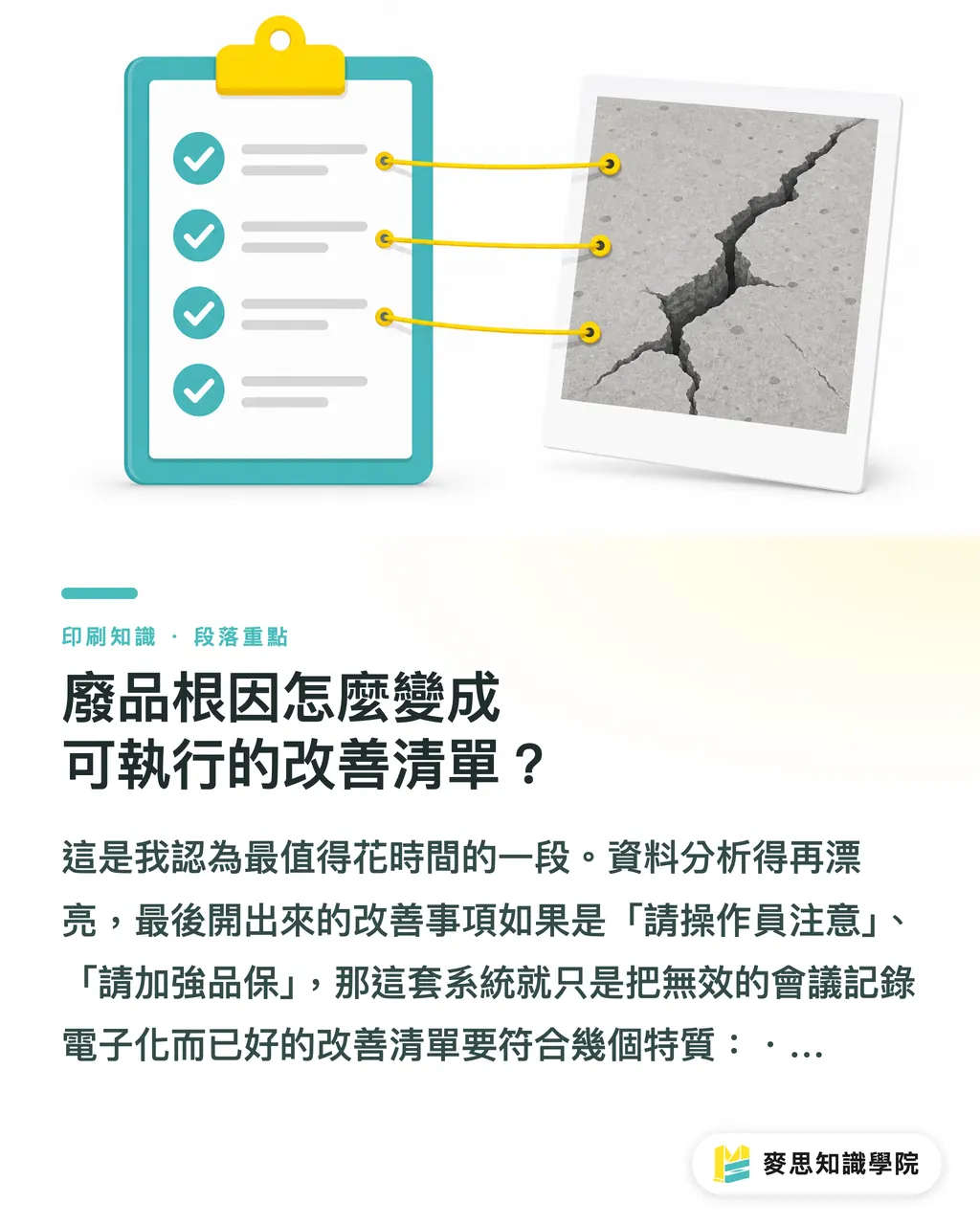
This is where I think the time is best spent. No matter how pretty the data analysis gets, if the action items still come out as "please have operators pay attention" or "please tighten QC," then all you've done is digitized a useless meeting
A good improvement list has a few traits:
・Assignable: clear on who, what, by when
・Verifiable: how you'll know it worked (e.g., next week's waste rate on the same press and paper is below X%)
・Traceable: linked back to the original waste photo, job ticket, and discussion notes
What AI can do at this stage is "draft generation." Feed it the classified waste data, root-cause guesses, and improvement directions, and it'll spit out a structured first-pass action list draft, including suggested owners, possible ways to verify, and related past cases. QC supervisor then edits from there. Way faster than starting from a blank page
Typical Improvement Directions for Common Waste Types
Here's a mapping table pulled together from client sites, for reference:
・Color shift: check color management workflow, recalibrate the press, confirm the standard light source matches between proof and press
・Registration: check plate-pulling positioning, front-to-back alignment device, adjust packing
・Paper: check with the paper mill on that batch's stock variation, adjust gripper tension and dust removal
・Scuffing: check drying system and spray powder volume, adjust stacking method
・Fold misalignment: recalibrate the folder, confirm grain direction vs. fold design
These directions all look like basics, but in practice a lot of plants' SOPs were never written down clearly in the first place. New hires end up learning from whoever happens to be standing next to them, and quality bounces around as a result
How Do You Turn Improvement Records into Training Material for New Hires?
A lot of plants' floor training is still stuck at "apprentice under a master." When the master takes leave or leaves, the new hire is on their own. Turning accumulated waste cases into training material is the key to making sure improvement experience doesn't walk out the door with people
I'd suggest organizing it in three layers:
・Layer one: case library, sorted by defect type, each case with photos, conditions, root cause, and fix
・Layer two: standard operating procedures, pull the repeatable standard actions out of the cases and write them as SOPs, e.g., "color check procedure for the first print after a paper change"
・Layer three: quizzes and refresher training, use images from the case library as pop quizzes to confirm new hires can identify defect types and the right response
What AI can help with here is the training material draft and quiz generation. Feed it the case library and it'll rewrite a single case into a teaching-style scenario, then generate matching multiple-choice or short-answer questions. Once the draft is there, senior operators polish it and add the floor-level nuance
If you want to see a ready-made version, the Mai Strategy Knowledge Academy consulting team has put together a full flow from waste reporting and root-cause analysis through training material, with actual client deployment cases to look at
The Three Traps People Fall into Most When Rolling This Out
After coaching a few plants through this rollout, here are the three failure causes I keep seeing:
・Floor resistance to filling out forms: too many fields, too much hassle. Fix: start with the bare minimum fields, run it for three months, then expand as real needs show up
・No one person owns it: assigning the right person to maintain it long-term matters more than buying an expensive AI tool
・No tracking on improvement items: close the meeting and call it done, that's the same as not doing it. Every action item needs an owner and a deadline
None of these are technical problems. They're all management problems. The best AI tool in the world is useless if you can't manage people
From Money-Losing Incidents to an In-House Continuous Improvement SOP
Treating waste data as an asset instead of photos to throw in the trash, that's the most important mindset shift. Every loss, every reject, is the cost of making that mistake one fewer time next time
From what I've seen with clients, plants that get this flow running usually see a few obvious shifts within six months: shorter waste review meetings, more actionable improvement items, better new-hire training outcomes. The actual drop in the waste rate number tends to be secondary, because that's driven by order mix, paper quality, client demands, and a bunch of other factors
Your next step can be the smallest one: "define the waste reporting fields." Armchair talk never gets anywhere. Start running it, then optimize

Key Takeaways
・When the waste rate won't come down, the problem usually isn't on the floor, it's that the data isn't being properly classified and traced
・For defect sorting, seventy to eighty percent reliability from AI image classification is enough to lift QC efficiency
・An improvement list has to be assignable, verifiable, and traceable, otherwise you've just put a useless meeting online
・The waste case library is the raw material for new-hire training, so improvement experience doesn't leave with the people
・The main reason rollouts fail is management, not tools: floor resistance, no owner, no follow-through
Worth Thinking About Further
For print manufacturers, structuring waste data is the first step in digital transformation, and the easiest one to overlook. A lot of plants spend big on ERP and MES but skip the most basic on-floor data governance. Start with paper or Excel waste reporting forms, get the fields and flow running smoothly, then talk about AI add-ons. For AI application and SaaS vendors, waste management in print shops is a highly specialized scene. Generic image classification models aren't enough. You have to really understand print process terminology and cause-and-effect to build something genuinely useful. For the design side, knowing a plant's common waste types and causes helps you avoid trouble-prone choices at the file prep stage, like overly fine trapping or full-bleed dark areas that set off easily, and cuts down on rejection back-and-forth for both sides
Further Reading
(This article is original teaching content from Mai Strategy Knowledge Academy. The industry knowledge and practical methods cited come from the consulting team's first-hand coaching experience.)
FAQ
- What accuracy does AI image classification need to be useful for print waste identification?
- For waste sorting, seventy to eighty percent reliability is plenty. AI's job is to pre-sort thousands of photos into buckets so QA only has to review one bucket. You don't need a hundred percent
- What does a print shop need to prepare before bringing in AI waste analysis?
- Step one isn't buying a tool, it's writing up the waste reporting SOP. You need to lock down at least these fields: photo format, time of occurrence, machine ID, on-shift personnel, paper batch number. Without structured data, AI has nothing to work with
- How do you write a waste improvement list that won't just be theater?
- A good improvement list has three traits: assignable (clear owner and action), verifiable (you can confirm it worked with data), traceable (linked back to the original waste record). Avoid vague stuff like "please pay more attention" that you can't verify
- What are the common types of print waste?
- Practically speaking, six main types: color shift, registration, paper issues (lint, wrinkles, curl), scuffing, dirt, and finishing defects (fold, binding, coating). These have obvious visual features, so AI models can handle them relatively easily
- How do you turn waste cases into training material for new hires?
- Use a three-layer structure: case library (sorted with photos and fixes), SOPs (pull the repeatable standard actions out and write them down), quizzes and refresher training (use case library images as pop quizzes). AI can help with the training material draft and quiz generation
Related articles




The Print × AI weekly
The print and AI know-how designers, brands and enterprises can use before they commit — one email, every week
MINDS Free Tools
AI background removal, brand stamping, and a LINE sticker maker — free design tools, right in your browser, no upload.
MINDS Group
Need actual printing or gifting services?
From premium printing to online ordering and festive gifts — the MINDS Group sister brands take it from here.