
Why bright AI images on screen always turn dull and muddy in print
Over the past six months, my desk has been piled high with AI-generated artwork brought in by clients, and the most common complaint is color inaccuracy
The systematic root cause behind this lies in the physical differences between additive RGB light and subtractive CMYK ink
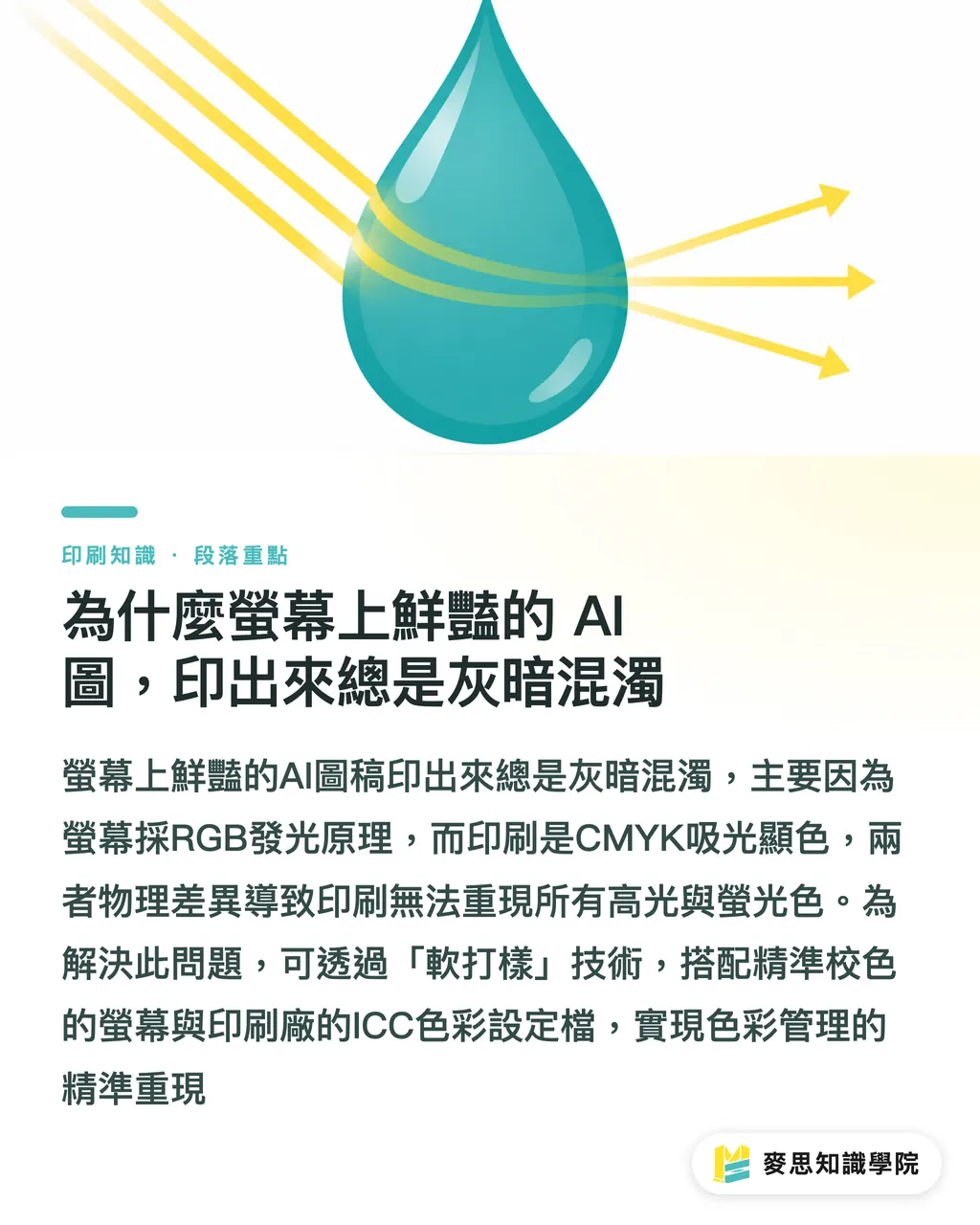
Screens use RGB light sources to emit color, making visuals vibrant and bright
Printing relies on CMYK inks absorbing light to produce color, making it physically impossible to reproduce all the highlights and fluorescent colors seen on screen
So-called "Soft Proofing" is a technique that simulates final print colors directly on your screen
It relies on two pillars: a color-calibrated monitor and the ICC color profile corresponding to the print shop's machinery
Once this standard is established, color management becomes a science that ensures precise reproduction every single time
What headaches can AI soft proofing tools solve for designers?
In the past, converting RGB to CMYK relied on guessing based on experience or paying for expensive, repetitive physical proofing
Now, AI-assisted tools can more quickly simulate RGB designs as CMYK print results
Based on the projects I've handled recently, AI acts like a tireless color assistant
・Spot brand color shifts: Early detection of which vibrant corporate colors will become dull after conversion
・Predict spot color errors: Simulate how Pantone spot colors appear on different paper coatings
・Real-time value conversion: Identify "Out of Gamut" dangerous areas before sending to print
How to perform a preliminary preview without a professional color-calibrated monitor
Not everyone has the budget to go straight for high-end hardware-calibrated monitors
If you only have a standard display, you can still establish a basic line of defense using software tools
The first step is to download and install generic print ICC profiles
Common offset printing standards in Taiwan usually follow specifications like Japan Color 2001 Coated or Fogra39
・Open your design software (e.g., Illustrator or Photoshop) and locate "Proof Setup" under the "View" menu
・Load the corresponding ICC profile and check "Simulate Paper Color"
・The screen will suddenly turn grey and dark; don't panic, this is what the actual printing press sees
・Using this built-in free feature, you can gauge expectations before submitting files and minimize discrepancies
Why do food packaging and brand colors still require paid physical proofing after soft proofing?
Soft proofing can indeed block over 90% of egregious color differences, but it cannot fully replace physical proofing
The limitation of soft proofing lies in its inability to perfectly simulate "material reflectivity" and "ambient lighting"
When dealing with high-precision color projects, this physical proofing cost is absolutely non-negotiable
・Brand Identity Systems: Corporate logo colors require physical verification; screens cannot render the true texture of metallic inks or special spot colors
・Food Packaging Design: Whether food looks appetizing depends on the saturation of red and yellow; missing by one shade can affect consumer appetite
Physical proofing is the final insurance, providing you with a gold standard to verify against before the press runs a massive batch
A consultant's secret prepress color preview checklist
Before designers hit the "send to print" button, please make it a habit to run through this workflow
Take back control of your color and stop leaving success to luck
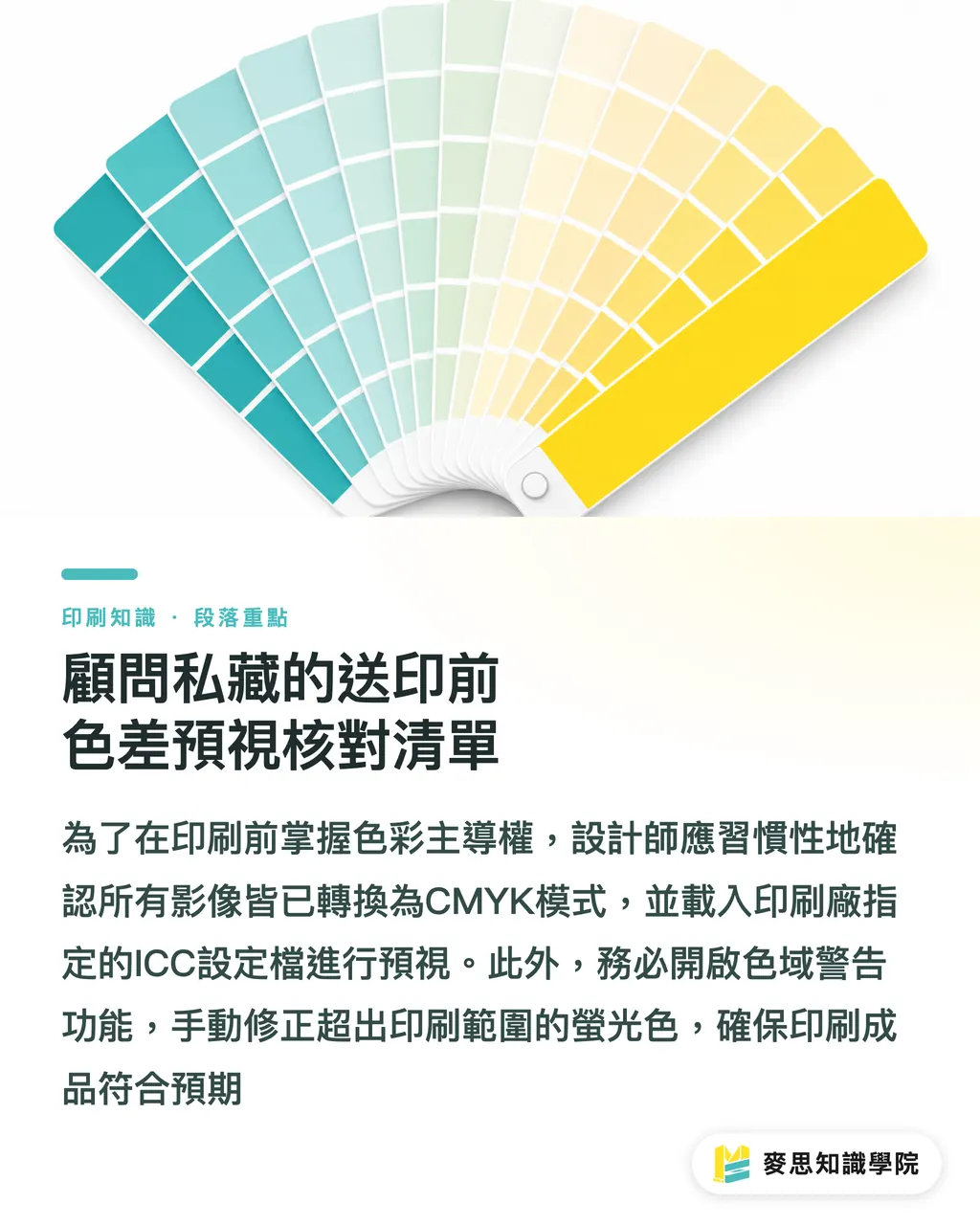
・Verify Color Mode: Check that all AI-generated images and imported files in the document have been converted to CMYK
・Load Correct ICC: Confirm the ICC profile used by your print shop and apply it correctly for previewing
・Check Gamut Warnings: Turn on the software's gamut warning feature and manually adjust fluorescent colors that exceed the print range to safe values
・Label Spot Colors: If there are brand colors that cannot be achieved with four-color overprinting, ensure they are independently labeled with Pantone codes
・Black Text Overprint Settings: Small pure black text must be set to K100 with overprint enabled to avoid blurred edges caused by trapping
Key Takeaways
・Color management is science, not luck; using soft proofing to simulate print results on screen can prevent 90% of reprint disasters
・AI tools can quickly flag gamut warnings and brand color shifts during RGB-to-CMYK conversion
・For common offset printing in Taiwan, you can initially load Japan Color 2001 or Fogra39 profiles for preliminary previewing
・For high-precision projects such as food packaging and brand identity, physical proofing is still necessary to confirm the impact of material and lighting
Further Reflection
As AI lowers the barrier to image generation to near zero, a designer's core value will shift to the precision of execution and implementation
SaaS tools and AI platform developers should consider how to integrate ICC profile previewing features at the very source of design
Let's make the journey from screen to printing press no longer a black box based on luck
For the clients and brand partners of MINDS Printing, using soft proofing coupled with the oversight of a professional prepress team is the only long-term path to balancing efficiency and quality
FAQ
- What should I do if AI-generated images look beautiful but turn grey when converted to CMYK?
- AI generation is usually in the sRGB gamut. Before conversion, please use software to load the print shop's ICC profile for soft proofing, and manually fine-tune contrast and saturation to compensate
- Can I perform soft proofing without a professional color-calibrated monitor?
- Yes. You can use the built-in "Proof Setup" in design software to load the correct profile and enable "Simulate Paper Color" to perform basic color shift checks
- If I've done soft proofing, is it unnecessary to pay for a print shop's physical proof?
- You can save this cost for ordinary promotional materials, but for brand identity colors or food packaging with extremely high color requirements, physical proofing is still necessary to confirm how the paper material absorbs ink
Related articles

The Print × AI weekly
The print and AI know-how designers, brands and enterprises can use before they commit — one email, every week
Tool Library
RGB↔CMYK conversion, ΔE color difference and brand color print analysis — free color management tools, computed right in your browser.
MINDS Group
Need actual printing or gifting services?
From premium printing to online ordering and festive gifts — the MINDS Group sister brands take it from here.