
Overview
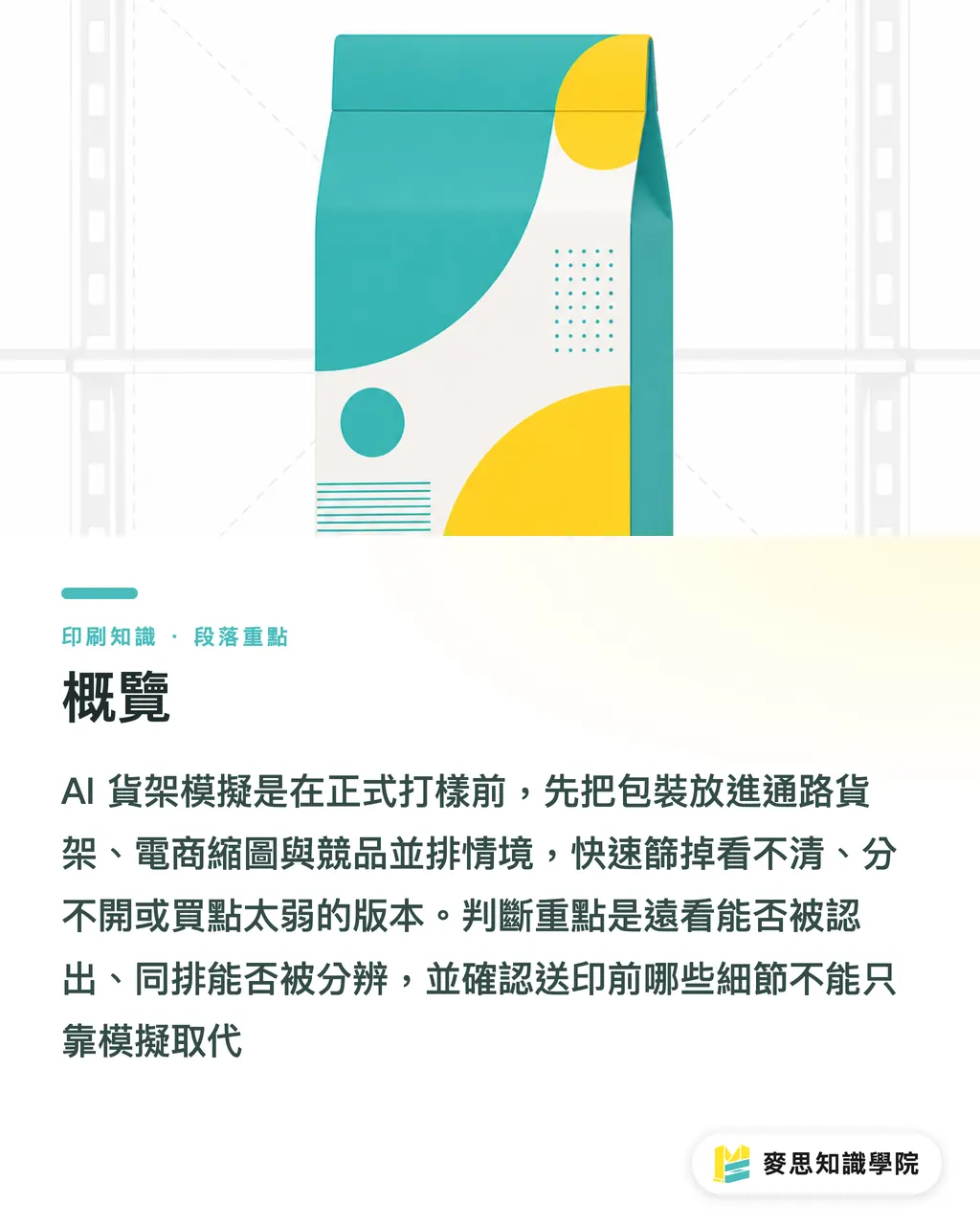
AI shelf simulation is the step before formal proofing: you drop your pack artwork into real shelf scenes, e-commerce thumbnails, and side-by-side competitor lineups using AI mockup, and weed out the versions that can't be read, can't be told apart, or carry a weak sell. MINDS (MS, mid- to high-end fully custom commercial printing) leans on a "three-packaging-decision-views" checklist when working with brand buyers and designers: ① can you recognize it from a distance, ② can you tell it apart from its neighbors, ③ what still has to be checked on press once the mockup is done
So who exactly is AI shelf simulation deciding for?
AI shelf simulation uses AI mockup to drop your packaging artwork into real shelf scenes, e-commerce thumbnails, and side-by-side competitor shots, so you can see whether the visual actually gets noticed before committing to proof
On packaging jobs, the problem I keep seeing in the room isn't that designers can't make a pretty picture. It's that the brand side picks too early based on a single flat front view. A pack laid out clean on a slide can fall apart on the shelf 1.5 meters away, the product name collapses into a colored blob
AI shelf simulation pulls the conversation away from "this version feels more premium" and back to "can a shopper parse this in 3 seconds." Brand buyers get to check series scalability first, designers get to check visual hierarchy first, and the print side gets to flag which effects still need paper stock, lamination, foil, or a physical proof to confirm
The Mai Strategy Knowledge Academy consulting team almost never opens with which version looks nicer. They open with three questions: can shoppers actually find it on the shelf, can it still be read as a phone thumbnail, and does it look like it belongs to the same brand when it stands next to competitors
Which 3 scenes need to be simulated before formal proofing?
Packaging decisions should start with at least 3 AI mockups, not one studio-shot hero render. Studio shots are for pitching; decision shots have to go back to the buying moment
・Retail shelf: drop the same pack into a 3- to 5-tier shelf, then check the hero visual, color-block ratios, brand mark, and product name from a distance
・E-commerce thumbnail: shrink the pack to typical phone-search thumbnail size, roughly 80 to 120px wide, and check whether the product name, flavor, volume, and sell can still be read
・Competitor lineup: line up your pack with 5 to 8 similar SKUs in the same row and check whether color, type size, layout density, and promo stickers are stepping on each other
The retail shelf test is about "distance recognition." The thumbnail test is about "legibility small." The lineup test is about "same-field comparison." Three images together usually silence a meeting faster than 30 pages of design rationale
Once the pack is on the shelf, where do you look first?
Shelf simulation isn't a retouching contest. It has to lay out 4 decision points in front of the brand. Hero visual, product name hierarchy, series color separation, promo message legibility. If those four aren't passed, the paper and finishing decisions that come next end up patching holes
・Hero visual recognition: stand 1.5 to 2 meters back. Does the brand mark or product photo pop first? If only the pretty background survives, this version will lose on the shelf
・Product name hierarchy: product name, flavor, and spec need at least one clear reading order. Consumers should not see the adjectives first and then not find the actual product name
・Series color separation: with 3 or more SKUs in a series, the colors need to stay distinct at thumbnail size and shelf distance. Relying on a tiny flavor line to do that work isn't enough
・Promo message legibility: buy-one-get-one, limited edition, extra volume, if those collapse to a red sticker once shrunk to a listing image, the promo isn't doing its job
My own read is straightforward: if a pack needs the designer to explain it on the simulated shelf, the same argument usually resurfaces after proofing. Print proofs verify color and substrate, but they can't sign off on a layout that's fighting itself on hierarchy
Which print checks can AI mockup not replace?
AI mockup can help brands triage visuals early, but it can't replace die-cutting, regulatory marking, or real material testing. A pack's last form isn't an image. It's a physical object that gets folded, glued, packed, and shelved
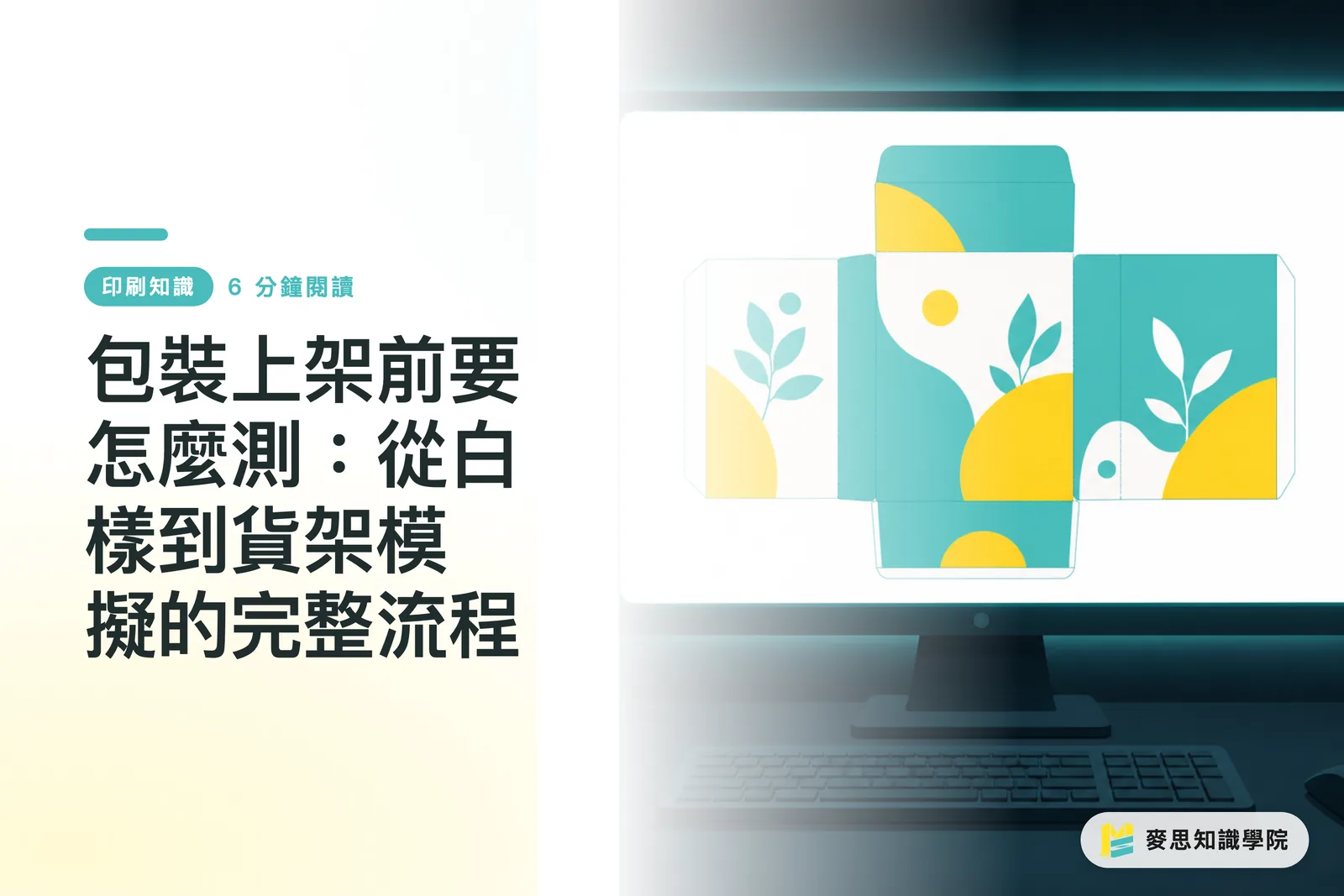
・Die-cutting can't be skipped: the fold lines, glue flap, bleed, gripper, and how the visual crosses the panels all have to be checked on the dieline. Common bleed is 3mm, but always confirm against the printer's spec
・Regulatory marks can't be eyeballed: food, supplements, cosmetics, and household goods each have their own labeling rules. AI mockup can show you whether the placement looks clean, not whether the copy is compliant
・Material testing can't be jumped: matte film, gloss film, spot UV, foil, silver board, kraft paper all shift how a color reads. The same green on white board and kraft paper is two different expressions
・A physical proof still has to be the final sign-off: dieline, color chip, finishing effects, and the actual folded state all need to be locked before mass production, especially for rigid boxes, labels, pouches, and specialty stocks
AI simulation can save brands from a few wasted print rounds, but the last mile still lives on the press floor. Whenever a pack involves a die and a material, I'd always keep at least one physical sample in the budget. Cutting that cost in the wrong place usually gets paid back in dead stock
How do brands and designers turn AI mockup into a workflow?
Brand buyers and designers can park AI mockup one stop before formal proofing. The workflow isn't complicated, but each step has to answer one specific question. MINDS (MS) "three-packaging-decision-views" can be landed in 5 steps
・Collect shelf context first: pull target channels, competitor packs, and e-commerce thumbnail screenshots. Have at least 5 similar SKUs ready as lineup reference
・Build 2 to 3 design directions: don't start with 10 versions. Too many directions turns decision-making into a taste vote. Start with clear differences across hero visual and color system
・Generate 3 kinds of mockups: retail shelf, e-commerce thumbnail, and competitor lineup all have to be done. A single-context image can't stand in for the real buying moment
・Screen against 4 questions: does the hero get seen first, is the product name clear, do the series colors separate, and is the promo message readable
・Go back to the dieline and proofing: once the visual screening passes, then move into die, material, color, finishing, and regulatory marking checks
If a brand already has artwork but is stuck on internal disagreement, the Mai Strategy Knowledge Academy consulting team can help reorganize versions into comparable shelf scenarios. If the job is already close to production, MINDS can also step in from the paper, finishing, proofing, and mass-production risk angles to land a pretty mockup at shippable spec

Key Takeaways
・Let AI shelf simulation answer "can it be seen" before anyone argues about "is it pretty"
・Packaging decisions need the retail shelf view, the e-commerce thumbnail view, and the competitor lineup view. One flat front image isn't enough
・Hero visual, product name hierarchy, series color, and promo message are the 4 things to screen before proofing
・AI mockup shortens the discussion, but die, regulatory marking, and material testing still have to go back to the physical object
・A good packaging flow uses mockups to clear visual risk first, then uses proofs to clear manufacturing risk
Further Thoughts
For print manufacturing, AI shelf simulation makes early conversations more concrete, account managers don't have to keep hearing clients say "make it pop" and can point at the shelf image to talk about hierarchy, color separation, and finishing limits. For designers, AI mockup is a pre-pitch self-check, not a substitute for final artwork. For SaaS teams, the feature worth building isn't more pretty images, it's letting brands save versions, compare them side by side, annotate the reason behind each call, and finally hand the approved direction off to the dieline, proofing, and print spec
FAQ
- Can AI shelf simulation replace physical proofing?
- No. AI shelf simulation is for screening visual direction before formal proofing. Die, regulatory marking, paper, finishing, and the actual folded result still have to be confirmed on the dieline and with a physical sample
- Why bother simulating the e-commerce thumbnail for a pack?
- E-commerce thumbnails compress the pack way down, product name, flavor, volume, and promo message can easily become unreadable. Run the 80 to 120px-wide thumbnail check first to keep the pack from losing recognition on a phone screen
- What should brand buyers watch for in an AI mockup?
- Brand buyers should check 4 things: is the hero clear, is the product name hierarchy right, do the series colors separate, and is the promo message readable. Don't just pick the prettiest single render based on personal taste
- How many AI mockups should a designer prepare?
- At least 3 scenarios: retail shelf, e-commerce thumbnail, and competitor lineup. Each one answers a different question. Seen together, they're closer to the real buying decision
- After the AI mockup passes, what still needs to be checked before sending to print?
- Before sending to print, go back to the dieline and confirm die, bleed, fold lines, glue flap, color mode, material, finishing, and regulatory marking. An AI mockup passing only means the visual direction is viable, it doesn't mean the file is production-ready
Related articles
The Print × AI weekly
The print and AI know-how designers, brands and enterprises can use before they commit — one email, every week
MINDS Free Tools
AI background removal, brand stamping, and a LINE sticker maker — free design tools, right in your browser, no upload.
MINDS Group
Need actual printing or gifting services?
From premium printing to online ordering and festive gifts — the MINDS Group sister brands take it from here.