
Why Do Proposals Always Get Stuck on 'It Just Doesn't Feel Right'?
Based on my recent client engagements and projects, much of a designer's effort isn't spent on creation, but rather on explaining to clients 'what it will roughly look like when printed.'
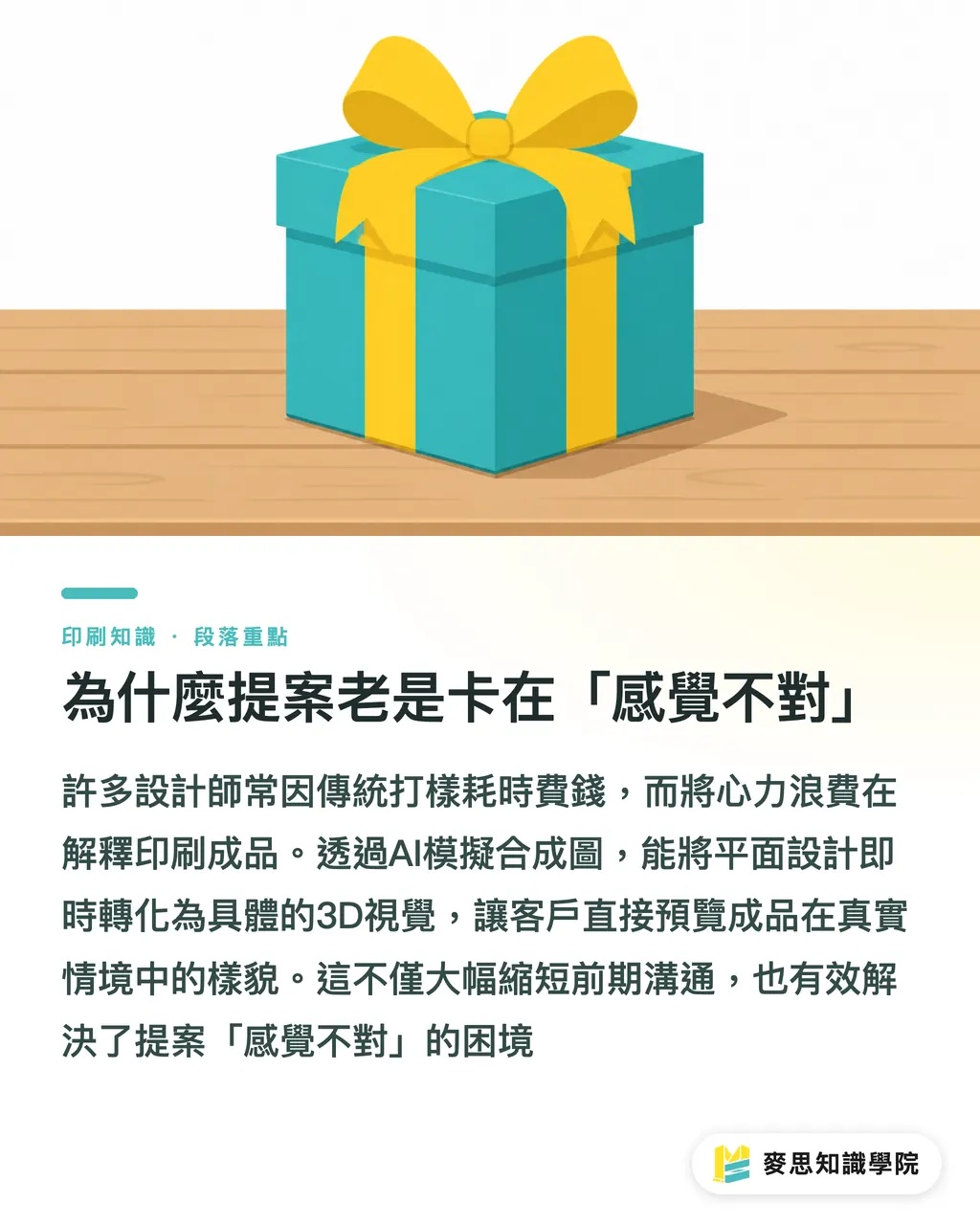
For a packaging project, the traditional process often requires three to five rounds of physical white box or color box proofing, incurring high time and monetary costs
The value of AI-simulated mockups lies in their ability to transform flat design drafts into concrete 3D visuals before actual production printing begins
Using tools like Canva Smartmockups, Adobe Firefly scene generation, or specialized platforms like Smartmockups, we can easily map designs onto realistic scenarios
This allows clients to stop relying on guesswork, letting them see the finished product placed on a table or held in their hands, significantly reducing the back-and-forth communication in the early stages
Choose the Right Tools and Items for AI Mockups to Truly Deliver
The keys to producing high-quality mockups are sufficient resolution in the original design file and the realism of the texture mapping
From my long-term observations on the production line and with clients, different tools and product items have their own optimal solutions
・Business Cards and Flat Prints: Best suited for platforms like Smartmockups, which feature a vast library of built-in business scenarios and can quickly apply shadows for various paper thicknesses
・Packaging Boxes and Structural Design: Canva's smart scenes perform well with standard box types, allowing for quick checks of design continuity across different faces
・Tote Bags and Fabric Materials: The details of bag wrinkles and handle ropes are harder to manage. Adobe Firefly's ability to generate specific lighting scenarios via prompts is more natural than rigid templates
・Books and Catalogs: You must pay attention to the simulation of spine thickness and page curvature; this is often the make-or-break factor for the realism of a mockup
It Looks Great on Screen, But What If the Print Result Disappoints?
This is the most common landmine I have encountered in thousands of printing cases: never treat an AI image that looks good on screen as a guarantee for the final printed output
AI mockups usually come with perfect lighting and vibrant RGB colors, but actual printing is limited by the physical properties of paper and ink
We must proactively notify and explain the following three common discrepancies to clients
・Material Gloss Differences: The hot stamping or reflective effects in mockups are often overly perfect. Actual un-coated paper will absorb ink, making colors appear more subdued and restrained, not as bright as on screen
・Color Saturation Limits: AI-generated ambient light can make color vibrancy skyrocket, but CMYK printing has its gamut limits. Specifically, orange and fluorescent green tones will absolutely have discrepancies
・Physical Reality of Corner Details: The fold lines in synthetic images are always sharp and straight, but in reality, thick paperboard may experience slight cracking or rounded edges after folding. This requires practical experience to supplement the explanation
How to Communicate the 'Mockup' to Clients During Proposals
No matter how powerful the tool, it requires the right scripts to guide client expectations
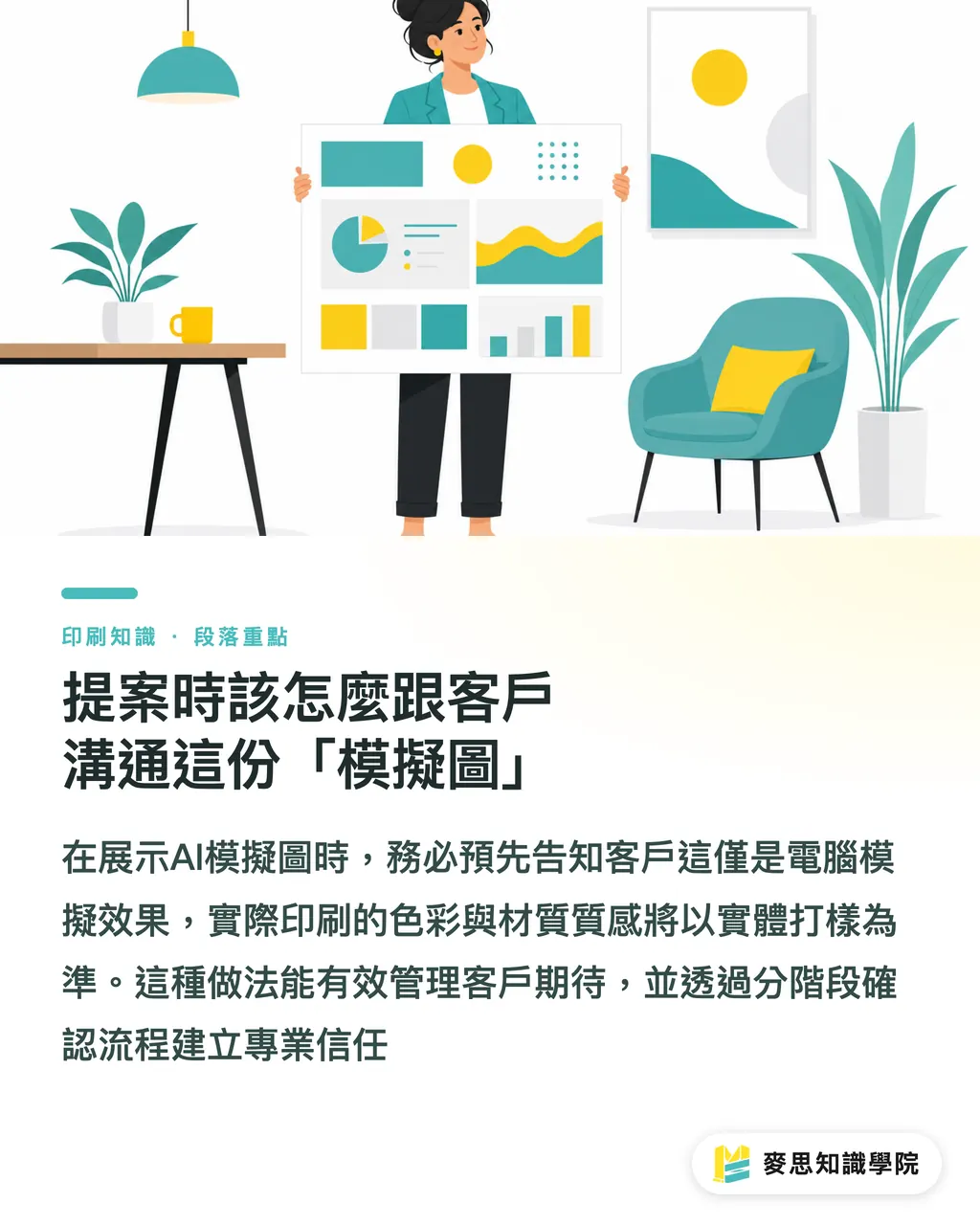
When presenting AI mockups, I always add a disclaimer first: 'This is a computer-simulated scenario. For the actual printed color and material texture, we will take the subsequent physical proofing as the standard.'
This statement isn't about avoiding responsibility; it's about building professional trust
I suggest that designers and print procurement specialists split the confirmation process into three stages to proceed with caution
・Mockup Confirmation Stage: Focus on confirming the design direction, visual proportions, and layout. Don't get hung up on absolute color accuracy here
・Digital Proofing Confirmation Stage: Output actual digital proofs for both parties to verify the color rendering on the actual paper and the legibility of text
・Formal Production Stage: Only go to press after all specifications and color benchmarks are locked in to ensure the finished product aligns with expectations
Key Takeaways
・AI mockups are excellent tools for reducing friction in early proposals, allowing clients to concretely see the value of a design
・The prerequisite for a high-quality mockup is a high-resolution original file and physically logical lighting and texture mapping
・Always take the initiative to explain the physical discrepancies between screen display and actual paper and ink
・Build a phased confirmation process—'Mockups for direction, digital proofs for details'—to protect yourself
Further Reflections
For a team like MINDS that provides one-stop integrated services, helping clients introduce standardized mockup proposal processes in the pre-production stage not only highlights consultant value but also significantly lowers the return rate of defective goods caused by 'perception gaps' at the back-end production line
Treating tools as bridges for communication and keeping printing expertise dedicated to proofing quality control is the smartest posture for taking on projects in the AI era
FAQ
- What should I do if a client keeps demanding that the print shop match the colors from the AI mockup?
- Clarify the gamut differences between screen RGB and print CMYK early in the proposal stage, and provide physical paper samples or digital proofs as the final standard for acceptance as soon as possible
- Which printed items are the least suitable to be confirmed solely by mockups?
- Items with complex die-cut structures, special post-processing (such as embossing or multi-layered hot stamping), or those relying on specific tactile paper textures. These details are extremely difficult to simulate accurately with AI and must rely on physical spot-proofing
- Why does my design file look fake after being put into a synthesis tool?
- It is usually because the original file resolution is insufficient, leading to blurred edges, or the chosen scene's lighting is completely at odds with the design's own color tone. It is recommended to prioritize finding simple, elegant scenes that align with the brand's atmosphere
Related articles
The Print × AI weekly
The print and AI know-how designers, brands and enterprises can use before they commit — one email, every week
MINDS Free Tools
AI background removal, brand stamping, and a LINE sticker maker — free design tools, right in your browser, no upload.
MINDS Group
Need actual printing or gifting services?
From premium printing to online ordering and festive gifts — the MINDS Group sister brands take it from here.