

What is online AI proofing, and how does it differ from traditional sample shipping?
At its core, a cloud proofing platform with AI assist does one thing: it puts the old and new versions side by side and automatically pulls out the differences. Which words changed, how many millimeters a color block moved, where an image was repositioned, the system frames these in a way that jumps out, so the client doesn't have to stare at two images and hunt for changes with their own eyes
The workflow usually runs like this: the design side uploads the new version to the platform, the system compares it against the previous version and highlights every change. The client clicks directly on the file to leave notes like "type size is too small here" or "this color block is shifted left," and those comments stay pinned to their exact coordinates and flow back to the designer
This setup is especially useful on jobs with heavy text and frequent layout tweaks, think catalogs, manuals, event flyers, brand guideline revisions
Why is everyone suddenly talking about this? From the clients and projects I've seen, post-pandemic remote approvals became the norm, and the cloud tools have finally matured to the point where they're actually usable. On top of that, print margins keep getting thinner, three extra days per approval cycle eats straight into the profit. Both design houses and print shops feel that pain at the same time

Which situations are safe for online proofing, and which still demand a physical sample?
In practice it's not "online vs. physical" either-or, you route by job type. I'd suggest using three judgment axes to decide
・ How often the layout changes: jobs with frequent small tweaks (catalog revisions, manual iterations, brand guideline books) get the most mileage out of AI diff markup. What you save is the shipping time on every round
・ Whether special print effects are involved: foil stamping, UV raised text, embossing, spot gloss, the shine and texture of these finishes can't be simulated on a screen. Physical samples are required
・ Paper stock and tactile feel: high-end art papers, cotton stock, specialty coated sheets, the hand feel and fiber pattern still need to be judged in person
・ Color accuracy demands: matching against a Pantone solid coated chip, strict brand color checks, physical proofs paired with a standard light source (D50) are needed
・ Print quantity and unit price: high-value, high-volume runs carry too much risk; keep a physical proof as the final gate
A conservative practical recommendation: even if the main path is online, send a physical sample for the first and last versions, and let the cloud handle the iterations in between. This combo is the most common setup for small and mid-sized print jobs in Taiwan, and it's the one that balances efficiency with dispute prevention
How does online proofing actually work in detail, and what pitfalls should you know about first?
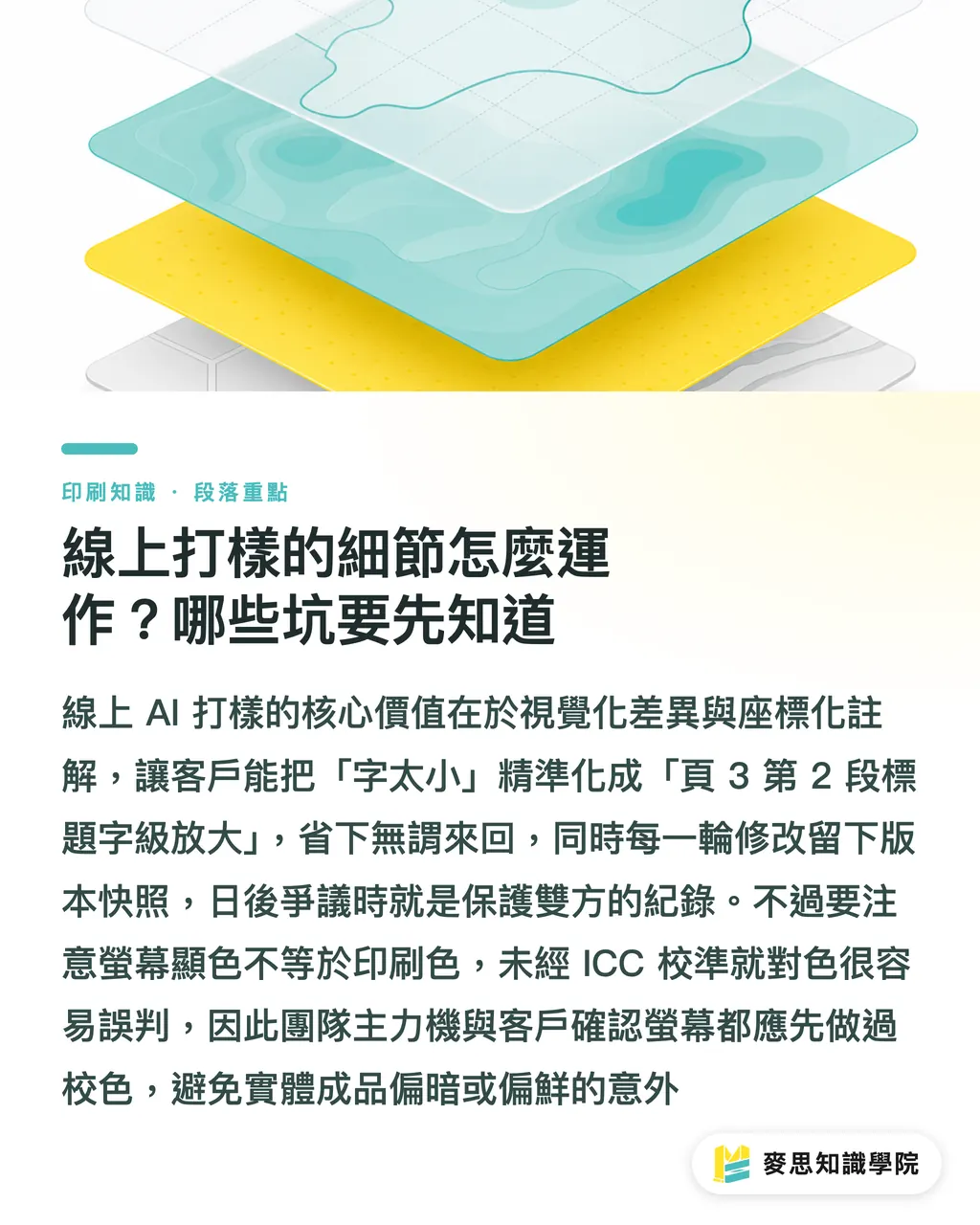
The core value of an online AI proofing platform is two things: visual diffing plus coordinate-pinned comments
・ Diff highlight mode: the common approach is to fade the previous version into the background and overlay the new version on top, with differences marked in red frames or red fill. Some platforms support a side-by-side slider so the client can drag left and right to compare
・ Coordinate-pinned comments: a client note is no longer just "type is too small" — it becomes "enlarge the heading type on page 3, second section." That saves the designer a round of back-and-forth just to clarify
・ Version snapshots: every round of edits leaves a traceable record. If a dispute comes up later, that record is itself evidence that protects both sides
A few things I always flag to clients:
・ Screen color is not print color: even on the best monitor, if it hasn't been calibrated with an ICC profile, you're going to misjudge color. A shade that looks fine on-screen can come out darker or punchier in print. At minimum, get the main production monitor calibrated and require the same on the client's side
・ AI diff markup still gets it wrong: micro-adjustments against complex background images or adjacent color blocks tend to get flagged as "changed," which adds noise rather than clarity. On the first upload round, the designer should run the comparison themselves first and strip out the false positives
・ Client-side usability: older decision-makers or anyone unfamiliar with these tools still want a physical sample they can hold. Don't force the online route in that case, let the client choose how they confirm. The tool is one option, not the only one
How should you set up the approval method with clients? Nail it down at the proposal stage
Most approval disputes aren't about the workflow itself, they're about not setting the rules clearly up front. When I coach design teams, I require the approval method to be written into the proposal stage contract or quote attachment. That's ten times more effective than patching things up later
・ Spell out the approval tool and version rules: e.g., "Version comparison for this project will run through the cloud proofing platform; each revision round is governed by the version uploaded to the platform."
・ Define physical proofing for special effects: e.g., "For foil stamping, UV, embossing, and similar processes, one physical sample will be provided before mass production and used as the acceptance benchmark."
・ Specify the color judgment standard: e.g., "Color will be evaluated against the Pantone chip under D50 standard illumination; each party keeps one printed color swatch."
・ Set approval turnaround times: e.g., "The client shall submit revision feedback within 3 business days of receiving the upload notification; failure to respond is deemed approval."
・ Reserve physical first and last versions: e.g., "Physical samples will be provided for the initial proof and the final mass-production version; iterations in between will use cloud confirmation."
For the opening pitch, I'd suggest something like: "This project has a lot of material and we expect several revision rounds. I'd recommend running the middle revisions through cloud confirmation to save time, and I'll send you a physical sample for the first and final versions to check quality. Does that work for you?"
Hand the decision over to the client and the deal usually closes. Forcing the online route and making them feel like they've lost the right to "see it for themselves" does the opposite, it breeds distrust
What's the best way to combine them? A hybrid workflow I actually recommend
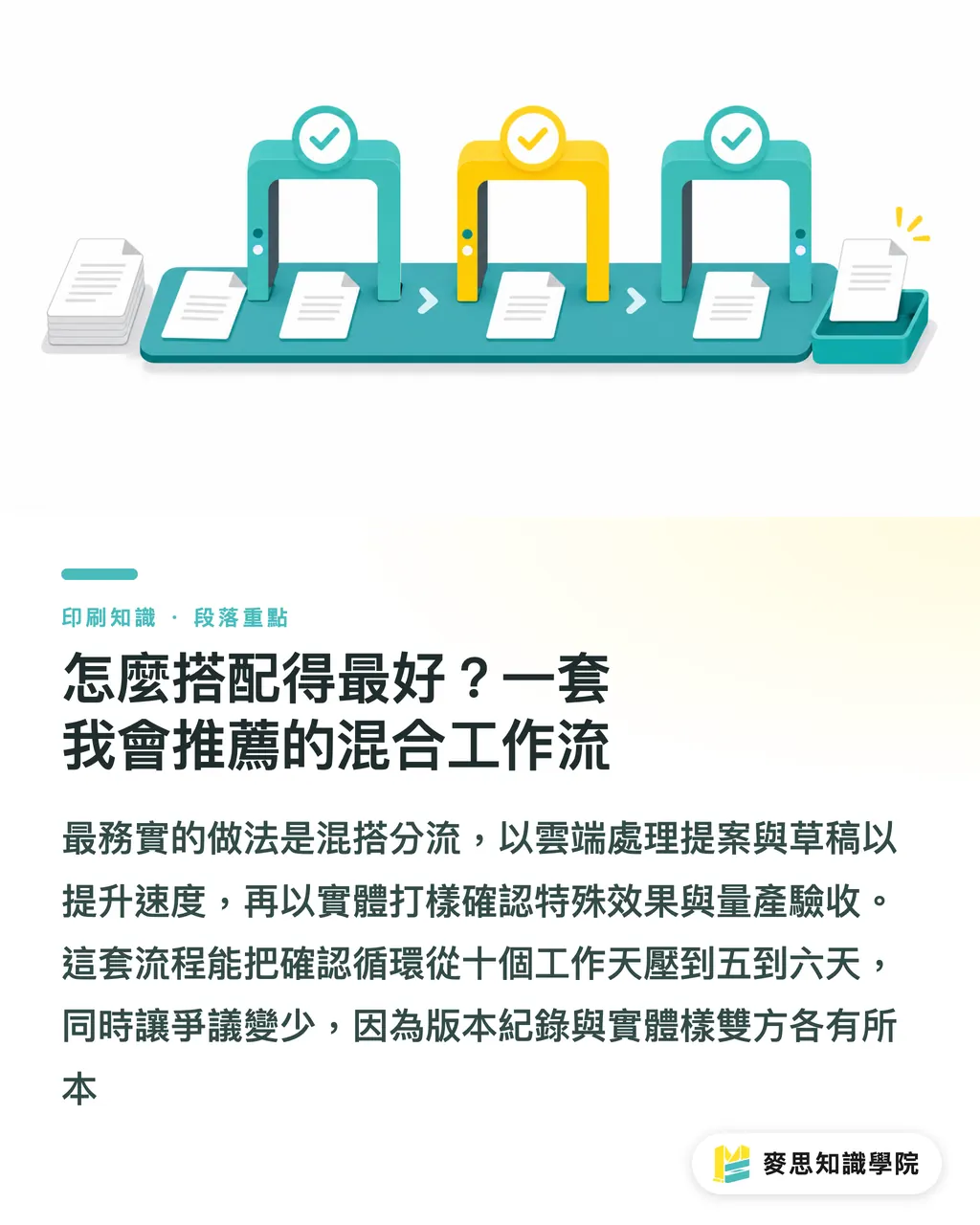
Pure online isn't enough, pure physical is too slow, the most practical answer is a hybrid split. The setup below is what I usually help teams put in place on-site through Mai Strategy Knowledge Academy consulting, and I call it the "MINDS Print (MS, mid-to-high-end fully custom commercial printing) three-gate confirmation workflow"
・ Gate 1 — Proposal and draft stage: cloud-first
Fast and low-cost, a fit for catalogs, manual iterations, brand guideline books, text-heavy jobs that go through frequent revisions. Reserve one physical proof each for the first and final versions
・ Gate 2 — Special effects stage: physical is non-negotiable
Foil stamping, UV, embossing, specialty paper texture, Pantone solid color matching, the screen can't simulate these, or simulates them wrong. Physical samples are required, usually run once right before mass production to avoid rework
・ Gate 3 — Mass production final confirmation: physical as the benchmark
The pre-production final sample sets the acceptance bar; the cloud record serves as supporting evidence in any dispute. Color is judged against Pantone chips under D50 standard illumination, with each party keeping one printed swatch
The time savings from this hybrid flow are obvious: an approval cycle that used to drag out to 10 business days routinely compresses to 5-6. The bigger win is fewer disputes, you've got both the version record and the physical sample, so both client and designer have something solid to point to
If your team is stuck on how to standardize the confirmation workflow so even a new hire can pick it up, consider having the Mai Strategy Knowledge Academy consulting team run alongside you once. End-to-end landing: job triage, contract wording, tool selection, all in one go
Key takeaways
・ Online AI proofing saves comparison time, not entire print processes. Special effects, paper texture, and Pantone chip matching still require physical samples
・ The essence of AI diff markup is visualization plus coordinate pinning, it takes the burden of finding changes off the client's eyes, and that's the design choice that actually speeds up approval cycles
・ Lock down the approval method at the proposal stage, in writing. The cost of fixing it later is far higher than the cost of talking it through upfront
・ Pure online and pure physical are both wrong. The "physical first and last versions + cloud for middle versions" hybrid split is the most practical combo for small and mid-sized print jobs in Taiwan
・ Screen color is not print color. For online approval to actually work, both sides need calibrated monitors, otherwise all the time you save comes back in reprint costs
Going further
This split logic gives both print shops and design studios something to act on: print shops can offer "online/physical hybrid confirmation" as an option right at the quoting stage and let clients self-select based on job type, that's a differentiator in itself. Design studios that template this workflow can keep quality and speed consistent no matter which designer or PM picks up the project
Three next moves I'd suggest landing:
・ First, pick one mid-to-high-complexity job and actually run it through the hybrid flow. Track the timeline and use it as evidence when quoting and talking to clients
・ Second, write the approval-method clauses into your standard contract or quote attachment, stop renegotiating every time
・ Third, if your team is already using a cloud proofing platform, audit the AI diff markup false-positive rate once. Catalog the high-error layer types into an internal SOP (e.g., flatten complex background images before uploading for comparison). All of these are moves you can push on right away
Further reading
(No source URLs were provided for citation; this article is written from instructional knowledge and hands-on consulting experience)
FAQ
- Can AI online proofing fully replace physical proofing?
- No, special print effects, paper texture, and high-precision Pantone color matching still require physical samples. For everything else, like catalog and manual layout iterations, online AI diff markup can replace the physical shipments in between, but I'd still recommend keeping physical samples for the first and last versions
- What if the client insists on a physical proof?
- Don't force the online route, hand the choice over to the client. Use proposal-stage language to explain "we'll run middle revisions through the cloud to save time, but you'll still get physical samples for the first and final versions." Most clients are fine with a hybrid split
- How far off is the screen color from the print color in online proofing?
- It can be very far off, unless both sides have monitors calibrated with ICC profiles. Make calibration a prerequisite for online approval, and agree that color judgment will be done against physical swatches under D50 standard illumination to avoid disputes
- Does AI diff markup get things wrong? How do you handle that?
- Yes, common false positives show up around complex background images and adjacent color blocks. Run a comparison yourself before the first upload, strip out the false positives, then send it to the client. That cuts down on noise and unnecessary back-and-forth
- Which job types are best suited to online proofing?
- Text-heavy jobs with frequent revisions get the best return, catalog updates, manual revisions, brand guideline refreshes. Jobs with foil stamping, UV, embossing, or other special effects, on the other hand, almost always still need physical proofing
Related articles




The Print × AI weekly
The print and AI know-how designers, brands and enterprises can use before they commit — one email, every week
MINDS Free Tools
AI background removal, brand stamping, and a LINE sticker maker — free design tools, right in your browser, no upload.
MINDS Group
Need actual printing or gifting services?
From premium printing to online ordering and festive gifts — the MINDS Group sister brands take it from here.