
Why beautiful AI images on screen are often a disaster in print
Many designers and clients bring me beautiful AI images from their screens, wanting to print them directly onto posters or packaging
My first response is usually to put the brakes on and ask them to verify the file specifications
Regardless of the mainstream tool used, most images are generated in an RGB format at 72dpi by default
However, the fundamental requirement for physical printing is 300dpi combined with CMYK color separation
Take a 1024x1024 pixel AI-generated image, for example: if you force it to output at 300dpi, it would only be about 8.6cm square—hardly enough to fill a postcard
This is why we must choose the right AI generation tool based on different design stages and ensure proper file conversion and upscaling
The pitching powerhouse for quick wins: Midjourney
In the early stages of a project, the most critical needs are 'quickly defining the style' and 'wowing the client visually.'
For this, Midjourney is absolutely the top choice
Its strength lies in its built-in, high-level aesthetic filter; with just a few simple prompts, it can generate images with incredible artistic sense and depth of light and shadow
I’ve handled dozens of branding projects, and initially, I relied on it to produce three to four visual directions for clients to choose from
However, its fatal flaw is the inability to precisely control composition details or output directly to the specific dimensions of a die-cut line
Even when using the --ar parameter to adjust the aspect ratio, you still have to take it into photo editing software for re-cropping and filling in gaps
It is an excellent engine for inspiration, but definitely not a tool for final production
Which productivity tool should you choose for controlling size and detail?
If you ask me which one is actually used on the production line, the answer is undoubtedly Stable Diffusion
Commercial printing demands precision; a deviation of just a few millimeters in packaging die-cutting leads to rejections and reprints
Although Stable Diffusion has a steep learning curve and requires local GPU or cloud computing power, it is the only tool that can precisely lock in composition and boundaries through ControlNet
You can feed it existing product templates or packaging die-cut lines, allowing it to generate designs within the specified areas
Combined with plugins for inpainting and high-scale lossless upscaling, you can directly produce high-resolution files sufficient for large-format exhibition backdrops
This is a true productivity weapon capable of interfacing with backend plate-making
Can marketing planners who don't know 'prompt engineering' use DALL-E 3 for final output?
Lately, many marketing contacts at small and medium-sized enterprises have been using DALL-E 3 within ChatGPT to generate images directly
Its advantage is its extremely strong semantic understanding; you can converse with it entirely in natural language and even add text annotations directly on the image
For social media posts or presentation slides, the efficiency is very high
But when it comes to physical printing, DALL-E 3 currently has the weakest control over default output dimensions and formats
The images it produces often have a strong 'plastic' feel, and edge details tend to degrade when enlarged
I suggest positioning it for internal communication or draft ideation; definitely do not use it to connect directly to a printing plant's FTP
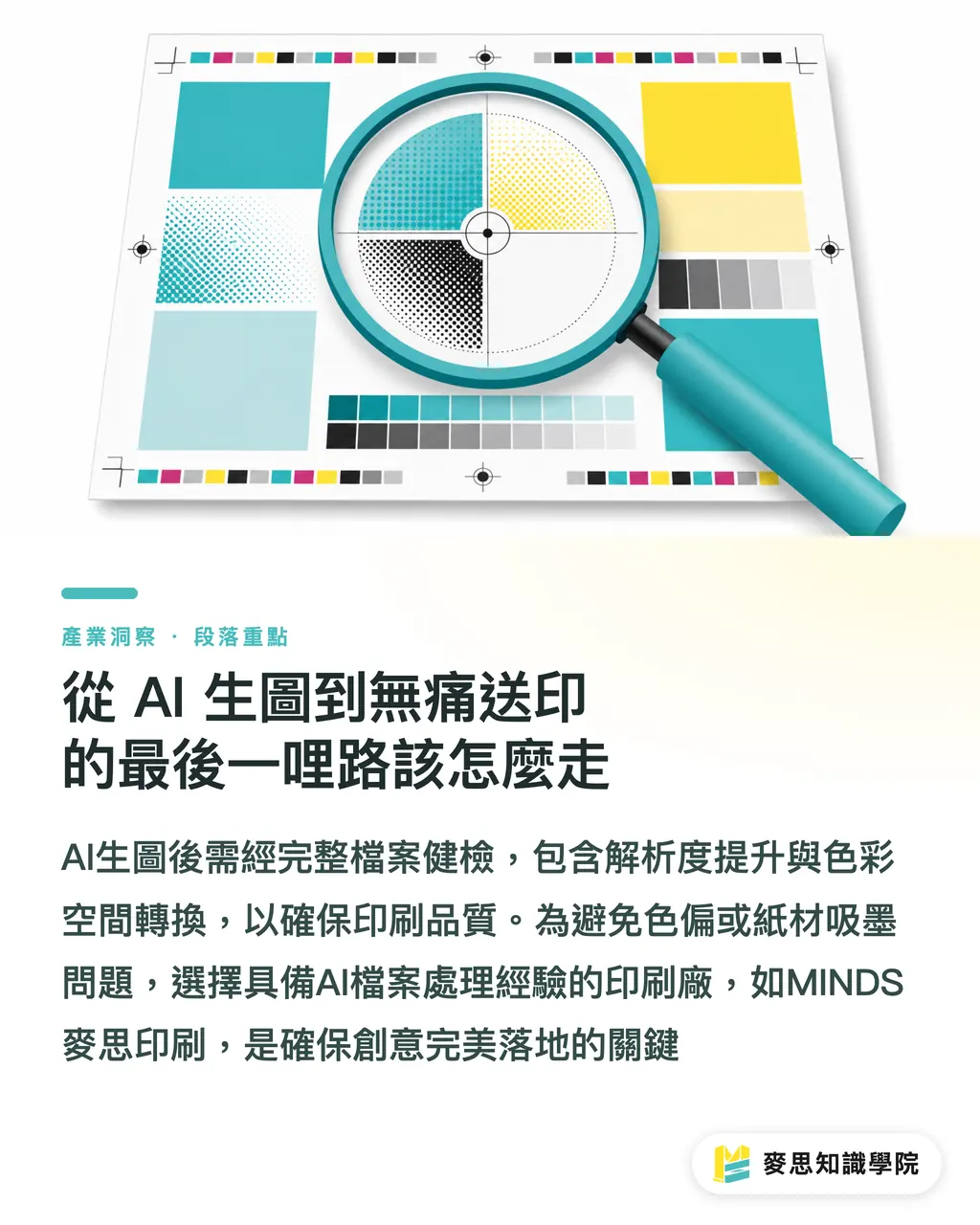
How to navigate the last mile from AI generation to a trouble-free print run
No matter which software you ultimately choose, remember that 'generating the image' only completes half the work
Before it hits the production line, you must undergo a complete file health check
First, use AI upscaling tools to boost the resolution, then check the shadow details and color space conversion to ensure no severe color shifts occur after converting to CMYK
If you are unsure about paper ink absorption or dot gain, finding a printing plant that understands the characteristics of AI files is critical
Our team at MINDS Printing has seen too many of these cases; we can spot potential landmines in resolution and color gamut at the front end, ensuring your on-screen creativity lands perfectly in physical form
Key takeaways
・Taking a 72dpi file from your screen directly to the production line is a disaster; always verify resolution and color space before printing
・Midjourney is great for stunning clients in the early stages; it's a potent 'quick fix' for visual proposals
・Stable Diffusion uses plugins to precisely control boundaries and details, making it a production workhorse that meets commercial standards
・DALL-E 3 has the best semantic understanding but the weakest format control, making it suitable for internal drafts and social media communication
・Generation is just the starting point; the real keys to success are AI upscaling, CMYK separation, and professional file health checks by your printer
Extended thoughts
AI tools are not meant to replace a designer’s professional finishing skills, but rather to minimize the cost of ideation and trial-and-error
For small businesses or freelancers, don't fall into the myth of 'which software is the best.'
True competitiveness lies in building a standardized workflow: 'Midjourney for proposals → Stable Diffusion for production → Professional printer for color proofing and alignment.'
Understanding the limitations of your tools and leaving final quality control to physical printing partners who understand the production process is the smartest approach
FAQ
- Can AI-generated images be saved directly into CMYK format?
- Currently, mainstream AI tools generate images in RGB format by default. You must manually convert them into the CMYK color space used for printing using image editing software
- Why do my AI-generated images look blurry when printed?
- Because AI images are usually only 72dpi to 96dpi, while the basic printing requirement is 300dpi. A 1024-pixel image printed directly is less than 10cm wide; it must be processed through an AI upscaling tool before output
- Packaging design has fixed die-cut lines; which AI tool can align with them?
- I strongly recommend using Stable Diffusion. Its ControlNet feature allows you to bind your die-cut lines or product outlines, ensuring the design falls precisely within the specified range
- I don't know English prompts; which tool is the easiest for beginners?
- DALL-E 3, built into ChatGPT, is the most beginner-friendly. You can communicate with it directly in your native language to modify details, minimizing communication costs—making it perfect for early-stage conceptual ideation